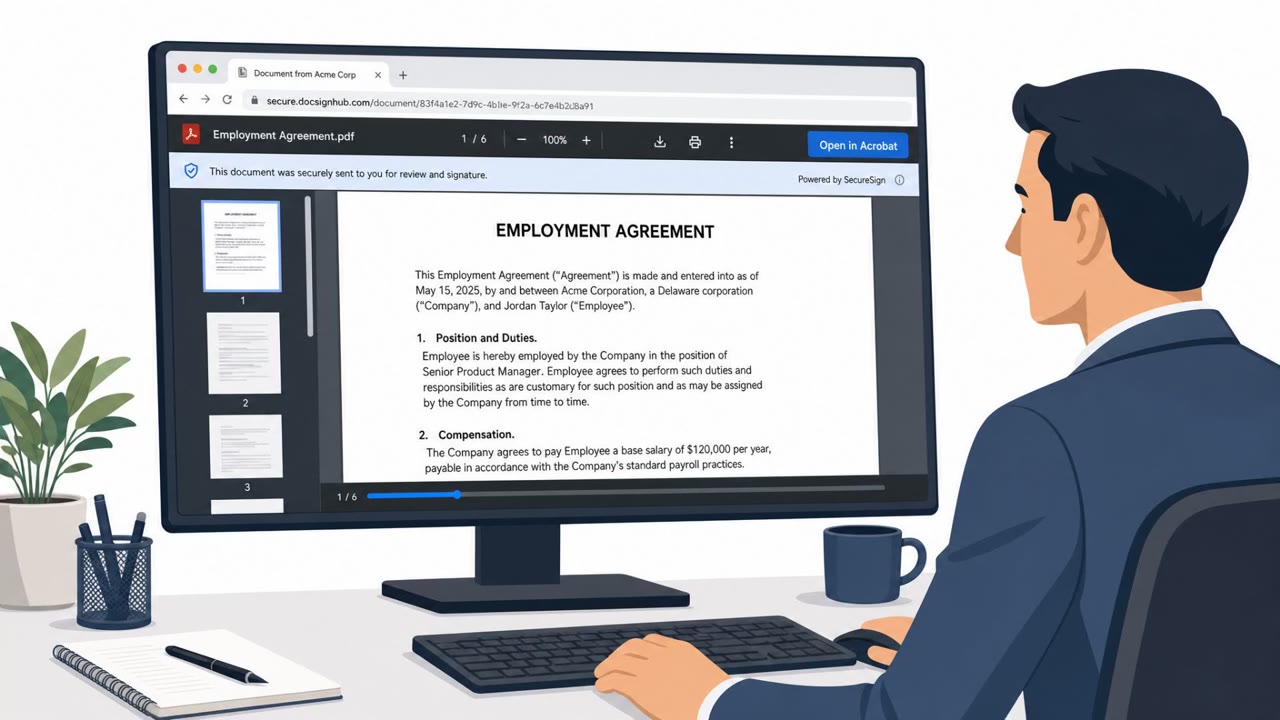
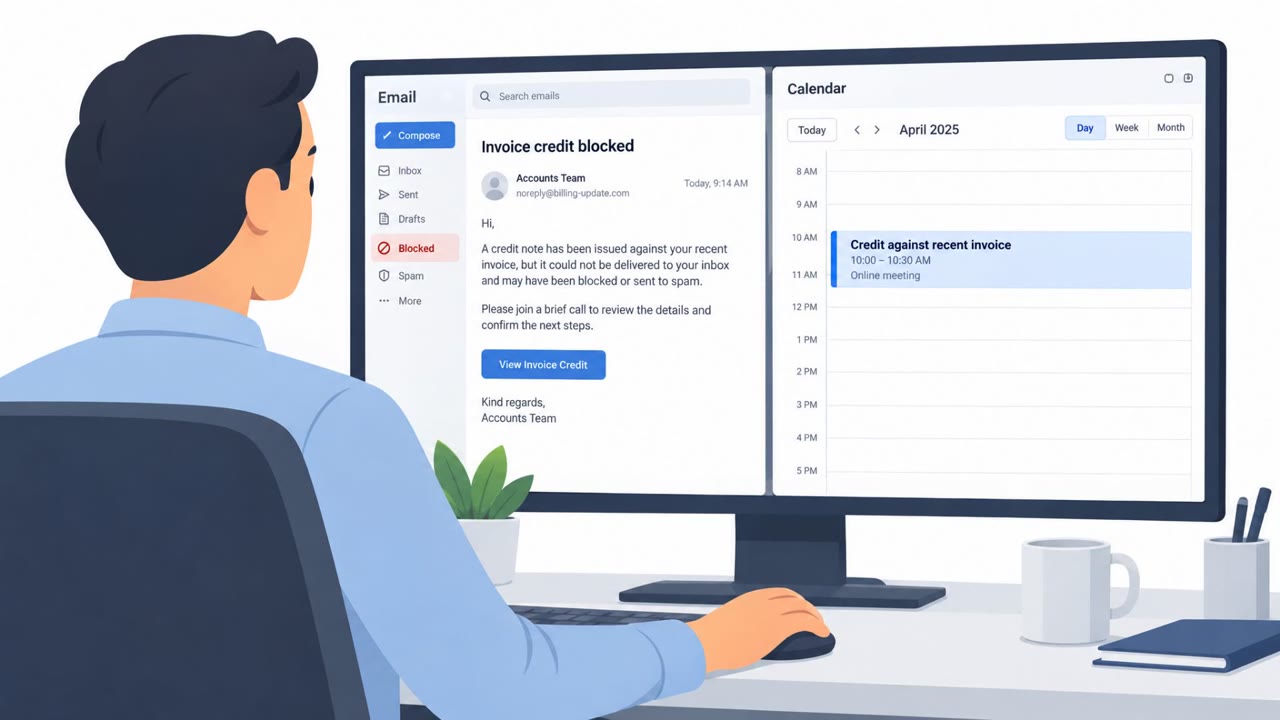
Researchers observed a real phishing campaign (“CSuite”) heavily targeting U.S. organizations using familiar business-themed lures (DocuSign, Adobe, Zoom/Meet, Dropbox, Microsoft 365). After a victim engages, the attackers either steal Microsoft 365 sessions (enabling mailbox takeover and fraud) or trick users into running droppers that install legitimate remote-management tools for persistent access to employee devices.
How the Attack Worked
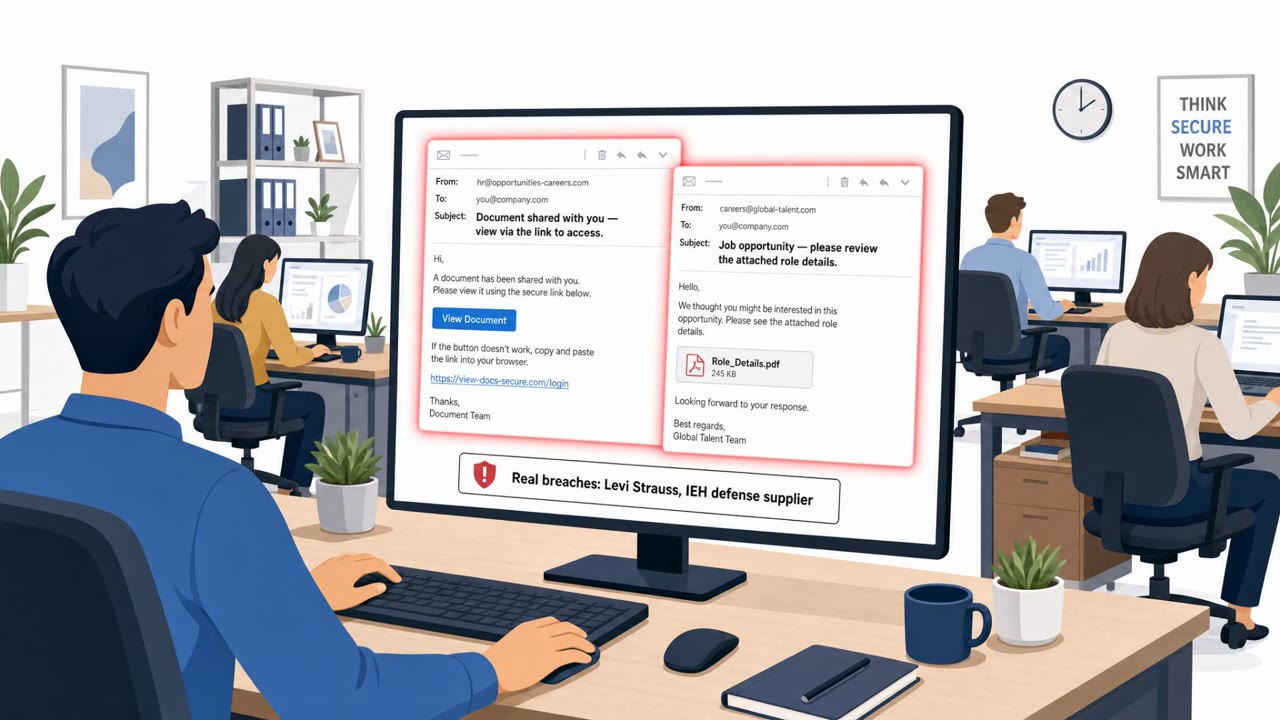
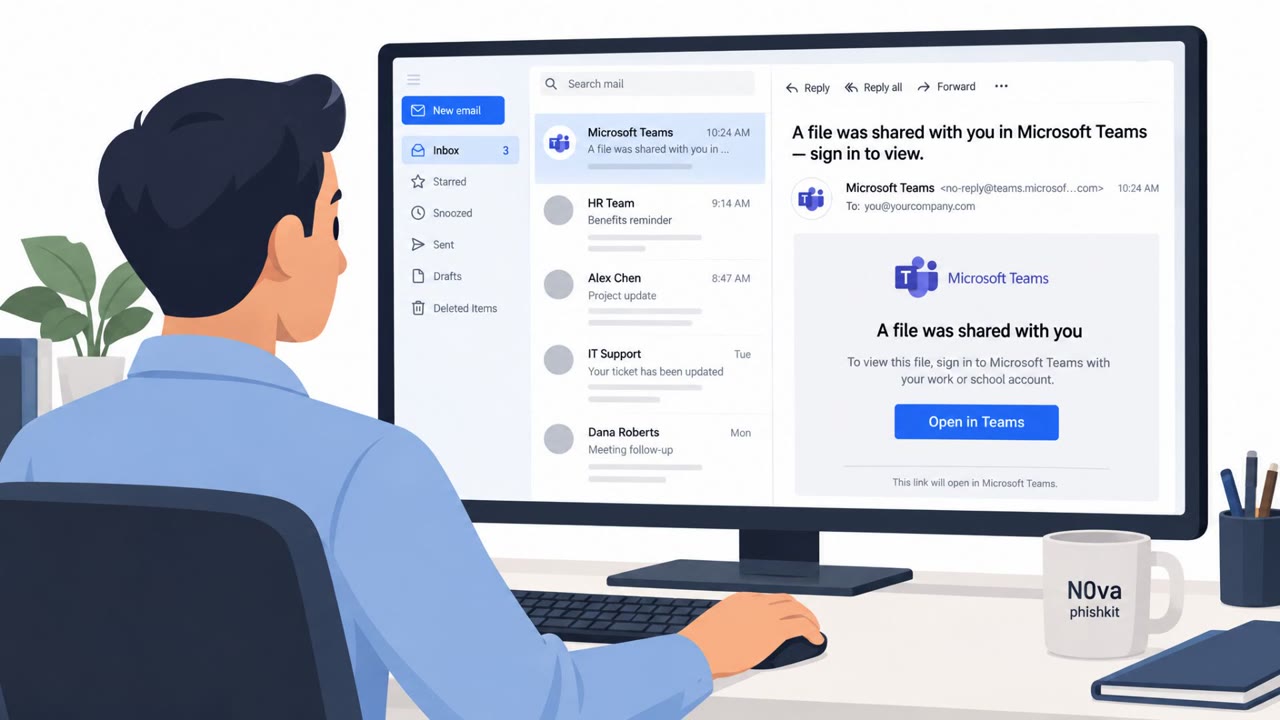
The CSuite campaign relies on business lures that employees see every day: a DocuSign envelope needing a signature, an Adobe document shared for review, a Microsoft 365 access notice. These themes were used across hundreds of sandbox analyses, with over half of submissions originating from the United States. Instead of relying on a single tactic, the campaign splits into two distinct outcomes once a victim engages.
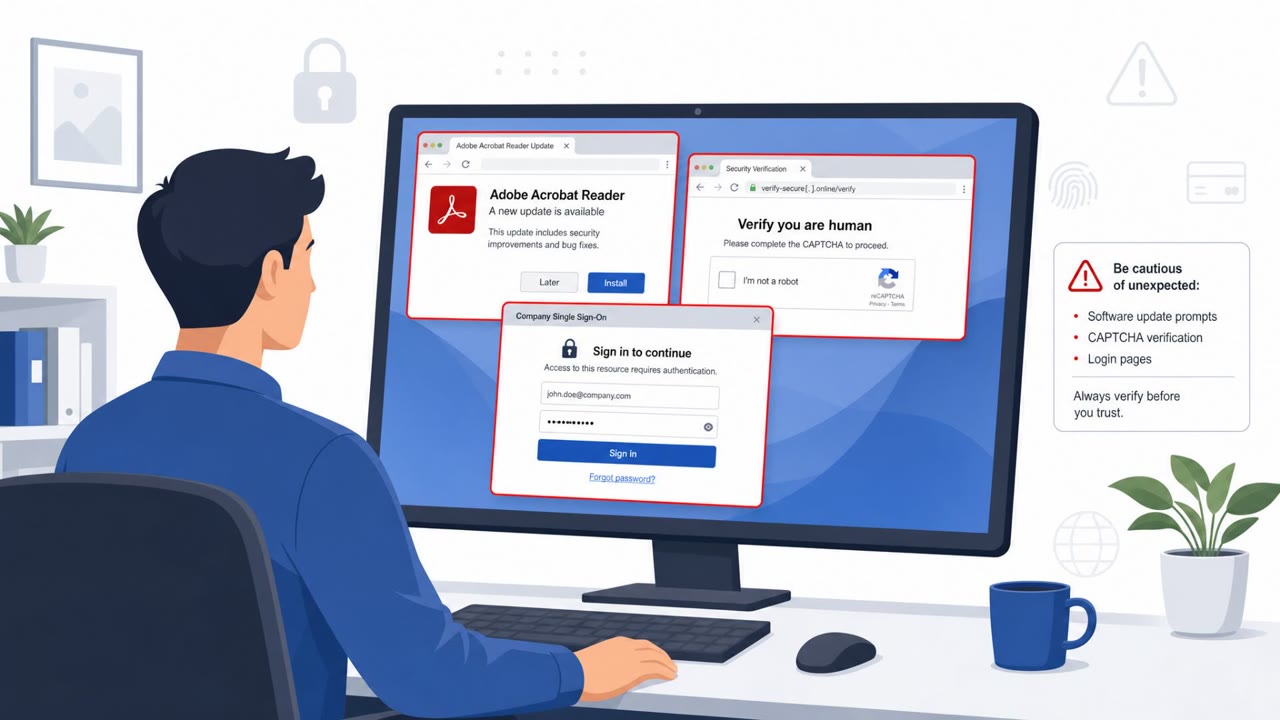
The first path targets identity directly. Victims are pushed into credential-harvesting pages or device-code phishing flows designed to capture Microsoft 365 access and active sessions, which can allow mailbox takeover and downstream fraud without the attacker ever needing a traditional password. The second path targets the device itself. Instead of a normal PDF, the victim receives installers, archives, or lightweight BAT/VBS droppers. In one documented sandbox session, an Adobe-themed lure delivered a BAT file that elevated privileges and installed ScreenConnect, a legitimate remote management tool repurposed for attacker access.
Why It Succeeded
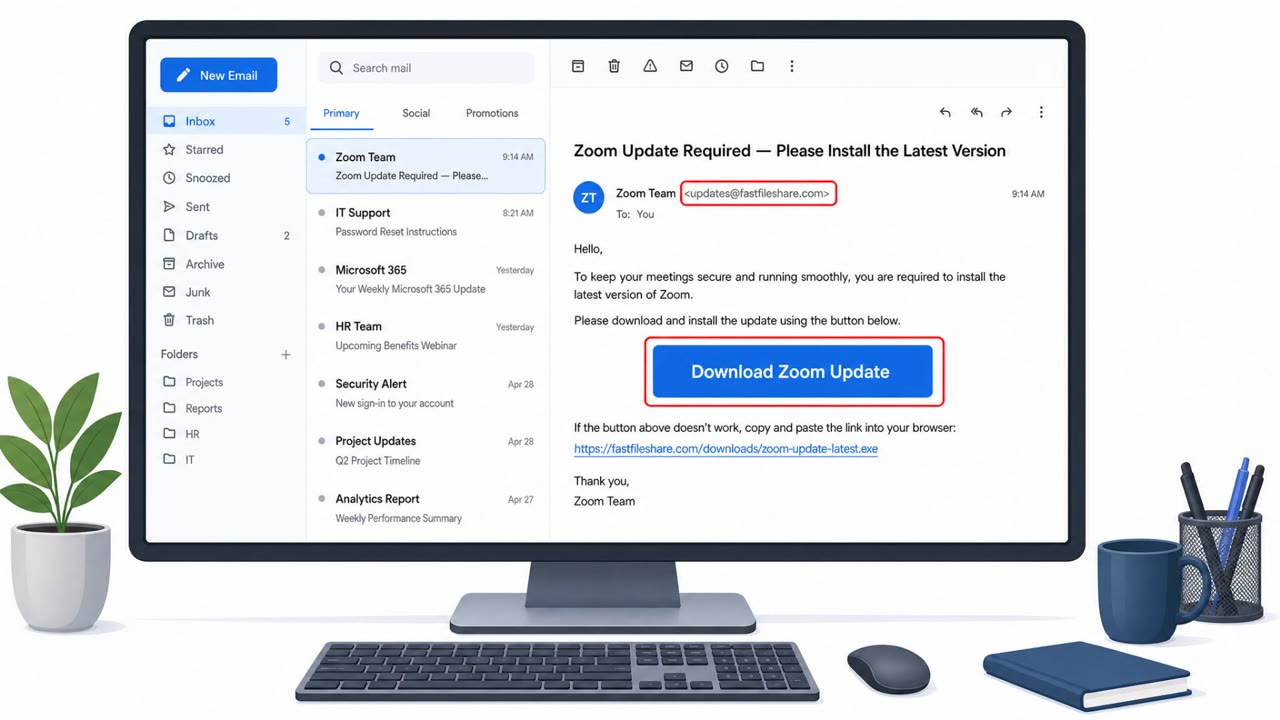
The lures work because they mimic routine business processes that employees are conditioned to act on quickly: signing documents, joining a meeting, or confirming account access. A forged DocuSign envelope sent under the name of a law firm adds authority and urgency, reducing the likelihood that a recipient pauses to verify. The use of legitimate software names like Adobe, Zoom, and Microsoft 365 also means the lures look identical to normal daily correspondence, making them harder to flag on sight.
What to Watch For
- Unexpected DocuSign, Adobe, or Microsoft 365 emails with no prior context
- Links that lead to sign-in or session approval screens instead of the expected document viewer
- Attachments that are archives, installers, or script files (BAT/VBS) rather than standard documents
- Device-code or session approval prompts triggered from an email link rather than a normal login
- Unexpected installation of remote management software like ScreenConnect or Action1
Building Resistance
Organizations in technology, manufacturing, government, and consulting sectors were noted as most exposed, and roles like C-Suite, executive assistants, finance, legal, and IT service desk staff are prime targets. Employees should be trained to verify document, meeting, and access requests through a separate, known channel rather than clicking embedded links. Running scripts to
Key findings
- Campaign observed across “351 sandbox analyses,” with “51% of submissions coming from the United States.”
- Uses common business service themes: “Adobe, DocuSign, Zoom, Google Meet, Dropbox, and Microsoft 365.”
- Two main outcomes: (1) steal Microsoft 365 access/sessions via credential-harvesting or device-code flows, and/or (2) install legitimate RMM tools (e.g., ScreenConnect, Action1) for remote control of endpoints.
- Example observed: “an Adobe-themed lure delivered a BAT file that elevated privileges and installed ScreenConnect.”
- Most exposed sectors noted: “Technology, manufacturing, government and administration, and consulting.”
Who’s being targeted
- Commonly targeted roles: C-Suite/Executives, Executive Assistants, Finance/AP, Legal, IT Service Desk, All employees in high-exposure sectors (technology, manufacturing, government, consulting).
- Affected industries: Technology, Manufacturing, Government and administration, Consulting.
- Attack channels: email.
- Impersonated: DocuSign (and a law firm sender), Adobe (document/PDF-related workflow), Microsoft 365.
Red flags to watch for
- Unexpected DocuSign request (no prior context)
- Sender context relies on urgency/authority (law firm)
- Link leads away from expected DocuSign/Microsoft sign-in and may prompt for credentials/session approval
- Attachment is an archive/installer/script (BAT/VBS) instead of a normal PDF
- Request to run a script to view a document
- Legitimate remote management software gets installed after opening the file
- Sign-in flow is initiated from an unsolicited email link
- Prompts for device-code style approval rather than normal login
- The request is framed as urgent/account access related
Frequently asked questions
What is the CSuite phishing campaign?
CSuite is a phishing campaign heavily targeting U.S. organizations that uses familiar business lures like DocuSign, Adobe, Zoom, Google Meet, Dropbox, and Microsoft 365 to trick victims into clicking links or opening files.
What happens if a victim falls for a CSuite lure?
Victims are either pushed into credential-harvesting or device-code phishing flows that capture Microsoft 365 access and active sessions, or tricked into running droppers that install legitimate remote management tools such as ScreenConnect or Action1.
Which industries are most exposed to CSuite phishing?
Technology, manufacturing, government and administration, and consulting were noted as the most exposed sectors.
Why is RMM tool installation dangerous in this attack?
Because the installed software is legitimate remote management software, it can give attackers persistent remote access to an employee's endpoint without triggering typical malware alerts.
Read the video transcript
You get an email: “DocuSign, Please review and sign the attached envelope,” supposedly from a law firm. Looks routine, right? Behind that click is CSuite: it either steals your Microsoft 365 session with a fake sign-in, or installs remote-control tools like ScreenConnect or Action1 onto your laptop. Here’s the tell: the “Adobe Document Shared” email doesn’t give you a PDF. It gives you a BAT or VBS file and says, “run this to view the document.” That’s how ScreenConnect got silently installed in real cases. If any DocuSign, Adobe, or M365 email wants you to run a script or installer to see a document, stop. Don’t open it, forward it to the security team and ask them to check it.