Cisco Talos reports a remote access trojan (msaRAT) linked to the Chaos ransomware group that hides its command-and-control traffic inside legitimate Chrome/Edge browser activity. The malware is delivered as a fake “Windows update” MSI and, once run, launches a browser in a special debug mode to tunnel attacker commands over encrypted WebRTC traffic via trusted cloud services.
How the attack worked
Cisco Talos identified a remote access trojan, tracked as msaRAT, linked to the Chaos ransomware group. The infection chain starts with an MSI installer disguised as a routine Windows update. Once downloaded, often via a curl.exe command that pulls the file into ProgramData, the attacker executes it on the victim's machine. From there, the malware launches Chrome or Edge and controls the browser using the Chrome DevTools Protocol, allowing it to blend command-and-control traffic into ordinary browser activity.
The network side of this attack is what makes it notable. After an initial HTTPS negotiation, the malware communicates over encrypted WebRTC/DTLS traffic. To further obscure attacker infrastructure, the channel relies on trusted cloud services, including Cloudflare Workers for signaling, Google STUN, and a Twilio TURN relay. This means the traffic pattern looks close to legitimate cloud and video/voice service usage rather than a typical malware beacon.
Why it succeeded
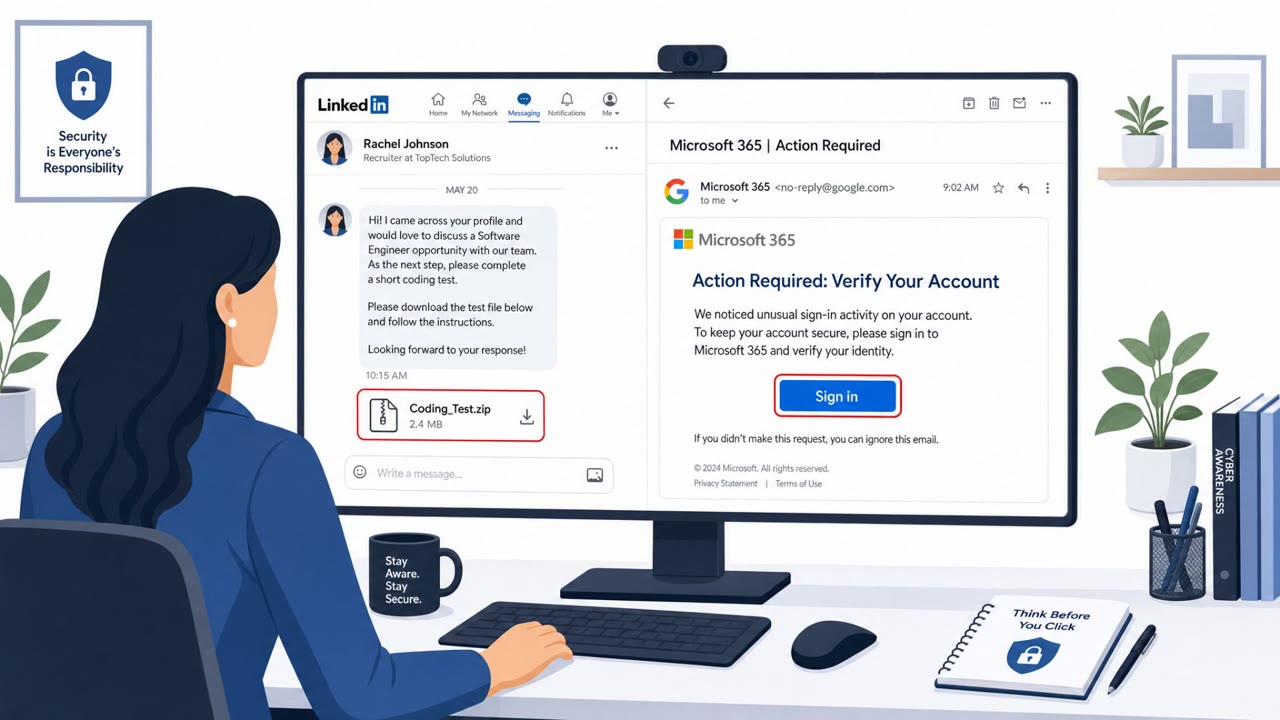
The social engineering hook is simple: a fake Windows update. Employees are conditioned to install updates promptly, and an installer that looks like a routine patch is unlikely to raise suspicion on its own. Chaos is described as operating as ransomware-as-a-service, using both vishing calls and spam email for initial access, which gives the group two separate paths to convince a target to run the installer, either through a phone call from someone posing as IT support or through an email attachment.
Because the malicious traffic hides inside normal browser and cloud-service behavior, network-based detection alone struggles to catch it. Endpoint visibility into what actually launched the browser process becomes far more useful than watching the wire.
What to watch for
- An unexpected "Windows update" delivered as a standalone MSI installer rather than through normal patch management
- Instructions, by email or phone, to manually run an installer or a command-line tool like curl.exe to fetch software
- A Chrome or Edge process starting with a remote debugging port or an unusual user-data directory shortly after an installer runs
- Phone calls pressuring immediate installation of an update outside normal IT ticketing or change processes
Building resistance
Organizations can reduce risk by reinforcing that legitimate Windows updates come through managed patch tooling, not standalone installers requested by phone or email. IT helpdesk staff and executive assistants, who are common social engineering targets, should be trained to verify any unsolicited update request through a separate, trusted channel before acting. Encouraging staff to report unusual device behavior after running any installer, such as unexpected browser activity, helps close the gap between infection and detection. Finally, security teams should remember that attackers increasingly hide inside trusted applications and cloud services, so endpoint monitoring of process launches deserves as much attention as network monitoring.
Key findings
- Chaos-linked msaRAT launches Chrome/Edge and controls it via Chrome DevTools Protocol to blend C2 traffic into normal browser behavior.
- Delivery is described as an MSI “impersonating a Windows update,” downloaded and then executed on the victim machine.
- Network traffic can appear legitimate (HTTPS negotiation, then encrypted WebRTC/DTLS), making endpoint detection more effective than network-only detection.
- The WebRTC channel uses cloud services (Cloudflare Workers for signaling, Google STUN, Twilio TURN relay) to obscure the attacker’s real infrastructure.
Who’s being targeted
- Commonly targeted roles: All employees, Finance, IT helpdesk, IT operations, Executive assistants.
- Affected industries: Multiple industries (ransomware targets broadly).
- Attack channels: email, vishing.
- Impersonated: IT / Windows Update, Internal IT Helpdesk.
Red flags to watch for
- An unexpected “Windows update” delivered as a standalone MSI installer
- Instructions to manually run an installer rather than using normal corporate update tooling
- Any update workflow that results in unusual browser behavior (headless browser/debug settings) after install
- Unsolicited phone call pressuring immediate action
- Instructions to run command-line download tools (e.g., curl.exe) to fetch an installer
- Update requests that bypass normal ticketing/change processes
Frequently asked questions
How does msaRAT get onto a victim's machine?
It is delivered as an MSI installer impersonating a Windows update, often pulled down via a curl.exe command into ProgramData and then executed by the attacker.
Why is this malware hard to detect on the network?
Once running, it launches Chrome or Edge and controls the browser via the Chrome DevTools Protocol, tunneling commands over encrypted WebRTC traffic that looks like normal HTTPS negotiation.
Does this attack involve phone calls, not just email?
Yes, the Chaos ransomware-as-a-service group is described as using both vishing calls and spam email for initial access before double extortion.
What should employees watch for after installing an update?
Any unusual browser behavior right after running an installer, such as Chrome or Edge starting with a remote debugging port, is a red flag worth reporting.
Read the video transcript
Delivery arrives dressed as a Windows update… but this one hides Chaos ransomware’s remote access tool. Cisco Talos saw Chaos-linked msaRAT shipped as an MSI impersonating a Windows update. Run it, and it quietly launches Chrome or Edge in debug mode, then tunnels commands over encrypted WebRTC using Cloudflare, Google STUN, and Twilio. The tell: an email or phone call from 'IT' pushing you to run a random MSI or a curl.exe command for a Windows update, and then your browser pops open or runs in the background for no reason. If anyone tells you to install a Windows update outside our normal update or ticketing tools, stop and report it to IT immediately, don’t run the MSI, don’t run the command.