This roundup describes several real-world social-engineering and human-abuse techniques, including trojanized “installer” lures (ClickFix), large-scale phone-based investment fraud, and stalkers misusing Chrome Sync after brief physical access. The items include clear workflows that can be turned into training simulations: getting a user to run an installer/script, persuading a victim to “invest” more money over time, and quietly enabling browser syncing to exfiltrate private browsing data.
How the attacks worked
This roundup covers three distinct techniques that rely on manipulating trust and access rather than exploiting software flaws alone.
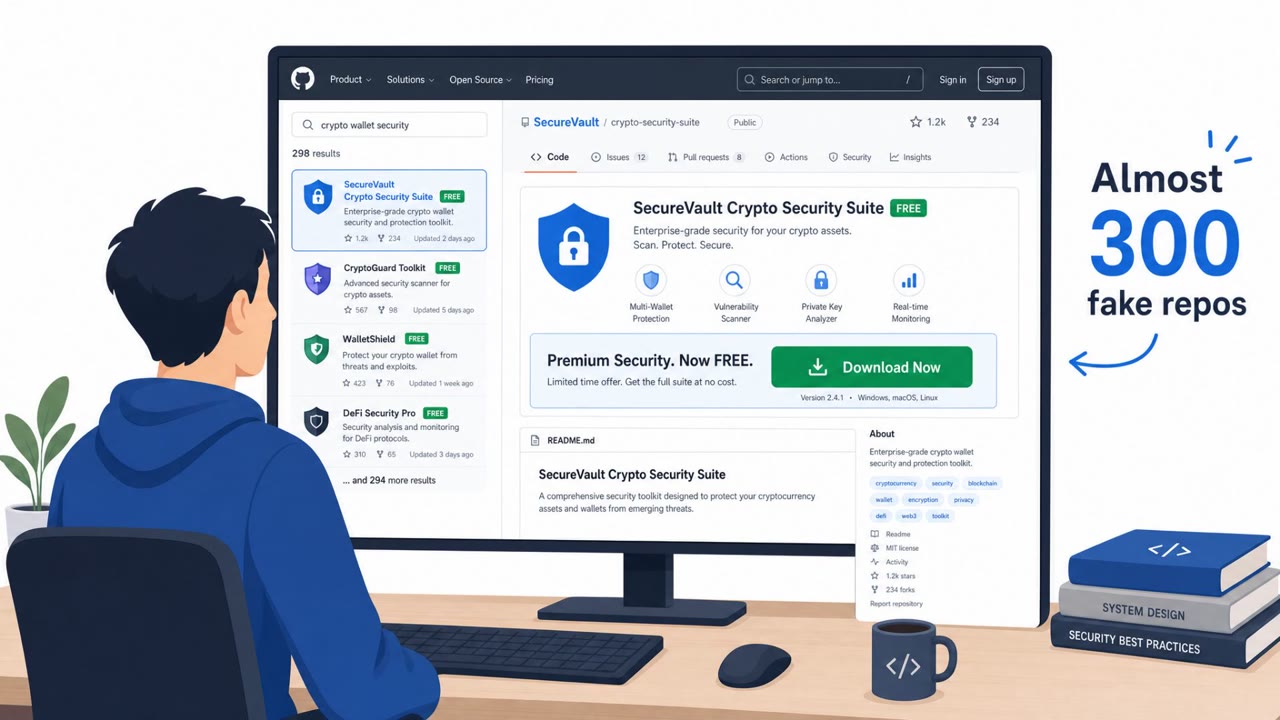
In the investment fraud scheme, call-center staff posed as financial advisors and built rapport with victims over a period of months. Victims were guided to make a small initial deposit that showed an immediate profit on a realistic-looking platform, which encouraged them to deposit larger sums over time, often in cryptocurrency.
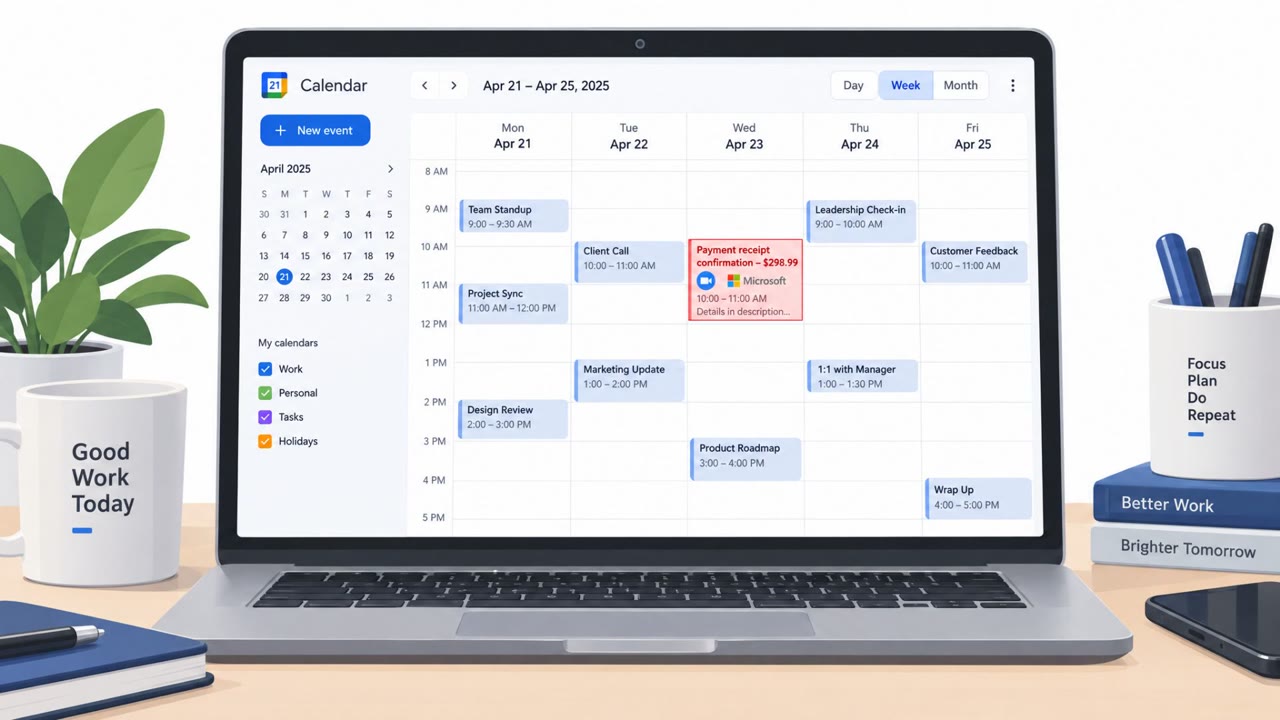
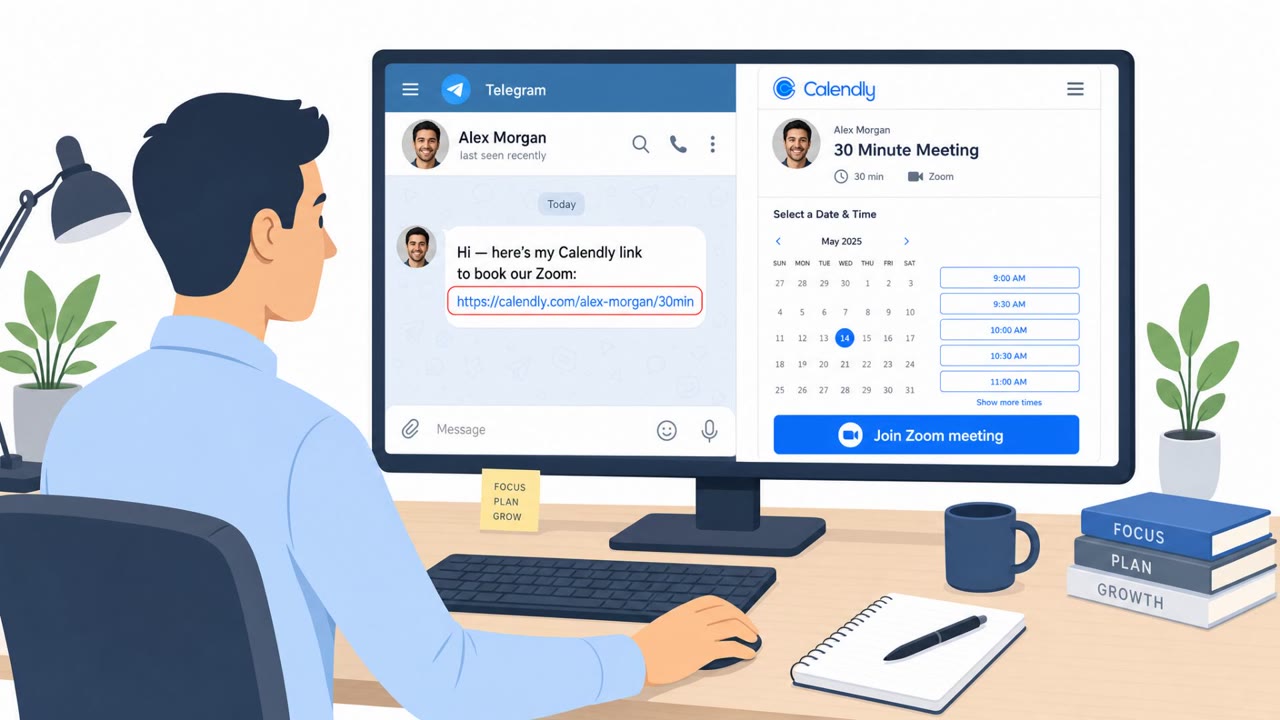
Separately, a financially motivated group used ClickFix lures, prompts that convince a user to run a script to fix an issue, to distribute HTA scripts. These scripts downloaded trojanized installers disguised as common tools such as Zoom, WebEx, MobaXterm, DBeaver, and FaceIT.
The third technique described abuse of Chrome Sync. With only brief physical access to an unlocked phone, an attacker can add their own Google account to Chrome and enable Sync, after which the victim's browsing activity is copied to the attacker's account in the background, viewable at any time.
Why these approaches succeeded
Each technique exploited a different form of trust:
- The investment scam relied on sustained personal contact to build a bond before asking for larger sums.
- The fake platform looked indistinguishable from a real investment dashboard, removing an obvious visual red flag.
- The ClickFix lures used familiar, trusted software names to make a malicious download path feel routine.
- Chrome Sync abuse required no malware at all, just a few seconds of unsupervised device access and a legitimate feature working as designed.
What to watch for
- Unsolicited outreach from someone claiming to be a financial advisor, especially if contact continues over weeks or months.
- Pressure to deposit more money based on “profits” shown on a platform that cannot be independently verified.
- Requests to pay via cryptocurrency.
- Unexpected prompts to run a script or installer to “fix” a problem, particularly outside the official vendor’s download path.
- Unfamiliar Google accounts appearing in Chrome, or sync settings that were enabled without the user’s action.
Building resistance
Organizations and individuals can reduce exposure by verifying investment opportunities independently before depositing funds, treating “fix it now” prompts with suspicion unless they originate from the official vendor, and locking devices while periodically reviewing browser accounts and sync settings for anything unexpected. These habits address the trust-based mechanics behind each technique described here, rather than relying solely on technical detection.
Key findings
- A Russian-speaking financially motivated group (UAT-11795) used “trojanized installer lures” for common tools (e.g., Zoom, WebEx, MobaXterm) and “ClickFix lures” to get users to run malicious scripts/installers.
- Authorities described a large investment-fraud operation where call-center staff “posed as financial advisors,” built trust over months, and nudged victims from small deposits to larger ones, often paid in cryptocurrency.
- Certo reported stalkers can abuse Chrome Sync by briefly accessing a victim’s phone, adding an attacker-controlled Google account in Chrome, and enabling sync so browsing activity is copied in the background.
Who’s being targeted
- Commonly targeted roles: All employees, Executives, Finance, IT, Developers, HR.
- Affected industries: Finance / investment services (fraud targeting consumers), Information technology and software users (trojanized installers for popular tools), General consumers / individuals (device privacy and stalking).
- Attack channels: vishing, physical, website.
- Impersonated: Financial advisor / investment firm representative, None (abuse of legitimate Chrome/Google sync feature), Software/tool download site or ‘fix’ instructions for common apps (e.g., Zoom/WebEx/MobaXterm).
Red flags to watch for
- Pressure to deposit more money over time based on “profits” shown on a platform
- Investment platform looks real but cannot be independently verified
- Requests to pay using cryptocurrency
- Unexpected Google account added to Chrome
- Sync turned on without the user enabling it
- New prompts about syncing bookmarks/history/passwords
- Unexpected “fix” workflow that requires running a script (e.g., HTA) or installer from an unverified source
- Installer/update is delivered via a secondary download rather than the official vendor site
- Tool names are familiar, but the delivery path is unusual
Frequently asked questions
How does the fake financial advisor scam work?
Callers pose as financial advisors and build trust over months, encouraging victims to start with a small deposit that shows an immediate profit, then push for increasingly larger deposits, often paid in cryptocurrency.
What is a ClickFix lure?
A ClickFix lure convinces a user to run a script or installer to fix a problem, but it actually downloads a trojanized installer disguised as common software like Zoom, WebEx, or MobaXterm.
Can someone really spy on my browsing through Chrome Sync?
Yes, if someone gets brief physical access to an unlocked phone, they can add their own Google account to Chrome and enable Sync, which copies browsing activity to their account in the background.
How can I tell if an investment platform is fake?
Fake platforms can look identical to real ones and show fabricated profits, so the takeaway is to independently verify the firm rather than trusting the dashboard's appearance.
Read the video transcript
Imagine this: a “financial advisor” calls, you make a tiny crypto deposit, and the dashboard shows instant profit. On the phone they sound legit, pose as your financial advisor, keep chatting for months, and keep nudging: 'You see the gains, add more.' The platform looks real, but you can’t verify the firm anywhere. Here’s the creepy twist: give someone your unlocked phone for a minute, they open Chrome, add their own Google account, flip on Sync, and now your browsing, autofill, even passwords quietly copy to them in the background. Your move: if anyone contacts you about investing, hang up, search the firm yourself, and only use a company website and platform you can independently verify.