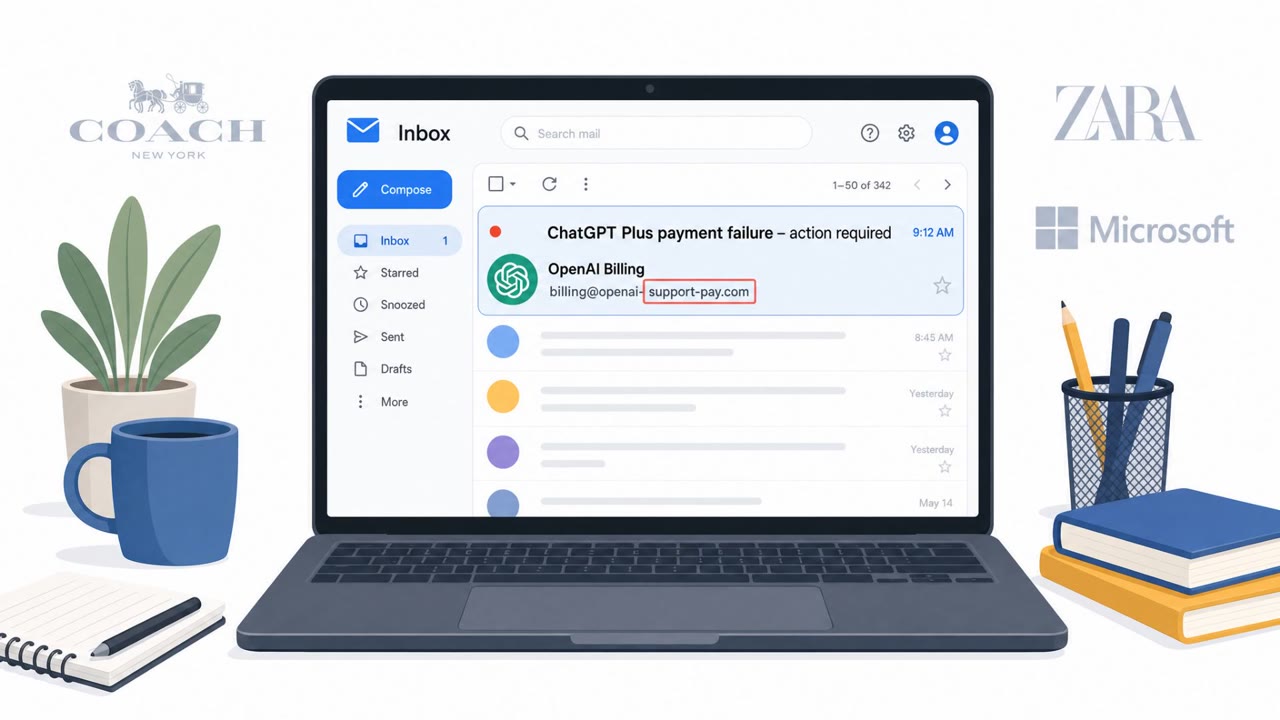
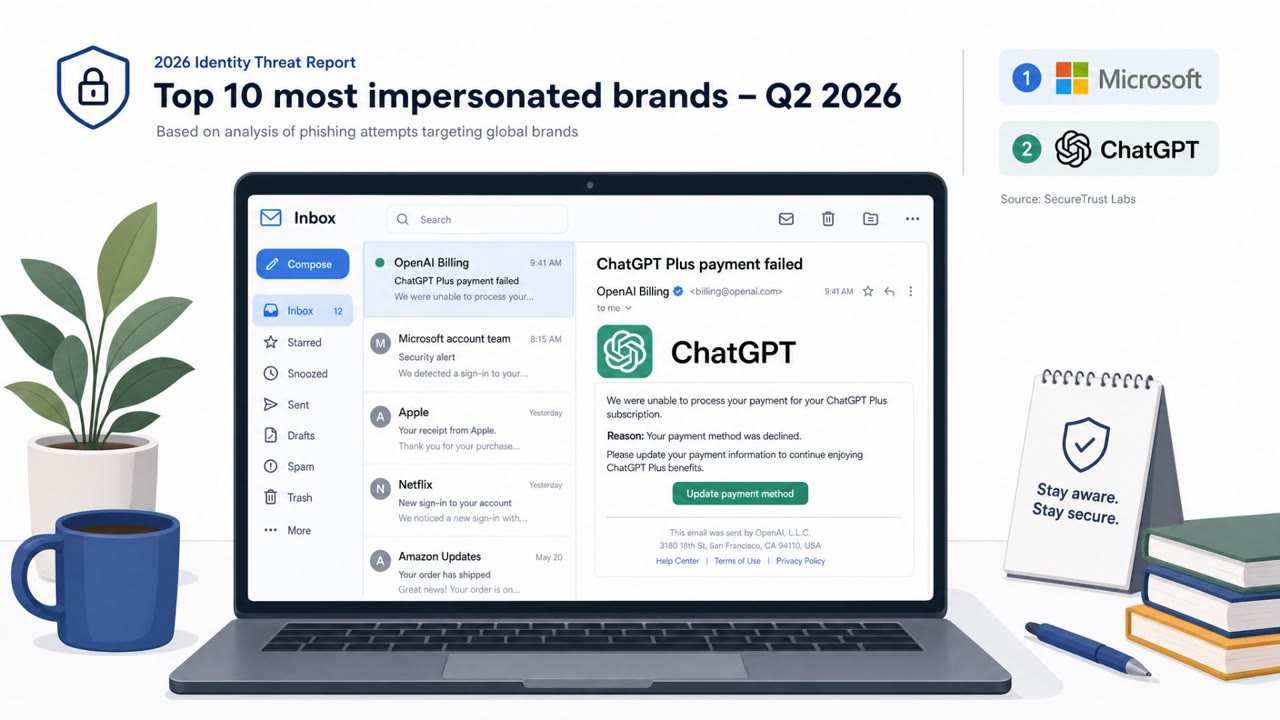
Researchers found and responsibly disclosed a now-patched ChatGPT weakness that could let malicious content escape Lockdown Mode protections. An attacker could use a crafted prompt, malicious custom GPT, or shared chat to steal chat data without interaction or show a convincing fake ChatGPT update that persuades a user to download malware.
How the attack worked
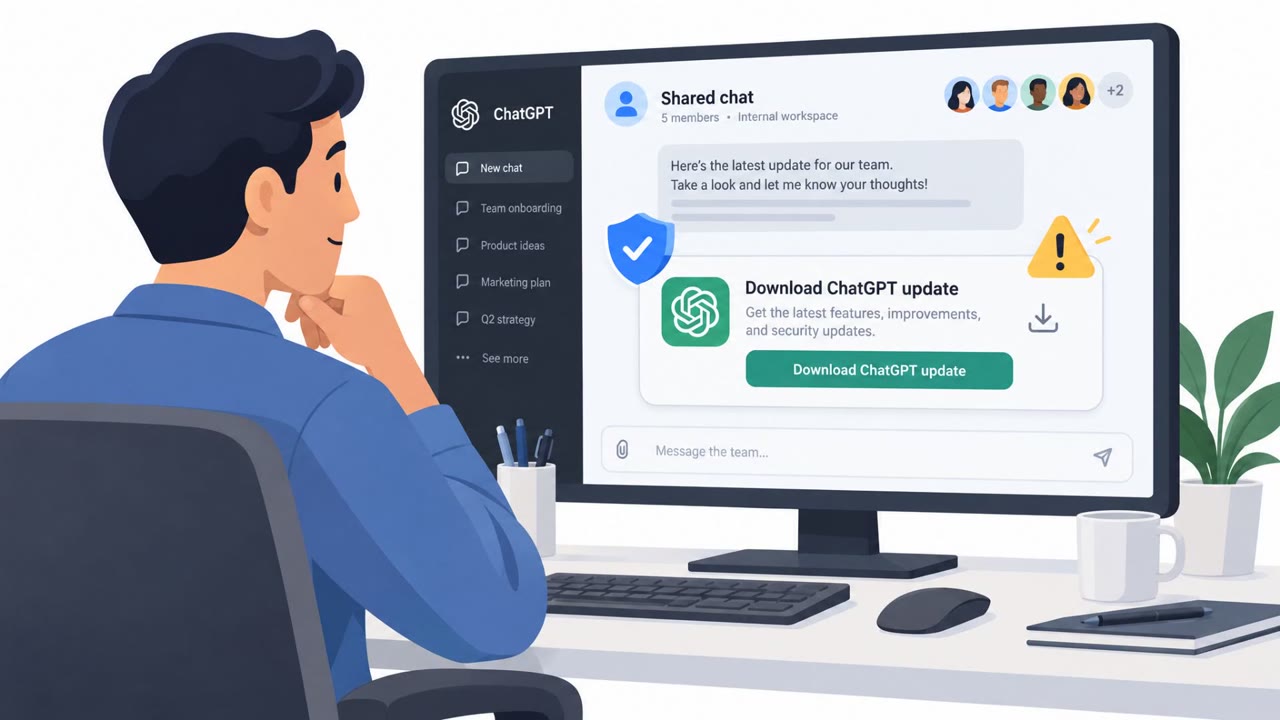
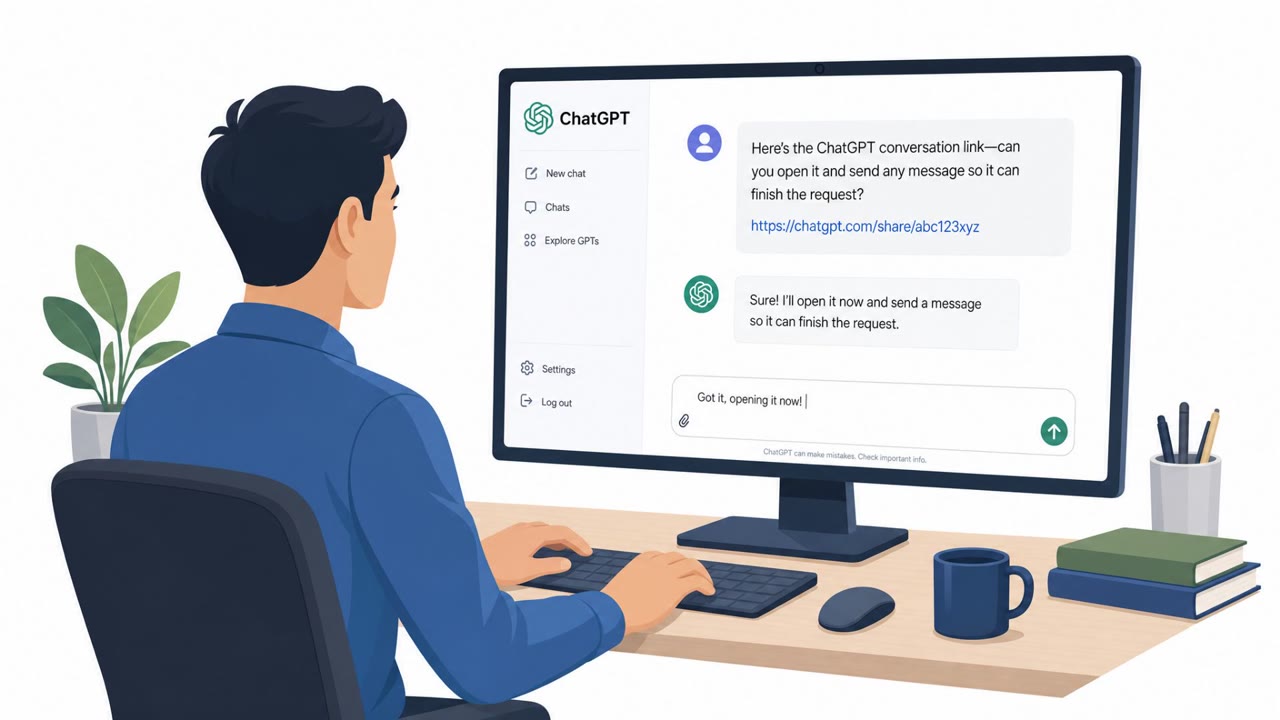
Researchers found a now-patched weakness in how ChatGPT handled popup windows, which could be used to bypass Lockdown Mode protections. An attacker could use a crafted prompt, a malicious custom GPT, or a shared chat to exfiltrate chat data or deliver malicious content. Because the attacker controlled the content displayed in the popup, they could render a convincing fake ChatGPT update notice designed to persuade a victim to click a download link and install malware. A separate reported issue involved shared conversations: if an attacker published a malicious conversation using ChatGPT's normal sharing feature and the victim opened an HTML preview, the payload could execute with access to the victim's authenticated web session.
Why it succeeded
The lure worked because it appeared inside a trusted, familiar interface, the ChatGPT application itself, rather than through an external email or unfamiliar website. Victims had no reason to doubt an update notice rendered inside their own chat window. In the shared-chat scenario, the social engineering relied on misplaced trust in links shared by a known or seemingly reputable source, combined with HTML previews that could open automatically once marked previewable.
What to watch for
- An update prompt that appears inside conversation-rendered content rather than through the normal application update process.
- A message that directs you to download software from a link, especially one shown inside a popup.
- A shared conversation from an unexpected sender or one unrelated to your actual work.
- Instructions inside a shared chat to click or open an HTML preview.
- Any shared chat that asks for actions beyond simply reading the conversation.
How to build resistance
Organizations and individuals using ChatGPT or similar AI tools should treat in-app update notices with the same skepticism as unsolicited email attachments. Updates should only be installed through the approved application update process, not through links shown inside a conversation or popup. Users should avoid opening HTML previews or following action requests in unsolicited shared conversations, particularly from unknown senders. Sensitive business information should not be entered into untrusted prompts, custom GPTs, or shared chats, since malicious content may attempt to access or export conversation data. Finally, keeping AI applications current and following organizational guidance on approved AI tools matters because, as the findings highlight, AI security controls are only as strong as the wider application environment around them.
Key findings
- Check Point disclosed a now-patched flaw in ChatGPT HTML previews that could bypass Lockdown Mode through popup-window handling.
- A crafted prompt, malicious GPT, or shared chat could be used to exfiltrate chat data or deliver malicious content.
- The attack could be zero-click for data theft in the ChatGPT desktop application.
- Attackers could control popup content and present a convincing fake ChatGPT update to persuade victims to click a download link.
- OpenAI addressed the reported Lockdown Mode issue on September 18, 2026.
- A separate reported shared-chat issue could execute content when a victim opens an attacker-controlled public ChatGPT share link and clicks an HTML preview.
Who’s being targeted
- Commonly targeted roles: All employees using ChatGPT, Executives and administrative staff, Developers, IT and security teams, Employees handling sensitive data, Teams using custom GPTs or shared AI conversations.
- Affected industries: Artificial intelligence services, Software and technology, Any organization using ChatGPT or connected AI tools.
- Attack channels: website.
- Impersonated: ChatGPT / OpenAI update notification, A trusted ChatGPT user sharing a conversation.
Red flags to watch for
- An update prompt appears inside conversation-rendered content rather than through the normal application update process.
- The message directs the user to download software from a link.
- The popup is triggered by a chat, shared conversation, or custom GPT rather than a trusted IT or application channel.
- The shared conversation comes from an unexpected sender or is unrelated to the recipient's work.
- The chat instructs the user to click or preview embedded HTML.
- A shared chat requests actions beyond reading the conversation, especially opening previews or downloads.
Frequently asked questions
What was the ChatGPT Lockdown Mode flaw?
Check Point disclosed a now-patched flaw in ChatGPT HTML previews that could bypass Lockdown Mode protections through popup-window handling, allowing a crafted prompt, malicious GPT, or shared chat to exfiltrate data or deliver malicious content.
Could this attack happen without any user interaction?
Yes, the attack could be zero-click for data theft in the ChatGPT desktop application, though the fake update lure still required the victim to click a download link.
Has OpenAI fixed this issue?
Yes, OpenAI addressed the reported Lockdown Mode issue on September 18, 2026, following responsible disclosure.
What should I do if I see a ChatGPT update notice inside a chat?
Treat unexpected update notices shown within a conversation or popup as suspicious and use the approved application update process rather than clicking a download link.
Read the video transcript
ChatGPT says you need an update. But did ChatGPT actually say it? A crafted prompt, custom GPT, or shared chat could trigger a popup the sender controls. It looks like an OpenAI notice, then points you to a software download. That’s the tell: an app update shouldn’t come from a chat. Researchers found an HTML-preview flaw that could bypass Lockdown Mode; OpenAI patched it in September 2026. If an update appears in a chat popup, ignore its link and update through your approved app process.