Check Point Research found and reported a ChatGPT vulnerability that could let malicious content escape a protected preview environment, bypassing Lockdown Mode. The flaw could support fake ChatGPT update windows, credential-harvesting reauthentication pages, malware downloads, and, in the Classic desktop app, silent theft of chat data. OpenAI said it fixed the issue by removing the popup permissions that enabled the bypass.
How the Bypass Worked
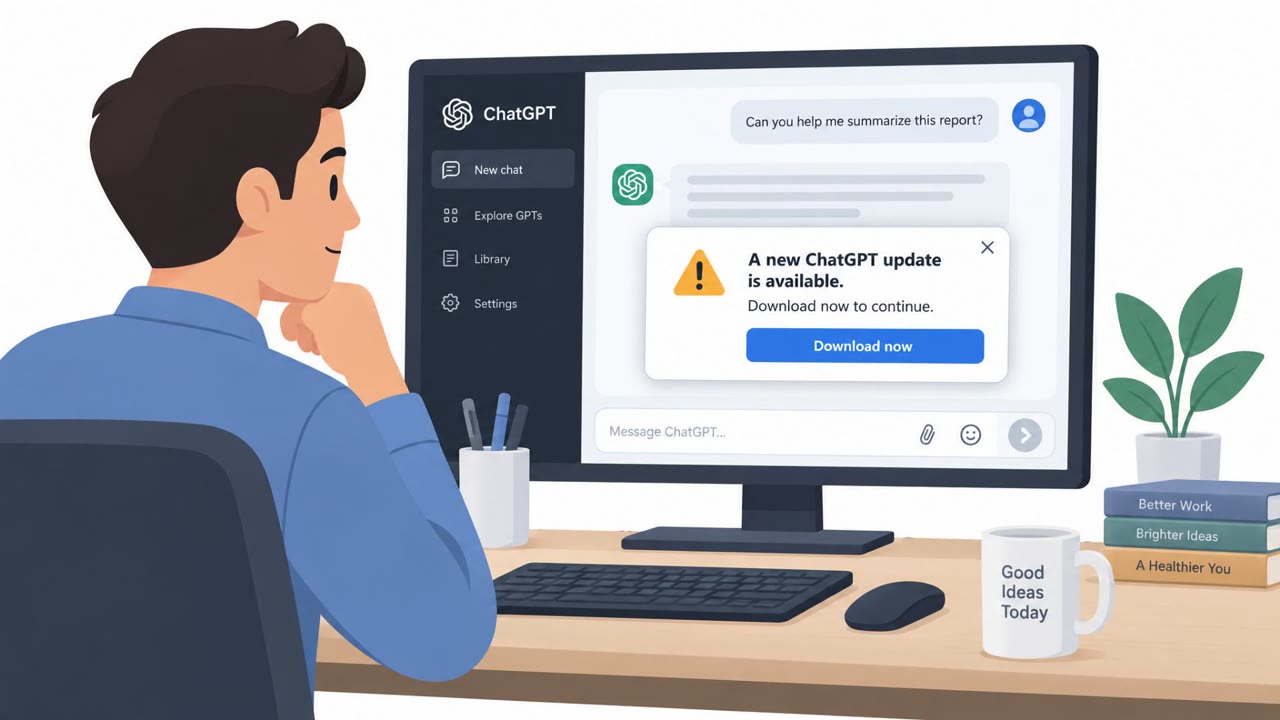
Check Point Research identified a way to escape ChatGPT's Lockdown Mode preview sandbox using HTML preview popups. Once escaped, a malicious page could open a spoofed application window that retained the familiar ChatGPT icon while letting the attacker fully control the window title and displayed content. This created a convincing illusion that the user was still interacting with the legitimate ChatGPT application, even though the window was entirely attacker-controlled.
From Fake Updates to Credential Theft
The technique supported several distinct attack paths. One used a fake application update prompt to persuade users to download malware disguised as a legitimate ChatGPT update. Because the ChatGPT Classic app does not allow automatic downloads, the user still had to click a link, but the convincing window dressing made that click more likely. A separate path involved forcibly signing a user out and then presenting an attacker-controlled reauthentication page, silently harvesting credentials when the user tried to log back in. In ChatGPT Classic specifically, researchers found a popup could open without any user gesture at all, enabling silent exfiltration of chat data through a malicious GPT.
Why the Shared-Chat Vector Was Especially Dangerous
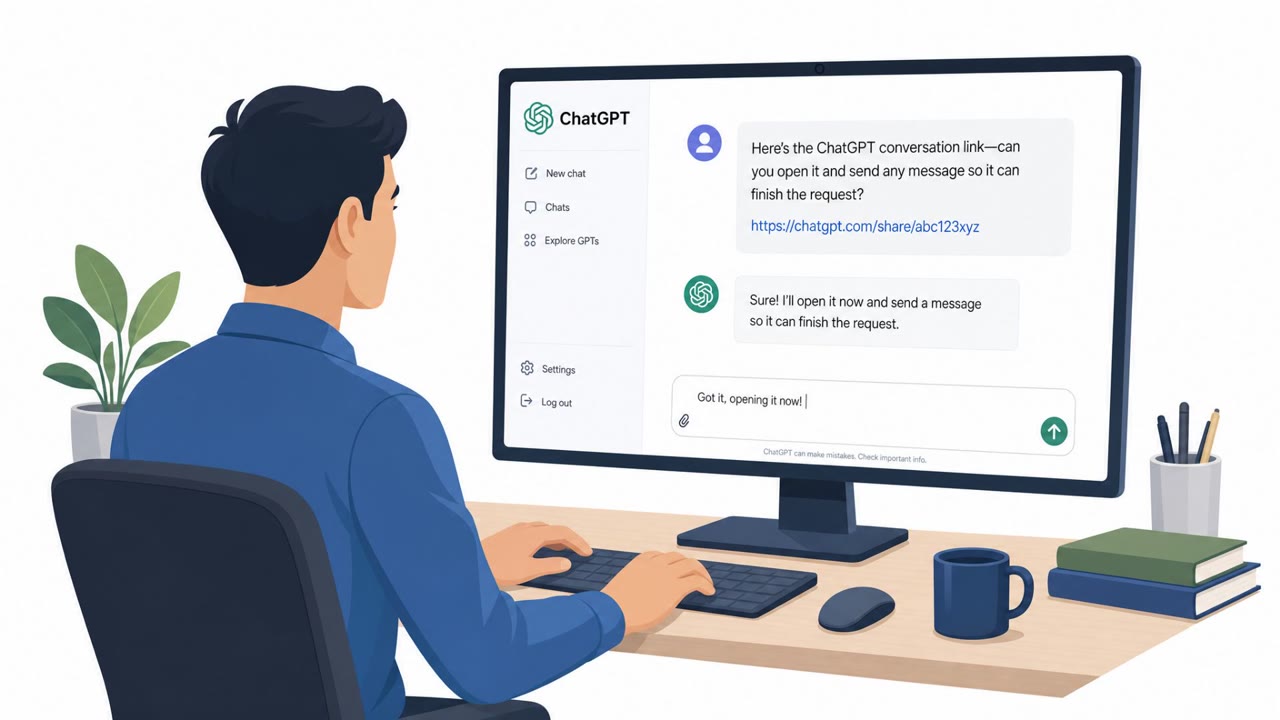
A notable aspect of this flaw is that victims did not need a ChatGPT account to be exposed. An attacker only needed to share a chat containing the malicious page, and anyone who clicked content inside that shared chat could be affected. This made the attack surface wider than typical account-based phishing, since the lure could reach casual viewers of shared links as well as regular users. The scenario was described as even easier to pull off in a browser, where automatic downloads are not blocked.
What to Watch For
- Update prompts that appear inside unexpected popups rather than through an approved software update process.
- Application windows with a trusted icon but suspicious title or content behavior.
- Being forcibly signed out followed immediately by a request to re-enter credentials.
- Shared chats containing links, downloads, or embedded pages from unfamiliar sources.
Building Resistance
Treat any software update prompt that does not come through your organization's standard update channel as suspicious, regardless of how official it looks. Be wary of unexpected sign-outs followed by reauthentication requests, and navigate to a service directly rather than entering credentials into a page that just appeared. Apply the same caution to shared AI chats that you would to email links, since visual familiarity, like a trusted icon, does not guarantee a safe destination. Finally, avoid placing highly sensitive data into AI tools unless your organization has reviewed and approved that specific use case, since built-in guardrails reduce but do not eliminate risk.
Key findings
- Check Point Research identified a way to bypass ChatGPT Lockdown Mode using HTML preview popups that could escape the preview sandbox.
- Attackers could present a spoofed application window that retained the ChatGPT icon while allowing the attacker to control the window title and content.
- A fake update lure could persuade users to download malware; shared chats could distribute the malicious content to users who did not have a ChatGPT account.
- In ChatGPT Classic, the researchers found that a popup could open without a user gesture, enabling silent chat-data theft through a malicious GPT.
- The issue was responsibly disclosed, and OpenAI reported deploying a fix on September 18, 2026.
Who’s being targeted
- Commonly targeted roles: All employees using ChatGPT or other AI assistants, Knowledge workers handling sensitive data, Finance and healthcare personnel, IT and security teams, Executives and administrative staff.
- Affected industries: Information and online services, Healthcare, Financial services, Any organization using ChatGPT with sensitive business data.
- Attack channels: website.
- Impersonated: ChatGPT application update, ChatGPT sign-in page.
Red flags to watch for
- An update prompt appears inside an unexpected popup rather than through the approved software-update process.
- The window uses a familiar ChatGPT icon but its title and page content can be controlled by an attacker.
- The user is asked to download a file from an external link.
- The content originated from a shared chat rather than a known internal source.
- The update request is delivered through chat content instead of the organization's approved software-management process.
- A shared chat can be dangerous even for someone without a ChatGPT account.
- An unexpected sign-out occurs during or immediately after viewing ChatGPT content.
- The user is redirected to a reauthentication page they did not intentionally open.
- Reauthentication follows unusual popup or preview behavior.
Frequently asked questions
What was the ChatGPT Lockdown Mode vulnerability?
Check Point Research found a way to bypass ChatGPT Lockdown Mode using HTML preview popups that could escape the preview sandbox, allowing an attacker to control window title and content while keeping the ChatGPT icon.
How could attackers use this flaw for phishing?
The flaw could support fake ChatGPT update windows that push malware downloads and reauthentication pages that trick users into re-entering credentials after being forcibly signed out.
Did victims need a ChatGPT account to be affected?
No. Attackers could share a malicious chat containing the exploit, and anyone who clicked content in that shared chat could be affected even without an account.
Has OpenAI fixed the issue?
Yes, OpenAI reported deploying a fix on September 18, 2026 by removing the popup permissions that enabled the bypass.
Read the video transcript
A shared ChatGPT chat says, ‘Download ChatGPT update.’ Don’t trust the icon. Researchers found an HTML preview popup could bypass Lockdown Mode. It kept the ChatGPT icon, but the window title and content could be faked. That’s the trick: the icon looks official; the popup isn’t. A shared chat could deliver the lure even to someone without an account. OpenAI says it fixed this. Still, for updates, use your organization’s approved software-update process.