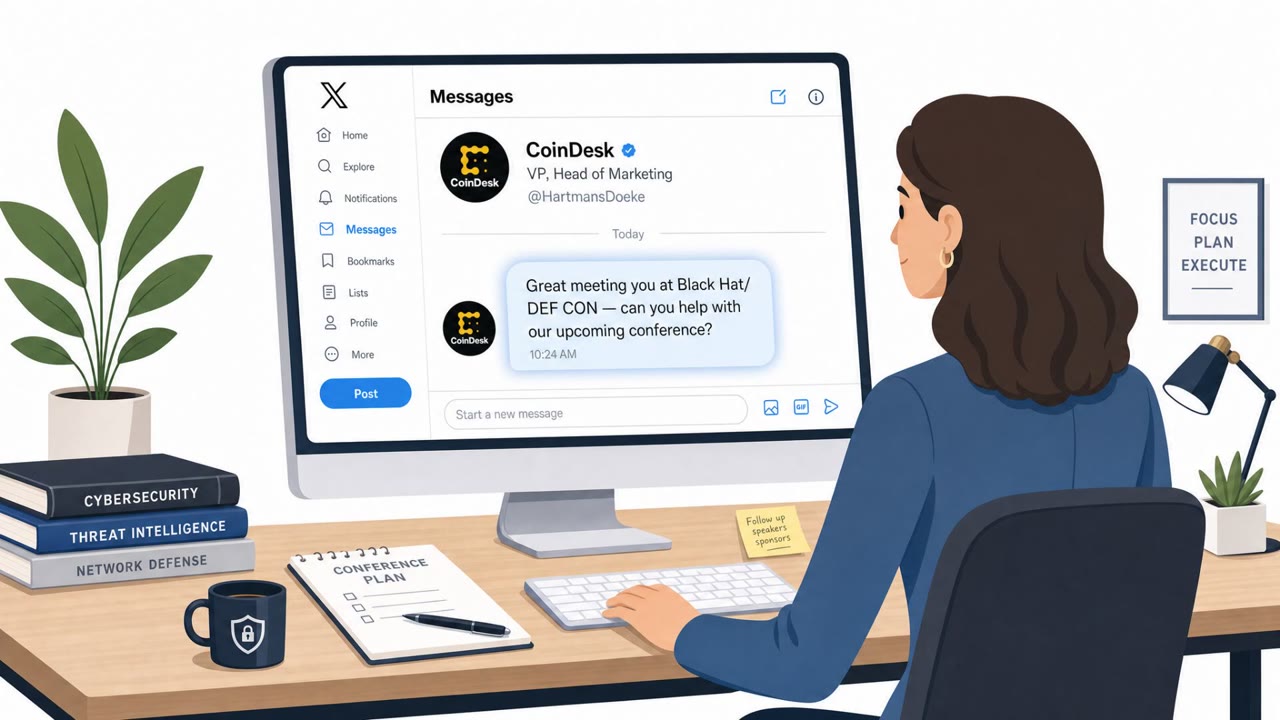
A researcher was targeted after Black Hat/Def Con by an attacker posing as a CoinDesk executive and using X direct messages to build trust. The scam used familiar platforms (Google Docs and Dropbox DocSend) to push “ClickFix”-style steps or a fake installer intended to get the victim to run malware.
Key findings
- Attacker initiated contact via X DMs after a security conference and impersonated a CoinDesk executive to request help with a fake upcoming conference.
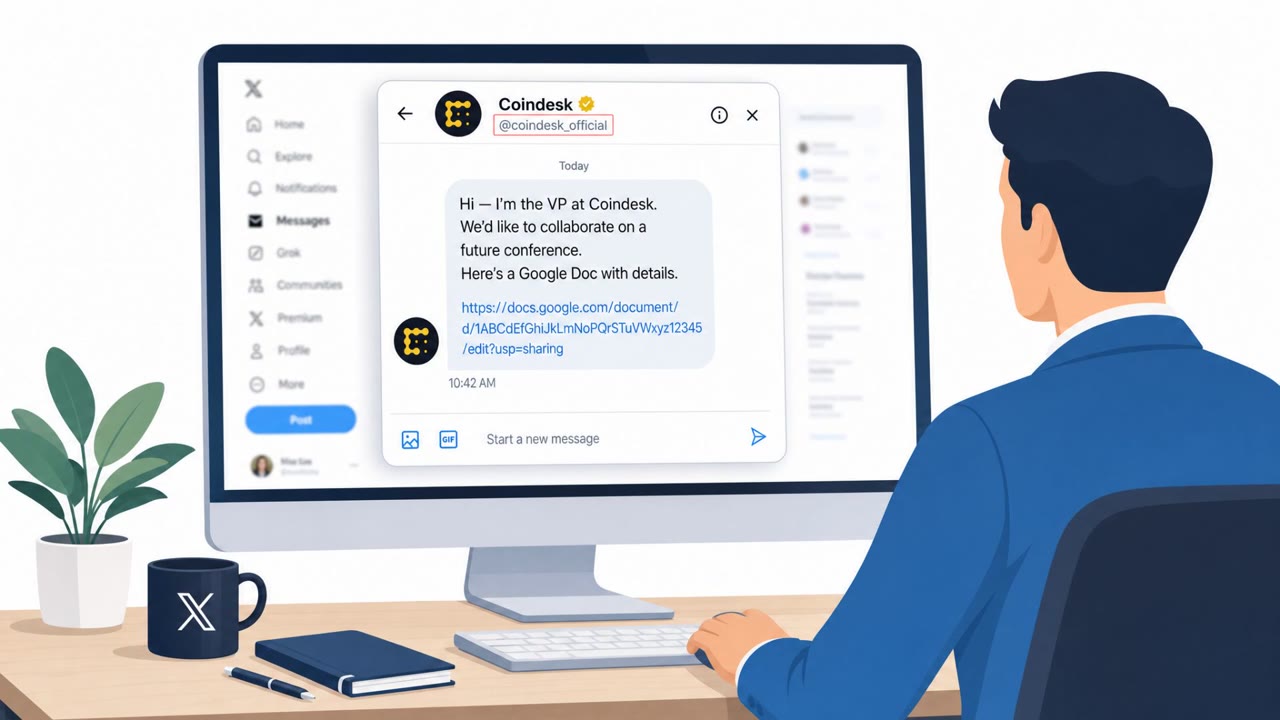
- First lure was a Google Doc with a custom Google Apps Script sidebar prompting for an “encryption key” and then offering ClickFix-style steps or a download to execute code.
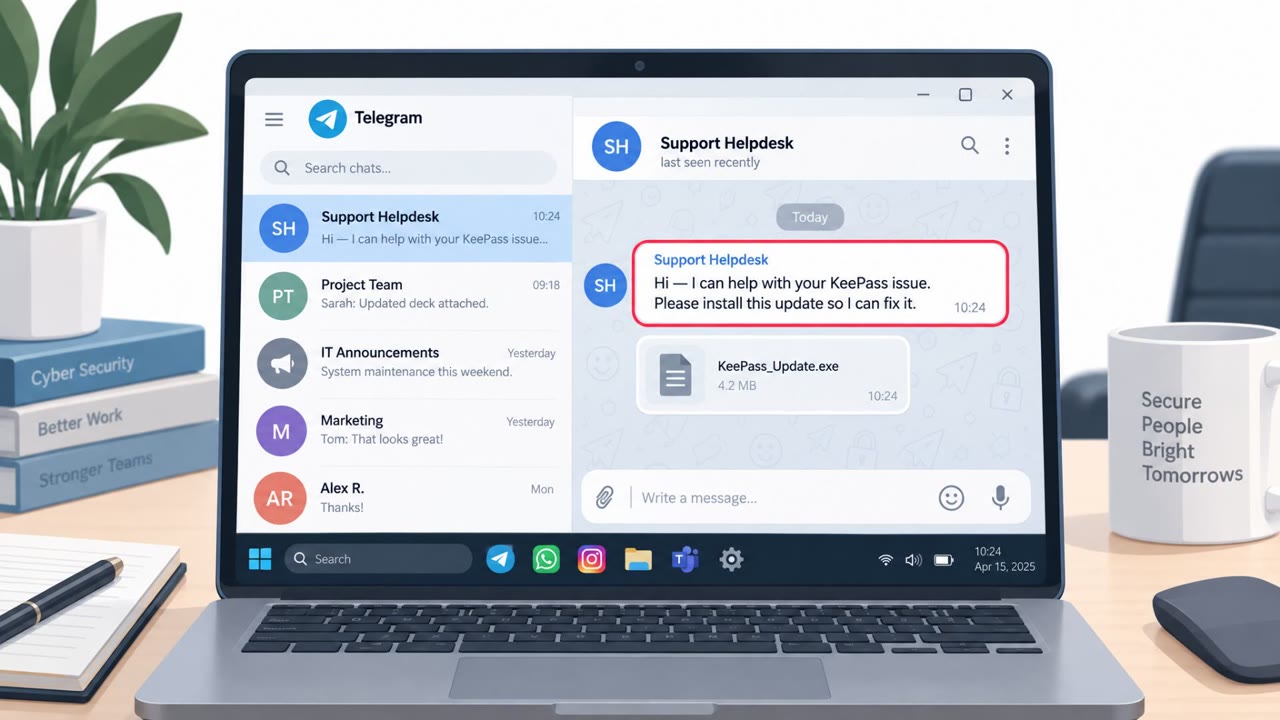
- Second lure was a fake Dropbox DocSend share leading to a counterfeit DocSend installer.
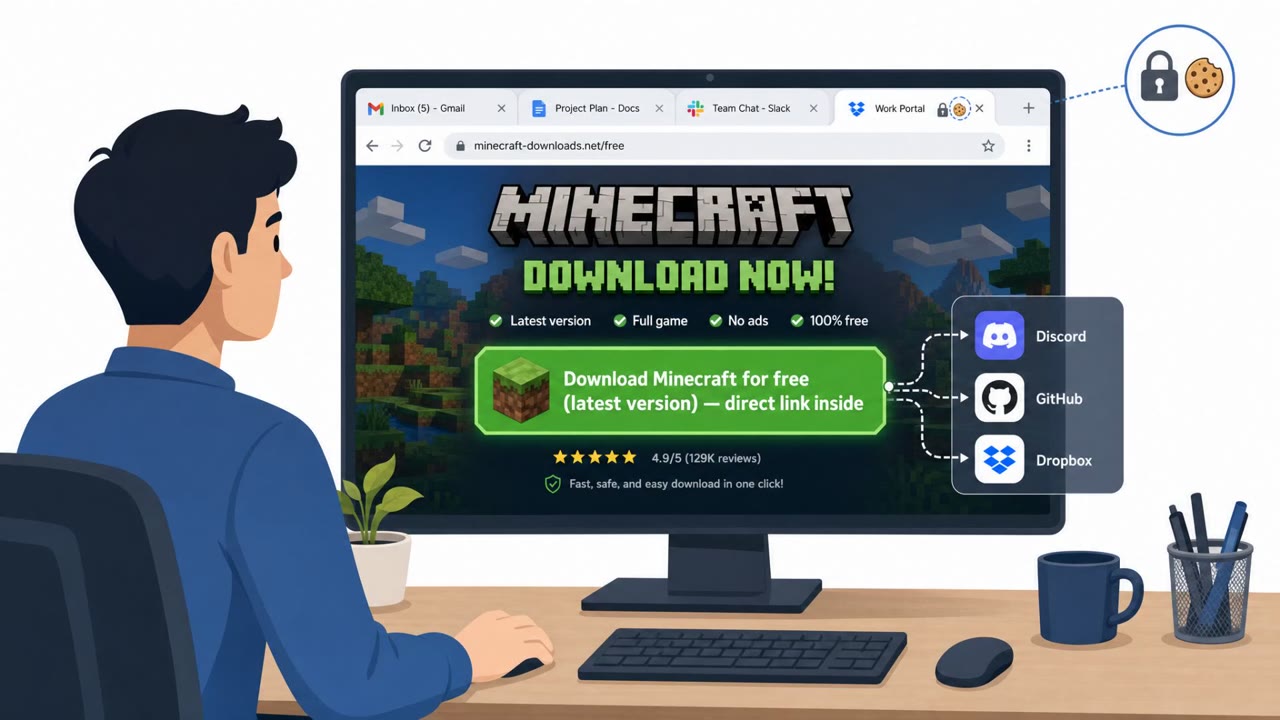
- Payloads varied by OS (macOS infostealer; Windows crypto theft targeting Ledger wallets plus a proxy intended to evade checks).
- When document/installer lures failed, the attacker pivoted to a new pretext offering funding “of up to $1m.”
Who’s being targeted
- Commonly targeted roles: All employees attending conferences, Security/IT teams, Executives and senior staff active on social media, Finance/crypto holders (where relevant).
- Affected industries: Cybersecurity / IT security, Media (impersonated brand), Conference attendees / professional networking targets.
- Attack channels: linkedin, email.
- Impersonated: CoinDesk VP and head of marketing, Dropbox DocSend (file-sharing invite).
Awareness takeaways
- Treat post-conference outreach (DMs and “shared docs”) as high-risk and verify identities through a separate, trusted channel before opening files or links.
- Be suspicious of any document workflow that asks for special keys/passwords or pushes you toward downloads or “fix steps” to make content work.
- If a message asks you to bypass normal protections or run unusual actions, stop and report it, these are common compromise indicators.
- If you interacted with a suspicious shared doc/installer, respond as if credentials may be exposed and take containment steps quickly.
Red flags to watch for
- Unexpected DM from a stranger claiming a senior title and requesting help
- Document requests an “encryption key” provided via DMs
- Follow-on options include “instructions” and a “download” intended to execute code
- Unexpected installer requirement to view a document share
- Brand-name file share leading to software installation
- Persistence: repeated follow-ups with new lures
Read the video transcript
You just got back from Def Con and a CoinDesk VP slides into your X DMs asking for help with a “new conference.” Sounds legit, right? Masquerading as CoinDesk’s VP, they send a Google Doc “planning document.” When you open it, a custom sidebar pops up asking for an encryption key from the DMs, then offers ClickFix-style steps or a download to run code. When that fails, they pivot: a Dropbox DocSend email shows up, pushing a 'DocSend installer' just to view a file. Same playbook: familiar brands, weird workflow, and pressure to download or run something. Here’s the move: after any conference, if a DM or email sends you to a shared doc that wants special keys, fix steps, or an installer, stop. Verify the person through a separate channel before you open or run anything.