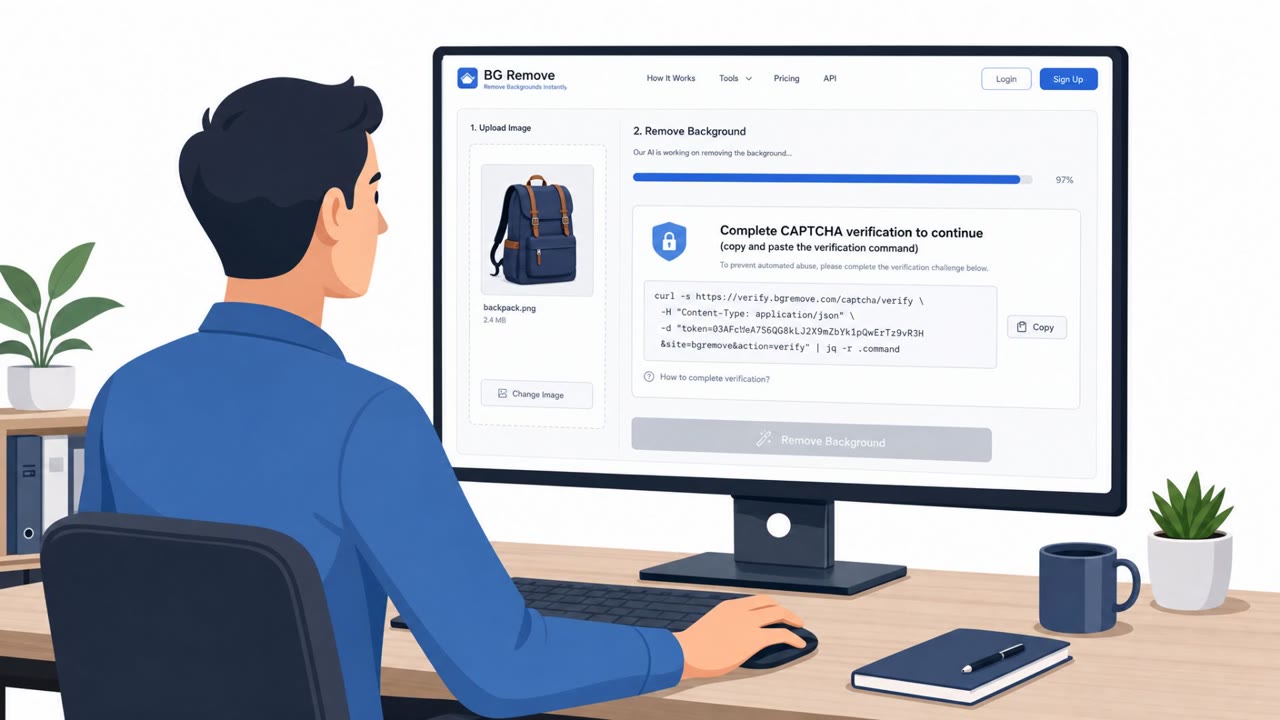
After Black Hat/DEF CON, cybercriminals allegedly targeted conference attendees by impersonating a CoinDesk executive over X direct messages. Victims were pushed into a realistic workflow using Google Docs and a fake Dropbox DocSend installer to trick them into running malware on macOS or Windows.
How the attack worked
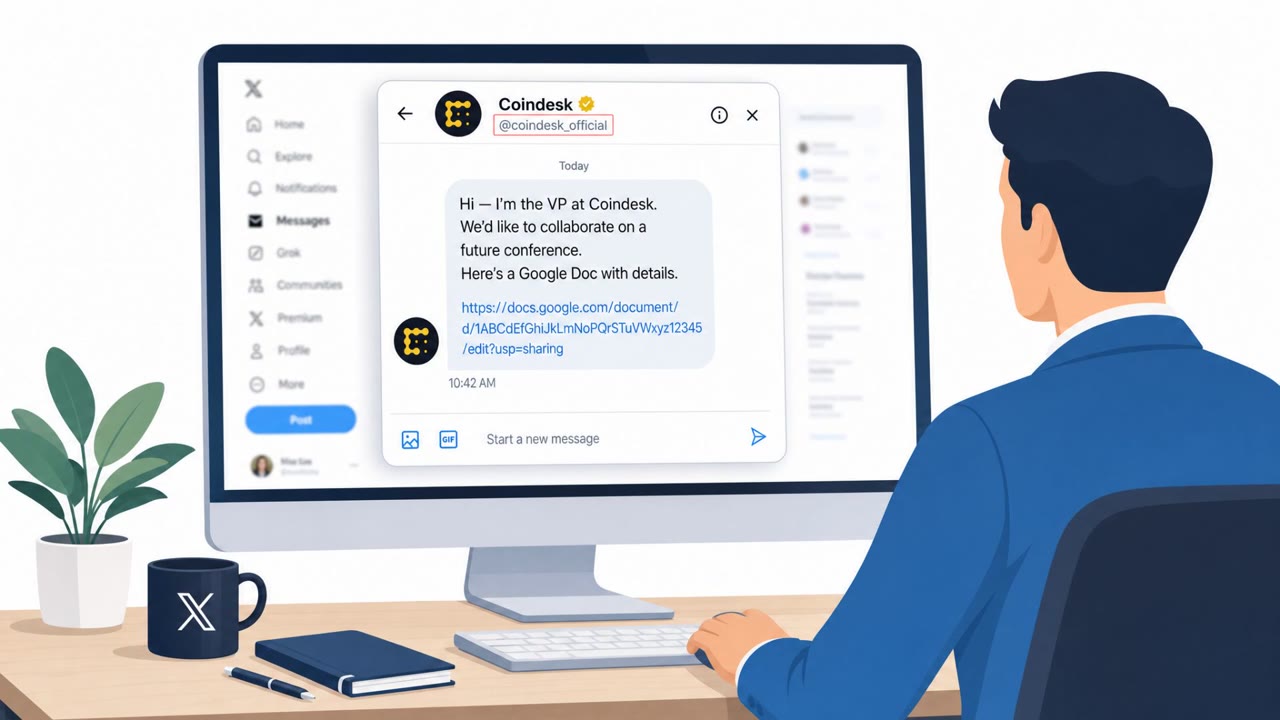
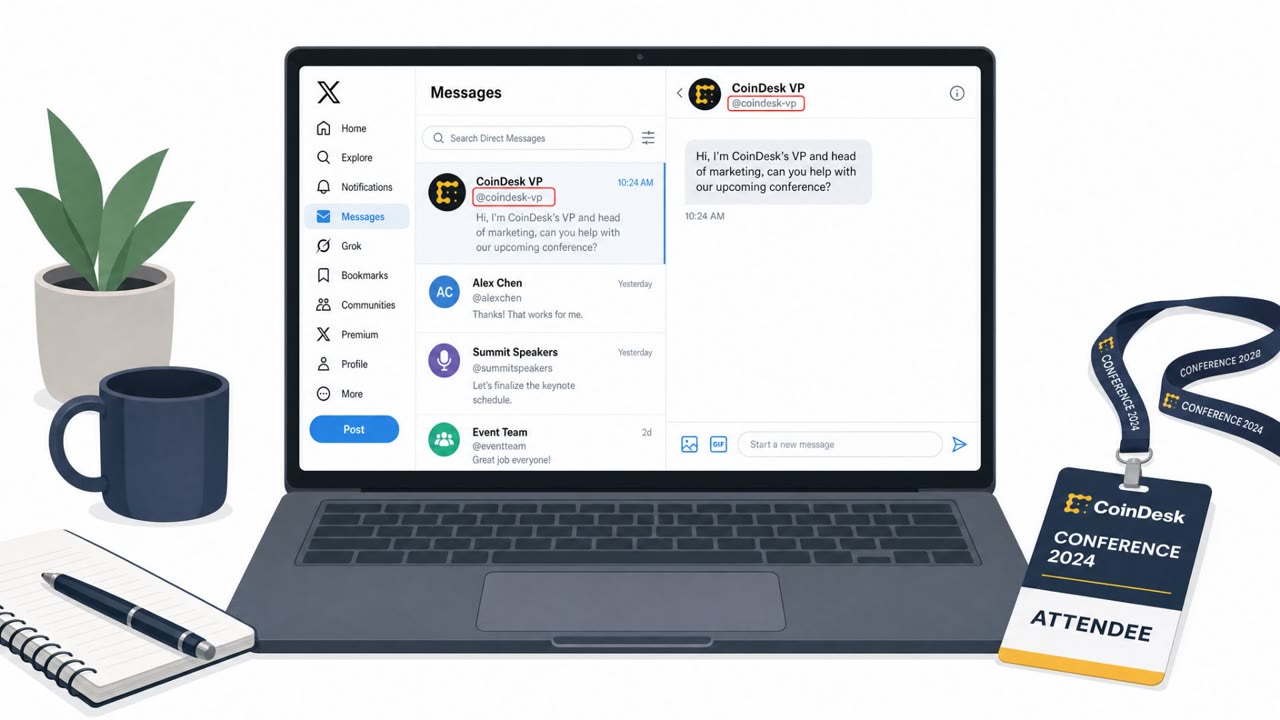
After Black Hat and DEF CON, an X account impersonating CoinDesk's VP and head of marketing sent direct messages to conference attendees, opening with a request for help on an upcoming conference. This framing made the outreach feel like a routine networking follow-up rather than a cold approach from a stranger.
The first lure was a Google Doc containing a custom Google Apps Script sidebar. The document asked the target to enter an 'encryption key' supplied by the attacker in the DMs, then presented options that led to downloading and executing malicious code. When a researcher did not engage with this document, the attacker followed up the next day with a second lure disguised as a Dropbox DocSend share, which led to a counterfeit DocSend installer.
The payloads differed by operating system. macOS targets received AMOS stealer style malware, while Windows targets received NetSupport RAT along with a Ledger wallet implant and a traffic-intercepting proxy.
Why it succeeded
Huntress assessed that the approach worked by building credibility through familiar platforms. Google Docs and Dropbox DocSend are tools many professionals use daily, and a multi-step workflow that mimics normal document sharing keeps a target engaged longer than a single suspicious link would. Large industry events like Black Hat and DEF CON create a target-rich environment, since attendees expect new contacts and follow-up messages after networking.
What to watch for
- Unexpected direct messages from a supposed executive shortly after a conference, especially requesting help with a task
- A document that requires entering an 'encryption key' provided by the sender before it will display content
- Sidebars, helpers, or prompts inside a document that push you toward downloading or running software
- A second follow-up document or link the day after you ignore the first one
- Installers tied to file-sharing brands like DocSend that arrive unexpectedly
Building resistance
Treat any new post-event contact as unverified until confirmed through a separate, known channel, such as a company directory or an existing colleague. Be cautious of any document that tries to walk you through entering codes or running installers. If you have interacted with a lure like this, assume credentials on the system may be compromised: isolate the device from the network, revoke active sessions, reset passwords, and rotate API keys. Building awareness of these multi-step, platform-mimicking workflows helps employees pause before completing the full chain an attacker is counting on.
Key findings
- Attackers used an X account to impersonate “CoinDesk's VP and head of marketing” and start a post-conference conversation.
- The first lure used a Google Doc with a “custom Google Apps Script sidebar” that prompted the target to enter an “encryption key,” then offered options intended to download/execute malicious code.
- The second lure mimicked a “Dropbox DocSend share” leading to a counterfeit installer.
- Payloads differed by OS: macOS victims were served AMOS/infostealer-style malware; Windows victims were served NetSupport RAT plus crypto wallet implants and a traffic-intercepting proxy.
- Huntress assessed the approach as credibility-building: familiar platforms + a legitimate-looking, multi-step workflow to keep targets engaged.
Who’s being targeted
- Commonly targeted roles: All employees attending conferences/events, Security/IT teams, Executives and senior leaders, Finance/Crypto asset holders, Marketing/BD (frequent external outreach).
- Affected industries: Cybersecurity / security research, Technology conference attendees, Cryptocurrency users, Airlines (related phishing attempt mentioned).
- Attack channels: website.
- Impersonated: CoinDesk VP and head of marketing, Dropbox DocSend (masqueraded share).
Red flags to watch for
- Unexpected social media DM from a ‘well-known’ executive after a conference
- Document requires an ‘encryption key’ from a stranger and then pushes software/code execution
- Follow-up pressure via additional ‘documents’ when the first attempt fails
- Unexpected “DocSend” installer requirement to view a document
- Installer/source is counterfeit despite using a trusted brand
- Second-day follow-up after non-engagement (persistence)
Frequently asked questions
How did the attackers first contact victims?
An X account impersonating CoinDesk's VP and head of marketing sent direct messages to conference attendees asking for help with an upcoming conference.
What made the Google Doc lure convincing?
It used a custom Google Apps Script sidebar that walked the target through entering an 'encryption key' supplied by the attacker, then guided them toward executing malicious code.
What happened if the target didn't fall for the first lure?
The threat actor followed up the next day with a second lure disguised as a Dropbox DocSend share that led to a counterfeit installer.
What malware was delivered to victims?
macOS users were served AMOS stealer-style malware, while Windows users received NetSupport RAT, a Ledger wallet implant, and a traffic-intercepting proxy.
Read the video transcript
You just got back from DEF CON, and an X DM pops up: “Hey, I’m CoinDesk’s VP of marketing, can you help with our next conference?” They send a Google Doc. On the right, a custom sidebar pops up: it asks for an 'encryption key' from the DM, then walks you to download and run a file to 'decrypt' it. If you hesitate, they follow up with a fake Dropbox DocSend share that insists you install a 'DocSend viewer', on macOS that drops AMOS infostealer, on Windows NetSupport RAT and crypto wallet implants. Here’s the move: any post-conference DM that sends you a doc and then a helper app? Stop. Don’t install anything, report it to security and verify the person through a known-good channel.