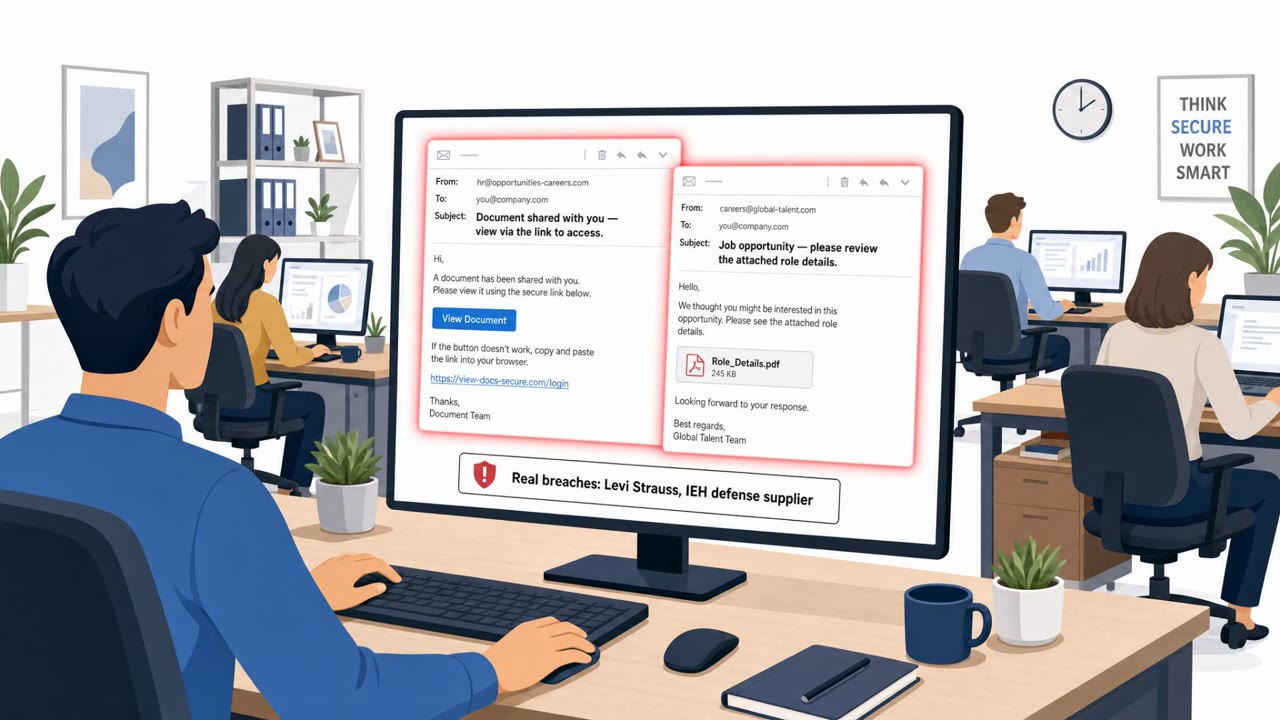
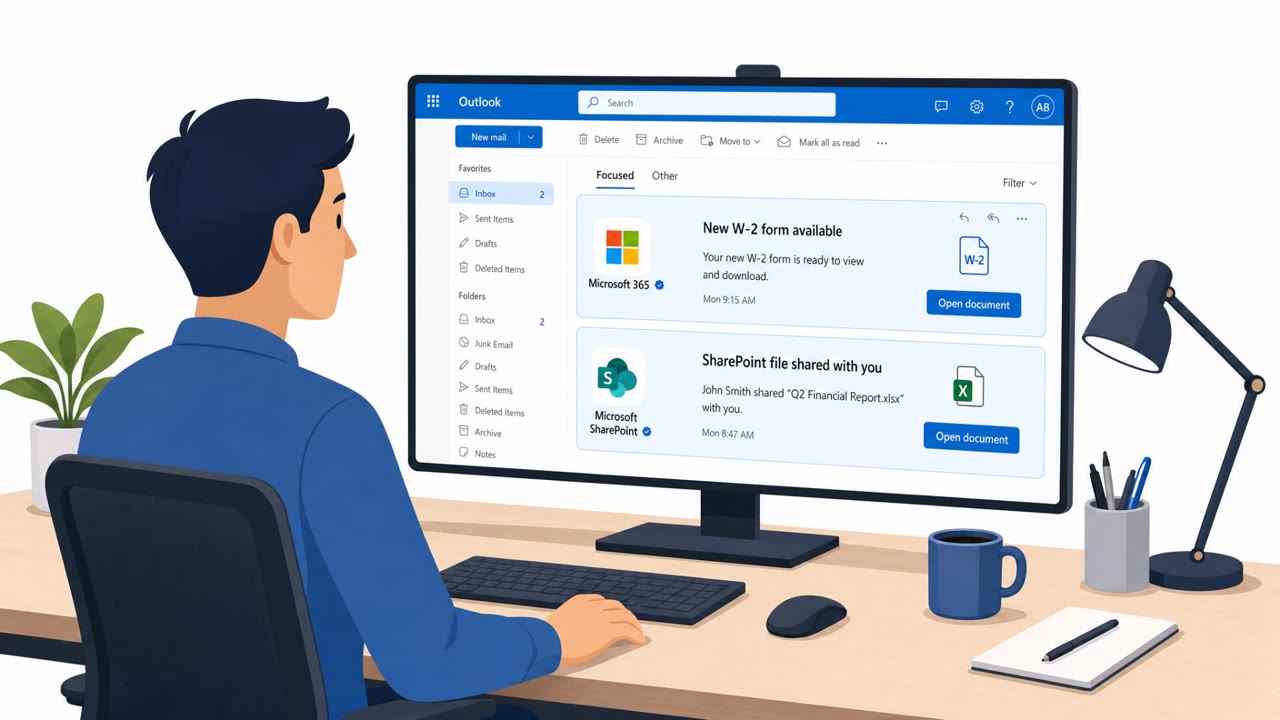
A US defense and aerospace parts supplier reported that an attacker got into its Microsoft 365 environment after an employee clicked what looked like a legitimate Microsoft file-sharing link. The link led to a fake login page that captured the employee’s credentials, potentially exposing sensitive email, purchase orders, and engineering documentation.
How the Attack Worked
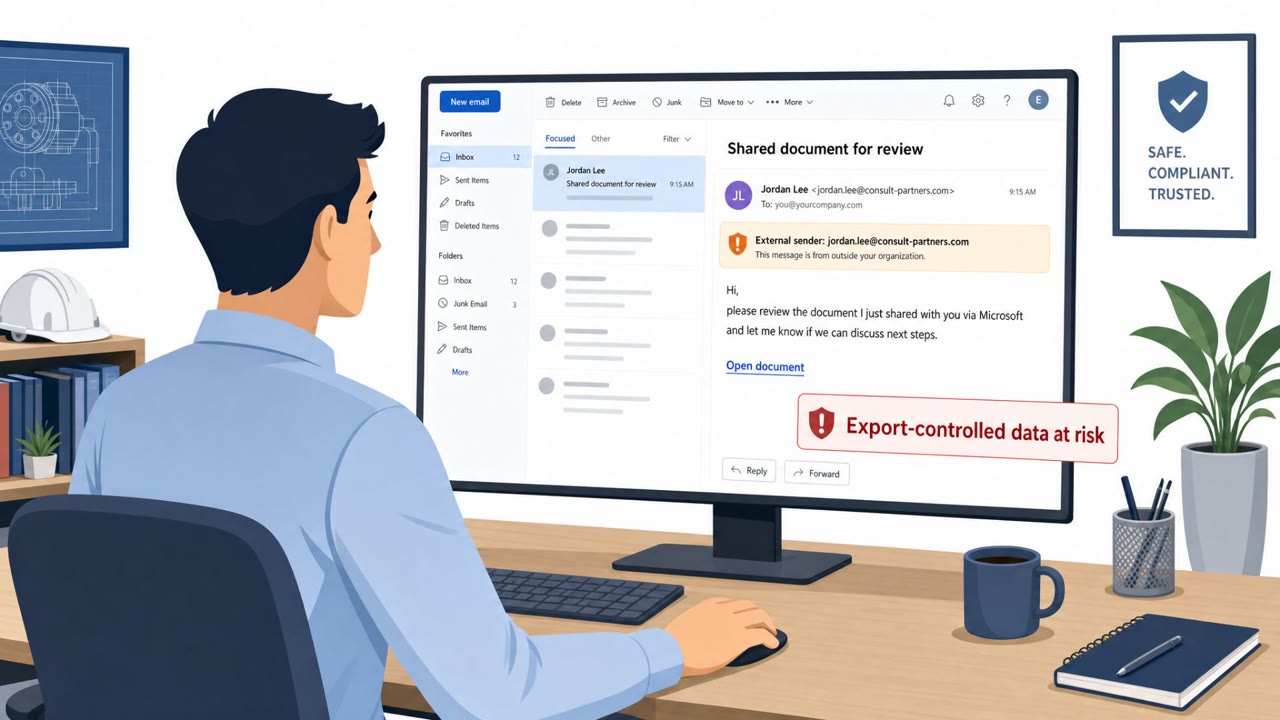
An employee at a defense and aerospace parts supplier received a message from someone posing as a prospective business contact. The message included what appeared to be a legitimate Microsoft file-sharing link, inviting the employee to review shared documents. Clicking the link led to a page designed to look like a real Microsoft sign-in screen, but it was fake. When the employee entered their credentials, the attacker captured them.
With those stolen credentials, the attacker gained access to the company's Microsoft 365 environment, including email, attachments, customer correspondence, purchase orders, and engineering documentation. The company reported that the intruder may also have reached technical information covered by US export controls. The incident was disclosed via an SEC 8-K filing, and the company said it discovered the intrusion in early August.
Why It Succeeded
This attack worked because it relied on trust in a familiar workflow: receiving and reviewing a shared file through Microsoft's ecosystem. The pretext, a prospective business contact sharing a document for review, is a routine business interaction, especially for roles in sales, business development, and program management who regularly onboard new external contacts. Because the link and login page closely mimicked genuine Microsoft branding, the employee had little reason to suspect anything was wrong before entering credentials.
What to Watch For
- Unexpected file-share links arriving from new or unverified contacts
- Login pages that prompt for credentials in a context where they normally would not
- Pressure to quickly review purchase orders or engineering documents without following normal vendor or contact verification steps
- Messages that reference a business relationship that has not been independently confirmed
Building Resistance
Organizations, especially those in manufacturing and the defense supply chain, should train employees across sales, engineering, program management, and executive support roles to treat unexpected file-sharing links as high risk. Before clicking through and signing in, employees should verify the sender through a separate, known communication channel rather than replying to the original message.
When a link does lead to a sign-in page, employees should pause and confirm it is a legitimate Microsoft authentication page, checking the domain carefully rather than assuming familiar branding means it is safe. Because mailbox access can expose sensitive business data such as purchase orders and engineering documents, any suspicious sign-in prompt or unexpected credential request should be reported immediately so security teams can investigate before broader access is gained.
Key findings
- An employee was targeted with a message from someone impersonating a prospective business contact.
- The message included what appeared to be a legitimate Microsoft file-sharing link, but it led to a fake page that captured credentials.
- Stolen credentials granted access to IEH’s Microsoft 365 environment, including email, attachments, customer correspondence, purchase orders, and engineering documentation.
- IEH reported the incident via an SEC 8-K and said it discovered the intrusion on August 4.
- The company noted it had 'no evidence that data was copied out,' but also that Microsoft 365 logging may not reliably capture data theft.
Who’s being targeted
- Commonly targeted roles: All employees (email users), Sales/Business Development, Engineering, Program/Project Management, Executives and Executive Assistants.
- Affected industries: Manufacturing, Defense/Aerospace supply chain.
- Attack channels: email, website.
- Impersonated: Prospective business contact (new vendor/customer lead).
Red flags to watch for
- Unexpected file-share link from a new/unverified contact
- Login page is fake or prompts for credentials unexpectedly
- Pressure to review purchase/engineering documents quickly without normal onboarding/verification
Frequently asked questions
How did the attacker gain access to the company's Microsoft 365 environment?
An employee received a message from someone posing as a prospective business contact that included what looked like a legitimate Microsoft file-sharing link. The link led to a fake login page that captured the employee's credentials, which the attacker then used to access the Microsoft 365 environment.
What data was potentially exposed in this incident?
The intruder could reach email, attachments, customer correspondence, purchase orders, and engineering documentation, and possibly technical information covered by US export controls.
Did the company find evidence that data was stolen?
The company reported no evidence that data was copied out, but also noted that Microsoft 365 logging may not reliably capture data theft.
What red flags should employees watch for with file-sharing links?
Unexpected file-share links from new or unverified contacts, login pages that look slightly off or unexpectedly prompt for credentials, and pressure to review documents quickly without normal verification steps.
Read the video transcript
A US defense supplier got breached because of one click on a fake Microsoft file-sharing link. An employee got a message from someone posing as a new business contact, with a Microsoft link to 'review purchase and engineering documents.' They clicked, got a Microsoft 365 login lookalike, signed in, and handed over their credentials. Those stolen credentials unlocked their Microsoft 365: email, attachments, customer correspondence, purchase orders, engineering documentation, exactly the stuff we never want exposed, especially in defense work. Here’s the move: if a new contact sends a Microsoft file link that makes you sign in, stop and verify them using a known, separate channel before you type a single character.