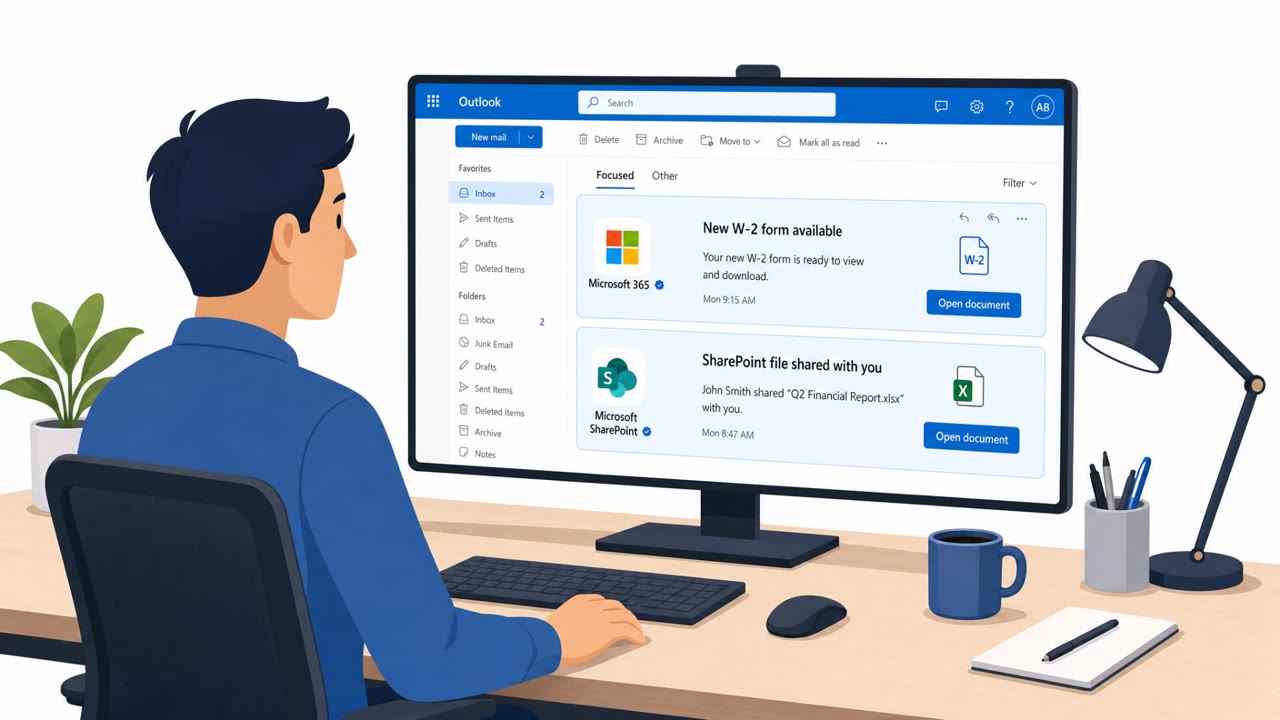
IEH Corporation disclosed that a phishing email tricked an employee into entering Microsoft 365 credentials on a fake login page, giving an attacker access to the employee’s mailbox. The compromised inbox contained emails and attachments including engineering documents and potentially export-controlled technical information, creating both security and regulatory risk.
How the Attack Worked
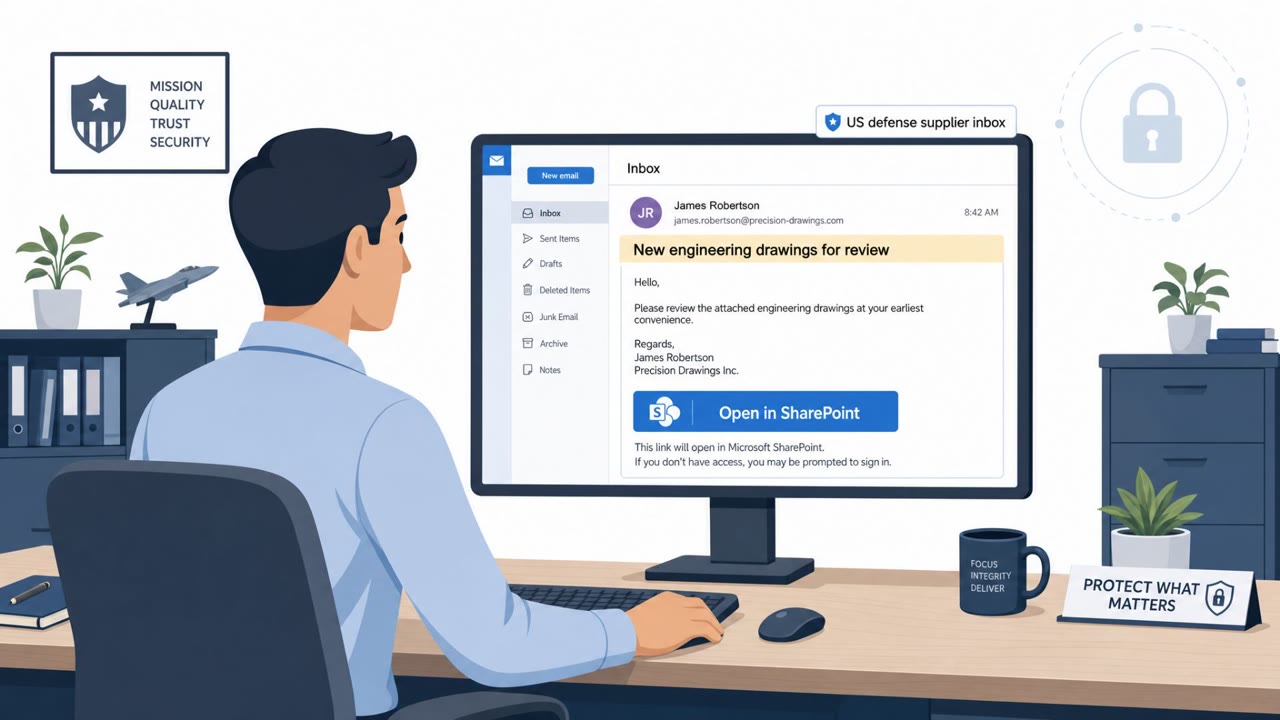
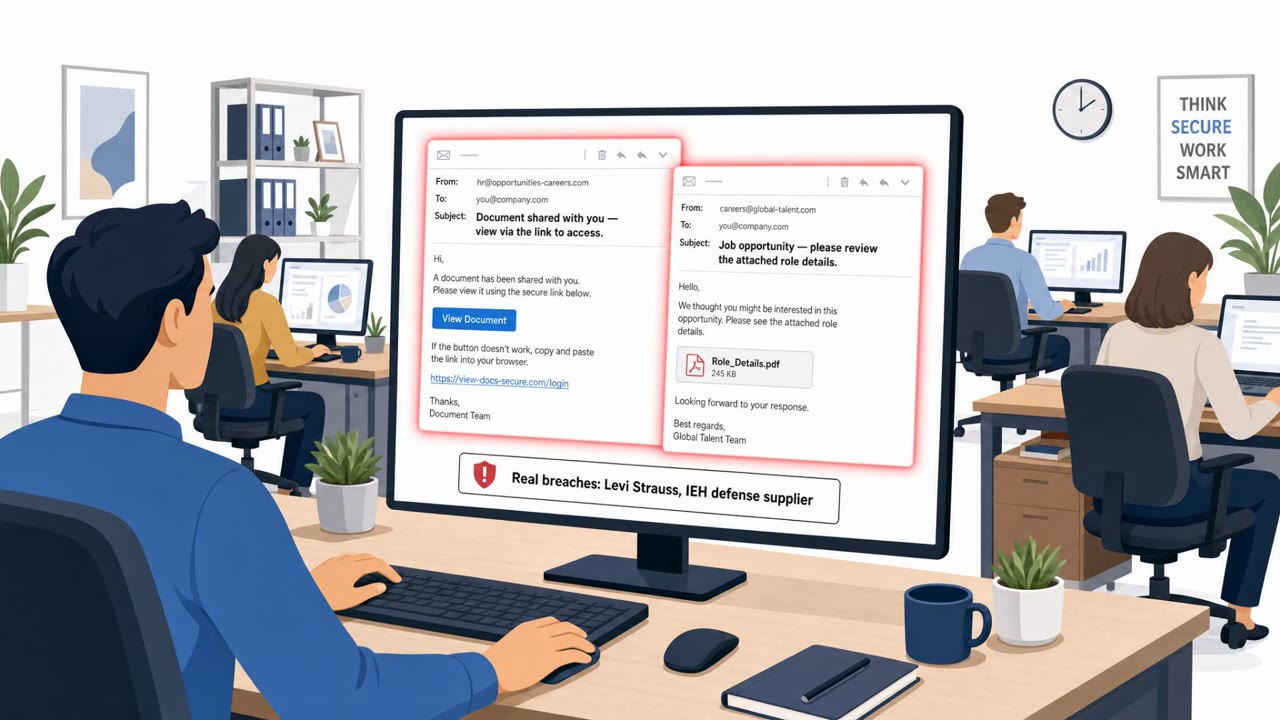
This incident began with a simple phishing email. A threat actor impersonated a prospective business contact and sent a link disguised as a Microsoft document-sharing invitation. The message asked the recipient to review a shared document, a routine-sounding request that many employees in sales, business development, or program management roles receive regularly.
When the employee clicked the link, they were taken to a fraudulent login page designed to look like a legitimate Microsoft 365 sign-in screen. Entering credentials there handed the attacker direct access to the mailbox. From that point, no malware was needed. The attacker simply had the keys to the account.
Why It Succeeded
The attack sophistication here was low, which is part of what makes it worth studying. There was no custom malware, no zero-day exploit, just a convincing pretext and a fake login page. The lure worked because it mimicked a normal business interaction: an external contact sharing a document ahead of a possible conversation. That framing lowers suspicion, especially for roles whose job is to respond to outside inquiries.
Once inside, the attacker created malicious mailbox rules. This detail matters: it suggests the attacker had enough time in the account to set up persistence, potentially to silently forward or hide messages while continuing to monitor the mailbox.
What Was Exposed
The compromised mailbox contained emails and attachments, including customer data and engineering documents. Some of that material was potentially export-controlled technical information. For a defense manufacturer, that raises the stakes considerably. Export-controlled data exposure is not only a security event, it can also carry regulatory implications depending on how the information was handled and who may have had access to it.
What to Watch For
- Unexpected document-sharing invitations from new or unfamiliar external contacts
- Login pages reached via email links that don't clearly match a trusted Microsoft domain
- Requests framed with mild urgency to "sign in and view" a document tied to a vague business inquiry
- Unusual mailbox behavior, such as missing messages or unfamiliar forwarding rules
Building Resistance
Employees should avoid entering Microsoft 365 credentials after clicking a link in an email. Instead, open Microsoft 365 directly through a bookmark or app and locate shared files from there. Verifying unfamiliar senders through a separate, known-good channel before engaging with a shared-document request adds another layer of protection.
Organizations should also train staff to report unusual mailbox activity immediately, since attacker-created rules can be a sign of ongoing persistence. For organizations that handle controlled technical data, treating any email compromise as a potential compliance issue, and looping in security, legal, and export compliance teams early, helps limit downstream risk beyond the initial account takeover.
Key findings
- A threat actor impersonated a prospective business contact and sent a link disguised as a Microsoft document-sharing link.
- The employee entered Microsoft 365 credentials into a fraudulent login page, giving the attacker inbox access.
- Emails and attachments in the mailbox included customer data, engineering documents, and potentially export-controlled information (ITAR/EAR risk).
- The attacker created malicious mailbox rules, indicating persistence and potential silent interception of future emails.
- IEH stated there was no confirmed data exfiltration at the time of disclosure.
Who’s being targeted
- Commonly targeted roles: All employees (especially those using Microsoft 365 email), Sales / Business Development, Engineering, Program/Project Management, Executive assistants and leaders who receive external inquiries, Export compliance / legal (for escalation procedures).
- Affected industries: Defense manufacturing, Aerospace manufacturing, Defense industrial base / supply chain.
- Attack channels: email, website.
- Impersonated: Prospective business contact (external).
Red flags to watch for
- Unexpected document-share from a new/unknown external contact
- Link leads to a login page that is not a trusted Microsoft domain or looks slightly off
- Urgency to sign in to view a “shared” document tied to a vague business request
Frequently asked questions
How did the attacker gain access to the mailbox?
A threat actor impersonated a prospective business contact and sent a hyperlink disguised as a Microsoft document-sharing link. The employee clicked it and entered Microsoft 365 credentials into a fraudulent login page, giving the attacker unauthorized account access.
What kind of data was exposed?
The compromised mailbox contained emails and attachments including customer data and engineering documents, some of which was potentially export-controlled technical information.
Did the attacker exfiltrate data?
According to the disclosure, there was no confirmed data exfiltration at the time the incident was reported, though malicious mailbox rules had been created in the account.
Why does export-controlled data make this incident more serious?
When technical data falls under regulations like ITAR or EAR, unauthorized exposure to an unauthorized party can raise compliance and legal concerns beyond the security impact of the breach itself.
Read the video transcript
An engineer clicked one “Shared document for review” email… and their inbox with export‑controlled designs was suddenly wide open. They clicked the link, saw a Microsoft 365 login look‑alike, and typed their password. That fake page handed an outsider full access to their mailbox, customer emails, engineering docs, even ITAR and EAR‑sensitive files. Behind the scenes, the intruder set sneaky mailbox rules to quietly grab or hide messages. And all of it started with an unexpected “Microsoft document-sharing” link from a so‑called prospective business contact. Here’s the move: if you get a “shared document” email from a new contact, do NOT log in from that link. Instead, open Microsoft 365 from your bookmark or app, and only open shared files from there.