Researchers reported a real spearphishing campaign that impersonates DocuSign emails to trick tech executives into clicking “Review Document” links and entering login details. The emails use compromised legitimate business mailboxes and realistic context (including copied email threads) to appear trustworthy, then route victims to fake Google Workspace/Gmail-style login pages to steal credentials.
How the Attack Worked
This campaign impersonated DocuSign to target tech executives with document-signing lures. One version used a subject line referencing a document ready for review, prompting recipients to click a Review Document button and later enter a security code on what appeared to be Docusign.com. A second version referenced a specific agreement, such as a share transfer and subscription agreement, and included a pasted-in email thread between multiple companies to appear more legitimate. Both variants ultimately led victims to a fake CAPTCHA and a Gmail or Google Workspace lookalike login page designed to harvest credentials.
Why It Succeeded
The emails were sent from compromised legitimate business email accounts rather than newly registered domains. This helped the messages pass DMARC checks and avoid spam filtering, since the sending infrastructure was technically legitimate even though the content was malicious. The use of a real prior email thread added a layer of social proof, making the request look like a continuation of an existing business conversation rather than a cold, suspicious message. Links were also routed through a legitimate marketing service before reaching the credential-harvesting page, adding another layer of apparent legitimacy to the click path.
What to Watch For
- Unexpected DocuSign requests urging immediate review or signature
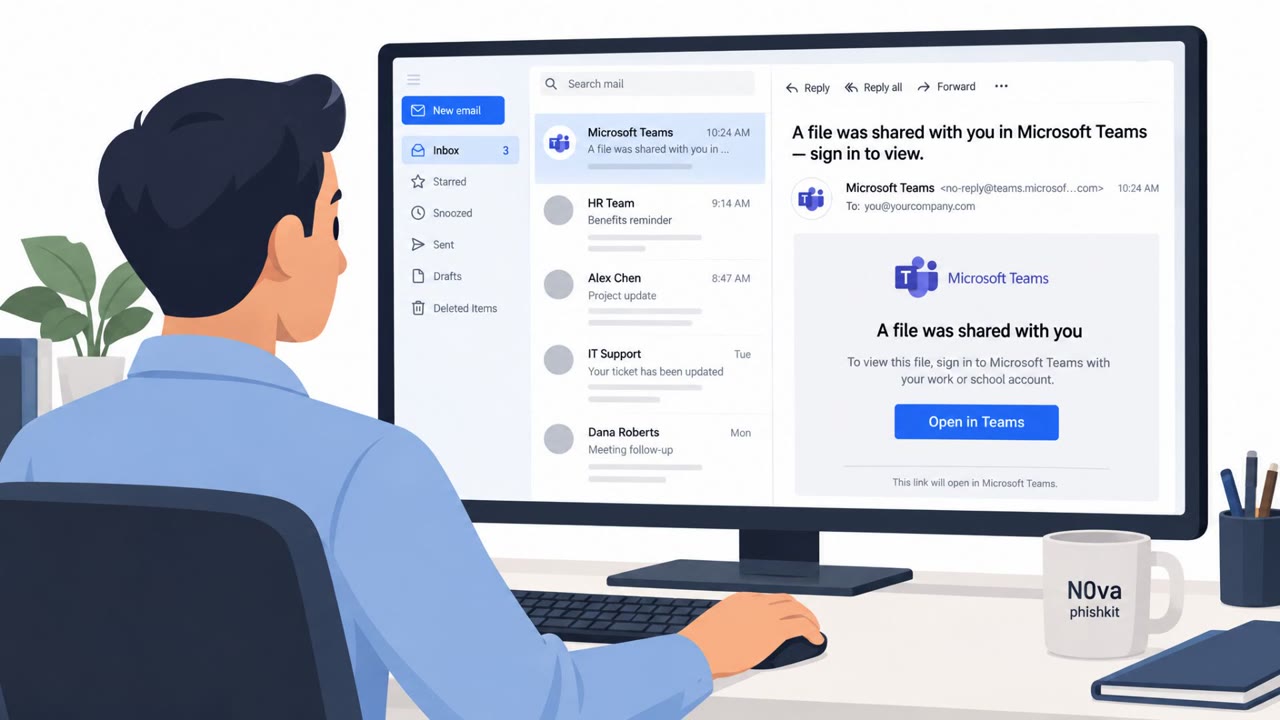
- Sender addresses tied to third-party organization mailboxes rather than expected DocuSign notification sources
- Overly long or unusual filenames in subject lines, including multiple file extensions
- Links that route through marketing or redirect services instead of a clear DocuSign domain
- Login pages requesting Gmail or Google Workspace credentials after clicking a document link, especially when paired with a CAPTCHA step
Building Resistance
Defenders and executives should verify any unexpected DocuSign request by logging into DocuSign directly and checking Documents or using the Access Code feature, rather than clicking email links or buttons. Sender addresses should be checked directly rather than trusting the display name shown by an email client, particularly when a message includes what looks like an ongoing conversation thread. Organizations should also flag and treat as suspicious any messages that fail SPF, DKIM, or DMARC checks, and encourage users to report unexpected document-signing requests. Because credentials captured through these pages can be reused for follow-on attacks like business email compromise, quick reporting and verification steps are key to limiting downstream impact.
This pattern reflects known techniques such as spearphishing links, impersonation, and credential harvesting through fake web pages, documented under MITRE ATT&CK references including attack.mitre.org/techniques/T1566/002 and attack.mitre.org/techniques/T1656.
Key findings
- Campaign used DocuSign-branded spearphishing emails targeting tech executives.
- Emails were sent from compromised legitimate Japanese business email accounts to help pass DMARC checks and avoid spam filtering.
- Lures claimed a document was ready for review/signature and used a “Review Document Button” or document-themed subject lines.
- Links routed through a legitimate marketing service (GetResponse) and/or to a malicious site hosting obfuscated JavaScript.
- Phishing flow presented a fake CAPTCHA and Gmail/Google Workspace lookalike page to capture credentials.
- Stolen credentials were intended for follow-on attacks such as BEC scams or resale on marketplaces.
Who’s being targeted
- Commonly targeted roles: Executives, IT, Security Awareness, Finance, Legal, Corporate Development.
- Affected industries: Technology / Information, Any business using e-signature platforms (cross-industry).
- Attack channels: email, website.
- Impersonated: DocuSign.
Red flags to watch for
- Unexpected DocuSign request urging action to review/sign
- Sender domain is a third-party organization mailbox rather than an expected DocuSign notification source
- Link routes through a marketing/redirect service instead of a clear DocuSign URL
- Overly long/odd filename in the subject (multiple extensions / “Copy.docx_…pdf”)
- Email contains a pasted thread to create false legitimacy
- Landing page mimics Gmail/Google Workspace login (credential request unrelated to DocuSign)
Frequently asked questions
How did the DocuSign phishing emails avoid spam filters?
The campaign was sent from compromised legitimate business email accounts, which helped the messages pass DMARC checks and avoid being flagged as spam.
What happens after clicking the Review Document link?
Victims are routed through a marketing redirect service or a malicious site hosting obfuscated JavaScript, eventually landing on a fake CAPTCHA and a Gmail or Google Workspace lookalike page that captures their credentials.
Why did the emails include an existing email thread?
Attackers pasted in a legitimate-looking thread between multiple companies to make the phishing email appear more credible and trustworthy.
What should stolen DocuSign credentials be used for by attackers?
According to the findings, stolen credentials were intended for follow-on attacks such as business email compromise scams or resale on marketplaces.
Read the video transcript
You get an email: “BIYH-QPVSW-3617 is ready for your review” with a big blue “Review Document” button. Looks like DocuSign, right? In a real campaign, this came from a compromised Japanese business account, not DocuSign. The link ran through a GetResponse tracking URL, then dropped victims on a fake CAPTCHA and a Gmail-style login page to steal their Google Workspace credentials. Another version says, “Please Docusign this document: Share transfer & Subscription Agreement_062024.docx Copy.docx_PM5235627.pdf” and pastes a whole prior thread. The giveaway? That weird multi-extension filename and a DocuSign email that suddenly wants your Gmail password. Here’s the move: if a DocuSign email is unexpected, don’t touch the button. Open DocuSign in your browser yourself and check for the document there.