Apollo Global Management disclosed a data breach after attackers used social engineering to gain unauthorized access to certain cloud platforms over several days in July. The attackers obtained sensitive personal data (including Social Security numbers), highlighting how stolen credentials and impersonation can be used to break into corporate cloud environments even when security controls exist.
What happened
Apollo Global Management disclosed that attackers gained unauthorized access to certain cloud platforms over several days in July, using social engineering rather than a technical exploit alone. The attackers obtained sensitive personal data, including names, home addresses, dates of birth, and Social Security numbers. Apollo has not publicly attributed the breach or disclosed which cloud platforms were affected or how many people were impacted.
How the attack worked
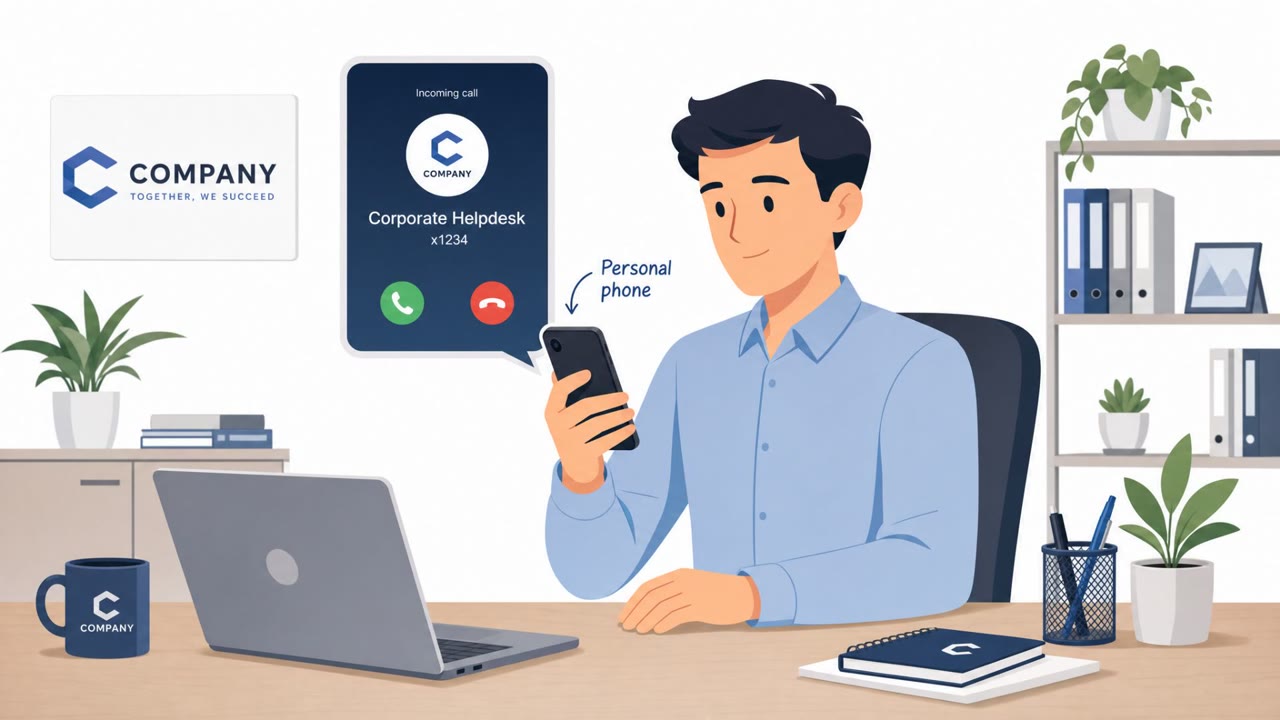
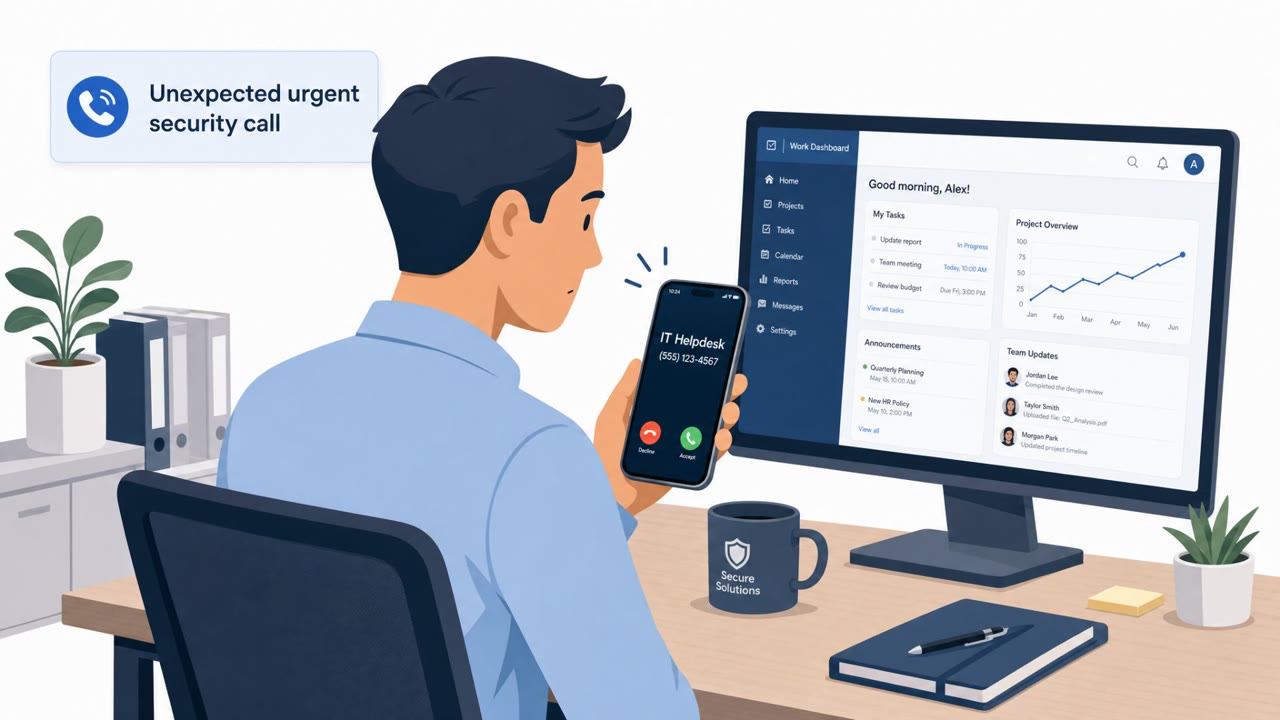
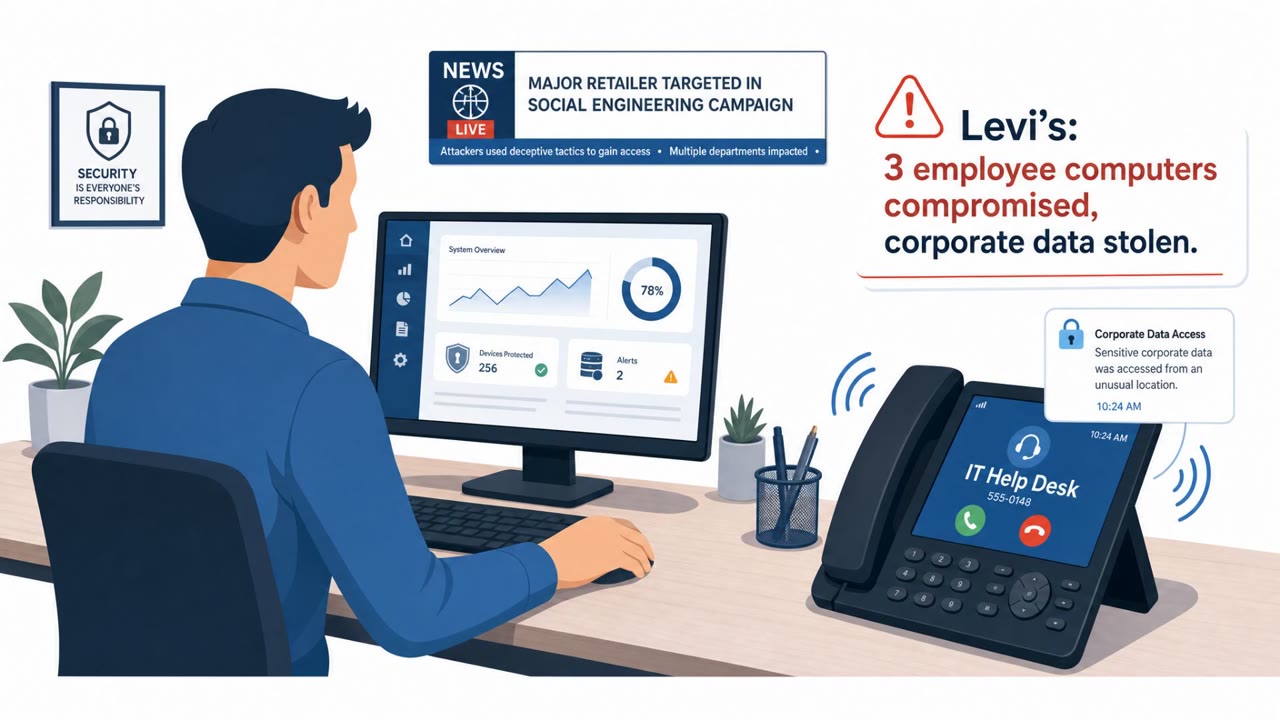
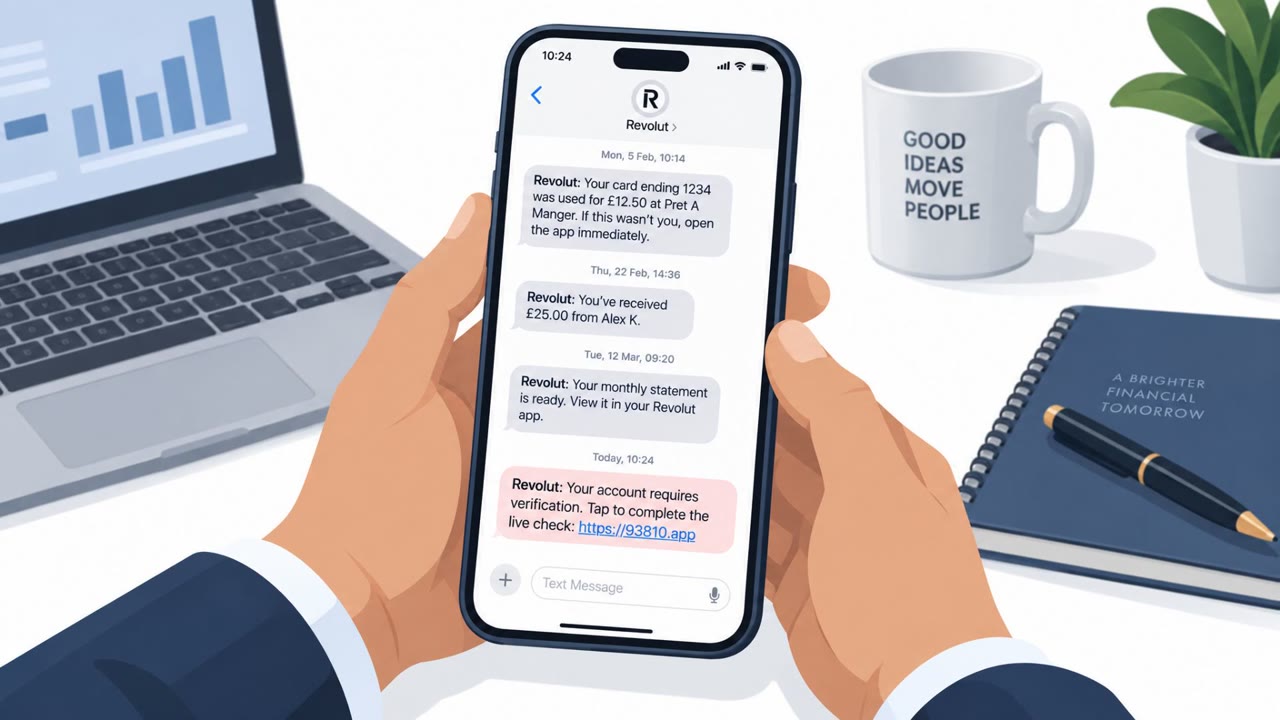
Reporting on the wider campaign this incident is tied to found attackers impersonating IT support personnel and using phishing pages to trick employees into handing over credentials and authentication information. This information could then be used to access corporate cloud environments. The pretext typically centers on a claimed account or authentication issue, directing the employee to a lookalike login page to verify credentials and any MFA or authentication details.
This campaign is not narrowly targeted. Reuters found that attackers had created personalized phishing domains for more than 200 companies, showing how easily this approach can be replicated at scale against enterprises, including financial firms and large organizations that rely on corporate cloud platforms.
Why it succeeded
Impersonating IT support works because employees are conditioned to comply quickly with requests framed as technical or urgent, especially when the message suggests they might lose account access. A personalized or unfamiliar login domain can go unnoticed under time pressure, and once valid credentials and authentication details are captured, attackers can move into cloud environments even where other security controls exist.
What to watch for
- An unexpected message claiming to be from IT support asking you to verify your account or credentials.
- A login link pointing to a domain that looks slightly off or unfamiliar rather than the official corporate portal.
- Pressure or urgency to act immediately to avoid losing access.
- Requests for authentication or MFA verification details outside of normal sign-in flow.
Building resistance
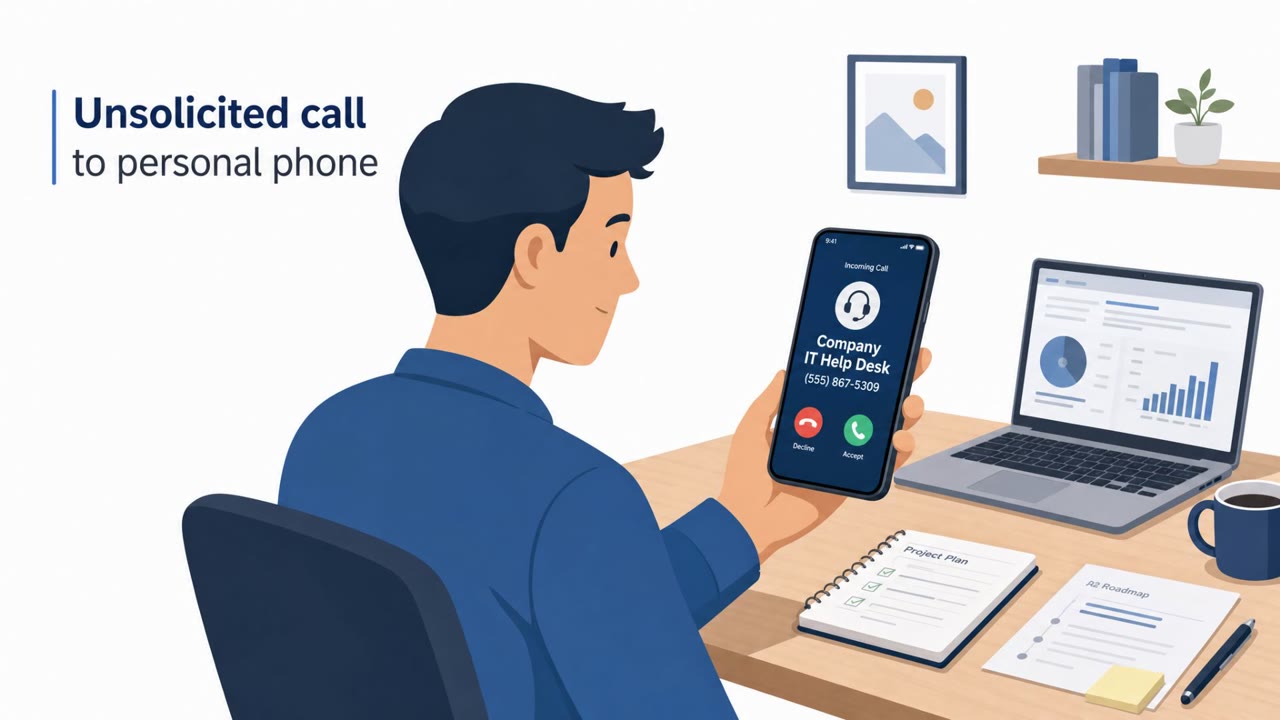
Organizations and employees can reduce risk by treating any unsolicited IT support identity as unverified until confirmed through a known internal channel, such as a directory, ticketing system, or known contact number. Employees should navigate to cloud services through bookmarks or official portals rather than clicking links in messages. Because valid credentials can still be abused, unusual sign-in prompts or authentication requests should be reported promptly so security teams can investigate. Finally, since the effects of a breach can extend beyond the initial intrusion, following company guidance on identity monitoring after notification is an important part of the response.
Key findings
- Apollo confirmed attackers accessed certain cloud platforms after a social engineering attack between July 6 and July 10.
- Stolen data included highly sensitive personal information: names, home addresses, dates of birth, and Social Security numbers.
- The broader campaign reportedly involves impersonating IT support and using phishing pages to capture credentials and authentication information for cloud access.
- Attackers have been observed creating personalized phishing domains for large numbers of companies, suggesting scalable targeting against enterprises (including financial firms).
- Apollo did not publicly attribute the breach to a specific group and did not disclose which cloud platforms were accessed or how many people were impacted.
Who’s being targeted
- Commonly targeted roles: All employees, IT service desk/help desk, Cloud administrators, Finance, HR/People Ops, Executives.
- Affected industries: Finance / investment management, Private equity, Financial services, Large enterprises using corporate cloud platforms.
- Attack channels: email, website.
- Impersonated: Internal IT support / help desk.
Red flags to watch for
- Unexpected account verification request from 'IT support'
- Link goes to a personalized or unfamiliar domain instead of the official corporate login
- Pressure/urgency to act quickly to avoid losing access
Frequently asked questions
How did attackers gain access in the Apollo Global Management breach?
Attackers used social engineering, impersonating IT support and directing employees to phishing pages that captured credentials and authentication information, which was then used to access corporate cloud environments.
What data was exposed in the breach?
Sensitive personal information was accessed, including names, home addresses, dates of birth, and Social Security numbers.
Was this a targeted, one-off attack on Apollo?
No. Reporting on the broader campaign found attackers had created personalized phishing domains for more than 200 companies, suggesting a scalable approach used against many enterprises, including financial firms.
What should employees do if they receive an unexpected IT support request?
Treat unsolicited requests to verify accounts or credentials as untrusted until confirmed through a known internal channel, such as a directory, ticketing portal, or known internal contact number.
Read the video transcript
Apollo just had a breach because someone trusted the wrong “IT support” message. The message says your access is at risk, pushes you to click a link, then sends you to a perfect-looking login page on a weird, personalized domain. In that Apollo-style campaign, attackers built custom domains for over 200 companies, stole logins and MFA codes, and used them to get into cloud platforms and pull names, addresses, birthdays, even Social Security numbers. If “IT support” ever asks you to log in from a link, stop. Don’t click, open our official portal or SSO bookmark yourself and sign in from there.