Palo Alto Networks’ Unit 42 reviewed 405 “AI-linked” malware samples and found most never reached real victims, but a small set did spread in the wild. Several successful samples relied on deception, posing as legitimate installers (e.g., a recipe app, Dropbox, and security software components), to trick people into installing malware. Unit 42 concluded AI is mainly speeding up malware development and variation, not making it harder to detect.
Key findings
- Unit 42 analyzed 405 malware samples tied to AI; about 97% did not reach real targets (stayed in sandboxes, repositories, or testing).
- Only 12 file hashes were seen on live endpoints; all triggered security alerts when executed.
- Some malware used “AI branding purely as bait,” disguising ordinary payloads as installers for popular AI products.
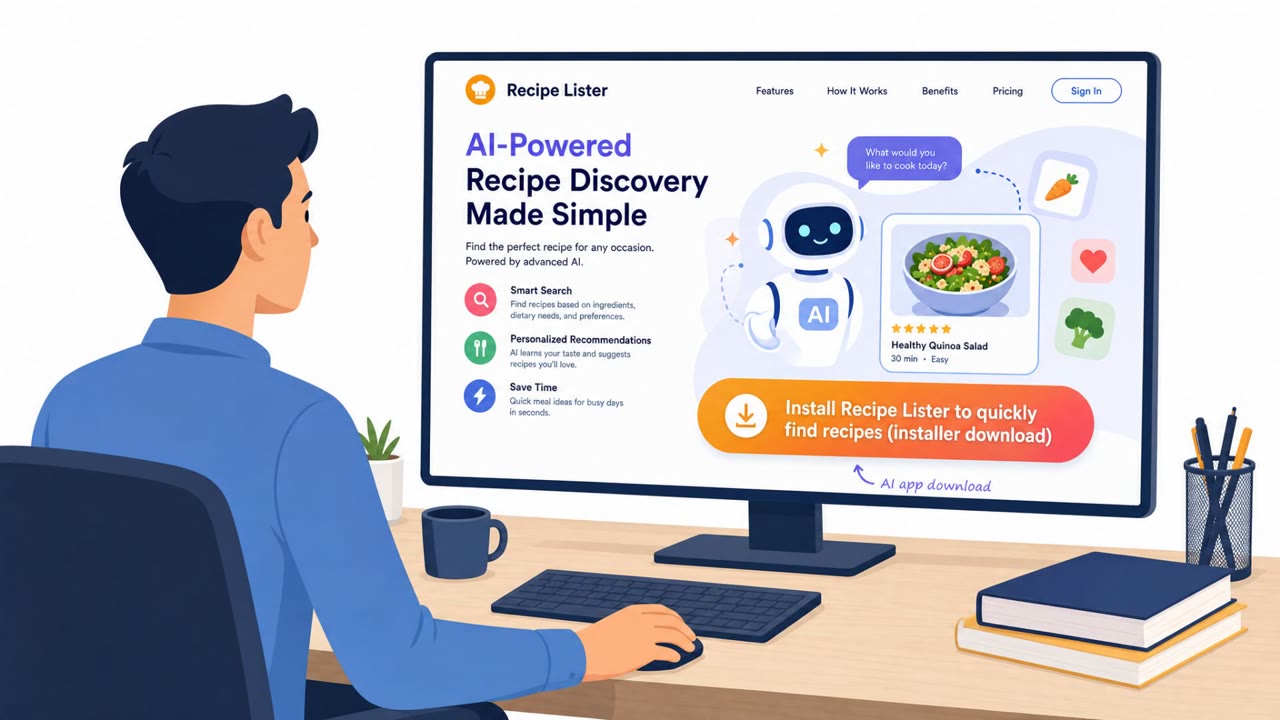
- A widely encountered sample posed as a recipe-finding app (“Recipe Lister”) and installed a backdoor after installation, spreading across more than 50 organizations.
- Another sample posed as a Dropbox installer and included a signature listing Dropbox as the publisher.
- Unit 42 assessed AI’s main impact is accelerating how quickly attackers can build/modify malware, not improving evasion vs. standard defenses.
Who’s being targeted
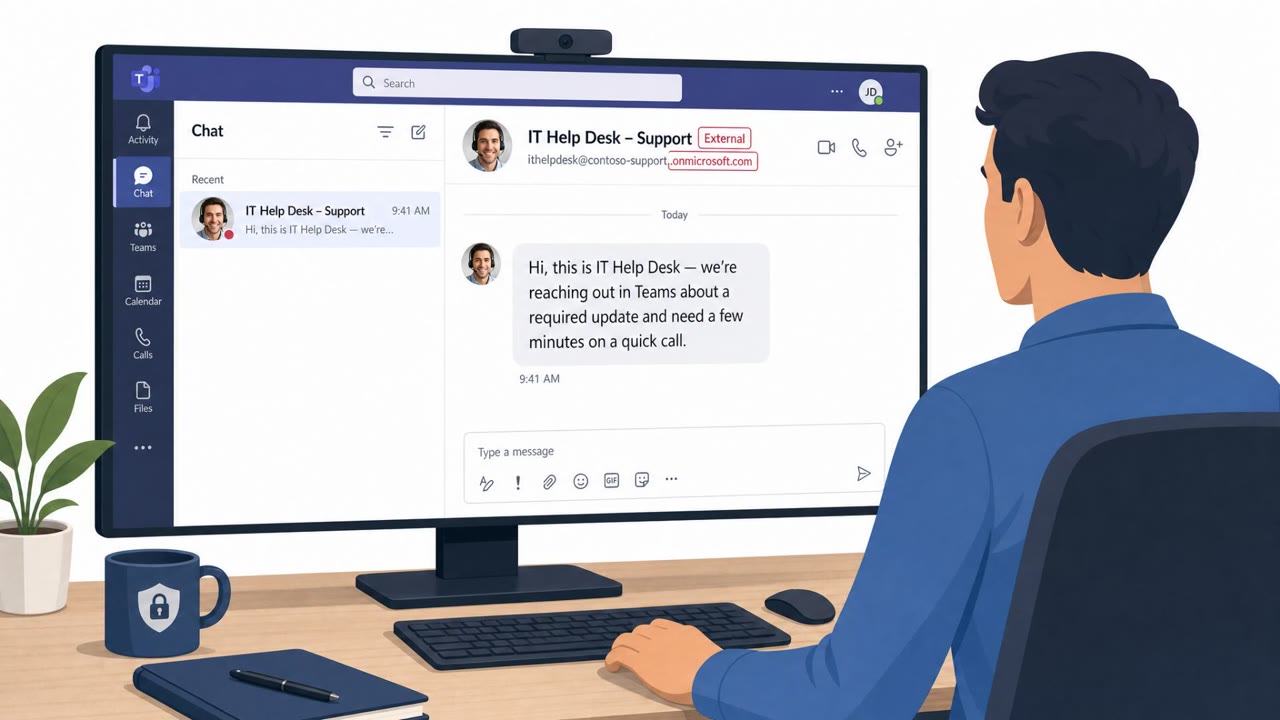
- Commonly targeted roles: All employees, IT, Helpdesk, Procurement/Asset Management.
- Affected industries: Cross-industry (no specific concentration reported).
- Attack channels: website.
- Impersonated: Recipe Lister (recipe-finding app), Dropbox, 360 Total Security.
Awareness takeaways
- Treat “legit-looking” installers as untrusted unless they come from an approved source (company portal, official vendor site, or managed app store).
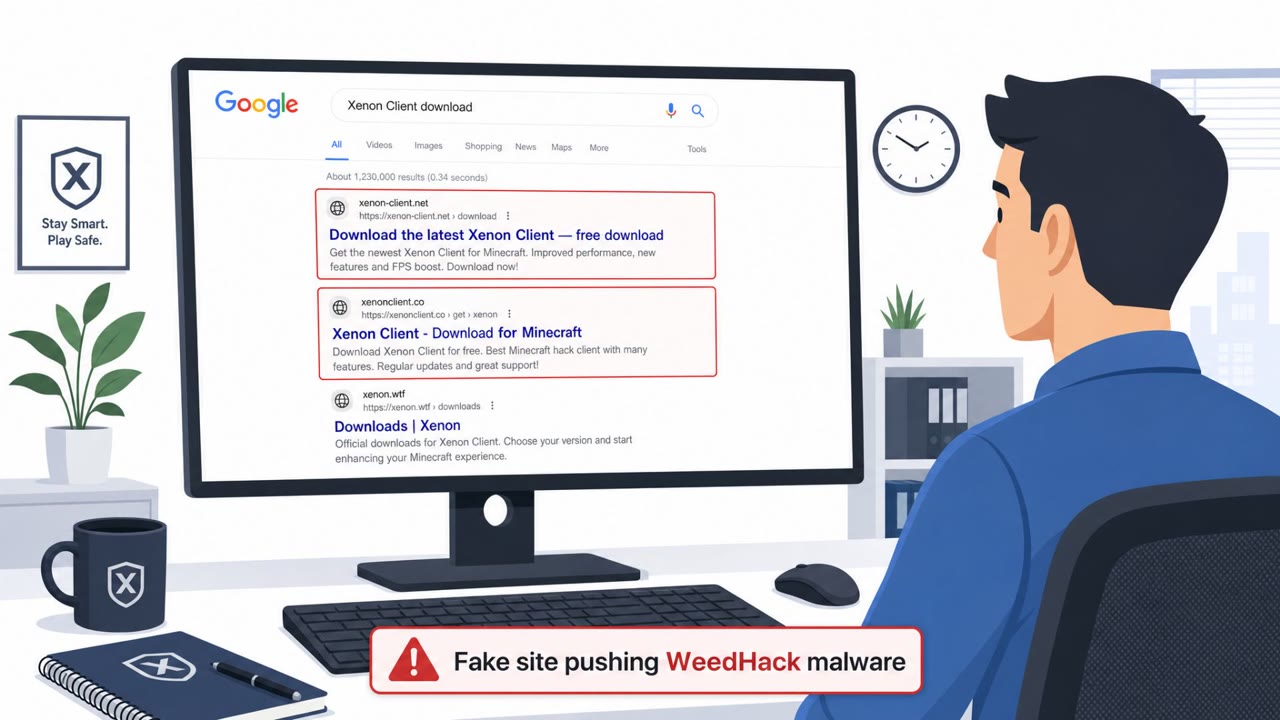
- Don’t rely on branding or AI buzzwords as proof something is safe, attackers use popular product names as bait.
- Digital signatures help, but they are not a guarantee; unusual signing details should be treated as a warning sign.
- Maintain and trust layered defenses (sandboxing and behavior-based detection) because they still catch these threats even when AI is involved.
Red flags to watch for
- Software is unrelated to work but installed on a corporate endpoint
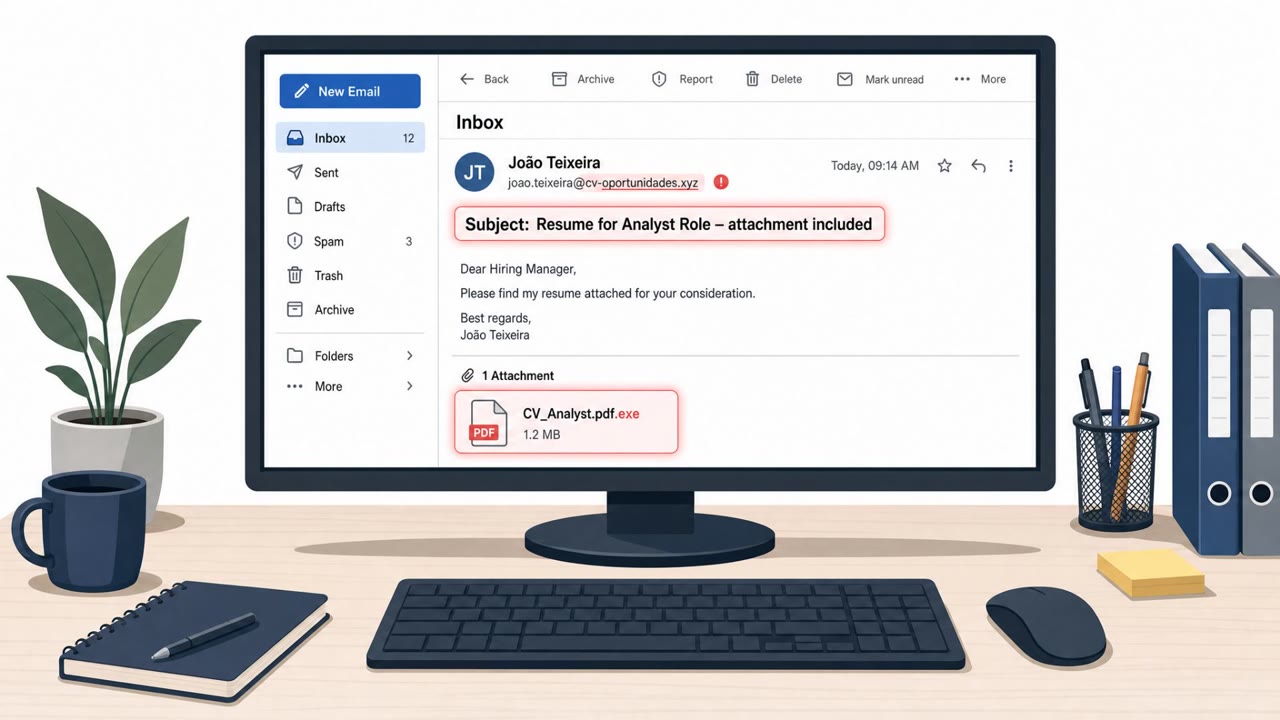
- Installer is heavily packed/obfuscated or shows unusual signing details
- Unexpected background activity after install (alerts, network beacons)
- Installer/source is not obtained via official software portal or vendor site
- Digital signature/publisher details don’t match known-good Dropbox installer metadata
- Unusual post-install behavior (unexpected processes/network connections)
- Security software components should come only from official update mechanisms
- Unexpected persistence behavior after installation
- File appears in a broader “AI-branded lure” campaign context
Read the video transcript
You’re on a recipe site at lunch and see: “Download and install Recipe Lister – free AI recipe finder.” Looks harmless, right? Unit 42 found a real “Recipe Lister” installer just like this. It even had a digital signature, but once installed, it quietly opened a backdoor and spread across more than 50 organizations. Same trick with a fake Dropbox installer: it claimed Dropbox as the publisher, but actually installed the Oyster backdoor. That’s the aha: branding, AI buzzwords, even signatures can all be bait. So if you ever need Recipe Lister, Dropbox, or any AI tool on a work device, do one thing: get it only from our official company portal or the vendor’s official site, never from a random download link.