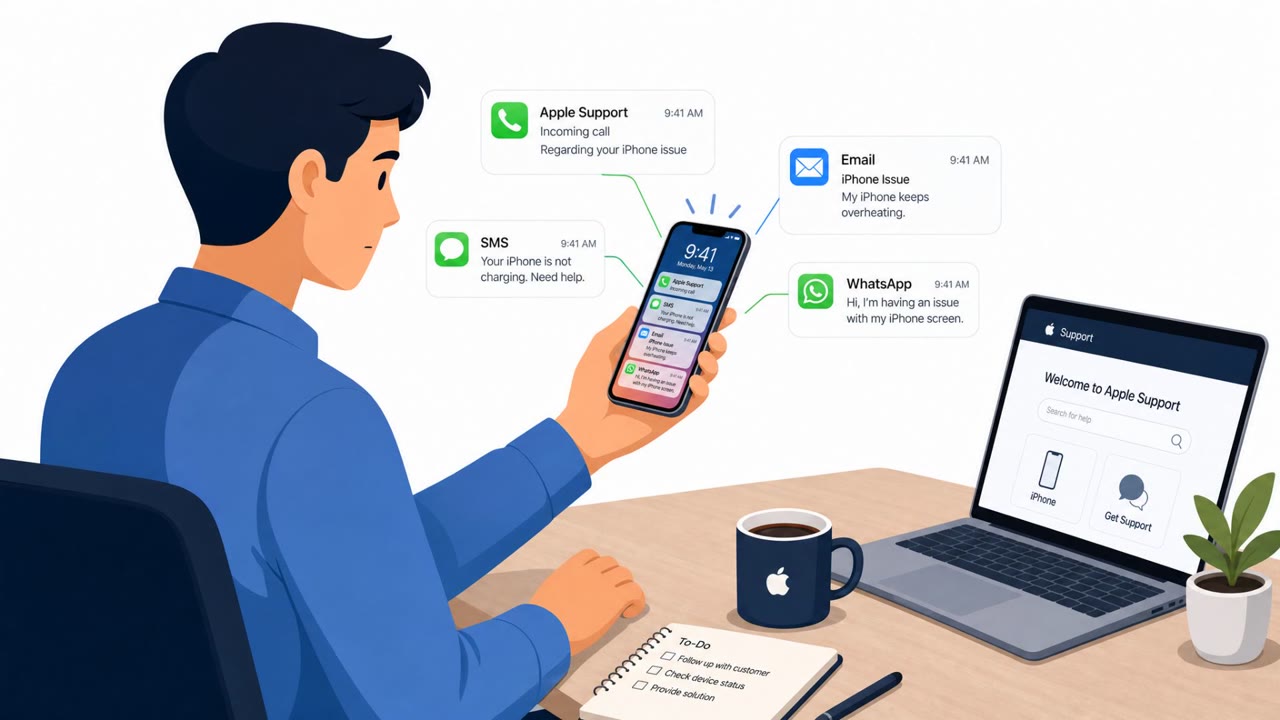
Researchers observed a coordinated social-engineering operation (“Spring Ring”) where attackers used external Microsoft Teams accounts to pose as internal IT help desk staff and start voice calls. Victims were pressured to install remote-control tools (like Quick Assist or other RMM software) or run malware, including downloads from attacker-controlled domains and tailored cloud links that looked company-specific.
Key findings
- Operation ran between January and April 2026 and targeted “more than 150 employees across at least 10 companies.”
- Attackers used external Microsoft Teams accounts and professional display names to impersonate internal IT/help desk staff.
- The lure progressed from a Teams chat to a voice call, then to persuading users to run remote access tools or download malware.
- Campaign A relied on legitimate remote support/RMM tools (including Quick Assist) followed by PowerShell-based malware from an attacker-controlled domain (san-sid[.]com).
- Campaign B used tailored cloud-hosted links and filenames that included the company name and victim name, increasing trust and click-through.
- Researchers observed repeated call attempts (including voicemails), with successful calls commonly lasting 10–15 minutes.
Who’s being targeted
- Commonly targeted roles: All employees, IT Service Desk, IT Support, Security Operations (SOC), Executives and admins (high-trust targets).
- Affected industries: Multiple industries (cross-industry targets).
- Attack channels: teams, vishing, website.
- Impersonated: Internal IT Help Desk / Support technician, Internal IT / Network Security team.
Awareness takeaways
- Treat unexpected Microsoft Teams chats/calls, especially from external accounts, as potential phishing, even if they look like ‘Help Desk.’
- Never grant remote control or install remote-support tools (e.g., Quick Assist/RMM) based solely on an inbound call; verify via your official IT channel first.
- Be suspicious of ‘company-branded’ cloud download links and installers that include your name; personalization can be a social-engineering tactic.
- Repeated call attempts/voicemails and urgent language are common pressure tactics, slow down and confirm identity before acting.
Red flags to watch for
- Teams chat/call comes from an external tenant (.onmicrosoft.com) pretending to be internal IT
- Unexpected request to grant remote control during an unsolicited help desk call
- High-pressure urgency and repeated call attempts/voicemails
- Installer link and filename contain personalized/company text to appear trustworthy
- Download is from a cloud hostname the user has never seen/verified
- IT request arrives via unsolicited external Teams contact and voice call
Read the video transcript
You get a Teams ping: “Hi, this is IT Help Desk, we need a quick call about a required update.” Looks normal, right? Between January and April 2026, more than 150 employees got this: chat turns into a voice call, and the ‘tech’ walks them through opening Quick Assist or installing a remote tool so they can “fix” an urgent issue. In some calls, they send a cloud link like company-org-filters-update-yourname.exe on an S3 URL you’ve never seen. It has your company and your name in it on purpose, just to make you click and run their malware. If an unexpected Teams “help desk” call asks for remote control or to run an installer, hang up and contact IT using your normal help desk channel, don’t do anything from that call.