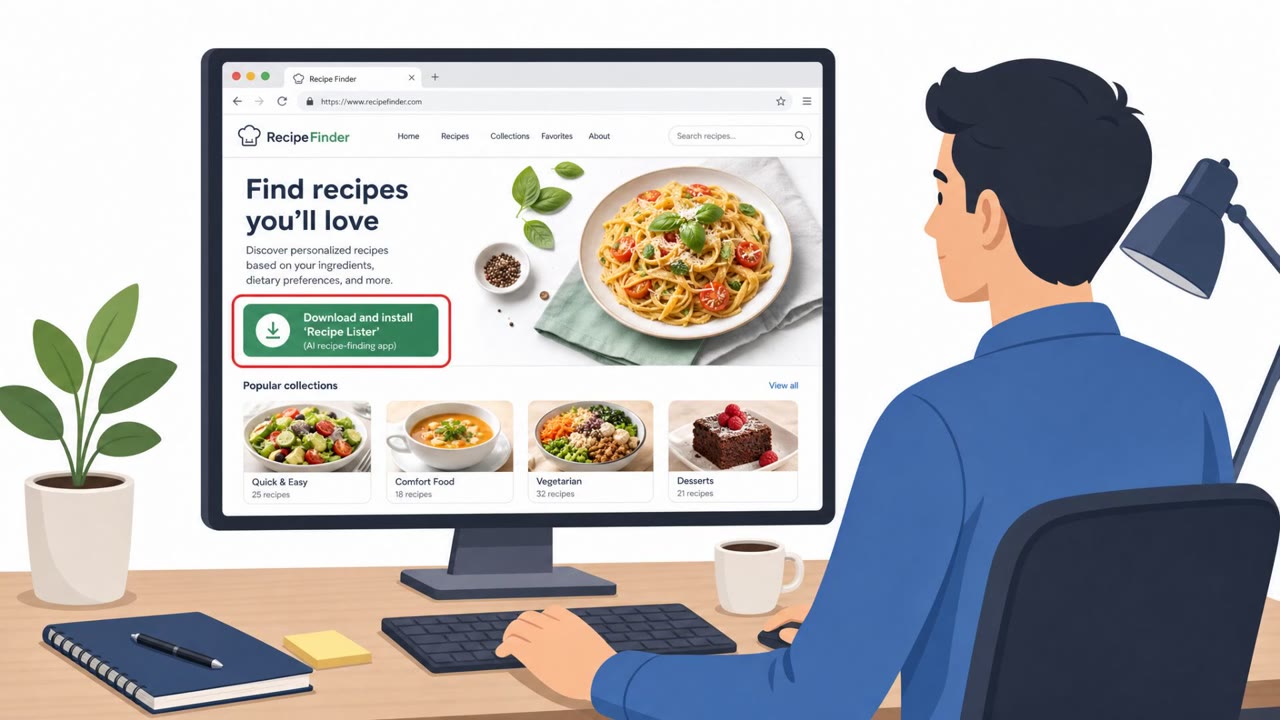
A large review of “AI-enabled malware” found most samples were proof-of-concepts, but a small set were real threats seen in production environments. The real-world activity included trojanized installers that pretended to be legitimate apps (like a recipe app or a Dropbox installer) and relied on brand trust and code signing to get users to run them.
Key findings
- The report analyzed 405 “AI-enabled malware” samples, but only 12 were seen on real endpoints; ~97% were limited to sandboxes/repositories.
- A trojanized installer masqueraded as a recipe-finding app (“Recipe Lister”) and was seen across “more than 50 organizations,” generating large alert volume, but was blocked on protected endpoints.
- A separate sample “masquerades as a Dropbox installer” and used a signature that appears to read “Dropbox, Inc.” to look legitimate while installing the Oyster/CleanBoost backdoor.
- The report highlights “AI-themed brand abuse” where AI popularity is used as a lure: “The AI branding is a social engineering tactic, not a technical capability.”
Who’s being targeted
- Commonly targeted roles: All employees, IT, Security operations, Procurement / Software request approvers.
- Affected industries: Multiple industries (no clear concentration reported).
- Attack channels: website.
- Impersonated: Recipe Lister (legitimate-looking app) / signed software publisher, Dropbox, Inc..
Awareness takeaways
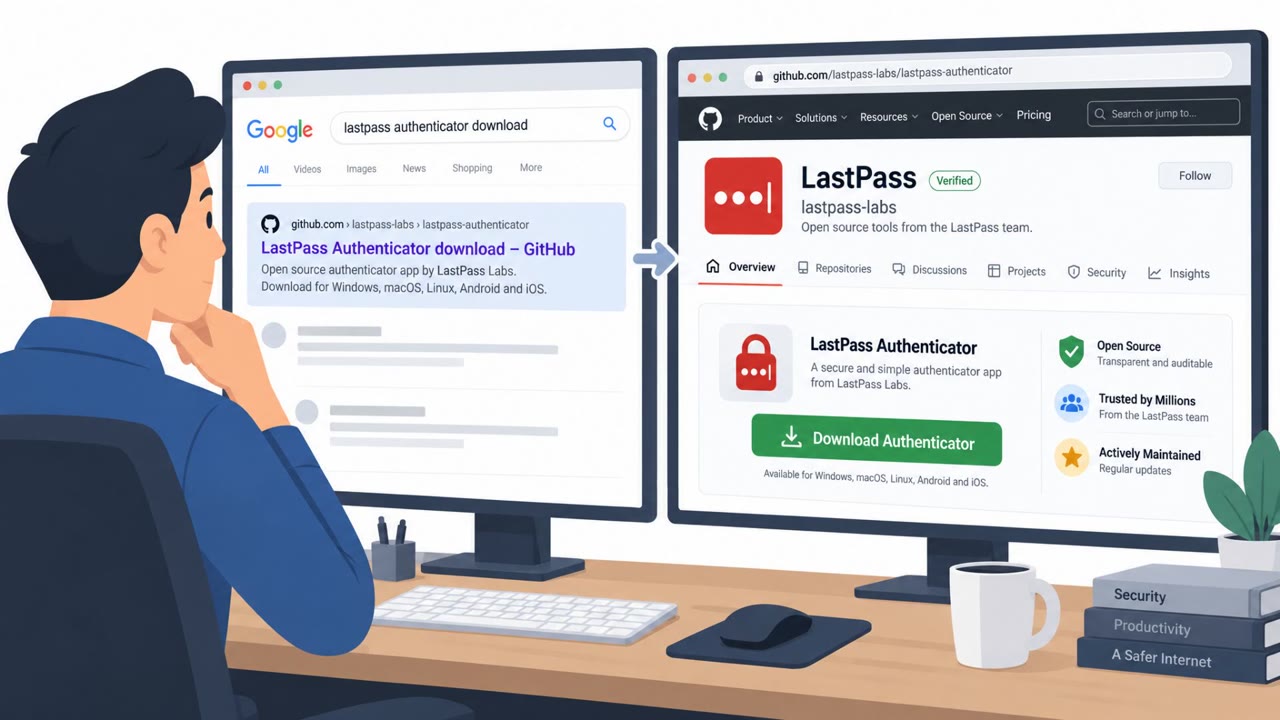
- Treat “AI-branded” downloads as a common lure; verify the source before installing software.
- Don’t trust an installer just because it is code-signed; confirm the publisher is expected for your organization and the download came from an official channel.
- Watch for “installer runs scripts from temp folders” as a strong warning sign and report it immediately.
- Assume broad, opportunistic distribution: these lures can hit many organizations, not just a specific industry.
Red flags to watch for
- Software is presented as an AI app, but comes as an unexpected installer download
- Installer is signed, but by an unfamiliar publisher for your organization
- Unusual installer behavior such as extracting and running scripts from a temporary directory
- Installer appears “verified/signed,” but the file may not be genuine Dropbox software
- Installer drops additional unexpected components (loader/backdoor behavior)
- Brand-name installers sourced from unofficial download locations
Read the video transcript
You see a shiny new AI app called “Recipe Lister” and a big button: “Install Recipe Lister to quickly find recipes.” Looks harmless, right? Here’s the trick: the installer is trojanized. It’s an NSIS installer that pretends to be Recipe Lister, but when you run it, it quietly extracts and runs a JavaScript backdoor from a temp folder. It was seen across more than 50 organizations. And it’s not just fake recipe apps. One sample masqueraded as a Dropbox installer with a signature that reads “Dropbox, Inc.” The signed file was not Dropbox software at all; it dropped a loader that installed the Oyster, also called CleanBoost, backdoor. That’s the aha: a code signature can lie to you. If any “AI” or brand-name installer pops up from the web, and you weren’t expecting it, especially if it runs scripts from a temp folder, stop and report it to IT. Don’t install it yourself.