Fake Apple Pay Alert Pushes iPhone Users to Call

Malwarebytes · Medium sophistication
Last updated August 27, 2026

A scam web page imitates Apple Pay, Face ID, and an App Store charge to scare iPhone users into thinking a $657 payment went through. It then claims the victim’s Apple ID is locked and repeatedly tries to get them to call a fake “Apple Support” phone number, including using the phone’s own text-to-speech voice to sound more legitimate.

Key findings

  • A mobile web page fakes an Apple Pay/App Store payment for $657 and displays “Face ID · verifying identity” to look like a real device authorization step.
  • The page then switches to an “Apple ID locked” message and pushes the victim to call a phone number shown as “Apple Support immediately.”
  • The scam uses the victim’s own device text-to-speech to read an urgent warning aloud, increasing believability.
  • The receipt details are largely hardcoded (same amount, transaction ID, and authorization code for every visitor), while the date/time is generated from the victim’s device.
  • The page uses aggressive navigation prompts to discourage closing the tab and to trigger a phone call via a tel: link.

Who’s being targeted

  • Commonly targeted roles: All employees (mobile users), Executives, Finance and accounting, IT helpdesk / service desk (for user reporting and guidance).
  • Affected industries: Consumers (iPhone users), Any organization with employees using iPhones for work.
  • Attack channels: website, vishing.
  • Impersonated: Apple Support.

Awareness takeaways

  • Treat any urgent security pop-up that tells you to call a number on the screen as a scam, and use official support channels instead.
  • Don’t interact with the page prompts (OK/Call/Verify); close the tab using the browser’s tab switcher instead of following on-screen dialogs.
  • Verify charges only through trusted sources (App Store/Settings purchase history), not through a website that ‘looks like’ Apple Pay.
  • If someone was convinced to call and install remote-access tools, treat it as an incident: disconnect, remove tools, reset passwords from a different device, and contact the bank.

Red flags to watch for

  • A website (not the Settings/App Store) claims Apple Pay/Face ID is verifying a payment
  • Urgent instruction to call a phone number shown on a pop-up/page
  • High-pressure prompts that make leaving the page difficult
Try Mirage

Mirage safely runs attacks like this one against your own team, so you find out what happens before a real adversary does.

Get a demo
Read the video transcript

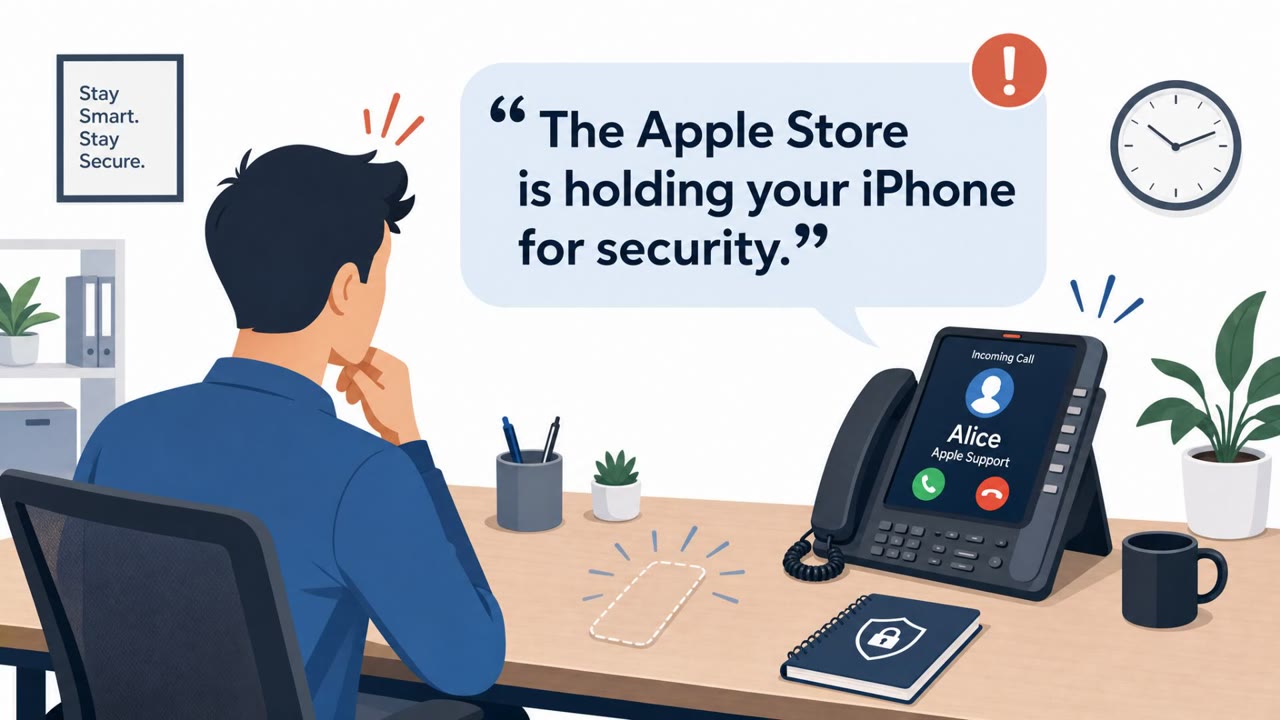
You’re on Safari and suddenly a page pops up: Apple Pay shows a $657 App Store charge, with “Face ID · verifying identity.” Then it flips: “Apple ID locked due to unrecognized sign-in.” A number appears as Apple Support, and your phone’s own voice says, “Unauthorized charge of six hundred fifty seven dollars… please call support immediately.” Here’s the tell: real Apple Pay and real Apple ID lockouts don’t live in a random web page. They show up in Settings or the App Store, not inside Safari nagging you to tap OK, Call, or Verify. If any pop-up tells you to call the number on the screen, don’t. Close the tab from the browser’s tab switcher and check your real purchases in the App Store or Settings instead.

Similar attacks

AI Voice “Apple Support” Phishing + Fake IT Helpdesk

AI Voice “Apple Support” Phishing + Fake IT Helpdesk

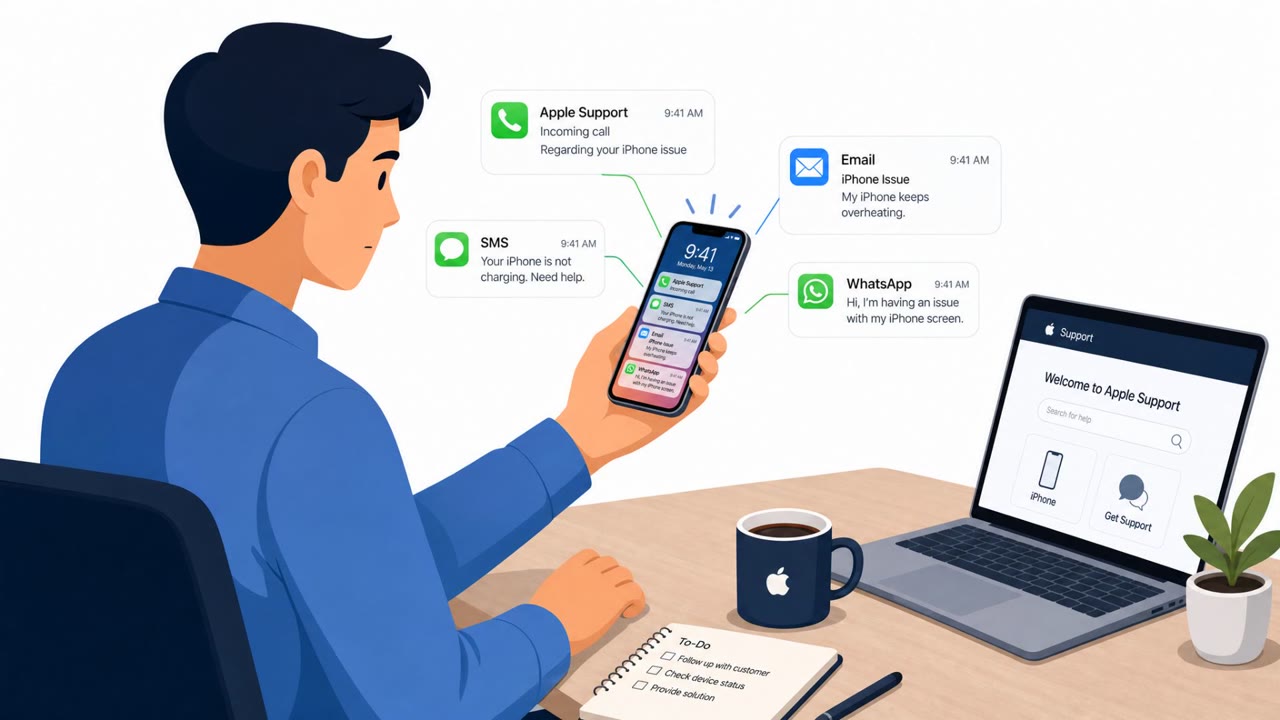
This news roundup describes real social-engineering operations where attackers impersonate trusted support teams to trick people into giving up secrets. One campaign uses email/SMS/WhatsApp plus AI voice calls pretending to be Apple Support to steal iPhone passcodes, while another uses phishing…

August 27, 2026
AI “Apple Support” Calls Steal iPhone Passcodes

AI “Apple Support” Calls Steal iPhone Passcodes

Researchers say a phishing-as-a-service platform called AnonyMousKIT targets people who recently lost or had an iPhone stolen by pretending to be “Apple Support.” The operation uses email/SMS/WhatsApp and AI-assisted voice calls to convince victims to share their iPhone passcode and follow a…

August 26, 2026
AI “Apple Support” Calls Steal Passcodes & 2FA

AI “Apple Support” Calls Steal Passcodes & 2FA

Researchers uncovered a phishing-as-a-service platform (“AnonyMousKIT”) used by phone thieves to trick victims into handing over iPhone passcodes, Apple ID passwords, and live 2FA codes so thieves can remove Apple’s Activation Lock. The operation uses Apple-branded emails/pages and AI voice agents…

August 26, 2026
Fake Microsoft Scan Pushes AV Uninstall Scam

Fake Microsoft Scan Pushes AV Uninstall Scam

Scammers are running Microsoft-branded “SysScan” websites that display a fake security scan and falsely claim Windows no longer supports third‑party antivirus. Victims are pressured to uninstall their antivirus, submit personal and banking details, and prepare for a “refund manager” phone call,…

August 24, 2026
Phishing Hits M365; Deepfake Vishing Targets Funds

Phishing Hits M365; Deepfake Vishing Targets Funds

The roundup describes real social-engineering incidents: a phishing email that led an employee to enter credentials on a fake Microsoft 365 login page, and a wave of voice-phishing attempts against major hedge funds using voice-mimicking technology. Both incidents show practical lures that can be…

August 7, 2026
ClickLock Stealer Freezes Macs for Passwords

ClickLock Stealer Freezes Macs for Passwords

Researchers found a new macOS infostealer, “ClickLock Stealer,” that uses ClickFix-style fake verification pages to trick people into running Terminal commands. After infection, it shows a realistic macOS password prompt and can effectively lock the Mac until the victim enters the correct password,…

July 21, 2026