This bulletin describes multiple real-world scams where attackers make fake pages and messages look like routine, trusted experiences (search answers, Google login pop-ups, “giveaways,” and official-sounding calls). Examples include a fake Claude Max giveaway using a convincing fake Google sign-in window, and an “AI search poisoning” campaign that tricks ChatGPT/Gemini/Google AI Overviews into recommending fraudulent phone numbers, emails, and login pages for major brands. The same theme appears in government impersonation phone scams that pressure victims into paying via wire, crypto, or prepaid cards.
How the attack worked
This bulletin describes several social engineering schemes that share a common thread: making fraudulent content look like a routine, trusted experience. In one case, a fake Claude Max giveaway used a browser-in-the-browser technique to display a spoofed Google sign-in window. Instead of opening a real Google authentication flow, the page drew a fake browser window inside the existing tab, complete with a padlock icon and a correctly spelled Google address, to harvest login credentials.
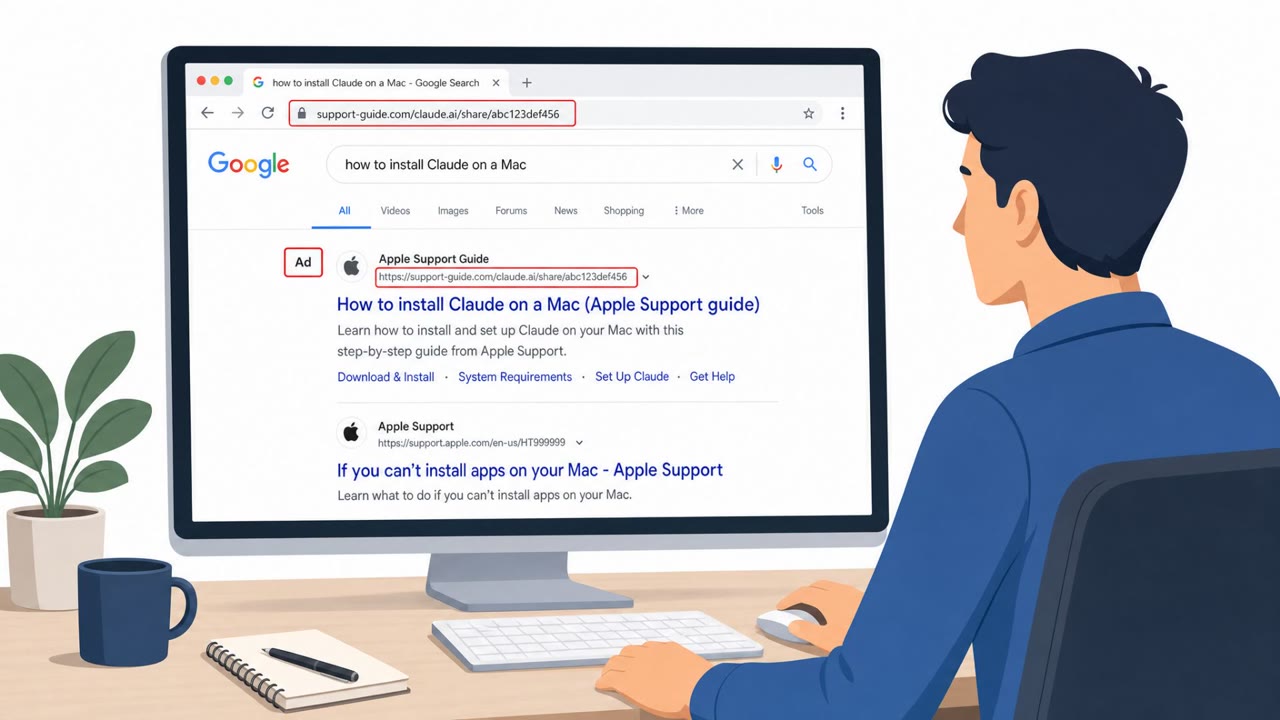
Separately, a large-scale campaign is poisoning AI assistants and search summaries, including ChatGPT, Gemini, and Google AI Overviews, with fraudulent phone numbers, email addresses, and login pages tied to major brands. Attackers flood the web with optimized posts, PDFs, reviews, and fake support pages so that AI tools confidently surface fake contact details as if they were official.
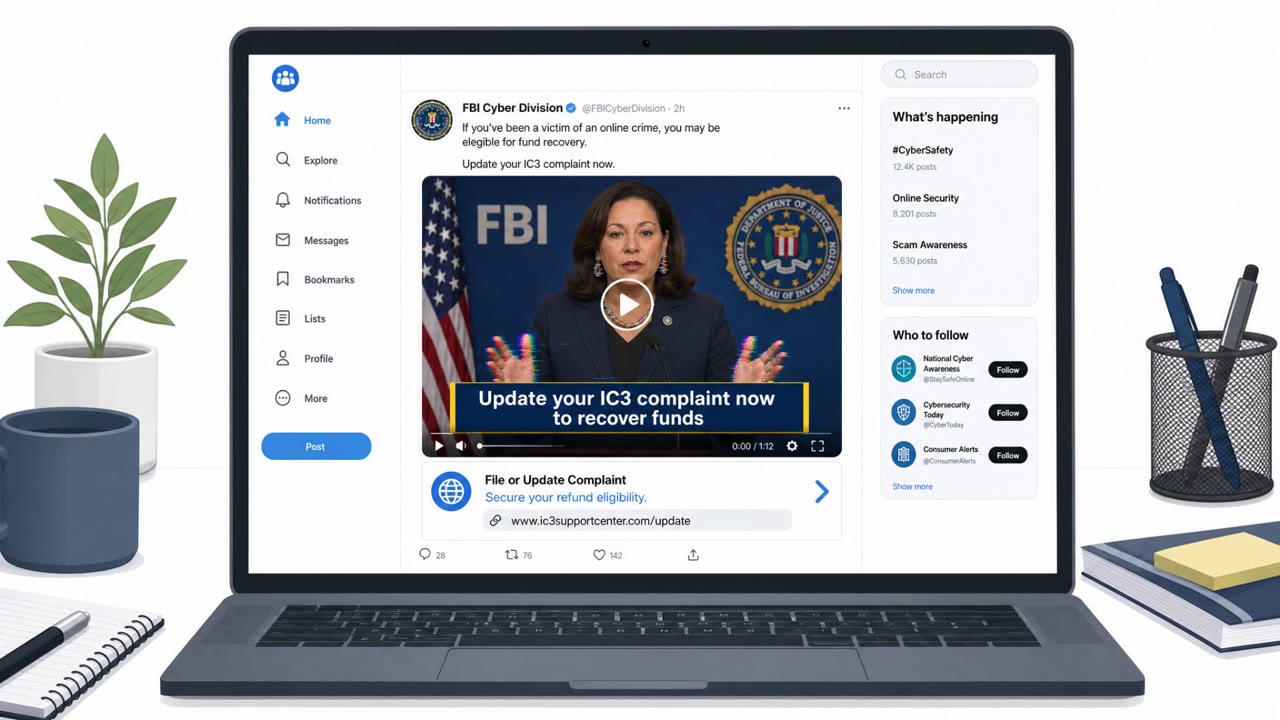
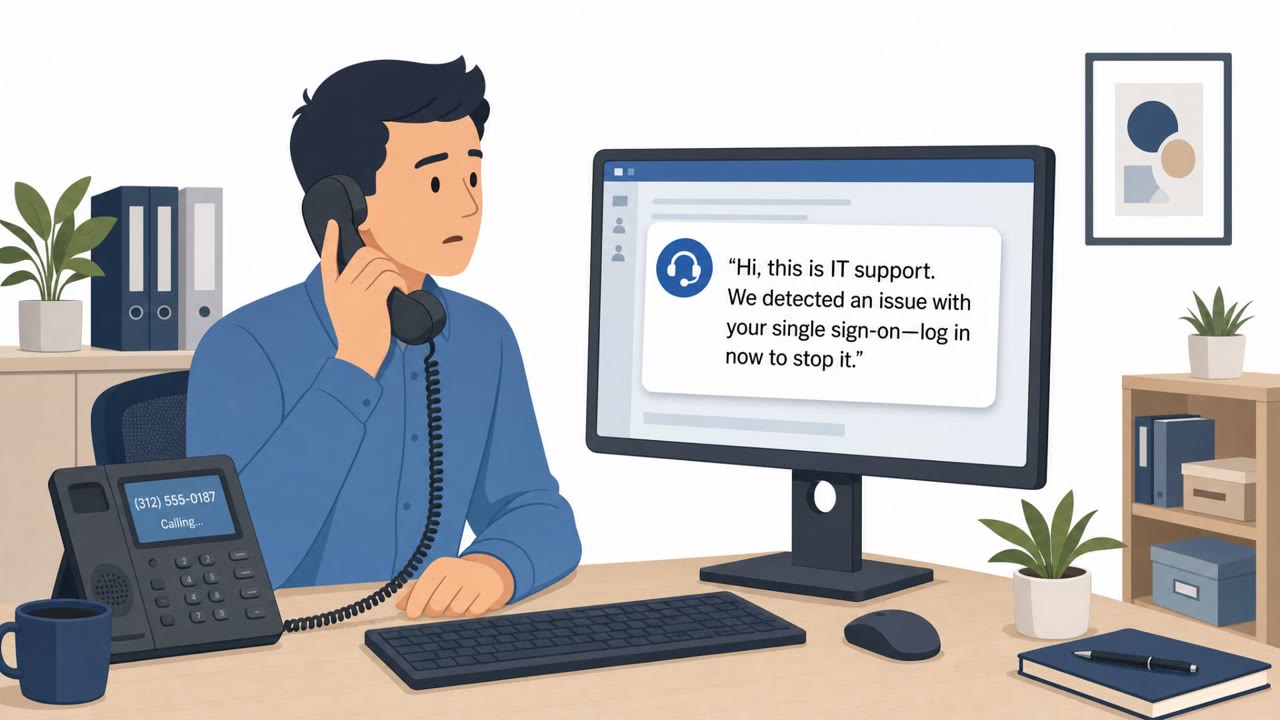
A third pattern involves scammers impersonating law enforcement or government officials over the phone, using urgency and aggressive pressure to extract money or personal information.
Why it succeeded
Each scenario abuses a form of borrowed trust:
- The BitB giveaway relies on visual familiarity, a padlock and correct-looking address convince users they are on a real Google page.
- AI search poisoning exploits the fact that users treat AI-generated answers as authoritative, rarely questioning where the underlying contact information came from.
- Government impersonation calls exploit urgency and isolation, pressuring victims to act before they can verify anything independently.
In all three cases, the victim is not asked to do anything unusual, just sign in, call a number, or comply with an official-sounding request.
What to watch for
- Giveaway or upgrade offers that immediately require a Google or Microsoft sign-in
- Sign-in windows that appear inside a webpage rather than as a separate browser window or tab
- AI-generated contact information for a company that doesn't match its official website
- Phone calls demanding secrecy, urgency, or payment via prepaid cards, couriers, wires, or cryptocurrency kiosks
How to build resistance
Organizations can reduce exposure by training staff to verify sign-in prompts and contact details independently rather than trusting what appears on screen. Key habits include:
- Navigating directly to a company's official website to confirm phone numbers, emails, and login pages instead of relying on AI-generated answers
- Treating any embedded login pop-up as suspicious, especially when triggered by a giveaway or upgrade offer
- Requiring callback verification using known-good numbers before acting on requests from callers claiming to be officials
- Escalating any request for payment via prepaid cards, crypto kiosks, or cash couriers as a likely fraud indicator
These behaviors help employees pause and verify before trusting an answer, a login window, or a phone call, regardless of how official it appears.
Key findings
- A fake ‘Claude Max giveaway’ used a browser-in-the-browser (BitB) technique to show a spoofed Google sign-in window and steal credentials.
- A large-scale campaign is ‘poisoning’ AI assistants/search summaries with fraudulent phone numbers, email addresses, and login pages for major brands, turning “trusted answers” into phishing lures.
- Scammers impersonating law enforcement/government use pressure tactics (urgency, isolation, staying on the phone) and demand payment via wire, crypto, couriers, cash, or prepaid cards.
- A ClickFix-style framework (Exvicy) uses fake Cloudflare CAPTCHA checks on compromised sites to trick users into running commands via the Windows Run dialog (a strong ‘do what the screen tells you’ lure).
Who’s being targeted
- Commonly targeted roles: All employees, Executives, Finance/AP, HR, Customer Support/Call center, Travel coordinators/Operations.
- Affected industries: Banking/Financial Services, Airlines/Travel, Online consumer services (hospitality, rentals, reviews), Government/Public sector (impersonated), Software/IT (malware distribution via compromised websites).
- Attack channels: website, vishing.
- Impersonated: Claude Max giveaway site / Google sign-in, Target brand support (via AI results), U.S. or foreign law enforcement / government official.
Red flags to watch for
- Giveaway/upgrade offer pushes immediate login
- Sign-in window is a fake ‘window inside the page’ rather than a real Google login flow
- Too-good-to-be-true offer with no legitimate verification
- AI answer provides contact details that don’t match the company’s official site
- Login page or support page is hosted on an odd/free hosting location
- Search/AI summary confidently presents contact info without clear source verification
- Caller pressures secrecy (don’t tell family/bank/law enforcement)
- Unusual payment methods demanded (crypto kiosk, prepaid cards, courier cash)
- Aggressive urgency and refusal to allow verification/callback
Frequently asked questions
What is AI search poisoning?
It is a campaign that floods the web with optimized posts, PDFs, reviews, and fake support pages so that AI assistants like ChatGPT, Gemini, and Google AI Overviews present fraudulent phone numbers, email addresses, and login pages as trusted answers.
What is a browser-in-the-browser (BitB) attack?
It is a technique where a fake giveaway or login page draws a browser window inside the existing tab, complete with a padlock and a correctly spelled address, to trick users into entering credentials into what looks like a real sign-in window.
How do fake government official calls try to pressure victims?
Scammers use urgent and aggressive tones, pressure victims to stay on the phone, and demand payment through prepaid cards, couriers, bank wires, cryptocurrency, or cash inserted into cryptocurrency kiosks.
How can employees verify company contact information found through AI search?
Instead of trusting phone numbers, emails, or login pages surfaced by an AI answer, employees should navigate directly to the company's official website to confirm the information.
Read the video transcript
You search for a Claude Max upgrade, and boom, free Max giveaway, just sign in with Google. You click, and a perfect Google login pops up, padlock, correct URL and all. But it’s a browser-in-the-browser BitB fake sitting inside the page, built to steal your Google password. Same play with AI search: you ask for Delta or Chase support, and the AI confidently gives a phone number or login link that actually goes to a phishing site on some random domain. If a giveaway or AI answer pushes you to log in or call right now, don’t trust it, open the company’s official website yourself and use the contact or login links from there.