

Fake Advisors, ClickFix, and Chrome Sync Spying
This roundup describes several real-world social-engineering and human-abuse techniques, including trojanized “installer” lures (ClickFix), large-scale…
July 16, 2026
Apple warns that scammers are placing unsolicited FaceTime calls and sending urgent-looking messages that appear to come from “Apple Support” or a bank. The callers use pressure and fear (fraud alerts, refunds, account issues) to trick victims into sharing passwords, banking details, or one-time passcodes, and sometimes to install remote-access software.
This attack relies on unsolicited FaceTime calls that appear to come from “Apple Support” or a bank. The caller claims there is fraudulent activity or a technical problem on the victim's account, creating a sense of urgency. Once the victim is engaged, the caller pressures them to “verify” card details, online banking credentials, or Apple ID information. In some cases, the attacker also asks the victim to share a one-time passcode or to install remote-access software so the caller can supposedly fix the problem.
Nothing in this process requires malware on the device. The exploit is human trust, reinforced by familiar branding, logos, and the immediacy of a real-time call, which tends to feel more legitimate than a text message or email. A live voice call also gives the attacker room to adapt in real time, respond to hesitation, and keep pressure on the target until they comply. Because the pretext touches on money, security, or account access, it taps directly into fear of loss, which tends to override normal skepticism.
These red flags apply whether the contact starts as a FaceTime call or as a text message that leads into one.
reportfacetimefraud[@]apple.comBecause this technique targets judgment rather than technical defenses, awareness and a habit of independently verifying unexpected requests are the most effective safeguards.
Mirage safely runs attacks like this one against your own team, so you find out what happens before a real adversary does.
Attackers place unsolicited FaceTime calls that appear to come from Apple Support or a bank, then use claims of fraud or account problems to pressure victims into sharing card details, banking credentials, Apple ID information, or one-time passcodes.
No. The attack relies on human trust rather than malicious software, though some victims are persuaded to install remote-access software or hand over one-time passcodes.
Apple advises treating unexpected FaceTime calls or messages about payments, refunds, or personal information as untrusted and contacting companies directly through trusted channels rather than numbers or links provided by the caller.
Apple recommends emailing a screenshot of the call information to `reportfacetimefraud[@]apple.com` so the report can be reviewed.
You get a FaceTime call: the screen says “Apple Support.” Fraud alert. Urgent. What do you do? The caller says, “Hi, this is Apple Support, there’s fraudulent activity on your account. I’ll send a verification code; read it back to me so we can secure your card and Apple ID.” Here’s the trick: real Apple Support will NOT ask for your Apple ID password, banking login, card details, or one-time passcodes over FaceTime or text, ever. If they do, it’s a scam draining your accounts, not helping you. If you get an unexpected FaceTime about payments or refunds, hang up. Then screenshot the call info and email it to reportfacetimefraud@apple.com, and let our security team know.
This roundup describes several real-world social-engineering and human-abuse techniques, including trojanized “installer” lures (ClickFix), large-scale…
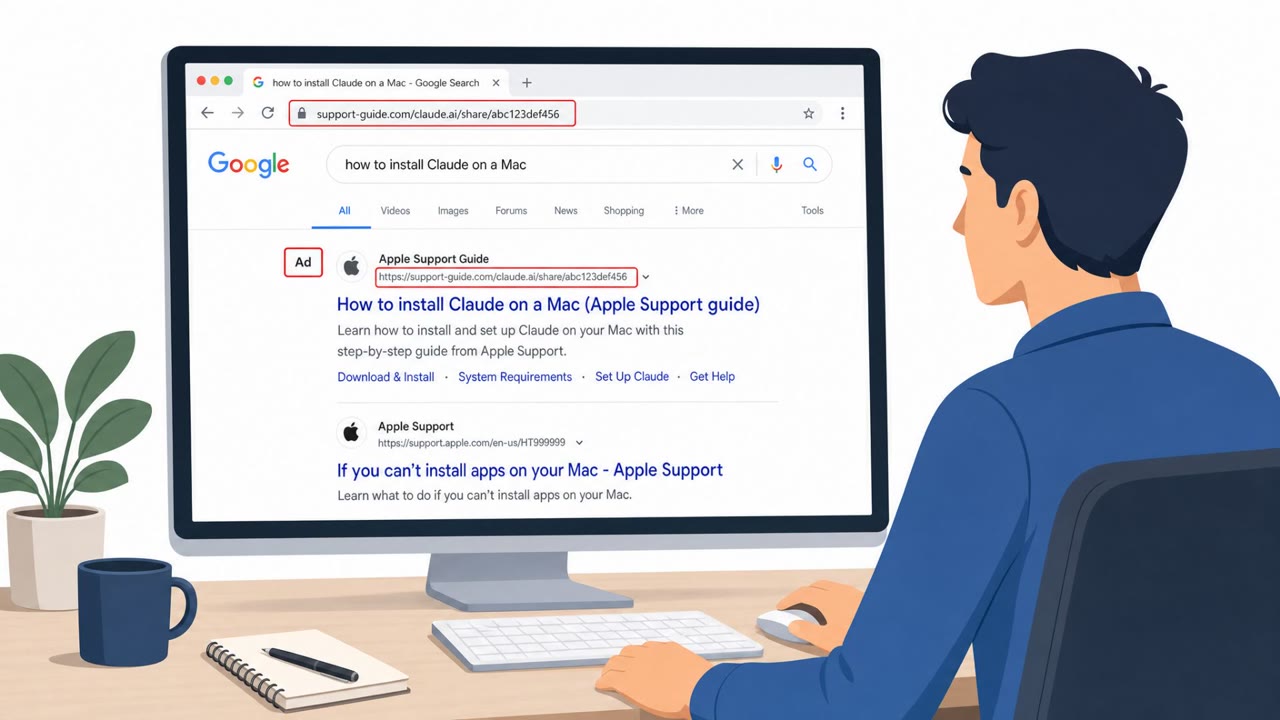
This bulletin describes multiple real-world social engineering campaigns where attackers trick people into trusting a familiar screen, like a search result…

Criminal groups are stealing Meta Business Manager and Google Ads accounts using phishing that arrives through trusted platforms like Salesforce, Google…
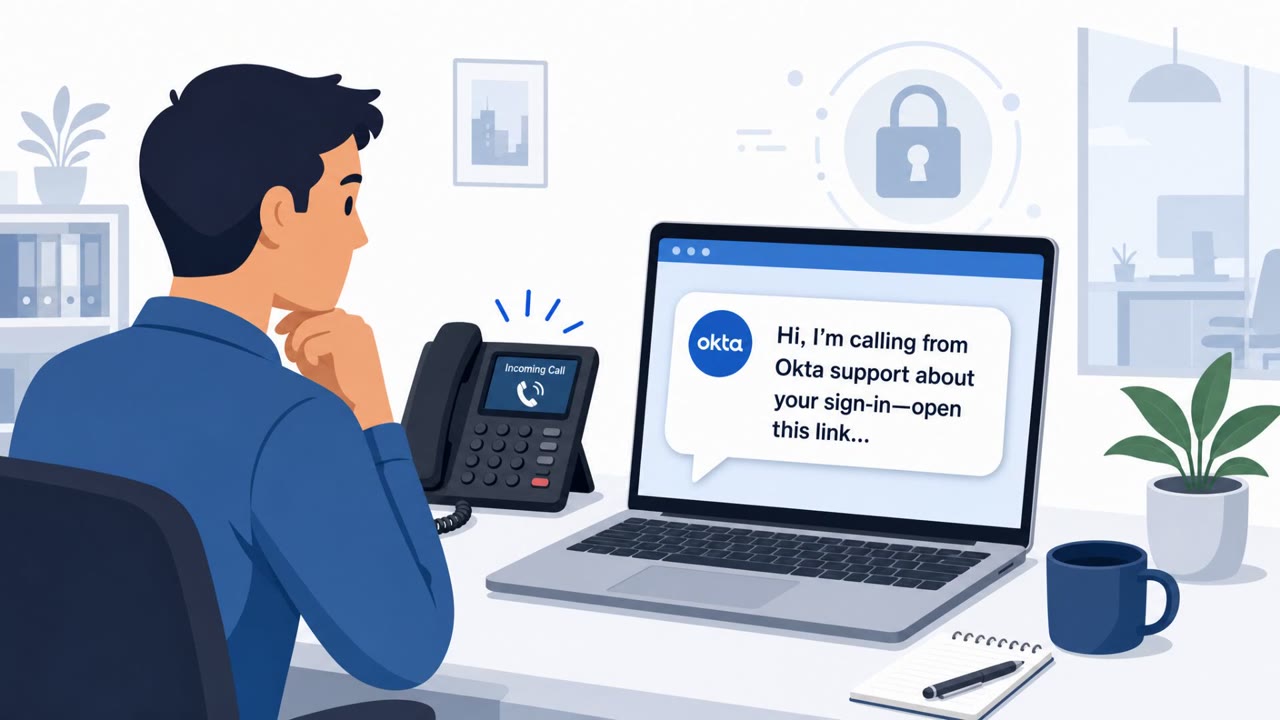
Okta says it gained an inside look at “Work Panel,” a polished SaaS-style dashboard that helps voice-phishing (vishing) crews rapidly set up fake login sites…
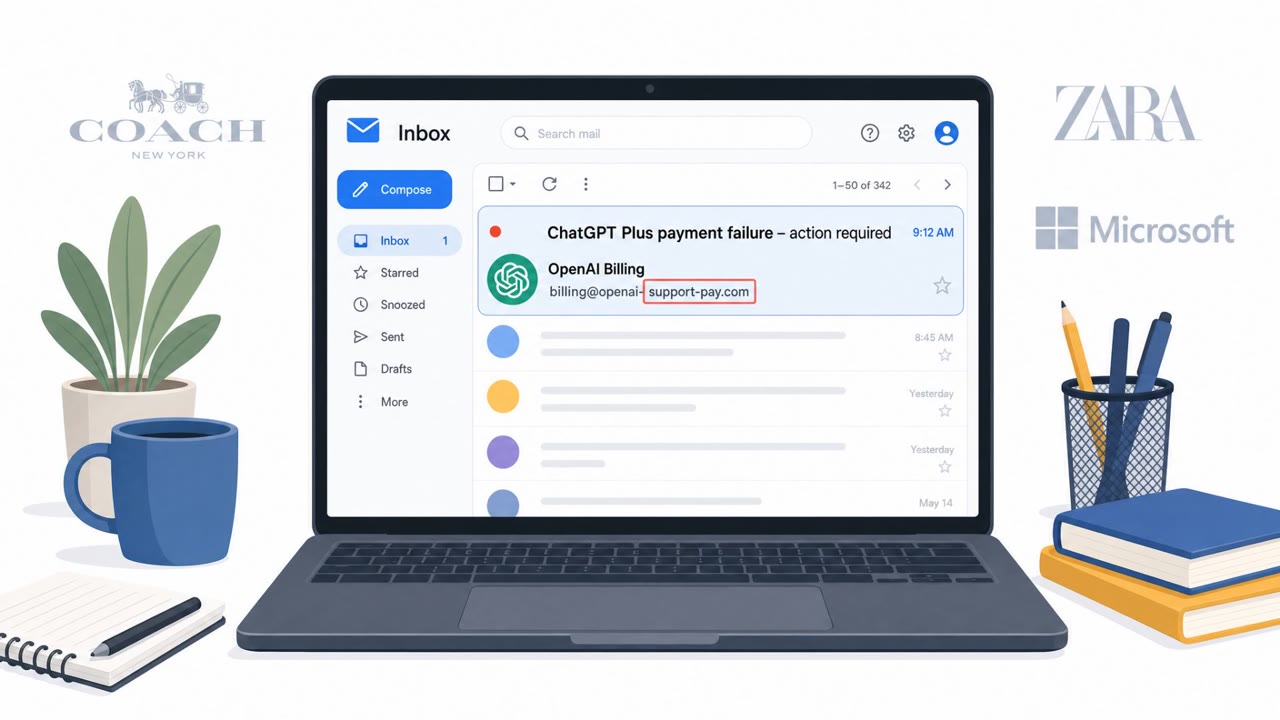
Check Point reports that scammers are now impersonating ChatGPT/OpenAI in phishing campaigns, reflecting how mainstream the service has become. One documented…

A phishing campaign targets Call of Duty Mobile players by promising free Call of Duty Points (CP). Victims are tricked into entering their email, password,…