Fake Calendar Invites Hit 40,000 Organizations

eSecurity Planet · Medium sophistication
Last updated October 20, 2026

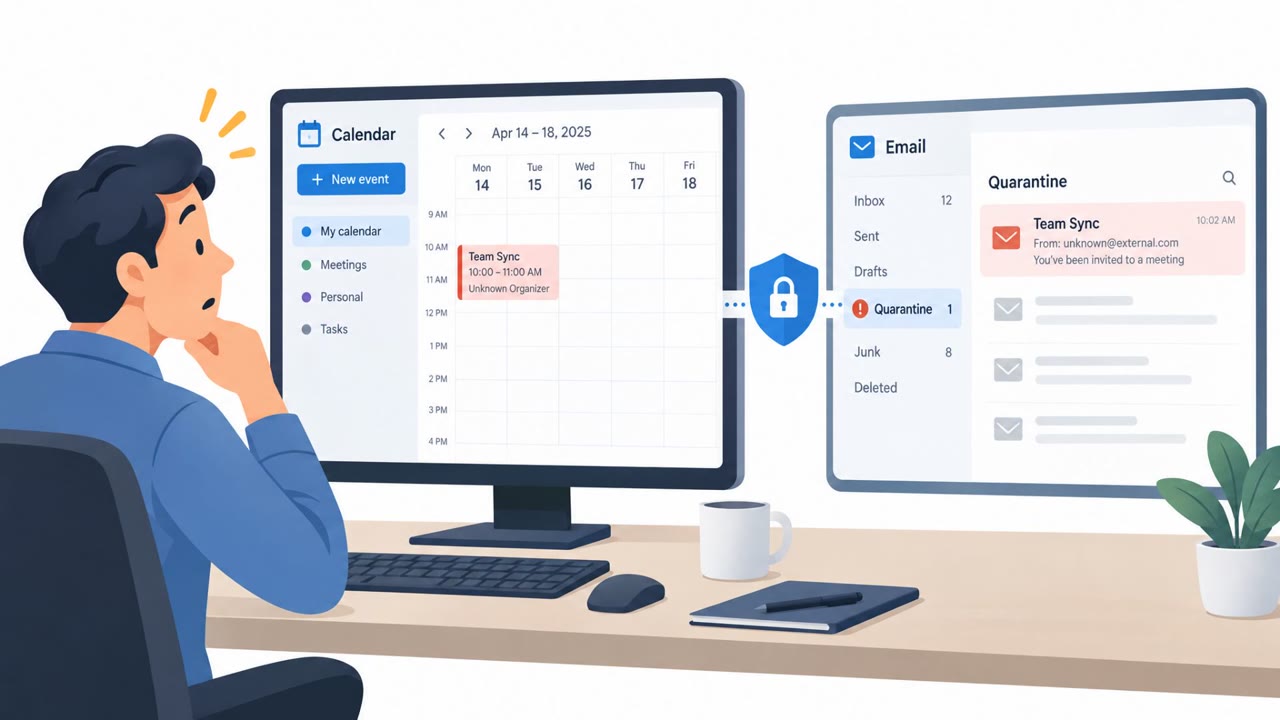
Attackers sent large volumes of fake Microsoft 365 calendar invitations designed to steal employee credentials. The messages use familiar meeting requests, including apparent Microsoft Teams invitations and calendar files, to direct users to phishing pages. Some invitations can remain on an employee’s calendar even after the original email is removed.

Key findings

  • Check Point identified more than 302,386 unique malicious emails targeting over 40,000 organizations.
  • The campaign used malicious ICS calendar attachments and meeting links disguised as Microsoft Teams invitations.
  • Calendar events may be added automatically by some email clients and can remain visible after the original phishing email is deleted.
  • The campaign exploits normal employee behavior: accepting meetings, opening calendar reminders, and following conference links.
  • Security response must remove both the phishing email and any malicious calendar event, then investigate potential account access.

Who’s being targeted

  • Commonly targeted roles: All employees, Microsoft 365 users, Executive assistants, Administrative staff, IT helpdesk, Security operations teams.
  • Affected industries: Multiple industries, Organizations using Microsoft 365.
  • Attack channels: email, website.
  • Impersonated: Microsoft Teams, External meeting organizer.

Awareness takeaways

  • Verify unexpected meeting invitations through a known communication channel before opening links or accepting the event.
  • Treat calendar attachments and meeting links with the same caution as other email links, especially when they request a Microsoft 365 sign-in.
  • Do not assume deleting a suspicious email removes the risk; check your calendar for related events and reminders.
  • Report unexpected authentication prompts or device authorization requests rather than approving them.

Red flags to watch for

  • The meeting is unexpected or from an unfamiliar sender.
  • The meeting link leads to an external or suspicious destination.
  • The sender may use a new address or domain, making it look unrelated to the apparent meeting organizer.
  • An unsolicited external calendar invitation contains a link.
  • The event details include an unusual external destination.
  • A calendar entry or reminder remains after the related email has been deleted.
Try Mirage

Mirage safely runs attacks like this one against your own team, so you find out what happens before a real adversary does.

Get a demo
Read the video transcript

Deleted a sketchy meeting email? Its invite might still be on your calendar. This campaign hit over 40,000 organizations. A fake Teams invite arrives by email, sometimes with a valid ICS calendar file. Its meeting link opens a counterfeit Microsoft 365 sign-in page. Here's the trap: your calendar reminder can bring that link back after you've deleted the email. An unexpected meeting, unfamiliar sender, or external link? That's not a reason to sign in. Before opening an unexpected invite, ask the organizer through a contact method you already know.

Similar attacks

Fake Calendar Invites Fuel Phishing Surge

Fake Calendar Invites Fuel Phishing Surge

Attackers are using fake calendar invitations to bypass normal email defenses and lure people into credential theft or malware downloads. The invites may appear in a user’s calendar even when the related phishing email is quarantined, making unexpected meeting entries a new route for account and…

October 20, 2026
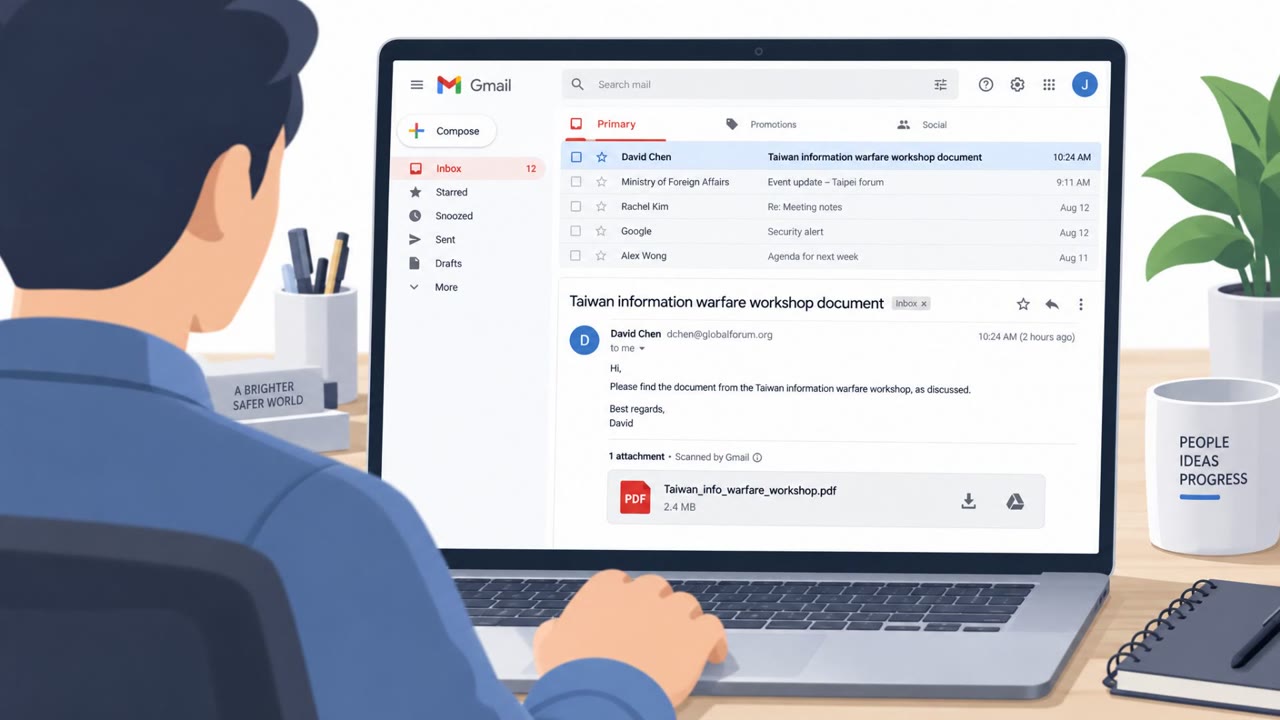
China-Linked Phish Uses Fake Gmail Preview

China-Linked Phish Uses Fake Gmail Preview

A China-linked espionage group (UAT-11587) targeted Asian government and policy organizations using highly tailored phishing emails and realistic decoy documents. After a click, malware ultimately installed the “Antino” backdoor, which then hid its command-and-control traffic inside normal…

October 3, 2026
M365 “Direct Send” Abused for Internal-Looking Phish

M365 “Direct Send” Abused for Internal-Looking Phish

Researchers observed a real phishing campaign that abused Microsoft 365’s Direct Send feature to make emails look like they came from the victim organization’s own domain, without compromising an employee account. The campaign was timed to mimic human sending patterns during U.S. Eastern business…

September 14, 2026
M365 Direct Send Spoofs Internal HR & Finance

M365 Direct Send Spoofs Internal HR & Finance

Researchers observed a real phishing campaign that abused Microsoft 365’s “Direct Send” feature to deliver messages that looked like they came from trusted internal addresses (HR, accounting, admin). The emails commonly used familiar business lures like invoices, payment approvals, voicemail…

September 11, 2026
Lazarus Uses Fake Jobs to Drop Zero-Day Malware

Lazarus Uses Fake Jobs to Drop Zero-Day Malware

Researchers say the North Korea-linked Lazarus group ran “Operation Dream Job,” posing as recruiters and sending fake job offers to lure targets into downloading trojanized PDF tools and opening booby-trapped PDFs. The campaign focused largely on defense-related organizations and used both a…

August 12, 2026
Lazarus “Dream Job” Lures Spread Zero-Day Attack

Lazarus “Dream Job” Lures Spread Zero-Day Attack

Check Point and Microsoft report North Korea’s Lazarus Group used a long-running “Dream Job” social engineering campaign to target defense-sector job seekers with fake employer sites and trojanized documents/software. Victims were lured into opening malicious PDFs or installing a modified PDF…

August 11, 2026