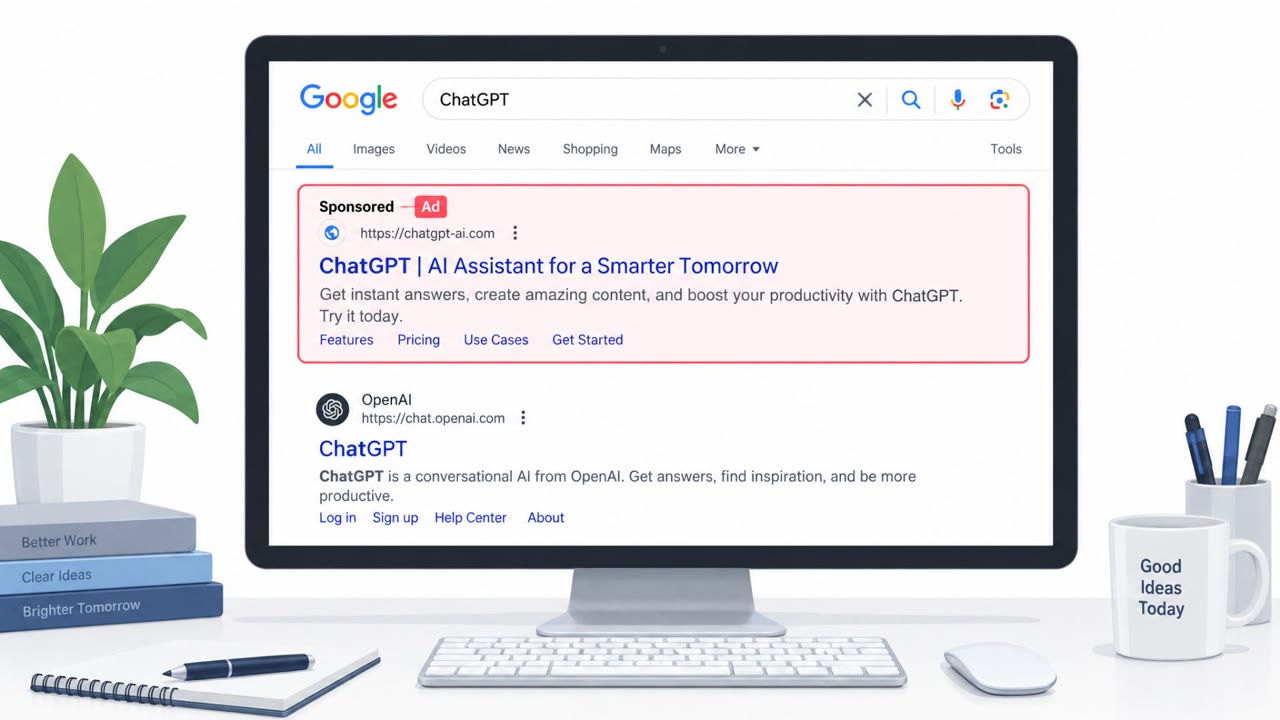
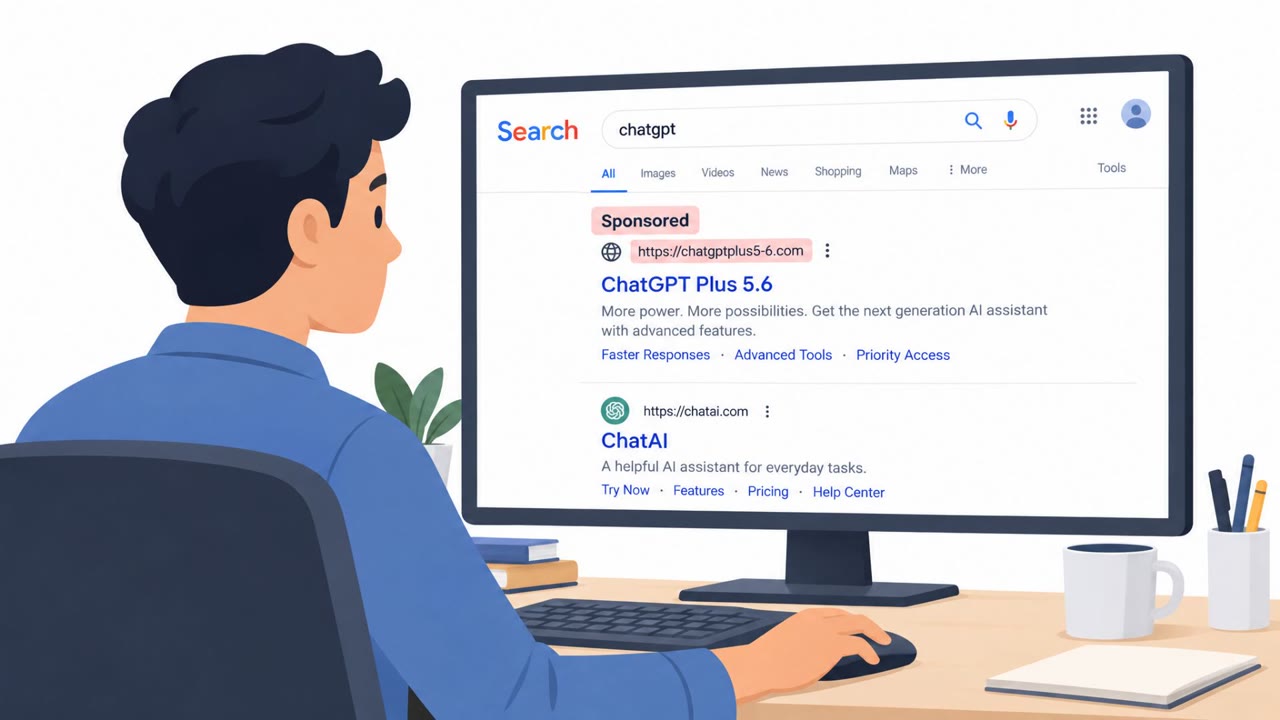
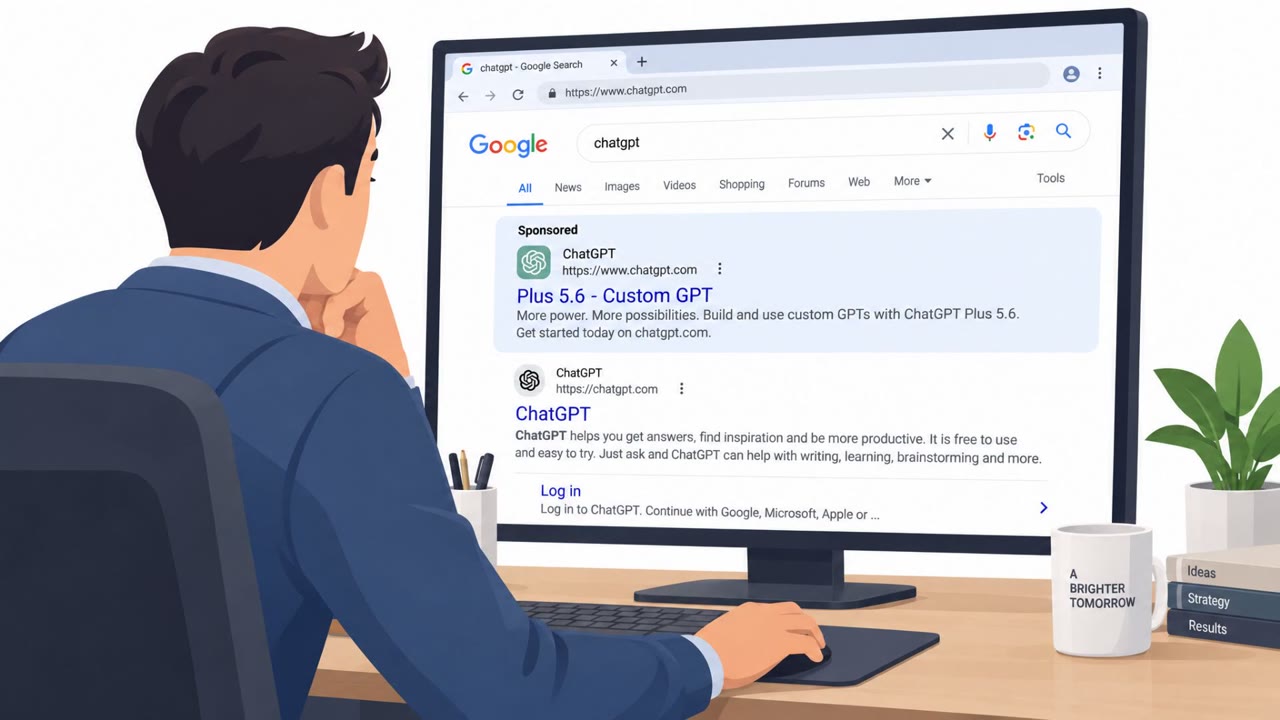
Criminals used sponsored Google search results to promote a malicious ChatGPT “Custom GPT” called “Plus 5.6.” Victims were led to a fake Cloudflare CAPTCHA page that ultimately tricked them into downloading and running a remote access trojan (RAT). This is a realistic web-based lure that can be simulated in awareness training.
How the Attack Worked
This attack began with something many employees do every day: searching for a tool to enhance ChatGPT. Attackers used sponsored Google search results to promote a malicious Custom GPT called Plus 5.6. Because the listing appeared as a paid ad above organic results, it looked legitimate and relevant to the search.
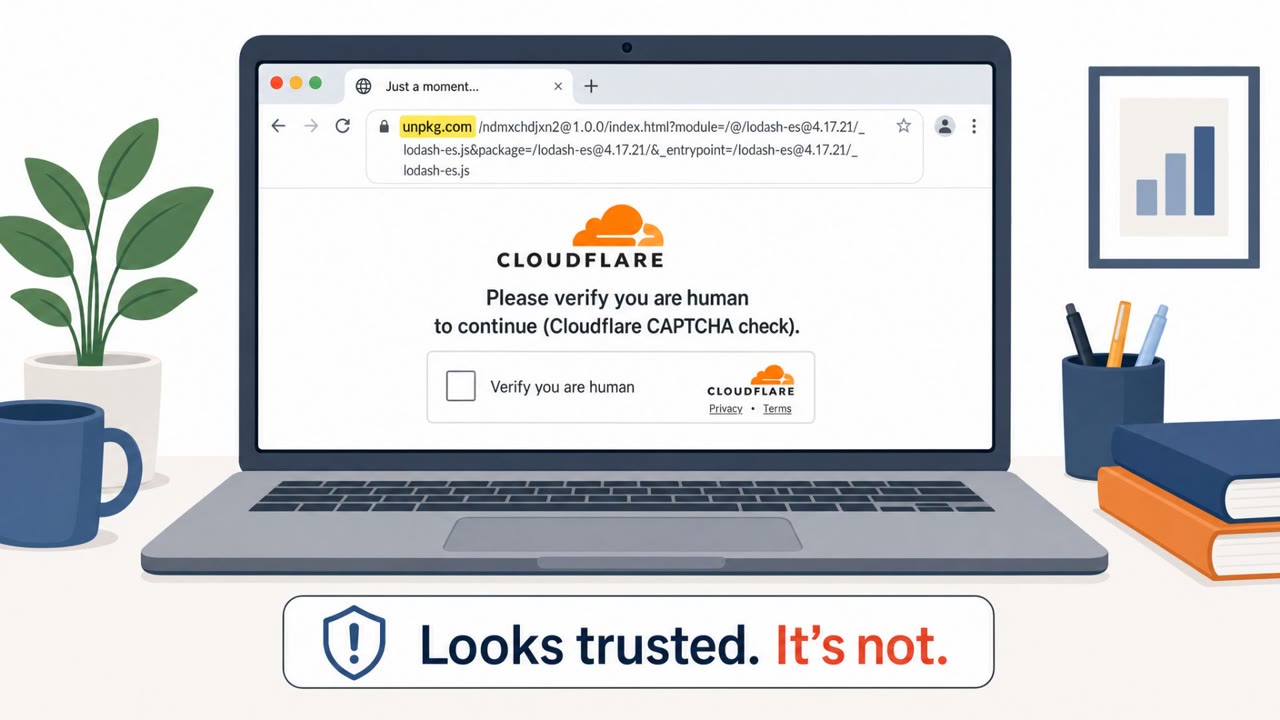
Clicking the sponsored result led victims to a fake Cloudflare CAPTCHA page. CAPTCHAs are normally associated with proving you're human, not with installing software, which made this step an effective disguise. After completing the CAPTCHA, victims were prompted to download and run a file. That file ultimately installed a remote access trojan (RAT), giving attackers a foothold on the victim's device.
Why It Succeeded
The lure worked because it chained together several familiar, low-suspicion steps rather than relying on one obvious red flag:
- A sponsored search result exploited trust in Google's ad placement
- A fake CAPTCHA mimicked a routine security check users encounter constantly
- The request to "download and run" a file was framed as a normal continuation step, not an unusual demand
Each piece on its own looks ordinary. Combined, they walk a user from a search bar to RAT installation without a single moment that feels alarming until it's too late.
What to Watch For
Key red flags from this case include:
- A search ad promoting software or steps to "enable" features of a well-known service like ChatGPT
- A CAPTCHA page that gates a download or install step instead of simply verifying you're human
- Explicit instructions to download and run a file to continue using a service
This pattern is broadly applicable: it can target any employee, including executives, sales, finance, HR, and IT helpdesk staff, since the lure relies on general curiosity about AI tools rather than role-specific targeting.
How to Build Resistance
Awareness training should reinforce that sponsored search results are not inherently trustworthy and should be verified against the official website before clicking. Employees should also learn that legitimate CAPTCHAs never require downloading or running software, so any CAPTCHA followed by a file prompt deserves suspicion. Finally, staff should be encouraged to pause and report any site that instructs them to download and run something to "fix" or "enable" a service, rather than completing the action on their own. This maps to real-world techniques like spearphishing via service (T1566.002), user execution of malicious files (T1204.001), and impairing defenses (T1656).
Key findings
- Attackers used sponsored Google search results to drive traffic to a malicious lure.
- The lure was a ChatGPT Custom GPT named “Plus 5.6.”
- The victim flow included a fake Cloudflare CAPTCHA step.
- The end goal was to get the user to download and run a RAT.
Who’s being targeted
- Commonly targeted roles: All employees, Executives, Sales, Finance, HR, IT Helpdesk.
- Affected industries: Any industry (end-user targeting via web search ads).
- Attack channels: website.
- Impersonated: ChatGPT Custom GPT (“Plus 5.6”) and a Cloudflare CAPTCHA page.
Red flags to watch for
- A search ad (sponsored result) is pushing software/steps to “enable” ChatGPT features
- A CAPTCHA page is used as a gate before a download/install step
- The user is instructed to download and run a file to continue
Frequently asked questions
How did attackers distribute the fake ChatGPT tool?
They used sponsored Google search results to promote a malicious ChatGPT Custom GPT named Plus 5.6, driving traffic to the lure through paid ads rather than organic links.
What role did the fake CAPTCHA play in the attack?
The fake Cloudflare CAPTCHA acted as a gate that led victims toward downloading and running a file, which ultimately installed a remote access trojan on the device.
Why is this attack considered medium sophistication?
The attack combines a believable search ad with a familiar CAPTCHA pattern, but it relies on the user manually downloading and executing a file rather than exploiting a technical vulnerability.
Who is at risk from this type of lure?
Any employee searching for ChatGPT tools or enhancements is at risk, including executives, sales, finance, HR, and IT helpdesk staff, since the targeting is broad and not industry-specific.
Read the video transcript
You Google “ChatGPT upgrade” and click a sponsored result: Plus 5.6, a shiny “Custom GPT” promising extra features. Instead of ChatGPT, you land on a page that looks like a Cloudflare CAPTCHA. It says: ‘Pass this check, then download the file to continue to Plus 5.6.’ That download is a remote access trojan. Here’s the trick: real CAPTCHAs never make you install software. If a sponsored ChatGPT link sends you through a CAPTCHA that then pushes a download, you’re not enabling Plus, you’re installing malware. If any site tells you to download and run a file to ‘enable’ ChatGPT or pass a CAPTCHA, stop immediately and report it to IT or Security.