Cybercriminals impersonated well-known technology brands including Claude, Google, Apple, and Docusign to steal credentials, payment details, or gain access to devices. The lures used urgent payment failures, software-update prompts, and promised device-performance improvements to persuade people to click links or run commands.
Key findings
- Microsoft represented 33% of brand impersonation attempts tracked by Check Point Research in Q3 2026.
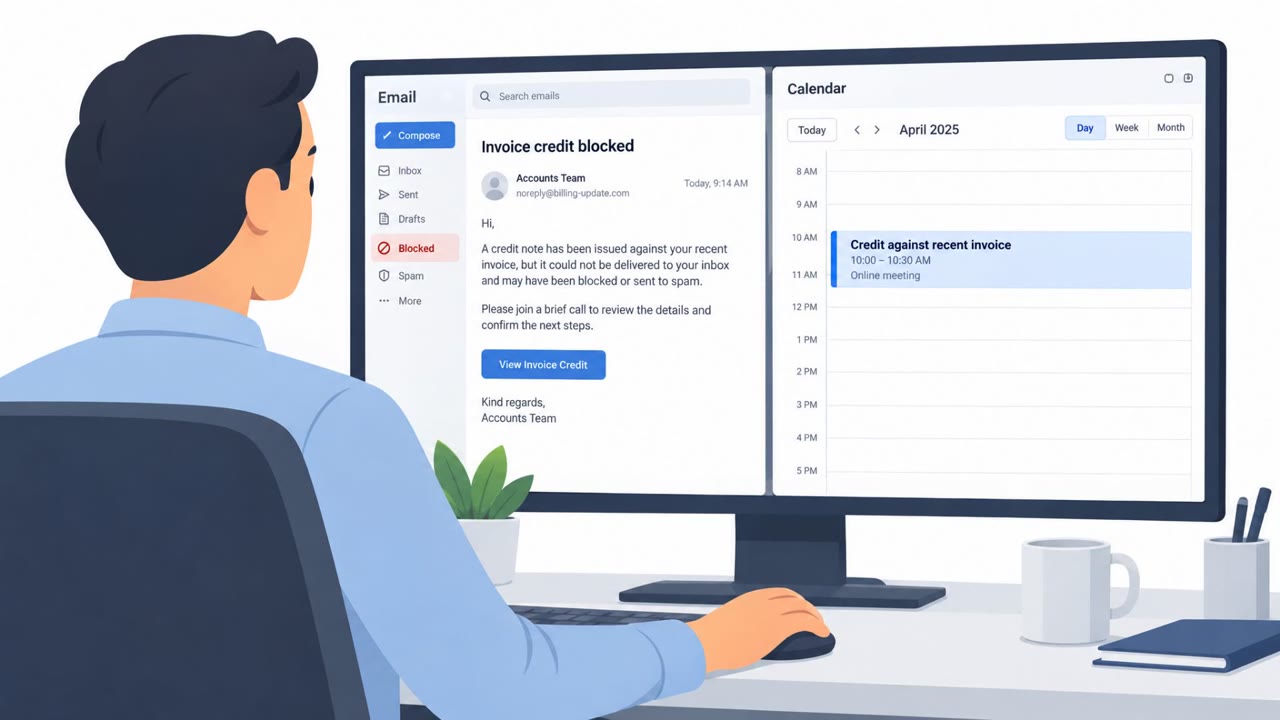
- A fake Claude payment-failure email used the subject line “Payment failed for your Claude account” and threatened suspension of API access and Claude seats.
- The Claude lure sent recipients to an “Update payment method” process intended to collect payment details and account credentials.
- A fake Google Antigravity site displayed a Linux command that decoded and ran a concealed instruction, ultimately executing a script from an external server.
- A counterfeit Apple support page promoted an article, “Boost your Mac using the terminal,” to persuade visitors to run malicious commands.
- Spoofed Docusign sites showed a document for review and signature, then used an “Update Required” prompt to download a FleetDeck installer that could enable device access.
Who’s being targeted
- Commonly targeted roles: All employees, Developers, DevOps engineers, System administrators, Finance teams, Procurement teams, Legal teams, Sales teams, Executive assistants, IT and security teams.
- Affected industries: Technology, Software development, Professional services, Finance and insurance, Any organization using Microsoft, Google, Apple, Claude, or Docusign services.
- Attack channels: email, website.
- Impersonated: Claude / Anthropic, Google Antigravity, Docusign.
Awareness takeaways
- Do not use links in unexpected payment-failure messages. Open the service through a known bookmark or official site and check billing there.
- Never paste unverified commands from a website into a terminal, especially if the command is encoded or downloads content from another server.
- Treat document-related software-update prompts with caution. Verify the document and update through the approved application or vendor site, not a pop-up page.
- Recognize that familiar branding is not proof that a message or website is legitimate; attackers copy brand names, navigation, and support content to appear trustworthy.
Red flags to watch for
- Unexpected payment-failure notice for a service account
- Urgent threat that API access and seats will be paused
- A payment-update link that requests both payment details and account credentials
- Software installation command provided by an unfamiliar or unverified website
- Command includes concealed or encoded instructions
- The command downloads and executes a script from an external server
- Unexpected document notification or software-update requirement
- An “Update Required” prompt tied to opening a document
- Download of an installer rather than opening the document in the normal Docusign workflow
Read the video transcript
“Payment failed for your Claude account.” That email can wait. It says your API access and Claude seats will be paused. Click “Update payment method,” and the page asks for both your card and account credentials. That’s the tell: a payment fix that also wants your login. Familiar branding proves nothing. Fake Google Antigravity pages even hide executable instructions inside installation commands. Got that Claude email? Skip its button. Open Claude from your saved bookmark and check billing there.