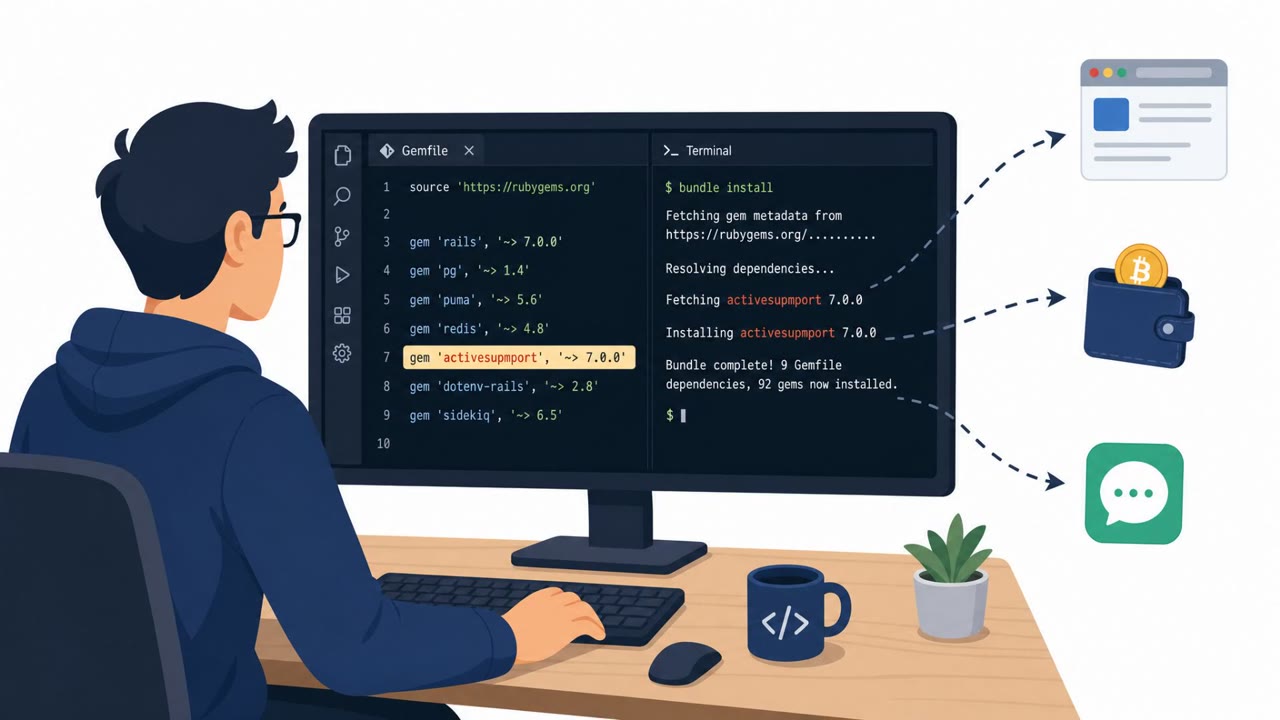
Researchers report a new PamStealer variant that lures macOS users to a fake cryptocurrency wallet website and tricks them into running a script-based installer. The malware downloads a decryption tool and relies on a live server key exchange, making the real payload harder to analyze and helping the attacker keep control over deployment.
Key findings
- Victims are lured to a bogus website advertising a fake cryptocurrency wallet service called “Wavel.”
- The fake site prompts users to click “Download for macOS,” which downloads a DMG (“Wavel.dmg”) containing a compiled AppleScript file.
- Opening the file launches Script Editor with instructions that lead to execution of a JXA dropper, which then executes a background zsh dropper.
- The malware downloads a “pkgunpack” decryption utility from attacker infrastructure and performs an X25519 key exchange so the main payload can only be decrypted with server cooperation.
- Multiple persistence mechanisms are installed, including LaunchAgent, a repair script, and a shell hook appended to ~/.zshrc.
- Additional persistence is created by setting a global Git hooks path so normal git commit/checkout activity triggers the repair script.
- The final stealer attempts to capture the user’s system password via a fake crash dialog and also steals keychain items and browser credentials.
Who’s being targeted
- Commonly targeted roles: All Employees, Executives, Finance, Developers, IT Support / Helpdesk.
- Affected industries: Technology (software development / engineering teams), Financial services / cryptocurrency users (consumer-targeted).
- Attack channels: website.
- Impersonated: Wavel (fake cryptocurrency wallet service), Wavel installer / Apple Script Editor workflow.
Awareness takeaways
- Treat “download for macOS” prompts on unfamiliar websites (especially crypto-related) as high-risk and verify the vendor through official channels before installing anything.
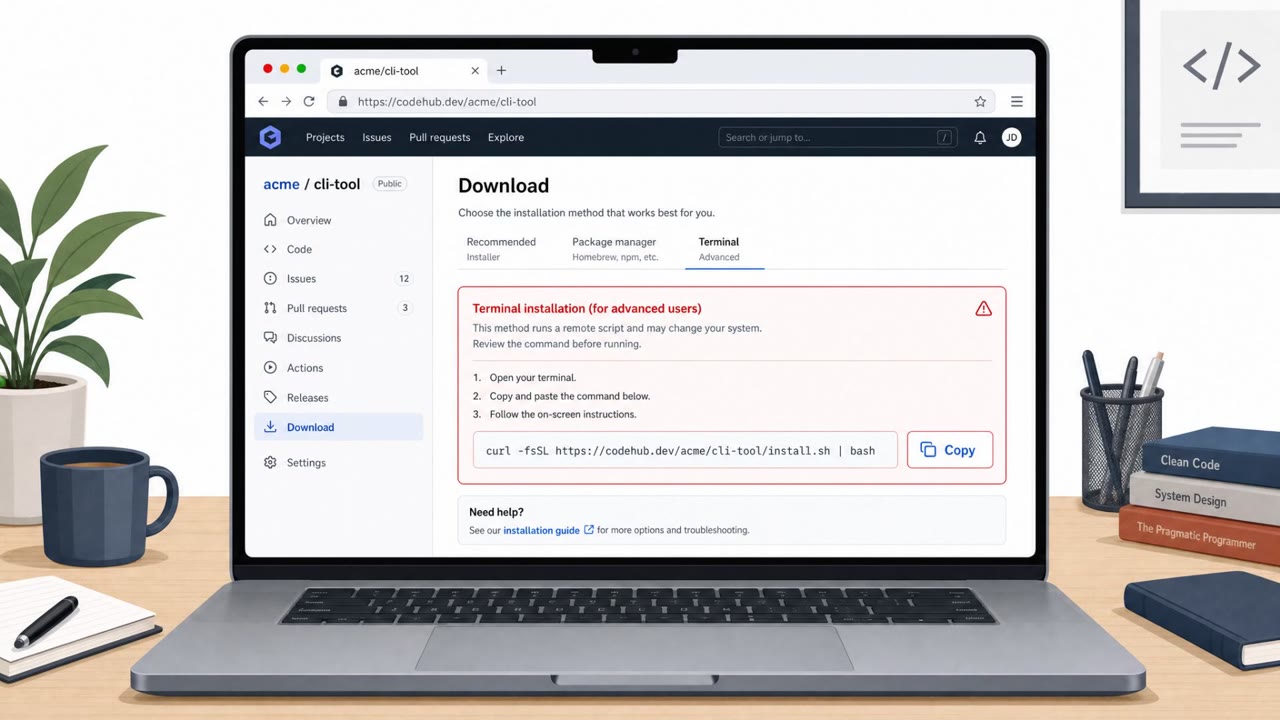
- Do not follow installation steps that involve running scripts in Script Editor/Terminal; report them to IT/Security instead.
- Be alert for persistence tricks that hide inside normal work tools (like Git); unexpected global config changes are a warning sign.
- If a prompt claims your password is needed due to a crash or system issue, stop and verify, attackers may use fake dialogs to capture credentials.
Red flags to watch for
- Unknown/new crypto wallet brand with a too-convenient macOS download
- Software download comes from a lookalike domain rather than a well-known app store or vendor site
- Download leads to a DMG installer rather than a trusted distribution channel
- Installer requires running a script in Script Editor (unusual for legitimate apps)
- Instructions encourage manual script execution rather than a signed, standard installer
- Background execution behavior after running a script
Read the video transcript
You land on wavel.app, a slick crypto site, big button saying “Download for macOS.” Looks legit, right? You click. It drops “Wavel.dmg.” Open it, and instead of a normal installer, Apple’s Script Editor pops up, telling you to run a script. That script quietly pulls down PamStealer and buries itself in zsh and your Git hooks. Behind the scenes, it downloads a hidden decryptor, does a fancy key exchange with a remote server, sets LaunchAgents, edits your ~/.zshrc, even hijacks global Git hooks so normal commits keep reinstalling it. Then a fake crash dialog pops up asking for your Mac password. Here’s the move: if a random crypto site wants you to install a DMG and run scripts in Script Editor or Terminal, stop right there and send the link and file to IT or Security instead.