A campaign dubbed “TerminalFix” uses compromised websites to display fake Cloudflare CAPTCHA checks that instruct visitors to copy and run a PowerShell command. The goal is to get a user to run attacker-provided commands themselves, which can lead to persistent access and deeper intrusion into the organization.
How the Attack Worked
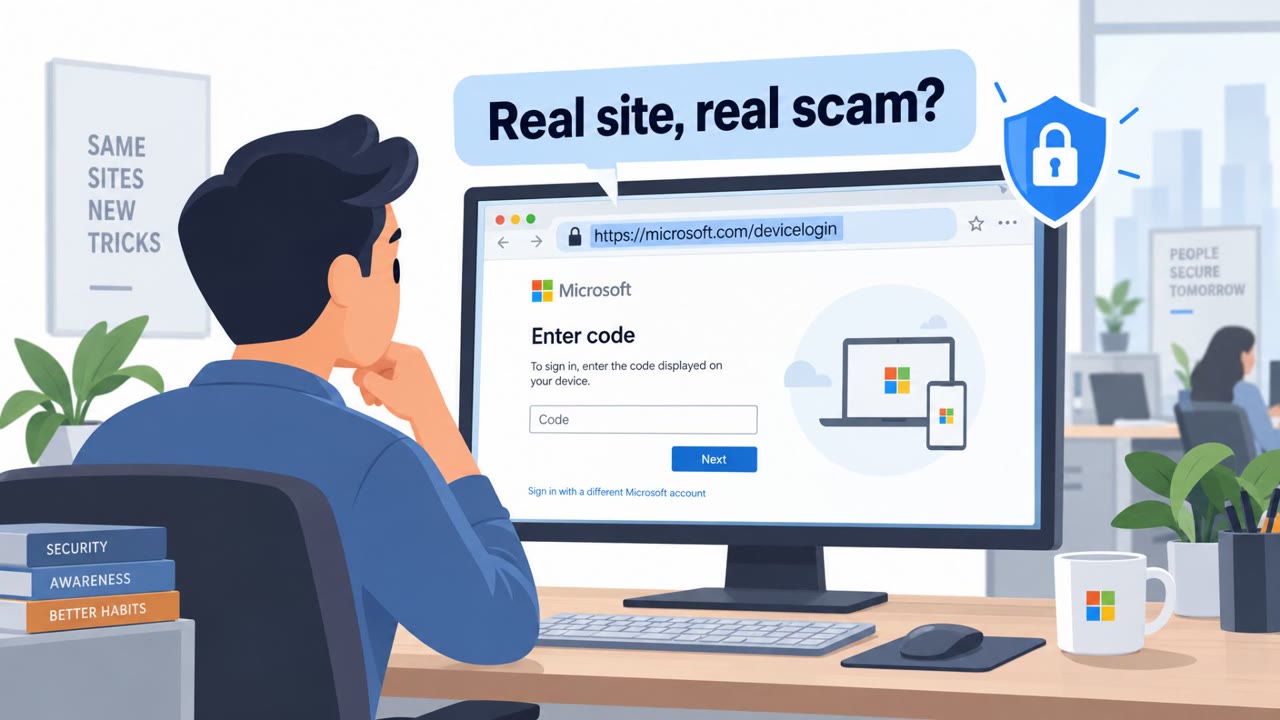
TerminalFix is a ClickFix-style social engineering attack that relies on compromised websites rather than malicious links or attachments. When a visitor lands on one of these sites, they are shown what looks like a routine Cloudflare CAPTCHA verification screen. Instead of clicking a checkbox, the visitor is instructed to copy a command and paste it into Windows Terminal or PowerShell to prove they are human. Running that command can trigger follow-on malware activity and give attackers persistent access to the victim's system.
This approach shifts the burden of execution onto the user. Rather than delivering a malicious file directly, the attacker convinces the target to manually run the payload themselves, which can bypass some of the usual suspicion tied to unexpected downloads or attachments.
Why It Succeeded
The lure works because CAPTCHA verification is a familiar, low-friction interaction that most users have completed countless times without a second thought. By dressing the prompt up as a trusted brand check, the attack borrows credibility from a recognizable security control. The instructions to open Windows Terminal or PowerShell and paste a command add a layer of technical legitimacy that can make the request feel like a normal troubleshooting step rather than a red flag.
What to Watch For
- A CAPTCHA that asks you to run a PowerShell or Terminal command is not normal behavior for a real verification check.
- Instructions to copy and paste commands from a website directly into PowerShell or Terminal.
- An unexpected verification step appearing on a site you were simply browsing, with no prior context.
Building Resistance
Organizations can reduce the risk of this attack pattern with a few consistent habits:
- Teach staff that a real CAPTCHA never requires running PowerShell or Terminal commands, and that any such prompt should be stopped and reported.
- Promote a simple rule: never copy, paste, and run commands from websites or chat messages unless the action has been verified by IT through a known process.
- Reinforce that familiar brands and interfaces can be used as cover, so prompts that look official still deserve a second look before being trusted.
This technique spans multiple sectors, including critical infrastructure, and applies broadly across roles such as Finance, HR, Operations, and IT, with added emphasis for users who hold admin rights or staff on the helpdesk and security operations teams who may be asked to help troubleshoot the "verification" step.
Key findings
- TerminalFix is a ClickFix-style social engineering attack that convinces users to run a command rather than click a traditional malicious link.
- The lure is delivered via compromised websites that show a fake Cloudflare CAPTCHA verification step.
- Victims are prompted to copy/paste and execute a PowerShell command in Windows Terminal or PowerShell, enabling follow-on malware activity and persistence.
- The recap also references email bombing followed by attacker contact via Microsoft Teams (details are partial in the provided text).
Who’s being targeted
- Commonly targeted roles: All employees, IT, Helpdesk/Service Desk, Security Operations, Users with admin rights.
- Affected industries: Multiple sectors, Critical infrastructure.
- Attack channels: website.
- Impersonated: Cloudflare CAPTCHA / Cloudflare verification.
Red flags to watch for
- A CAPTCHA asking you to run a PowerShell/Terminal command is not normal
- Instructions to copy/paste commands from a website into PowerShell/Terminal
- Unexpected verification step on a site you were simply browsing
Frequently asked questions
What is TerminalFix?
TerminalFix is a ClickFix-style social engineering attack that convinces users to run a command rather than click a traditional malicious link. It's delivered through compromised websites that show a fake Cloudflare CAPTCHA verification step.
How does the fake CAPTCHA attack work?
A compromised website displays a fake Cloudflare CAPTCHA verification and instructs the visitor to copy and paste a PowerShell command into Windows Terminal or PowerShell to prove they are human, enabling follow-on malware activity and persistence.
How can employees spot this attack?
A real CAPTCHA never requires running PowerShell or Terminal commands. Any unexpected verification step asking you to copy and execute code on a site you were simply browsing is a red flag.
Who is at risk from this technique?
The scenario targets all employees across roles including Finance, HR, Operations, and IT, with particular relevance to users with admin rights, helpdesk staff, and security operations teams.
Read the video transcript
You open a normal website and suddenly see: “Cloudflare verification required: run this PowerShell command to continue.” This is TerminalFix, a ClickFix-style scam. Compromised sites show a fake Cloudflare CAPTCHA and tell you to paste a PowerShell command into Windows Terminal or PowerShell so you can ‘prove you’re human.’ Here’s the trick: real CAPTCHAs ask you to click boxes or pick pictures. They never tell you to run code. If a site you’re just browsing suddenly wants a PowerShell or Terminal command, that’s your red alert. If any “verification” tells you to copy and run a command, stop. Don’t run it, screenshot it and report it to IT right away.