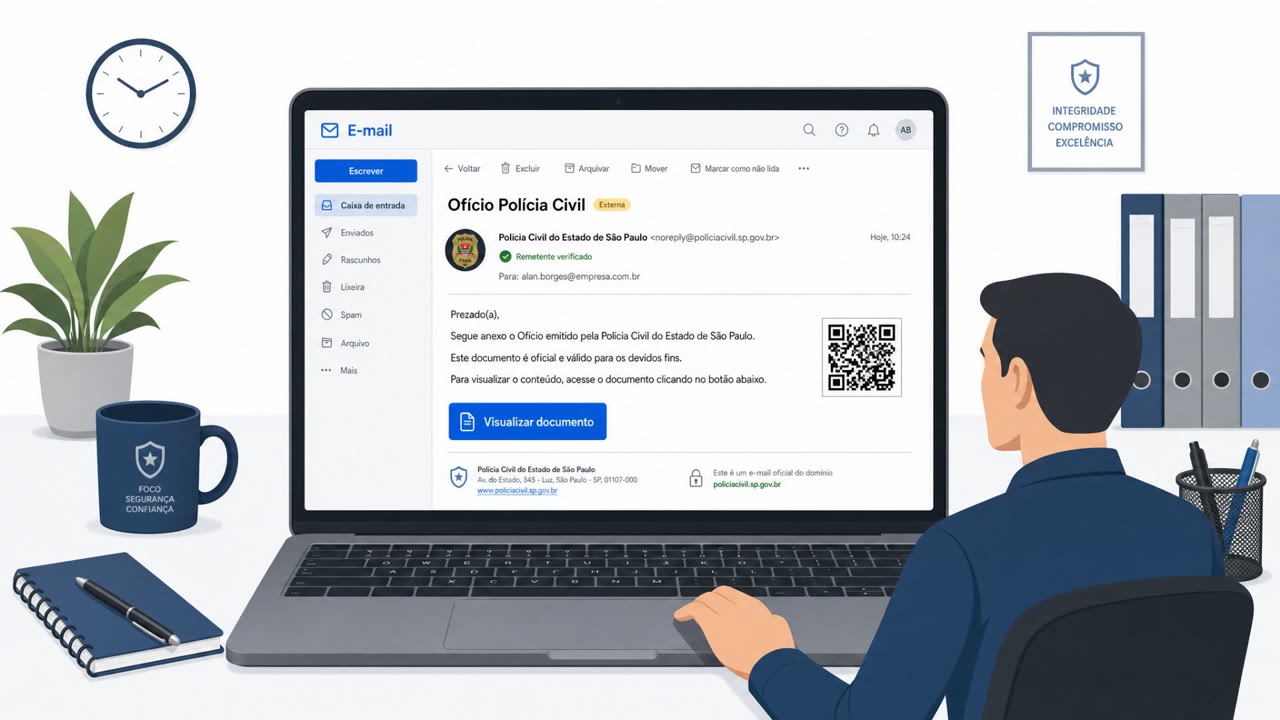
Attackers sent personalized fake federal court notices to more than 100,000 companies, impersonating the US District Court for the Southern District of Florida. The emails directed recipients to a counterfeit court website and offered a password-protected case file that ultimately installed LodaRAT, giving attackers a way to steal credentials, monitor activity, and remotely control Windows computers.
How the attack worked
The campaign impersonated the US District Court for the Southern District of Florida, sending personalized emails with a subject beginning "Court-Ordered ADR Notice" to more than 100,000 companies. Each message included the target's details and an ADR case ID, claiming the company was involved in an Alternative Dispute Resolution proceeding. Recipients were directed to a counterfeit portal at florida[.]courtadr[.]com that displayed their own company details and let visitors search for fabricated cases by ADR ID, reinforcing the illusion of a genuine legal matter.
A "Download Your Case File" link on the fake portal delivered a password-protected ZIP archive named after the recipient's ADR reference. Inside was an ISO disk image containing a .msc console file, a .bat batch script, and a .lnk Windows shortcut. These files worked together to download and run LodaRAT using legitimate Windows components, giving attackers a remote access trojan capable of stealing browser credentials and session cookies, logging keystrokes, capturing screenshots, and recording audio and webcam video.
Why it succeeded
The attack combined personalization with a convincing supporting website rather than relying on the email alone. By showing the target's own company name and a fabricated case ID on the portal, attackers created what amounts to an entire environment in which the alleged legal matter appears to exist. The legal and administrative framing added urgency and legitimacy, since unexpected court correspondence is the kind of message employees often feel compelled to act on quickly.
What to watch for
- Unexpected legal or court notices that reference a case ID and pressure a quick response.
- Links to external "court portals" rather than communication through verified channels.
- Password-protected archives, disk images, scripts, or shortcut files sent from outside the organization.
- Sender addresses that cannot be independently verified against known official court contacts.
How to build resistance
Organizations should treat unexpected court or legal correspondence as unverified until confirmed through independently obtained contact details rather than information in the message itself. A clear process for forwarding unexpected legal notices to Legal and Security teams helps ensure verification happens before any file is opened. Employees should never need to download an alleged case file to judge whether a notice is genuine. Security teams should also review how email and endpoint controls handle password-protected archives, disk images, scripts, and shortcuts from external sources, and awareness training should reinforce prompt reporting if a suspicious file has already been opened, so response can go beyond simply deleting the download.
Key findings
- The campaign impersonated the US District Court for the Southern District of Florida and reportedly targeted more than 100,000 companies.
- Emails used a subject beginning with “Court-Ordered ADR Notice,” included the target's details and ADR ID, and claimed the company was involved in an Alternative Dispute Resolution proceeding.
- Recipients were sent to florida[.]courtadr[.]com, a counterfeit portal that displayed their company details and allowed searches for fabricated cases by ADR ID.
- The site offered a “Download Your Case File” link that delivered a password-protected ZIP archive named after the recipient's ADR reference.
- The archive contained an ISO image with court-themed .msc, .bat, and .lnk files that downloaded and ran LodaRAT through legitimate Windows components.
- LodaRAT can steal browser credentials and session cookies, log keystrokes, capture screenshots, record audio and webcam video, and remotely control infected Windows devices.
Who’s being targeted
- Commonly targeted roles: Legal, Executive leadership, Finance, Administrative staff, Employees who handle external correspondence, Security operations, IT endpoint teams.
- Affected industries: Professional, Scientific, and Technical Services, Legal services, Organizations across multiple industries.
- Attack channels: email, website.
- Impersonated: US District Court for the Southern District of Florida, US District Court for the Southern District of Florida court portal.
Red flags to watch for
- The notice comes from Resolution@courtadr[.]com rather than an independently verified official court address.
- An unexpected legal notice pressures the recipient to download a password-protected archive.
- The purported case file contains an ISO image and executable-style Windows files rather than ordinary court documents.
- The portal is reached through an unsolicited email rather than an independently verified court website.
- A website displaying company details is not proof that a legal case is genuine.
- The portal requests a download to review an alleged case instead of providing standard case-verification contact information.
Frequently asked questions
What is the fake court notice phishing campaign?
It is a phishing campaign that impersonated the US District Court for the Southern District of Florida, sending personalized fake Alternative Dispute Resolution notices to more than 100,000 companies to deliver LodaRAT malware.
How did victims get infected with LodaRAT?
Recipients were directed to a counterfeit court portal and offered a password-protected ZIP archive named after their ADR reference. The archive contained an ISO image with .msc, .bat, and .lnk files that downloaded and ran LodaRAT through legitimate Windows components.
What can LodaRAT do once installed?
LodaRAT can steal browser credentials and session cookies, log keystrokes, capture screenshots, record audio and webcam video, and remotely control infected Windows devices.
How can employees spot this kind of fake legal notice?
Red flags include the notice arriving from an unverified sender address, pressure to download a password-protected archive, and a supposed case file containing an ISO image or executable-style Windows files rather than ordinary court documents.
Read the video transcript
A federal court notice names your company. Real case? The sender is Resolution@courtadr.com, not a verified court address. Its link opens florida.courtadr.com, a fake Southern District of Florida portal showing your company details and a searchable ADR ID. Aha: matching details aren't proof. 'Download Your Case File' gives you a password-protected ZIP, then an ISO with .msc, .bat, and .lnk files, not court documents. Those can install LodaRAT. LodaRAT can steal passwords and control your PC. Don't download the file, send the notice to Legal and Security.