
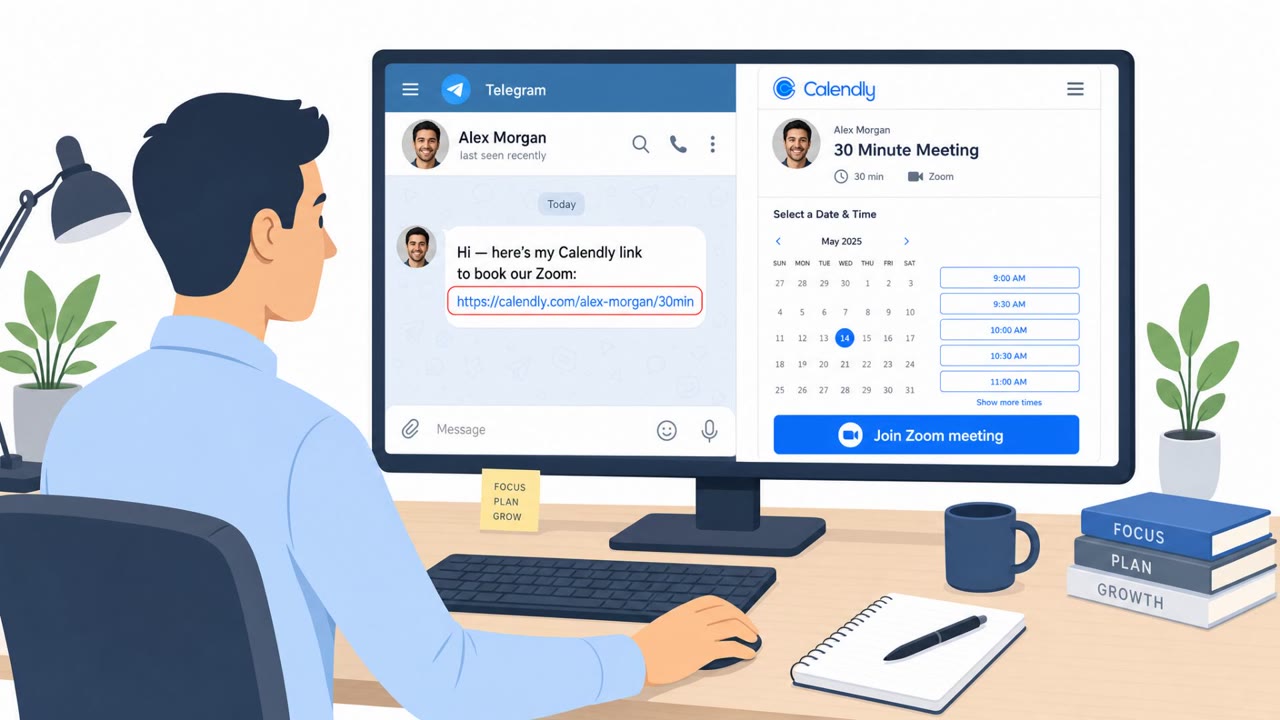
Fake Zoom/Teams Calls Used to Steal Crypto Wallets
North Korea-linked BlueNoroff is using fake Zoom and Microsoft Teams meeting pages shared from hijacked trusted contacts (often via Telegram) to trick victims…
July 24, 2026
A long-running phishing campaign used fake electronic greeting cards and seasonal themes to lure people into installing legitimate remote-management software that gave attackers control. Victims were sent to a page impersonating a greeting-card service that auto-downloaded Windows or macOS installers, then prompted users to approve the install. Because the tools were commercially signed and legitimate, they were harder for typical defenses to flag as malware.
This campaign ran for roughly six months, using rotating seasonal lures such as tax and Social Security themes, Valentine's Day, Easter, and spring invitations to keep the pretext fresh. Victims who clicked a link were screened by a traffic distribution system before landing on a page impersonating greeting card service BlueMountain. After a short loading animation, the page automatically downloaded an installer tailored to the visitor's operating system, Windows or macOS.
On Windows, batch and VBScript droppers fetched the installer and relaunched themselves in a way that triggered a User Account Control prompt, so the victim had to actively approve the privileged install. On macOS, a signed package was paired with a separate configuration file that redirected enrollment to the attacker's server using an unattended-deployment feature. In both cases, the underlying software installed was a legitimate, commercially signed remote monitoring and management tool, including products from ConnectWise, LogMeIn, Kaseya, and O&O.
The campaign's strength was combining a familiar, low-suspicion pretext, an electronic greeting card, with software that is genuinely legitimate and signed. Because the RMM tools themselves are not malware, they were harder for typical security controls to flag. The rotating seasonal themes also let attackers keep the lure relevant throughout the year, and 959 domains were identified in phishing emails and poisoned search results, giving the operation broad reach and resilience against blocklisting.
Organizations should train staff to treat any eCard or invitation that triggers a software download as suspicious and to report it rather than proceed. Employees should also be taught to stop and verify through a known IT channel whenever an elevation prompt appears that doesn't match a business task. On the technical side, maintaining an approved inventory of RMM tools and alerting on any unexpected or unapproved RMM installation, even when validly signed, closes the gap that legitimate software abuse otherwise creates. Hardening email and web filtering against seasonal-themed lures rounds out the defense, since this campaign's core trick was matching its pretext to whatever time of year it launched.
Mirage safely runs attacks like this one against your own team, so you find out what happens before a real adversary does.
Victims were funneled through a traffic distribution system to a page impersonating greeting card service BlueMountain, which auto-downloaded an OS-specific installer for legitimate remote monitoring and management software.
The campaign abused commercially signed RMM tools like ConnectWise ScreenConnect, LogMeIn Resolve, Kaseya, and O&O Syspectr, which are legitimate software and harder for typical defenses to flag as malware.
Any eCard or invitation that triggers a software download should be treated as suspicious, especially if it prompts a Windows UAC elevation approval or a macOS install unrelated to a business task.
Maintain an approved inventory of remote-management tools, alert on any unexpected RMM installs even if validly signed, and harden email and web filtering against seasonal-themed lures.
You get an email: “You received an eCard, view your greeting.” Cute, right? This is how people have been handing over their computers for months. You click, and a fake BlueMountain page pops up. After three seconds it auto-downloads an installer and tells you to run it. Behind the scenes it’s legit RMM tools like ConnectWise ScreenConnect or LogMeIn Resolve, wired to someone else’s server. Here’s the gotcha: you’re just trying to see a Valentine’s or tax-season eCard, but suddenly there’s an installer wizard and a UAC or macOS elevation prompt asking for admin approval. A greeting card should never need remote-management software or admin rights. That’s your stop sign. If any eCard or invite makes software auto-download or asks for admin approval, don’t install it, report it to IT immediately and close the page.
North Korea-linked BlueNoroff is using fake Zoom and Microsoft Teams meeting pages shared from hijacked trusted contacts (often via Telegram) to trick victims…
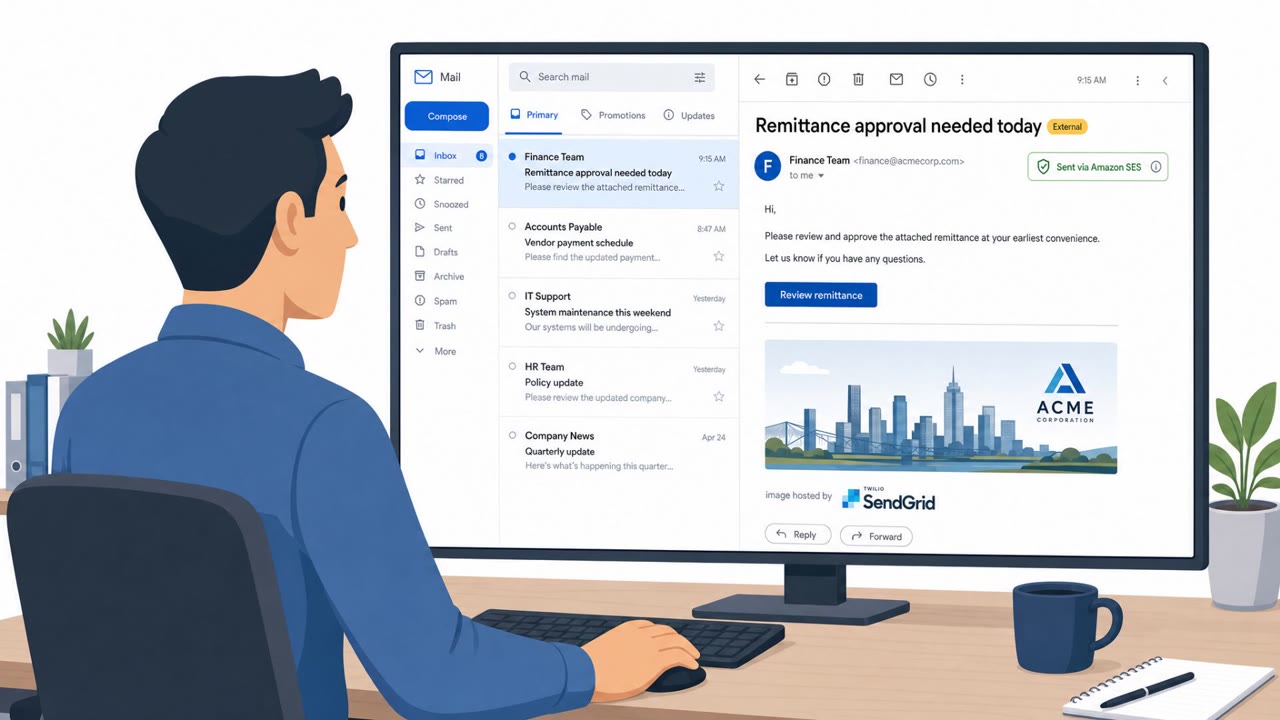
Researchers report an active phishing-as-a-service operation, Forg365, that targets Microsoft 365 users with document/payment-themed lures and techniques that…
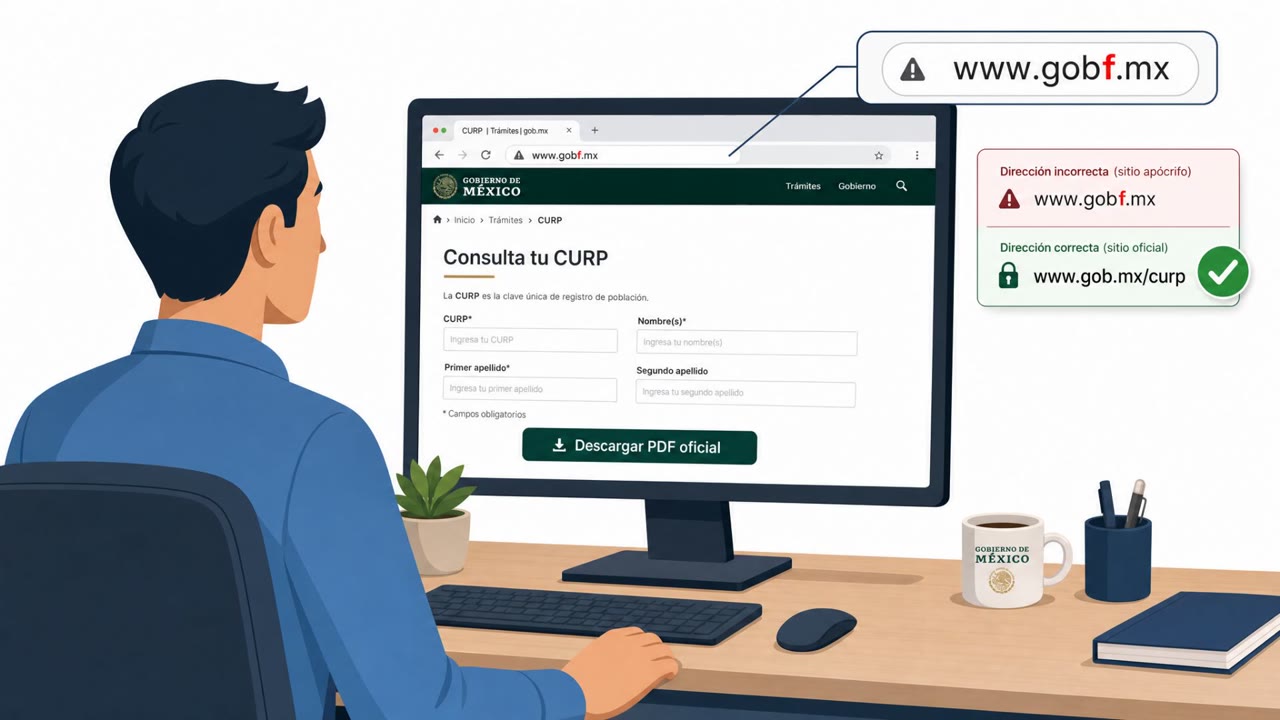
Investigators found an exposed WebDAV server being used as a “malware delivery lab” with over 1,000 files for testing lures, filenames, and execution tricks.…

This roundup describes several real-world social-engineering and human-abuse techniques, including trojanized “installer” lures (ClickFix), large-scale…
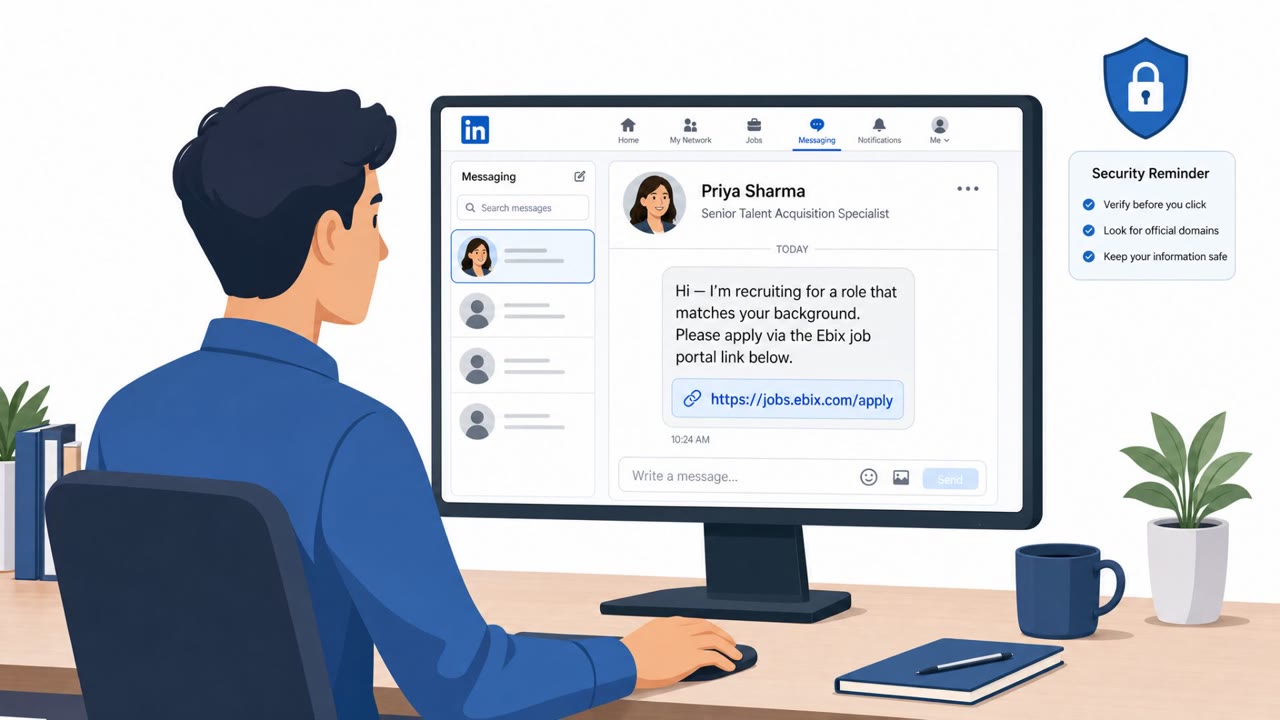
This threat trend report describes multiple real-world APT campaigns that rely on social engineering (job offers, fake recruiters, code reviews, and…
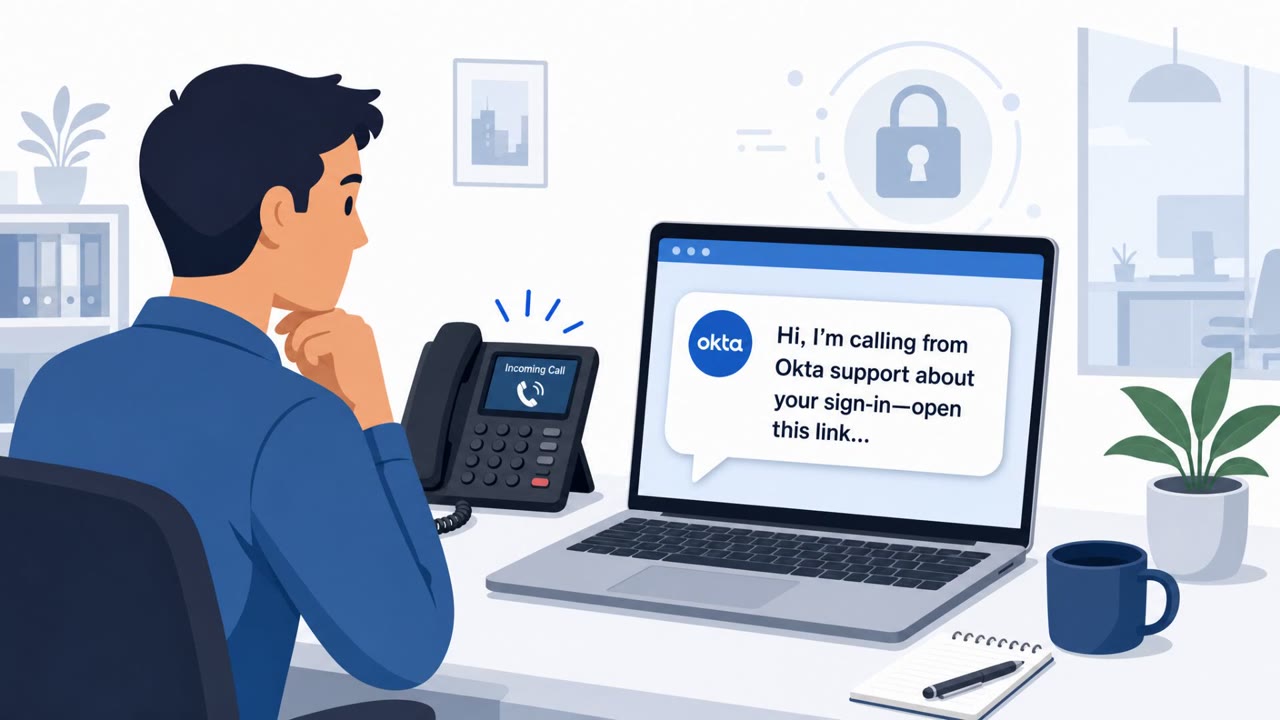
Okta says it gained an inside look at “Work Panel,” a polished SaaS-style dashboard that helps voice-phishing (vishing) crews rapidly set up fake login sites…