Investigators found an exposed WebDAV server being used as a “malware delivery lab” with over 1,000 files for testing lures, filenames, and execution tricks. One active campaign impersonated Mexico’s CURP ID lookup site and delivered malware by opening a remote WebDAV folder via a Windows “search-ms” link, where a disguised .scr file appeared to be a PDF.
How the attack worked
Investigators found an exposed server acting as a fully operational malware delivery lab, containing over 1,000 artifacts used to test lures, filenames, and execution methods before real deployment. One active campaign impersonated a government ID lookup service through a typosquat domain, presenting a convincing page that asked victims to enter identity data and retrieve an official record. Instead of delivering a real PDF, the site triggered a search-ms link that opened a remote WebDAV folder as a Windows Explorer search view, filtered to show only .scr files disguised to look like documents.
Why the disguise worked
The lab tested multiple ways to make executables look harmless, including Unicode spoofing, right-to-left override characters, double extensions, and padding tricks. A key lure file named to appear as a PDF was actually an RTLO-masked .scr executable that launched a multi-stage infection chain once opened. Because the delivery mechanism opened a folder view rather than a direct download, the process looked like normal file browsing rather than a suspicious executable launch.
Other delivery tricks observed
The same lab tested other approaches beyond the fake PDF scenario:
- .url shortcut files that abused trusted Windows utilities like iediagcmd.exe to execute content from a WebDAV share without triggering security warnings
- Mass-produced LNK launchers, with 453 found, optimized through filename spoofing
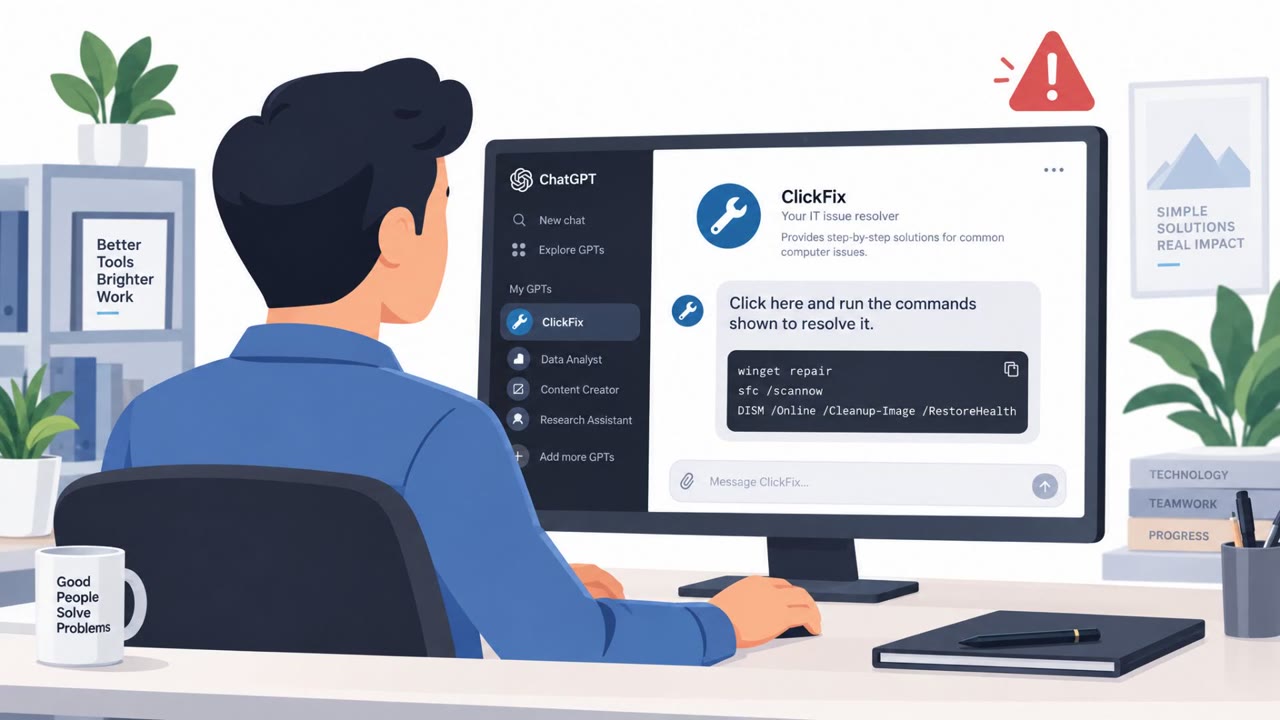
- ClickFix-style HTML pages mimicking verification checks, application errors, and update notices from familiar service themes, instructing victims to copy and run commands that fetched remote content or opened payloads from WebDAV or UNC paths
What to watch for
- Lookalike or typosquat domains, especially for government, HR, or finance-related portals
- Downloads that open a Windows Explorer search window instead of saving a file directly
- File names or icons that appear to be documents but carry unusual extensions or spacing
- Unexpected requests to copy and paste commands into a Run box, terminal, or PowerShell window
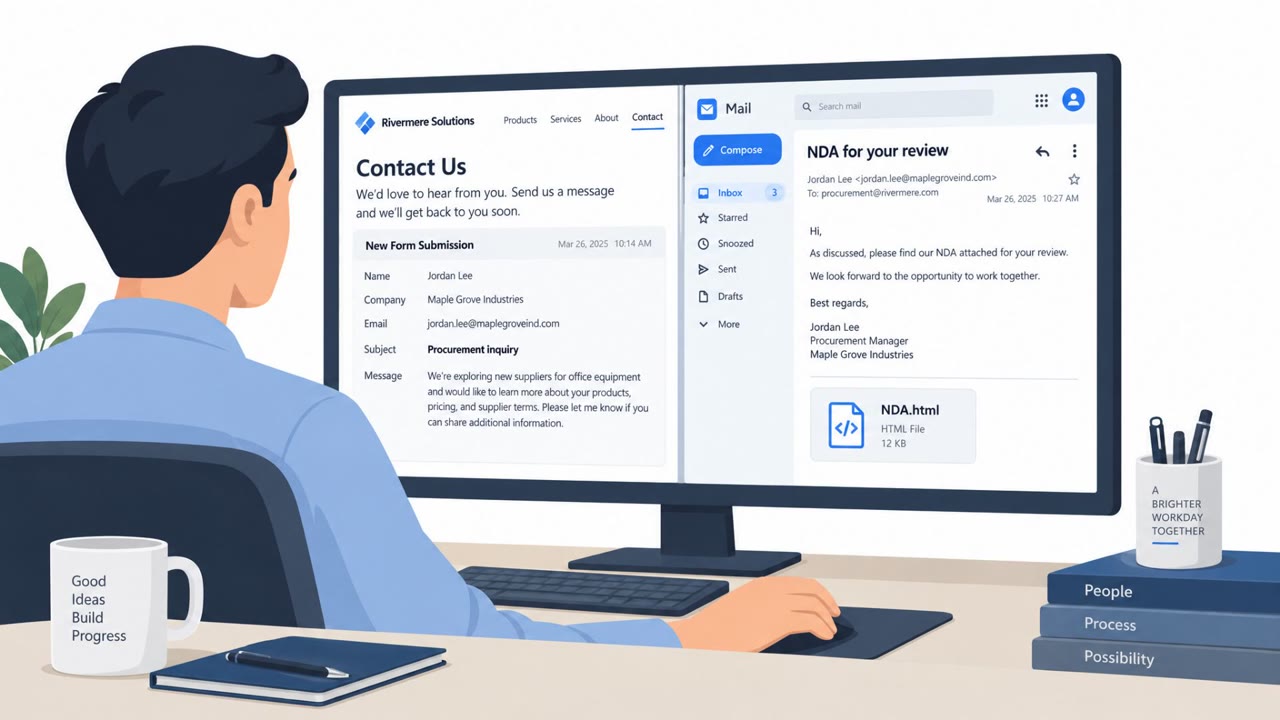
- Attachments that are shortcut files (.url) rather than the document type they claim to be
Building resistance
Staff should be trained to treat lookalike domains as a major warning sign, particularly for portals resembling government or financial services. Reinforce that legitimate downloads do not open search windows or prompt command execution, and that any page asking someone to copy and paste a command to fix an error should be reported rather than followed. Recognizing file-masquerading tricks such as fake extensions and RTLO characters can help employees pause before opening unexpected files, even ones that appear to be routine documents.
Key findings
- An exposed server functioned as a “fully operational malware delivery lab” with 1,048 artifacts used to test lures and delivery paths.
- The initial detection involved “a user executed a file pulled from a WebDAV server using rundll32.exe,” with WebClient/davclnt.dll activity fetching remote content.
- Attackers tested Windows delivery containers and tricks like “search-ms,” “.library-ms,” “.cpl,” URL/LOLBin execution, and WebDAV initialization scripts.
- Lures were mass-produced (453 LNK launchers) and optimized via filename spoofing, including “right-to-left override (RTLO) characters, double extensions, and padding tricks.”
- A real campaign impersonated Mexico’s CURP lookup service via a typosquat domain and used a search-ms URI to open a WebDAV share filtered to “*.scr” files.
- A key malware lure “ReportFinal.rcs.pdf” was actually “a right-to-left override (RTLO) masqueraded .scr executable” that launched a multi-stage chain.
Who’s being targeted
- Commonly targeted roles: General staff, Finance, HR, Operations, IT helpdesk.
- Affected industries: Government / public services, Enterprise (Windows end-user environments).
- Attack channels: website, email.
- Impersonated: Mexican government CURP lookup service, Internal/shared document sender (generic business document theme), Cloudflare / Adobe / Microsoft / Chrome / Discord (varies by page theme).
Red flags to watch for
- Typosquat domain (lookalike government URL)
- Download doesn’t fetch a PDF; it opens Windows Explorer via a search-ms link
- File looks like a PDF but is actually an executable (.scr) using RTLO masking
- Attachment is a .url (Internet Shortcut), not a PDF/Word document
- Mentions or behavior involves WebDAV/UNC paths (\\...DavWWWRoot...)
- Unexpected execution of Windows utilities (e.g., iediagcmd.exe, route.exe) after clicking
- Any webpage instructing copy/paste execution into Run/Terminal/PowerShell
- “Verification” or “Update required” prompts that don’t come from official apps
- Commands that reference hidden windows, encoded arguments, or remote paths
Frequently asked questions
What is a WebDAV malware delivery lab?
It refers to an exposed server found with over 1,000 files used to test phishing lures, filenames, and execution tricks before deploying them in real campaigns.
How did the fake PDF attack actually work?
A typosquat site impersonating a government ID lookup service used a search-ms link to open a remote WebDAV folder, where a file named to look like a PDF was actually an RTLO-masked .scr executable.
What is a search-ms link and why is it risky?
A search-ms URI opens a Windows Explorer search view instead of downloading a file directly, and attackers used it to display a remote WebDAV share as if it contained a normal document.
What are ClickFix lures?
ClickFix pages mimic services like verification checks or update errors and instruct victims to copy and run a command, often to fetch or execute content from a remote WebDAV or UNC path.
Read the video transcript
Imagine you’re on a government site, downloading an official CURP record…and that “PDF” quietly installs malware instead. Investigators found a WebDAV “malware lab” with over a thousand test files. One live scam used a fake CURP site at www.gobf.mx, when you clicked download, it didn’t fetch a PDF. It fired a search-ms link that opened a remote WebDAV folder on your PC. Inside that folder, a file named 'ReportFinal.rcs.pdf' shows a PDF icon, but it’s actually a .scr executable using a right-to-left override trick. Same lab also pushed email shortcuts, .url files that quietly launch iediagcmd.exe to run malware from WebDAV with zero warnings. Your move: if a “download” opens a Windows search window or a network path instead of saving a file, especially from a lookalike site or a .url attachment, stop and report it to Security immediately.