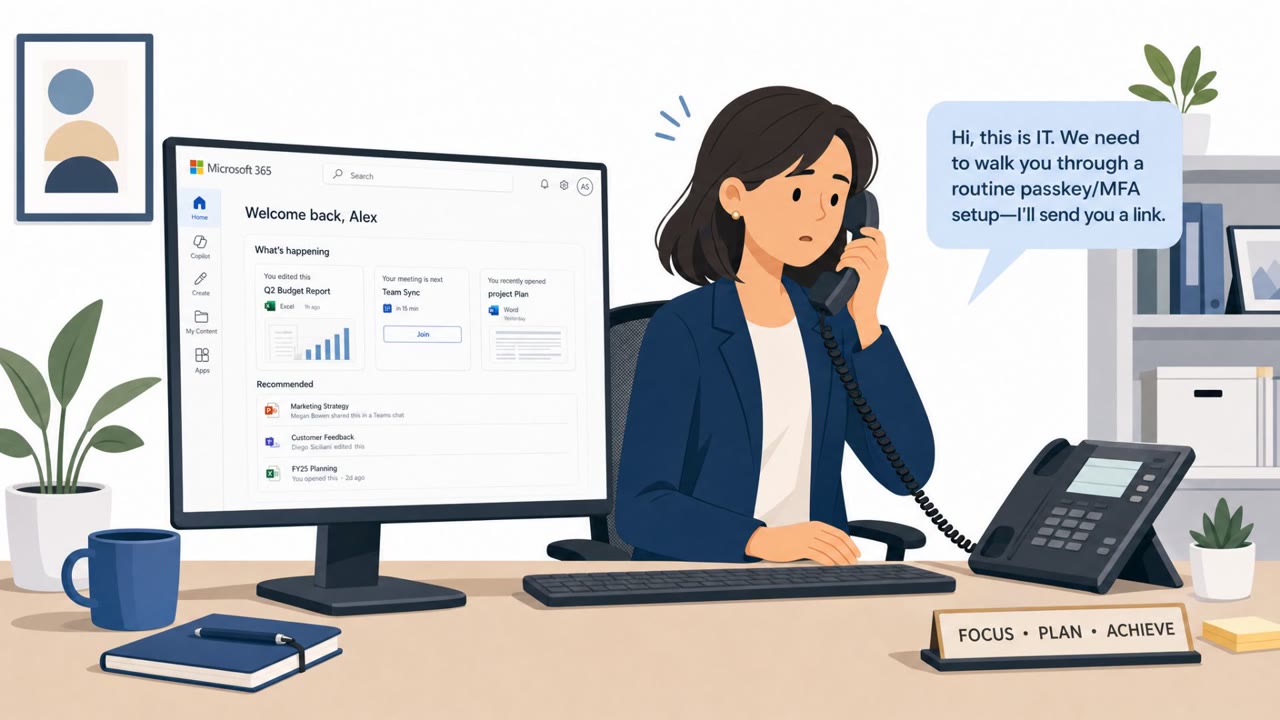
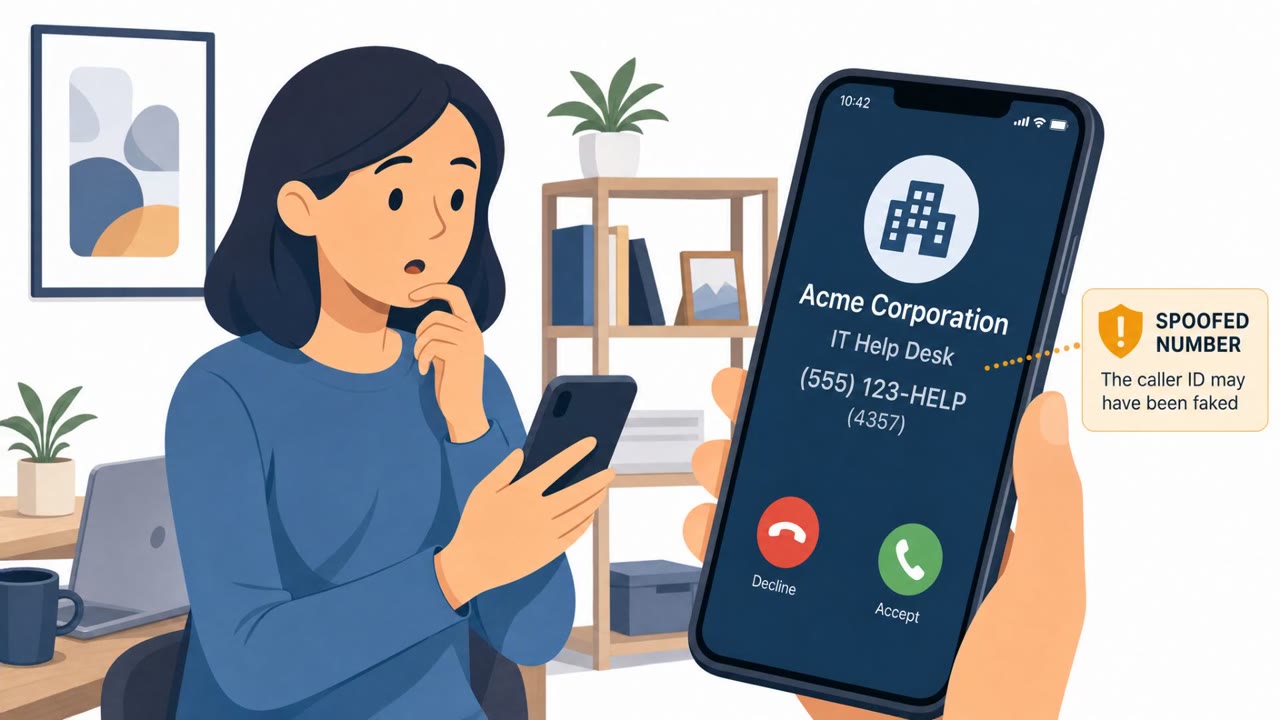
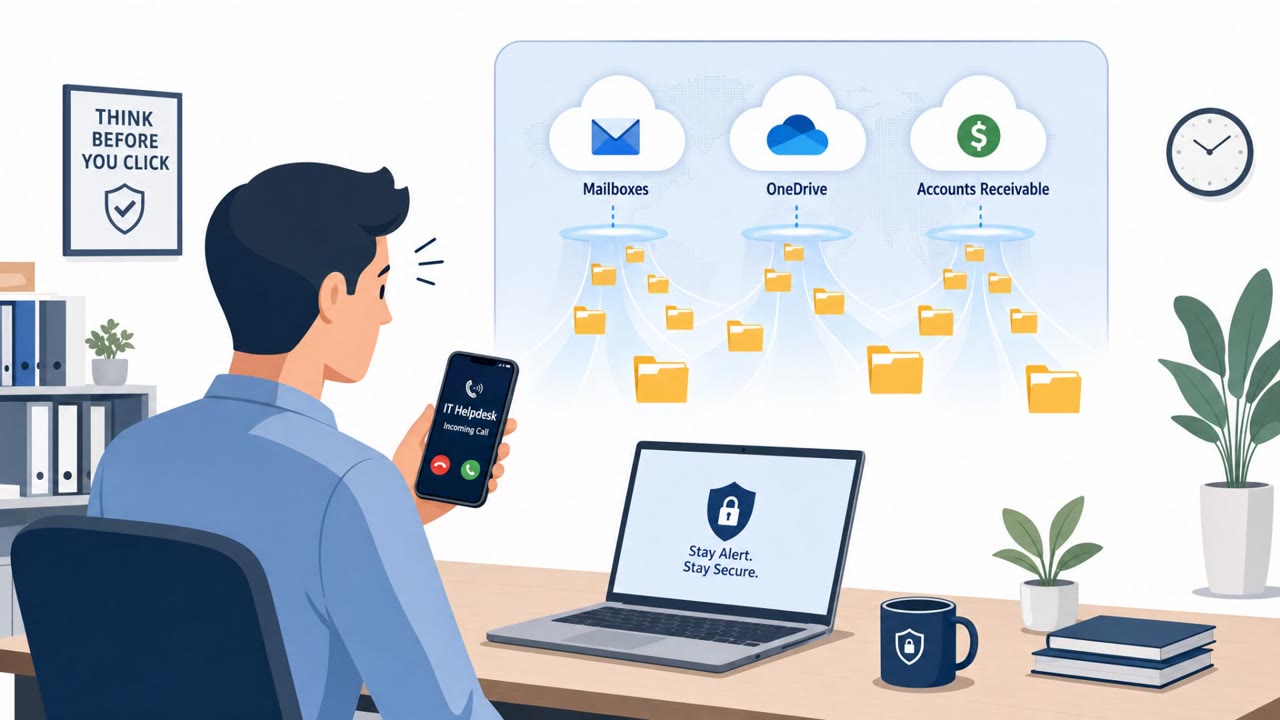
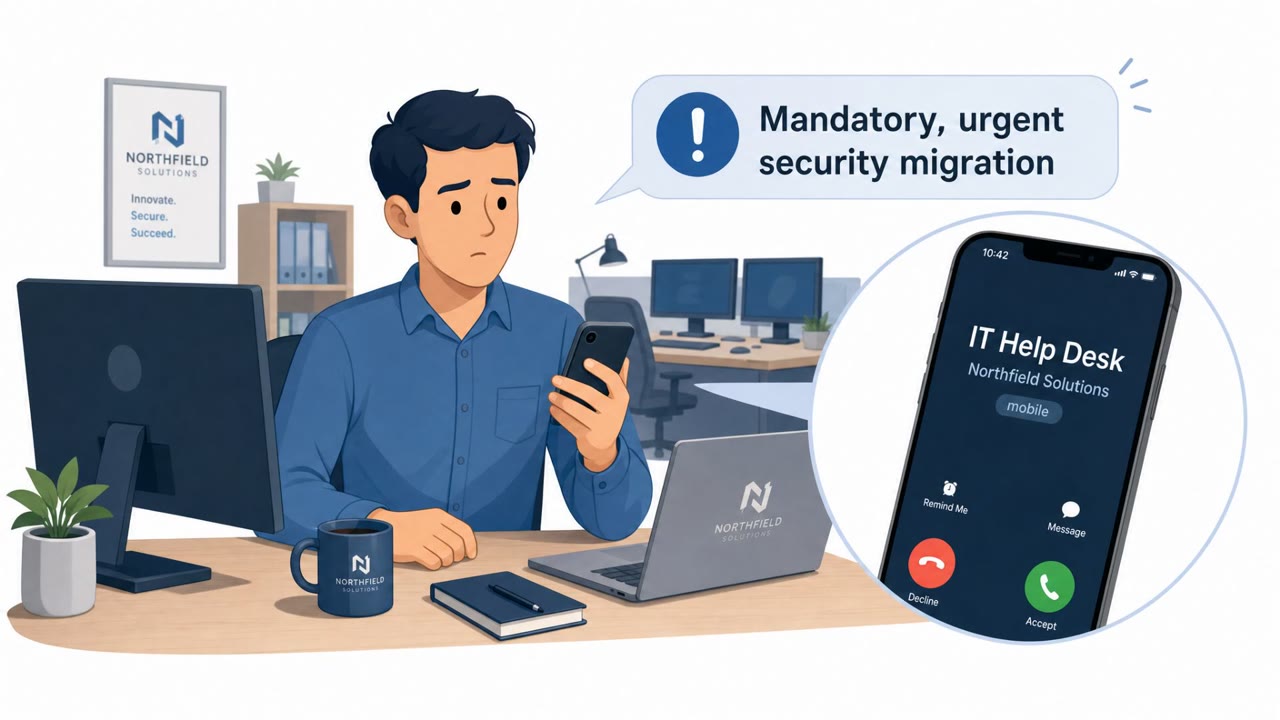
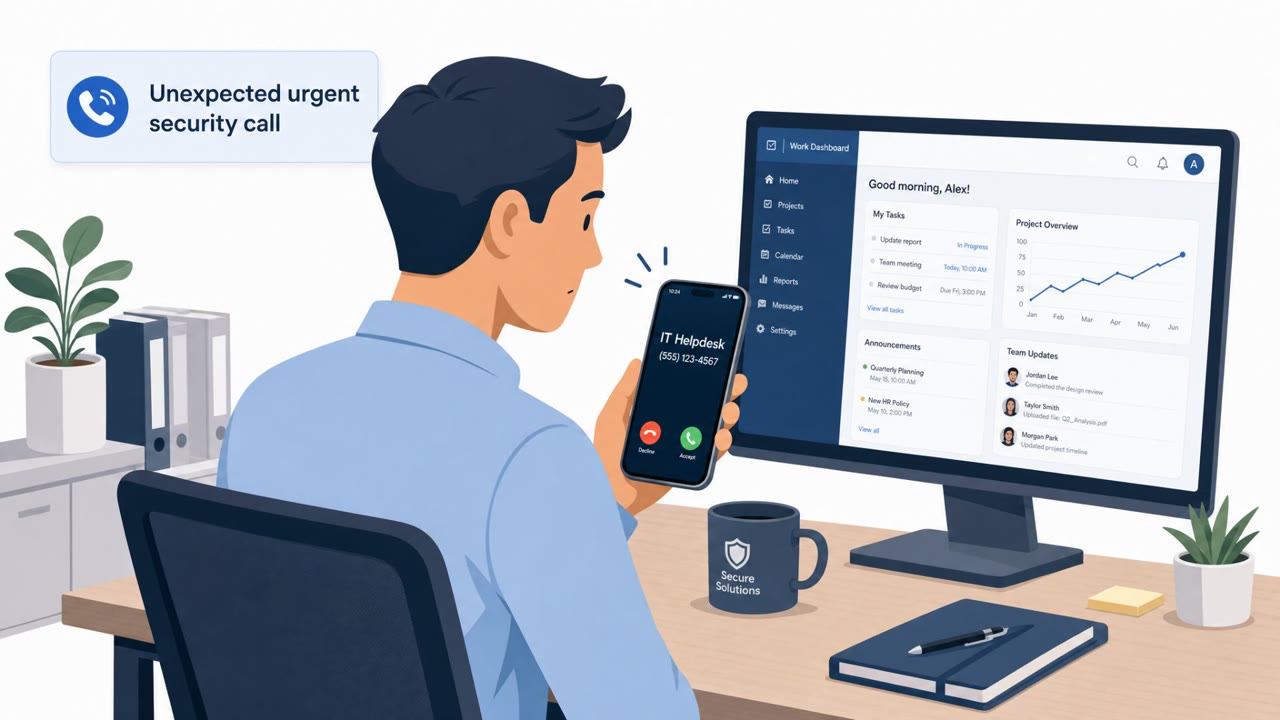
Threat actors are calling employees while pretending to be internal IT/help desk staff and directing them to fake Microsoft 365 login pages. The goal is to capture credentials and MFA approvals, steal session tokens, then access and exfiltrate data from SaaS services like SharePoint, OneDrive, and Exchange before sending extortion demands.
How the attack worked
This campaign starts with a phone call, not an email. Threat actors impersonate internal IT or help desk staff and call employees directly, claiming there is an authentication issue that needs to be resolved. The caller directs the target to a lure URL that follows a predictable pattern: the victim organization's name combined with a lure domain, made to look like a legitimate company authentication page.
Once the target visits the link, they are presented with an operator-controlled Microsoft 365 login flow. This adversary-in-the-middle (AitM) page captures both the entered credentials and the MFA approval in real time, allowing the attackers to obtain a valid, authenticated session token. This token theft is the critical step: it lets attackers bypass the need for malware entirely.
Why it succeeded
The stolen session tokens are replayed from proxy infrastructure, including residential proxy services, with IP addresses chosen to match the victim's geographic location and network. This makes the sign-in activity look far less suspicious to automated defenses. From there, attackers begin exploring the account through apps like My Signins, My Profile, and My Apps, gathering details about what the victim can access before moving to bulk data collection.
The use of a phone call as the initial vector matters. Employees are generally trained to scrutinize suspicious emails and links, but a live voice claiming to be internal IT support carries an assumed layer of trust that many phishing awareness programs do not address directly.
What to watch for
- Unsolicited calls from someone claiming to be IT or help desk, especially ones asking you to register MFA or click a login link
- Authentication-themed domains that do not match your organization's real Microsoft or SSO domain
- Pressure to sign in or approve an MFA prompt immediately, during the call itself
- Unexpected MFA approval requests tied to a sign-in you did not initiate
- Sign-in activity or session behavior that appears shortly after a suspicious call
How to build resistance
Organizations should reinforce that IT support does not typically initiate unsolicited calls demanding immediate login or MFA action. Employees, especially executives, directors, and vice presidents who tend to be targeted, should be trained to hang up and verify any help desk contact through a known internal number or ticketing system before taking any requested action.
Only sign in through an organization's approved, bookmarked portal, never through a link provided over the phone. Because the final stage of this activity involves mass collection and exfiltration from SharePoint, OneDrive, Exchange, and Box followed by extortion demands, staff with broad access to these systems warrant additional attention in awareness training and monitoring for anomalous access patterns.
Key findings
- Attackers impersonate internal IT/help desk staff via phone calls (vishing) and direct targets to authentication-themed lure URLs.
- Lure URLs use the pattern “<victim organization>.<lure domain>” and lead to an operator-controlled Microsoft 365 login flow designed to harvest credentials and MFA approvals.
- Stolen session tokens are replayed using proxy infrastructure and residential proxies to access SaaS data without deploying endpoint malware.
- After access, actors enumerate SharePoint and Entra ID, then collect and exfiltrate data from SharePoint, OneDrive, Exchange, and Box, followed by extortion demands.
- Targets are primarily executives (directors, VPs, and other executive staff) across multiple U.S. industries.
Who’s being targeted
- Commonly targeted roles: Executives, Directors and Vice Presidents, IT Help Desk, All Microsoft 365 users, Security/Identity & Access Management teams.
- Affected industries: Construction and engineering, Healthcare, Pharmaceuticals, Real estate, Property management, Finance, Professional services.
- Attack channels: vishing, website.
- Impersonated: Internal IT / Help Desk, Microsoft 365 sign-in experience (spoofed).
Red flags to watch for
- Unsolicited help desk call asking you to use a new login/MFA registration link
- Authentication-themed domains that are not your company’s real Microsoft/SSO domain (e.g., “registermymfa” or “passkeydeploy”)
- Pressure to approve MFA or sign in immediately from a link provided during a phone call
- Sign-in page hosted on an unfamiliar domain (authentication-themed lure domain)
- Unexpected MFA prompts tied to a sign-in you did not initiate from a known app/location
- Sign-in activity shortly after that appears to come from proxy/residential IPs
Frequently asked questions
How do attackers impersonate IT help desk staff in this scheme?
They call employees directly, claim to be internal IT or help desk personnel, and direct them to an authentication-themed URL following the pattern of victim organization plus a lure domain.
What happens after a victim enters credentials on the fake login page?
The operator-controlled Microsoft 365 login flow harvests credentials and MFA approvals, capturing authenticated session tokens that are later replayed via proxy infrastructure without needing endpoint malware.
Who is being targeted by these attacks?
The activity mainly targets directors, vice presidents, and other executive staff across industries such as construction, healthcare, pharmaceuticals, real estate, and finance.
What do attackers do once they gain access to an account?
They enumerate SharePoint and Entra ID, then collect and exfiltrate data from SharePoint, OneDrive, Exchange, and Box before sending extortion demands.
Read the video transcript
You get a call: “Hi, this is IT. We’re rolling out new MFA. Can you quickly log in for me?” They read out a link like “yourcompany.registermymfa.com” and walk you through a perfect-looking Microsoft 365 sign-in page. Here’s the twist: when you type your password and tap approve, they steal your session token and quietly browse your SharePoint, OneDrive, Exchange, even Box, to stage an extortion demand. If “IT” calls you out of the blue with a new login or MFA link, hang up, and call the real help desk on a known number or ticket channel before you touch any URL.