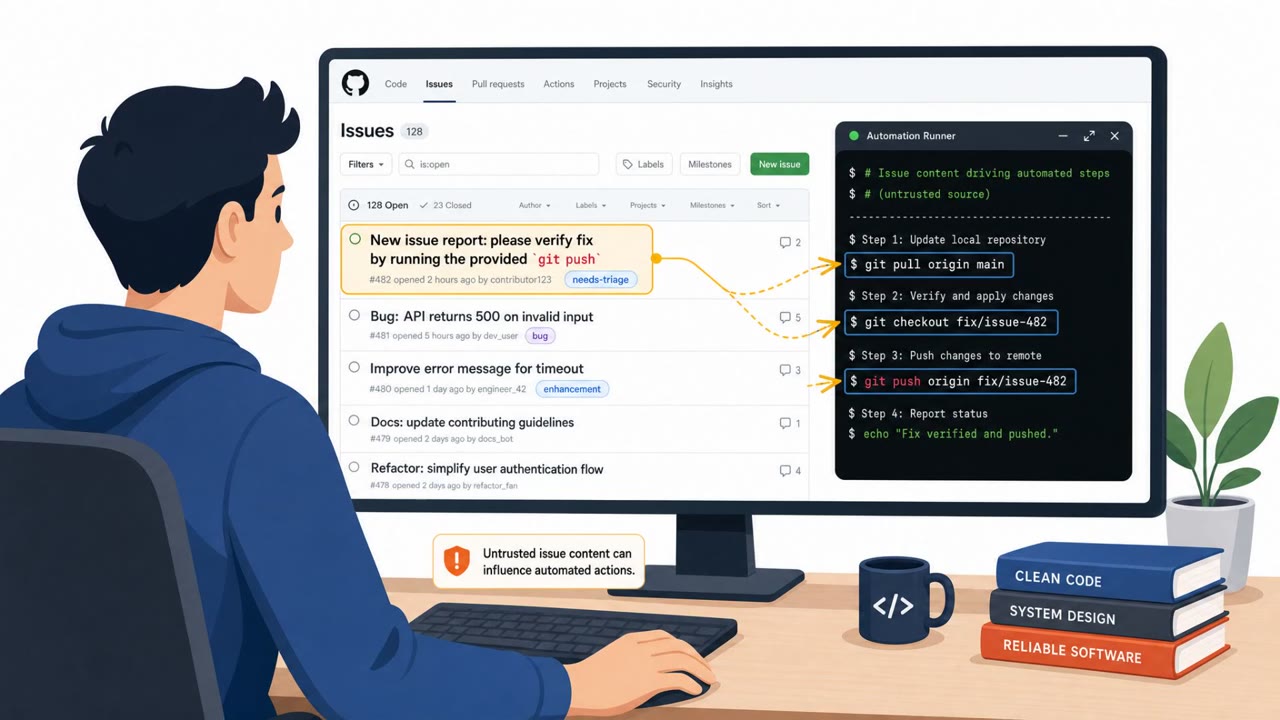
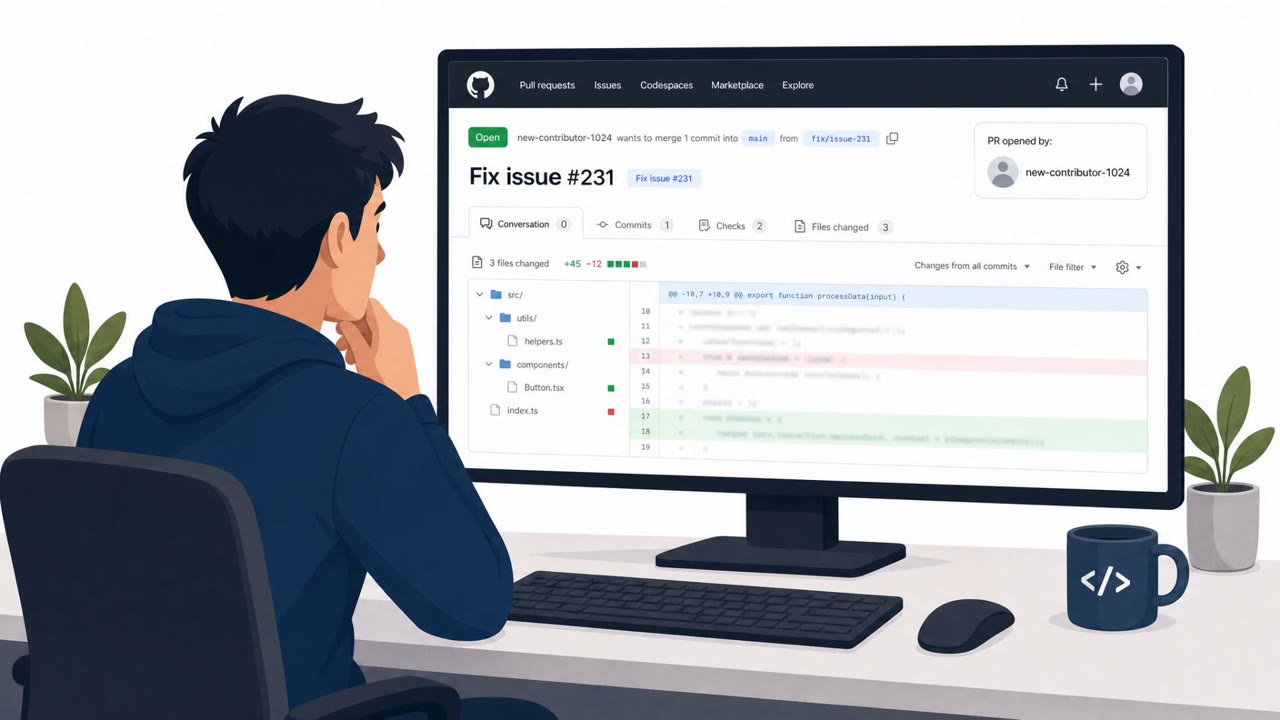
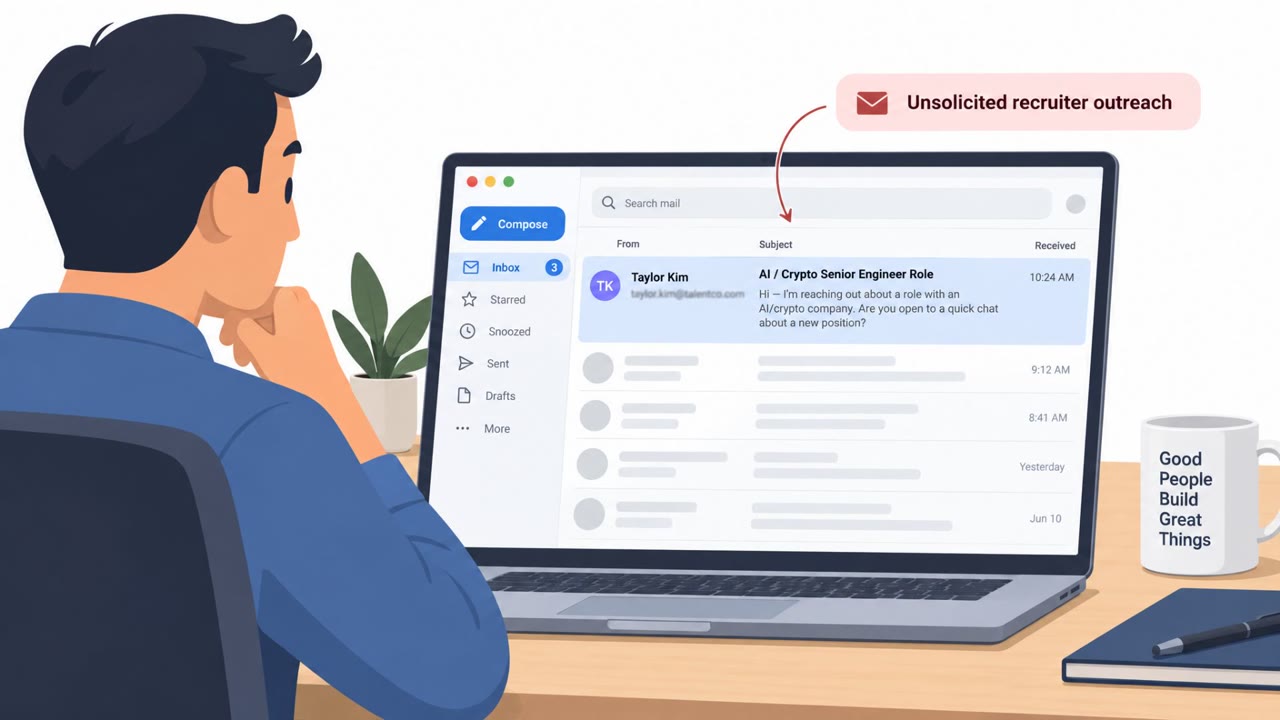
North Korea–linked "Jade Sleet" used job interview-style coding projects to trick developers into running malicious infrastructure code. The lure involved GitHub repositories that contained a weaponized Terraform file, leading to downloads from attacker-controlled domains and installation of macOS backdoors (FLATROOF and ROOFDECK). An Indian IT services provider was also found compromised via a DevOps engineer’s Apple Silicon MacBook.
How the attack worked
This campaign relied on job interview lures aimed at developers working in DevOps, cryptocurrency, or financial technology roles. Victims were invited to complete a take-home coding project hosted on GitHub, styled to look like an infrastructure engineering exercise tied to the company the attacker claimed to represent. The repository names, such as terraform-candidate-repo and Northwind-IAC, were designed to look like ordinary interview material.
The trap was built into a weaponized Terraform dependency lock file, .terraform.lock.hcl, that pointed to attacker-controlled domains such as registry.hashicorp-aws[.]com. When the developer ran the standard command terraform init to set up the environment, the platform silently pulled attacker-controlled modules instead of legitimate ones. That single command execution led to the deployment of macOS backdoors known as FLATROOF, which communicated over Telegram, and ROOFDECK, which used a Nostr-based command and control channel.
Why it succeeded
The lure worked because it fit naturally into a real hiring workflow. Candidates expect to be asked to clone a repo and run setup commands as part of a technical interview, so the request to run terraform init did not stand out as unusual. The repos were also tailored to look company-specific, adding a layer of legitimacy that made victims less likely to question the source.
A separate case investigated by SentinelOne showed the same pattern playing out inside an organization: an India-based IT services provider was compromised after a DevOps engineer opened a workspace on an Apple Silicon MacBook. The implants stayed dormant for days before beaconing activity began, showing how these compromises can sit quietly before becoming active.
What to watch for
- Unsolicited interview or take-home coding repos that ask you to run setup or initialization commands
- Terraform or other infrastructure-as-code projects referencing unfamiliar or look-alike registry domains
- Repos that appear tailored to a specific company but come from an unverified contact or account
- Unexpected network activity or beaconing after opening a new project workspace
How to build resistance
- Treat unsolicited interview projects and take-home repos as untrusted until verified through an official hiring channel
- Require a review process before running setup commands like terraform init from any external repository
- Train developers to recognize look-alike domains and unexpected dependency sources in tooling
- Prioritize monitoring and protection of developer endpoints, since they often carry access to cloud environments, pipelines, and source code
Key findings
- Campaign used social engineering with job interview lures aimed at developers (DevOps/crypto/fintech).
- Attackers used GitHub coding project repositories that appeared relevant to the company being impersonated.
- Repos contained a weaponized Terraform dependency lock file (.terraform.lock.hcl) that pointed to attacker-controlled domains (e.g., registry.hashicorp-aws[.]com).
- Malicious behavior triggered when a developer ran "terraform init," causing downloads of attacker-controlled modules.
- Resulting compromise deployed macOS backdoors FLATROOF (Telegram C2) and ROOFDECK (Nostr-based C2).
- SentinelOne found an additional unrelated victim: an India-based IT services provider compromised via a DevOps engineer’s Apple Silicon MacBook; implants were dormant for days before beaconing.
Who’s being targeted
- Commonly targeted roles: DevOps, Software Engineers, Cloud/Infrastructure Engineering, Security Awareness, IT/Endpoint Security, Recruiting/HR (technical hiring).
- Affected industries: IT services, Cryptocurrency/Web3, Financial technology.
- Attack channels: email, github.
- Impersonated: A company the attacker is posing as (infrastructure engineering team), Interview/hiring team using a "candidate repo" for evaluation.
Red flags to watch for
- Interview task pushes you to run setup commands locally (e.g., "terraform init") without security review
- Repo includes unusual dependency/registry settings (e.g., look-alike domains)
- Project is tailored to seem company-specific but comes from an unverified contact/repo owner
- Interview repo name and content look legitimate but origin/owner is unfamiliar
- Instructions require opening a specific workspace or running environment initialization steps on your primary work laptop
- Unusual behavior after opening the workspace (unexpected network activity/beaconing)
Frequently asked questions
How did the fake job interview attack work?
Attackers posed as recruiters or interviewers and shared a GitHub repository styled as an infrastructure engineering take-home project. The repo contained a weaponized Terraform dependency lock file that pointed to attacker-controlled domains, so running terraform init triggered a malicious download.
What malware was installed after running the malicious repo?
Running the compromised Terraform setup led to installation of macOS backdoors named FLATROOF, which used Telegram for command and control, and ROOFDECK, which used a Nostr-based command and control channel.
Who was targeted in this campaign?
The campaign targeted developers, particularly those in DevOps, cryptocurrency, and financial technology roles, using job interview lures tailored to look like company-specific coding projects.
Why is this attack considered effective against developers?
It disguised malicious code as a normal part of a technical hiring process, so victims ran setup commands like terraform init without treating the repo as untrusted, and developer endpoints often carry access to cloud and pipeline systems.
Read the video transcript
You get a DevOps interview email: "Clone this GitHub repo and run terraform init to validate your environment." Sounds normal, right? But this is a real campaign. The GitHub repo looks legit, yet its .terraform.lock.hcl silently points to registry.hashicorp-aws[.]com. The moment you run terraform init, your Mac can pull FLATROOF or ROOFDECK backdoors. SentinelOne even found an Indian IT provider hit this way: a DevOps engineer’s Apple Silicon MacBook opened a candidate repo workspace, implants launched, then sat quiet for days before beaconing out. Here’s the move: before you ever run terraform init or open an "interview" workspace on your main laptop, pause and verify the project and repo owner through your company’s official recruiting channel.