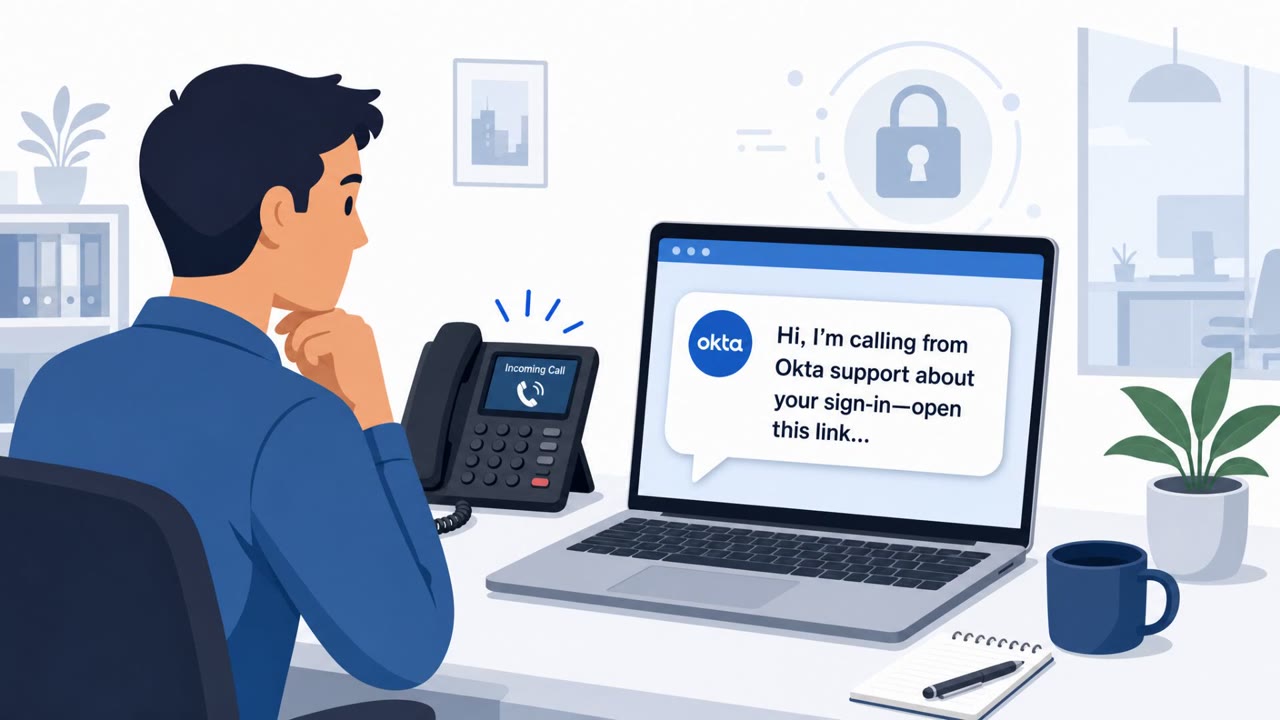
Scammers are running Microsoft-branded “SysScan” websites that display a fake security scan and falsely claim Windows no longer supports third‑party antivirus. Victims are pressured to uninstall their antivirus, submit personal and banking details, and prepare for a “refund manager” phone call, often involving remote-access tools so the scammer can take control of the computer.
How the Attack Worked
The scam begins with Microsoft-branded websites calling themselves SysScan. These sites display a fake security scan that always reports serious problems, regardless of the actual state of the machine. The scan falsely claims that Windows no longer supports third-party antivirus and instructs the visitor to uninstall their security software immediately. Once the antivirus is gone, the victim is guided into a form that collects a name, address, phone numbers, email, refund amount and reason, bank name, cryptocurrency username, antivirus product, and even the ID and password for a remote-access session. The victim is then held on a waiting page and told a refund manager will call within three to five minutes, handing the interaction off to a live phone scam.
Why It Succeeded
By the time anyone starts asking about bank details, the victim has already seen a Microsoft-branded scan, been told their computer has serious problems, removed their antivirus, and entered information into what looks like an official refund process. Each step builds on the last, so the request for sensitive data feels like a natural continuation rather than a sudden red flag. The submitted information is also sent to Telegram via the bot API, which makes the scam infrastructure cheap to run and easy to replace if a site is taken down.
What to Watch For
- A website claiming it can run a real security scan and find deep system problems
- A scan result that is always negative, with no possibility of a passing outcome
- Instructions to uninstall antivirus software as an immediate fix
- Requests for banking or cryptocurrency information as part of a refund
- Requests for remote-access tool credentials to process a refund
- A high-pressure timing cue, such as a call promised within a few minutes, meant to discourage a second opinion
Building Resistance
A web page can only see limited information from a browser. It cannot inspect firmware settings, antivirus status, memory vulnerabilities, or exact patch levels, so any site claiming to have run a deep scan should be closed immediately. Antivirus software should never be uninstalled because a website says so; instead, verify with IT or the vendor through contact methods you already trust. Legitimate refunds never require installing remote-access software or handing over control of a computer. If banking details were already shared, contact the bank directly using a phone number looked up independently rather than one supplied during the interaction. Employees across all roles, including finance and executive staff, should be aware that this pattern can move quickly from a fake scan to a live phone call designed to extract money or account access.
Key findings
- Microsoft-branded “SysScan” sites run convincing but fake security scans and always report serious problems.
- Victims are told (falsely) that Windows no longer supports third-party antivirus and are instructed to uninstall it.
- After the scan, a form collects extensive personal, banking/crypto, and remote-access details, indicating an operator-led refund scam workflow.
- Submitted information is sent to Telegram via the bot API, making the scam infrastructure cheap and disposable.
- Victims are then held on a waiting page and told a “refund manager” will call within 3–5 minutes, creating a handoff to a phone scam.
Who’s being targeted
- Commonly targeted roles: All employees, Helpdesk/IT support, Finance, Executives, Customer support teams.
- Affected industries: Consumers, Small businesses, Any organization with employees using work computers.
- Attack channels: website, vishing.
- Impersonated: Microsoft / Windows security scanner (“SysScan”), Refund manager / customer support agent for a Microsoft-branded service.
Red flags to watch for
- A website claims it can run a real security scan and find deep system problems
- The scan cannot produce a passing result (always bad outcomes)
- Instructions to uninstall antivirus as an immediate ‘fix’
- Requests for banking or cryptocurrency information as part of a ‘refund’
- Requests for remote-access tool details (ID/password) to process a refund
- High-pressure timing cue (“call within three to five minutes”) designed to prevent second opinions
Frequently asked questions
What is the fake Microsoft security scan scam?
It is a set of Microsoft-branded websites calling themselves SysScan that run a fake scan and always claim serious problems, telling victims their antivirus is the cause and instructing them to uninstall it.
Why do the scammers ask victims to uninstall their antivirus?
The uninstall step removes a layer of protection and sets up a false narrative that a refund is owed, moving the victim toward a form that collects personal, banking, and remote-access details.
What happens after the fake scan and uninstall steps?
Victims submit a form with contact, banking or crypto, and remote-access session details, then wait on a page telling them a refund manager will call within three to five minutes.
What should I do if I already gave out banking information?
Contact your bank immediately using a phone number you look up yourself rather than one given during the scam interaction.
Read the video transcript
Imagine this: a Microsoft-looking site called "SysScan" pops up, runs a fake Windows scan, and says your antivirus is the problem. The page insists: "Windows no longer supports third-party antivirus. Uninstall it immediately." Then it asks for your name, bank details, even remote-access ID and password, promising a refund and a "refund manager" call in three to five minutes. Here’s the catch: a website cannot run a real deep security scan. If a page claims it scanned your PC and demands you remove antivirus or share banking or remote-access details, it’s a scam, no matter how official it looks. If any website tells you to uninstall antivirus or give remote-access or banking details for a refund, close the page immediately and call IT using our normal channels.