Kaspersky reports an active OkoBot malware campaign targeting Windows users who manage cryptocurrency. Victims are lured via “ClickFix” fake-error pages that trick them into running PowerShell commands, and via GitHub repos posing as legitimate software downloads. The malware then steals wallet files/credentials and can show a fake hardware-wallet recovery page to capture seed phrases.
How the attack worked
Researchers describe an active campaign delivering OkoBot malware to Windows users who manage cryptocurrency. The malware steals wallet files, recovery phrases, passwords, and browser data, and it can record activity inside financial applications. Two main delivery paths are used to reach victims: fake website error or verification pages known as ClickFix scams, and malicious software promoted through GitHub repositories.
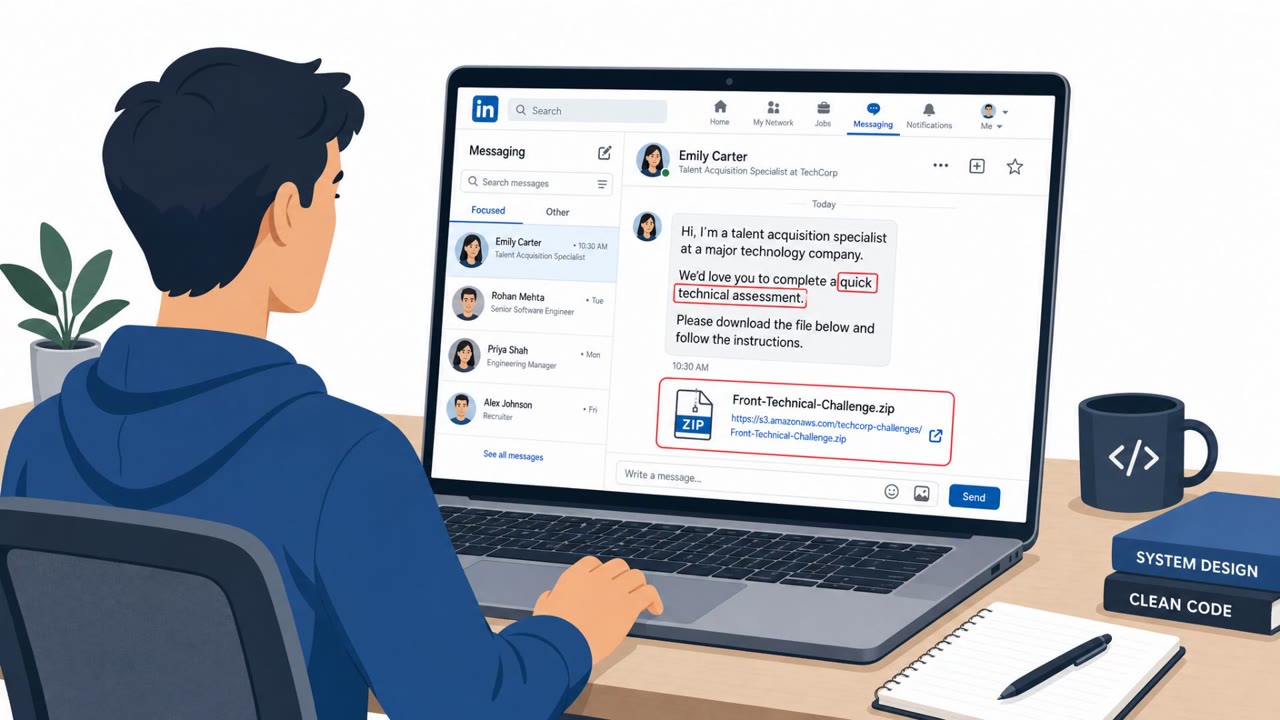
In the ClickFix path, a fake error or verification prompt persuades the user to copy and run a command in PowerShell or the Windows Run dialog. In the GitHub path, a repository mimicked the style of official Microsoft installation guides while advertising a fake version of Microsoft SQL Server Management Studio, and it appeared near the top of search results for SSMS. The download it offered instead contained a modified build with malware embedded in one of its libraries.
The seed phrase theft component
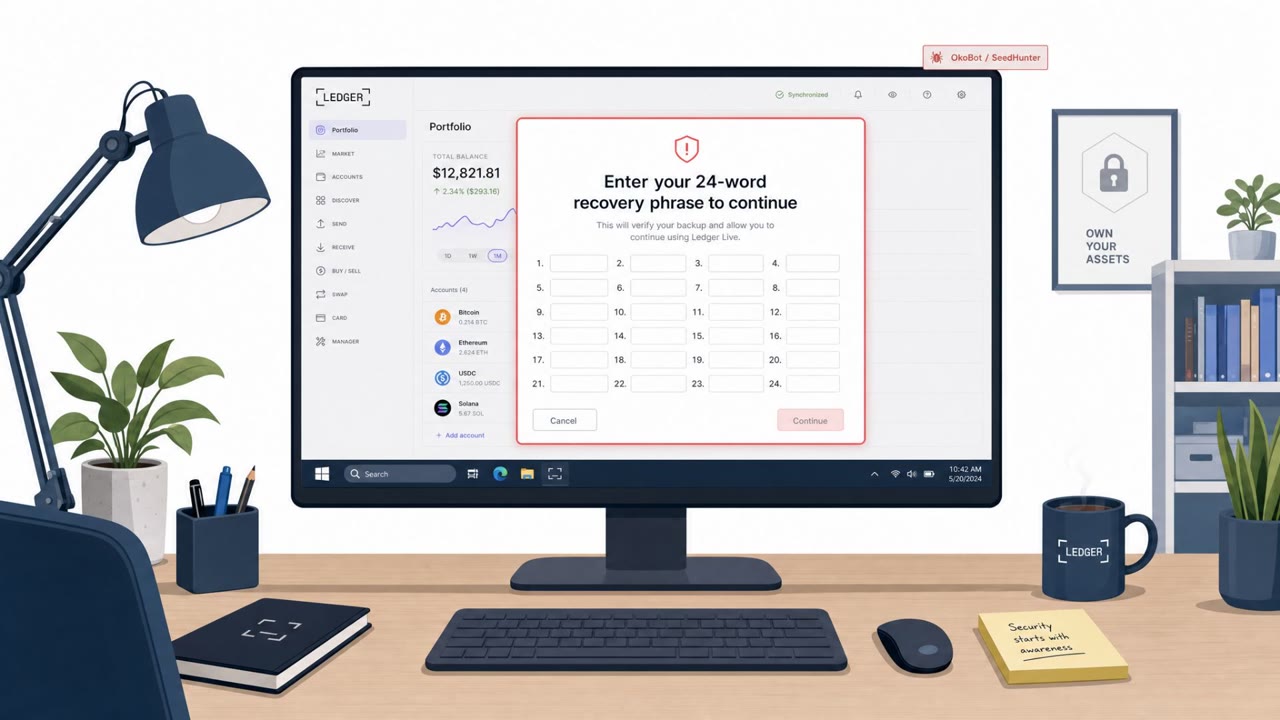
A notable part of the campaign is a component that targets hardware wallets. When a connected hardware wallet is detected, the malware displays a fake recovery page designed for that specific device and sends any entered seed phrase to its command server. This step is dangerous because it can happen even when everything else about the wallet software appears normal.
The campaign also reportedly uses hidden Chromium browser extensions to monitor browser activity while suppressing warnings and hiding the extension from the user, extending the malware's reach beyond the initial infection.
Why it succeeded
The attack relies on habits that feel routine to technical users: pasting a command to fix an error, downloading a tool from a search result, or entering a recovery phrase during what looks like a normal wallet workflow. Each of these actions is common enough that a fake version does not stand out unless the user pauses to question the source of the instruction.
What to watch for
- Any website or support message instructing you to paste and run commands in PowerShell or the Windows Run dialog
- Software download pages or GitHub repositories found through search that are not the official publisher's channel
- Unexpected recovery or verification prompts asking for a wallet seed phrase, even inside what appears to be Ledger or Trezor software
How to build resistance
- Treat any instruction to run pasted commands as a stop sign, close the page rather than proceeding
- Download crypto and developer tools only from the official publisher, not from unfamiliar repositories surfaced by search
- Never type a seed phrase into an unexpected form, and if one may have been exposed, move funds to a new wallet on a clean device immediately rather than just changing a password
Key findings
- OkoBot targets Windows crypto users to steal wallet files, recovery phrases, passwords, and browser data, and can record activity inside financial applications.
- Initial access is driven by ClickFix scams (fake errors/verification prompts) and malicious software promoted via GitHub (including a fake SSMS repo).
- The ClickFix lure persuades users to copy/paste and run commands in PowerShell or the Windows Run dialog.
- A component (“SeedHunter”) presents a fake recovery page for hardware wallets (Ledger/Trezor) to capture seed phrases.
- The campaign also uses hidden Chromium extensions to monitor browser activity while suppressing warnings and hiding the extension from the user.
- Kaspersky could not attribute the activity to a known group; servers blocked Russia/CIS and code contained Russian-language comments.
Who’s being targeted
- Commonly targeted roles: Finance, Executives, Developers, IT, Any employees who use crypto wallets or hardware wallets.
- Affected industries: Consumer cryptocurrency users, Cryptocurrency / digital wallets, Software users downloading tools via GitHub.
- Attack channels: website, github.
- Impersonated: A website support or verification page, Microsoft / official SSMS installer guidance, Ledger Live / Trezor Suite (recovery page).
Red flags to watch for
- Any site instructing you to paste/run commands in PowerShell or Windows Run
- Unexplained “verification” steps that require executing commands
- Sense of urgency to bypass normal download/install steps
- Software obtained from an unfamiliar GitHub repo found via search results
- Documentation that looks official but is hosted outside the vendor’s official channels
- Installer/package doesn’t match the expected publisher/source
- Unexpected recovery prompt when you did not initiate a recovery
- Any prompt asking you to type a seed phrase into a form/window
- Recovery instructions that appear after installing new/unverified software
Frequently asked questions
What is OkoBot malware?
OkoBot is malware that targets Windows users who manage cryptocurrency, stealing wallet files, recovery phrases, passwords, and browser data, and it can record activity inside financial applications.
How does the ClickFix scam trick users into installing OkoBot?
ClickFix attacks show fake errors or verification instructions that persuade users to copy and run commands in PowerShell or the Windows Run dialog, which leads to the malware being installed.
How does OkoBot steal hardware wallet seed phrases?
When a connected hardware wallet is detected, the malware displays a fake recovery page designed for the relevant device and sends any entered seed phrase to its command server.
What should someone do if they entered a seed phrase into a suspicious window?
They should use a clean device to create a new wallet and transfer the funds immediately, since changing the wallet application password will not protect assets once the recovery phrase has already been stolen.
Read the video transcript
If you manage crypto on Windows, OkoBot is hunting for one thing: your wallet and seed phrase. Here’s the trick: a fake ClickFix error page pops up and calmly tells you, “To fix this, copy this command and run it in PowerShell or Windows Run.” Or you search GitHub for SSMS, click a top result that looks like a Microsoft guide, run the installer, and behind the scenes OkoBot is stealing wallet files and popping up a fake Ledger or Trezor recovery page to grab your seed. Here’s your rule: if any website or “support” message tells you to paste commands into PowerShell or Windows Run, stop, close it, and report it, never run what a web page tells you.