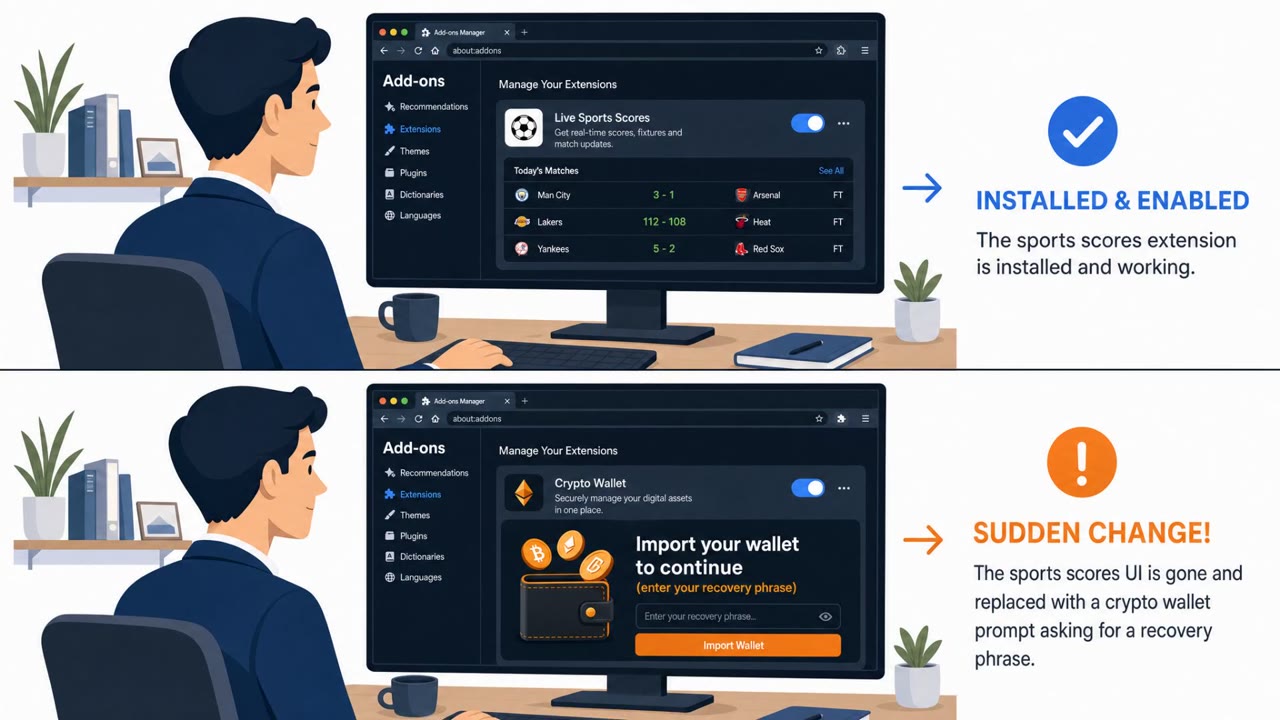
A real malware campaign called OkoBot is infecting Windows PCs and then showing a fake “recovery phrase” prompt inside legitimate Ledger and Trezor desktop apps. Victims are tricked into typing their wallet seed phrase into a malicious page that looks like it came from the trusted app, allowing attackers to steal cryptocurrency. Kaspersky reports hundreds of victims across more than 25 countries, with notable concentrations in Brazil, Vietnam, Canada, Mexico, and Türkiye.
How the attack worked
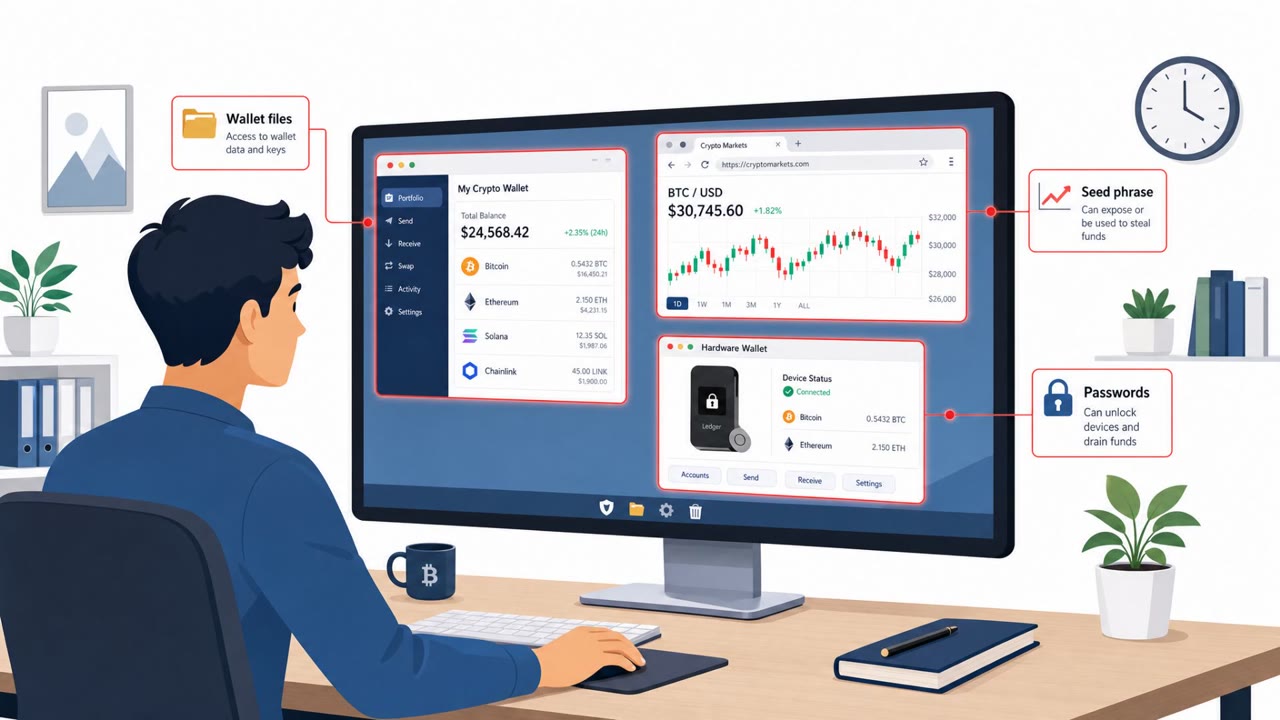
OkoBot is a Windows malware framework that has been active since April 2025. Once it infects a machine, it uses a module called SeedHunter that waits for a real Ledger or Trezor hardware wallet to be plugged in. Only then does it draw a hard-coded recovery phrase page styled to match that specific wallet brand, displayed inside the legitimate desktop app the victim already trusts. Because the surrounding app is genuine, the fake page can blend in convincingly and prompt victims to type their 12 or 24 word recovery phrase directly into attacker-controlled infrastructure.
Kaspersky observed two main ways OkoBot reaches victims: a ClickFix-style lure that convinces someone to run a script, and trojanized software hosted on GitHub. In one documented case, a repository advertised as SQL Server Management Studio actually shipped a modified build of Audacity with a malicious library implanted inside it, and it ranked highly for SSMS searches for several months in 2025. Both infection paths lead to a PowerShell downloader that sets the stage for later modules, including remote access capability such as SSH tunneling and enabling RDP.
Why it succeeded
The core of this attack's effectiveness is that the request for a recovery phrase does not come from a suspicious website or an obvious phishing email. It comes from inside the wallet's own desktop software, an app the user installed intentionally and has learned to trust. Victims have no reason to doubt a screen that appears to be part of the software they already rely on to manage their crypto assets. The GitHub distribution path adds another layer of misdirection: users searching for a legitimate, well-known admin tool land on a repository that appears credible and popular.
What to watch for
- A recovery phrase or seed phrase prompt that appears unexpectedly inside a wallet desktop app
- A prompt that shows up immediately after plugging in a hardware wallet, with no corresponding request on the device's own screen
- Downloads of common tools from third-party GitHub repositories rather than official vendor sites
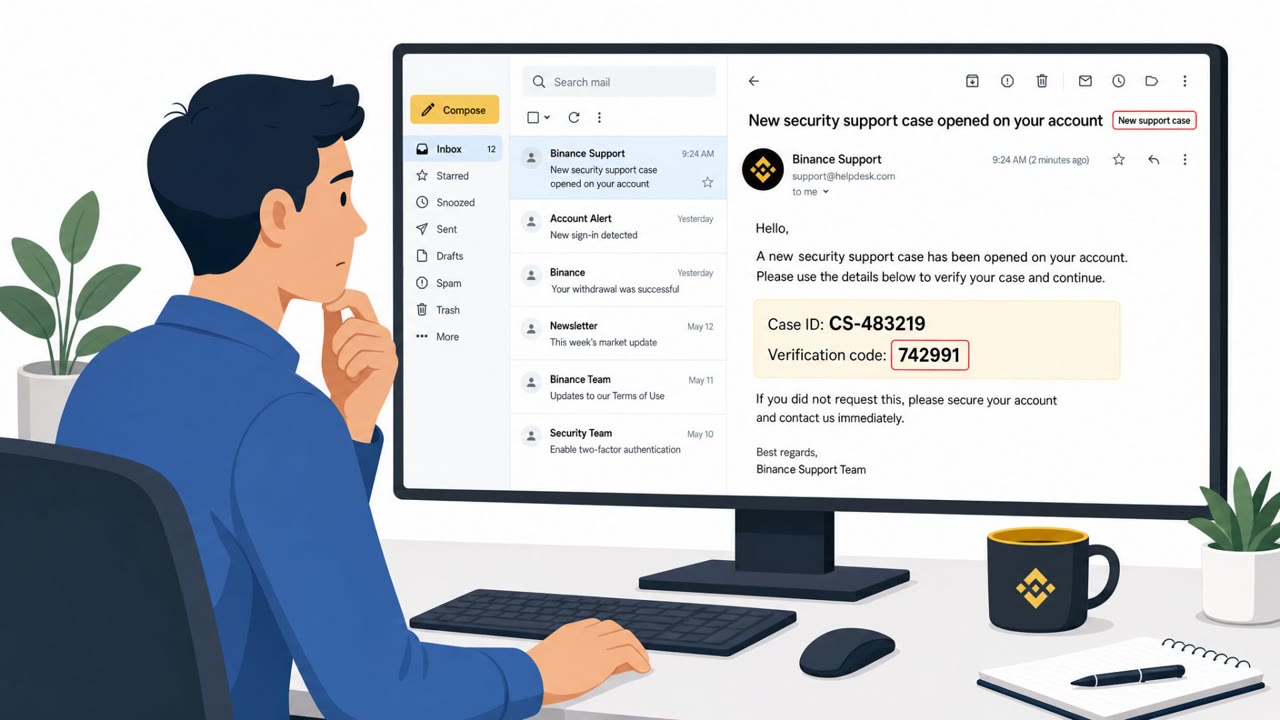
- Being told to run a script or command to "fix" a security issue outside normal IT channels
How to build resistance
Teams handling corporate or personal crypto wallets should be trained to treat any unexpected recovery phrase request as suspicious, even when it appears inside familiar software. The key rule to reinforce: a hardware wallet's recovery flow should be confirmed on the physical device screen itself, not solely inside the desktop app. Encouraging staff, especially IT, developers, and database administrators, to download tools only from official vendor sources reduces exposure to trojanized packages. Awareness training should also cover ClickFix-style lures that push users toward running scripts, since that pattern was a primary entry point in this campaign.
Key findings
- OkoBot has been active on Windows since April 2025 and includes a module (SeedHunter) designed to trick hardware-wallet owners into entering their recovery phrase inside the real wallet app UI.
- Kaspersky observed “hundreds of victims” across “more than 25 countries,” with the largest shares in “Brazil, Vietnam, Canada, Mexico, and Türkiye.”
- SeedHunter can wait until a real Ledger or Trezor device is plugged in before displaying a brand-specific recovery-phrase page, increasing believability.
- Initial infection paths described include a “ClickFix lure” and “trojanized software on GitHub” (a repo advertising SQL Server Management Studio but delivering a trojanized Audacity build).
- The campaign uses infrastructure including the C2 domain `moonsand[.]store` and establishes remote access (e.g., SSH tunneling and enabling RDP) to deploy additional modules.
- Vendors stress a key user-safety rule: Ledger/Trezor apps should not ask users to type seed phrases except in specific device-driven recovery flows; an unexpected prompt inside the desktop app is a major warning sign.
Who’s being targeted
- Commonly targeted roles: Finance, Treasury, Crypto operations, Executives, IT, Developers, Database Administrators.
- Affected industries: Cryptocurrency and digital asset users, Financial services (wallet/treasury operations), Technology (developers/admins downloading tools from GitHub).
- Attack channels: website, email.
- Impersonated: A GitHub project/repository maintainer for “SQL Server Management Studio”, IT support / security verification (ClickFix-style prompt), Ledger Live / Ledger Wallet / Trezor Suite (in-app prompt).
Red flags to watch for
- The download is not from an official vendor site (Microsoft) and the repo is third-party
- The installed app is not what was advertised (tool mismatch)
- Unexpected follow-on behavior after install (remote access/tunneling activity)
- Being asked to run commands or “fix steps” rather than using official IT channels
- Unusual urgency or vague security warning without a ticket/reference
- Steps lead to running PowerShell/downloader behavior
- A recovery phrase prompt appears unexpectedly inside the desktop app
- The device itself is not asking for recovery on its own screen
- Prompt appears right after plugging in the device, without a user-initiated recovery action
Frequently asked questions
What is OkoBot malware?
OkoBot is a Windows malware framework active since April 2025 that includes a module called SeedHunter, designed to trick hardware wallet owners into typing their recovery phrase into a fake page shown inside the real Ledger or Trezor desktop app.
How does OkoBot get onto a victim's computer?
Kaspersky identified two main infection paths: a ClickFix-style lure that convinces users to run a script, and trojanized software distributed on GitHub, including a repository that advertised SQL Server Management Studio but actually delivered a modified version of Audacity.
How can I tell if a recovery phrase prompt is fake?
A legitimate hardware wallet recovery flow is driven by the physical device itself. If a recovery phrase request appears inside the desktop app right after plugging in the device, with nothing shown on the device's own screen, that mismatch is a strong sign of a scam.
Who has been affected by OkoBot?
Kaspersky reports hundreds of victims across more than 25 countries, with the largest concentrations in Brazil, Vietnam, Canada, Mexico, and Türkiye.
Read the video transcript
You plug in your Ledger, open the app, and suddenly a window says: “Type your 24-word recovery phrase to continue.” Looks legit, right? That’s OkoBot. OkoBot sneaks in from a fake GitHub repo that claims to be SQL Server Management Studio but actually installs a trojanized Audacity, or from a ClickFix-style email that makes you run a PowerShell “fix.” Once it’s on your PC, its SeedHunter module waits until you plug in a real Ledger or Trezor, then pops that fake recovery screen inside the real app. Here’s the trap: the fake page appears right inside Ledger or Trezor on Windows, and it only shows up after you plug in your device, so it feels normal. But on a real recovery, your hardware wallet’s own screen walks you through the words. If the desktop app is asking and your device screen is quiet, that’s your red flag. Your move: if any app on your PC ever asks for your full seed phrase and your Ledger or Trezor screen isn’t also guiding you, stop typing immediately and report it to security, assume OkoBot until proven otherwise.