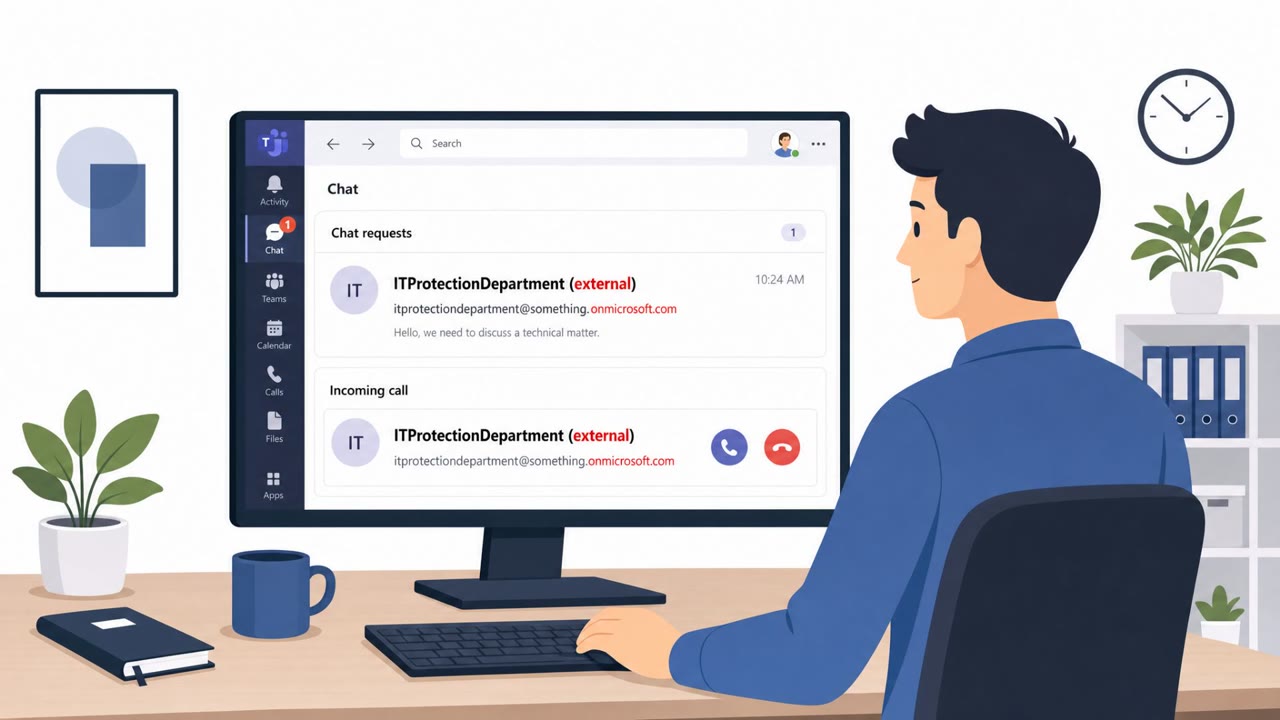
Attackers are calling employees on Microsoft Teams while pretending to be internal IT support, then persuading them to approve a Microsoft Quick Assist remote-control session. Once the employee approves, the attacker can take control of the computer and use PowerShell to install a Go-based backdoor (GoGRPC) and other tools for long-term access and data theft.
How the Attack Worked
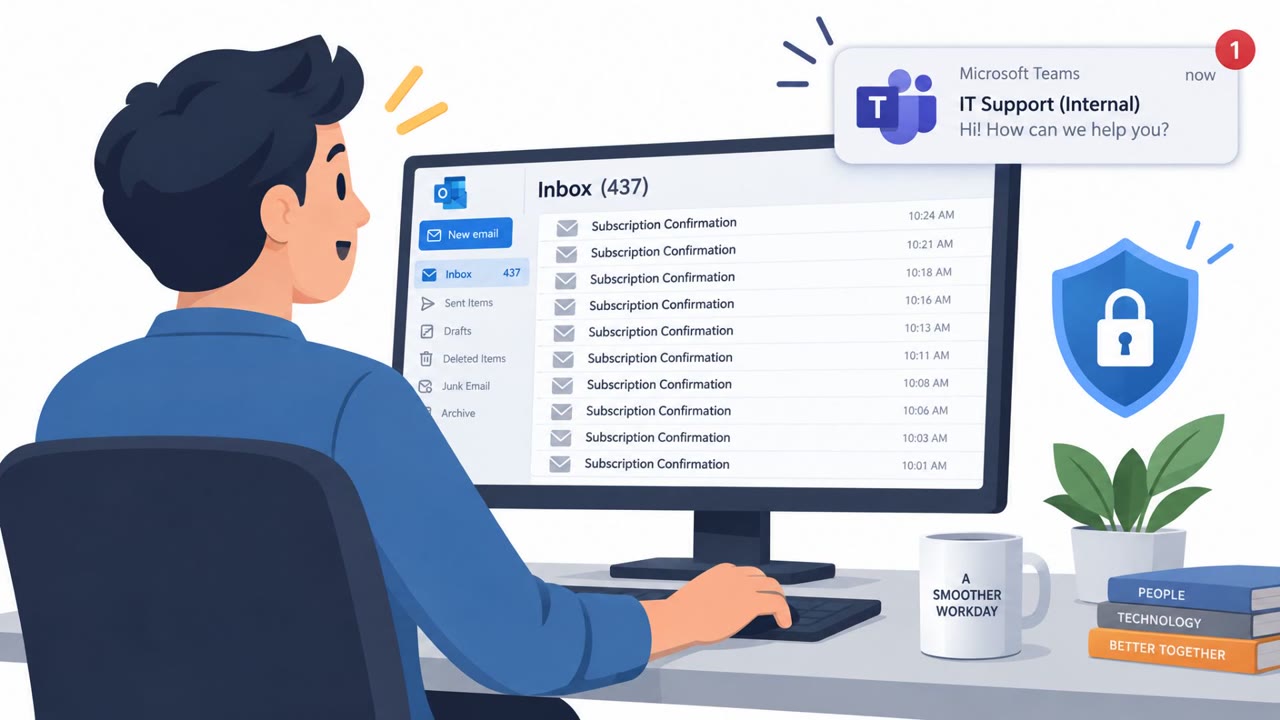
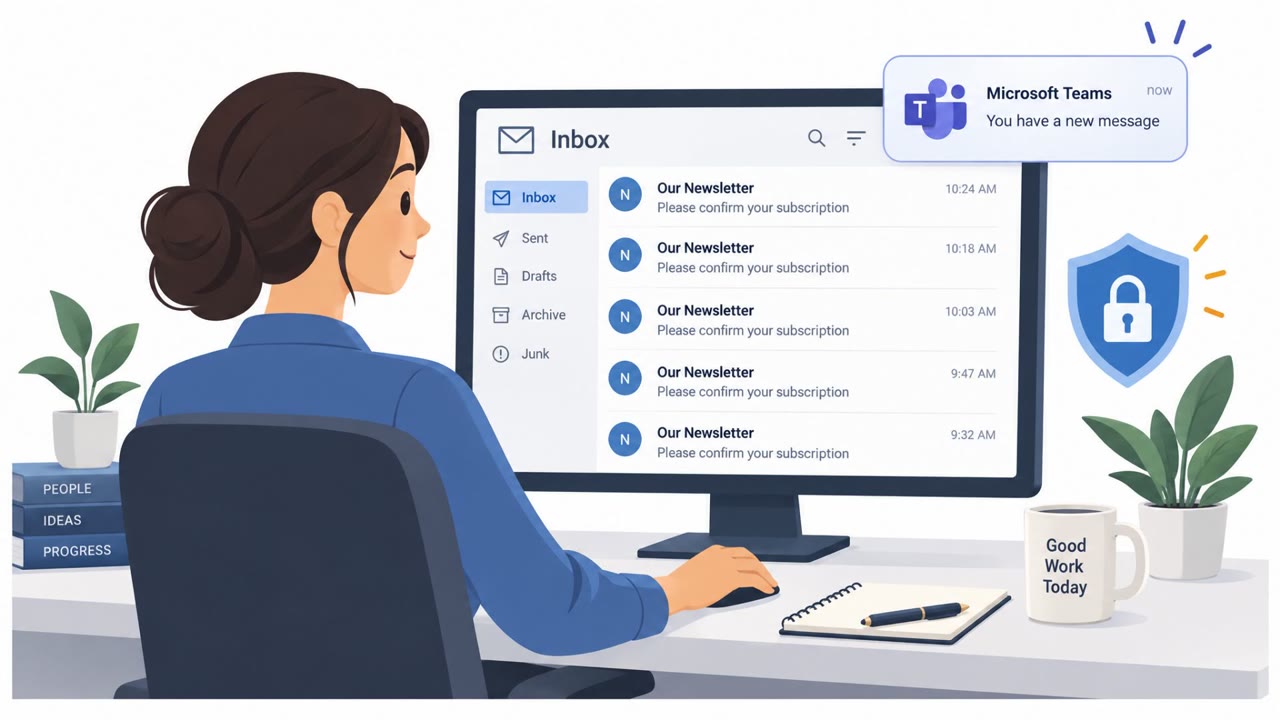
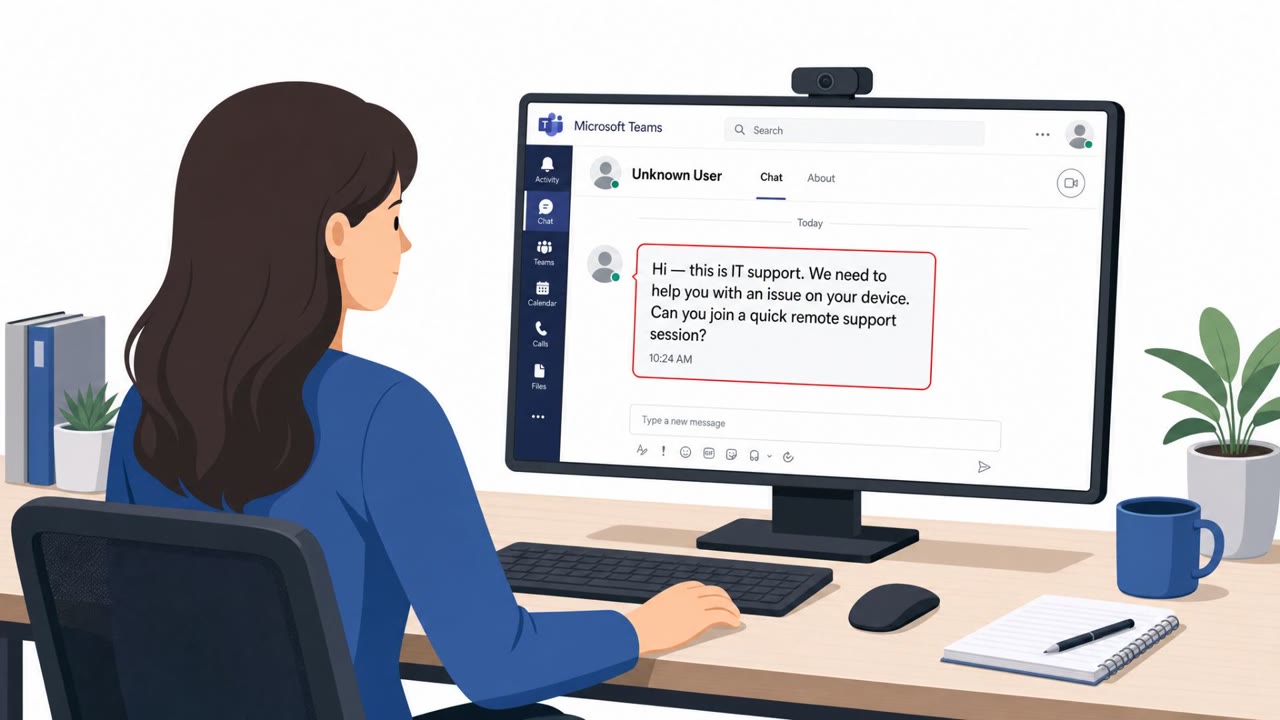
This scheme relies on a phone-style social engineering tactic delivered through Microsoft Teams rather than a traditional phone line. An attacker contacts an employee, claims to be internal IT support, and asks them to start a Microsoft Quick Assist session to resolve a supposed technical issue. Once the employee approves the session, the attacker gains live remote control of the machine. From there, PowerShell commands are used to collect device information, download additional tools, and install the GoGRPC backdoor configured to launch automatically at every sign-in. Some reported incidents may also begin with an email flood that overwhelms the target's inbox, followed by a Teams call from the fake support worker offering to fix the disruption, though this pattern has not been confirmed in every case.
Why It Succeeded
The pretext works because it mirrors a routine, expected interaction. Employees are used to receiving help from IT and are conditioned to cooperate quickly when told there is a technical problem. An unsolicited Teams call from someone claiming to be internal support does not automatically look suspicious, especially if the employee is already dealing with a disrupted inbox. The request to approve a Quick Assist session feels like a normal troubleshooting step rather than a security decision, which lowers the employee's guard at the exact moment verification matters most.
What to Watch For
- An unexpected Teams call or message from someone claiming to be IT support, without a prior ticket or request
- Pressure to approve a Quick Assist remote-control session quickly, without independent verification
- A support contact coming from an external or unknown Teams account rather than a known internal one
- A sudden flood of unwanted emails immediately followed by a helpful-sounding support call
How to Build Resistance
Employees should treat any unexpected Teams-based IT support outreach as unverified until confirmed through a separate, known channel such as an internal phone number or support portal. No remote-control request should be approved unless the employee initiated the support ticket themselves and can confirm the identity of the person helping. Organizations that do not rely on Quick Assist for legitimate support should consider removing or blocking it from employee devices, and should also limit the ability of unknown external accounts to initiate Teams contact with staff. Building awareness around this specific pretext, a Teams call posing as internal IT, helps employees recognize the request as a decision point rather than a routine help session, reducing the chance that remote access and backdoor tools like GoGRPC are ever installed.
Key findings
- Attackers impersonate company IT support over Microsoft Teams to trick employees into granting remote control via Quick Assist.
- After access is granted, attackers run PowerShell commands to survey the device and install the GoGRPC backdoor for persistent access.
- Some incidents may be preceded by an email flood to create urgency, then a “support” call offering to fix the problem (not confirmed in every case).
- The toolset includes multiple malware variants and utilities for command execution, proxying, and file theft (including uploading to Amazon S3).
- Zscaler assesses the activity may be an initial-access operation that could later enable ransomware or extortion.
Who’s being targeted
- Commonly targeted roles: All employees, Executives, Finance, HR, IT service desk / helpdesk, Security awareness training.
- Affected industries: General business / enterprise users (cross-industry).
- Attack channels: teams, website, email.
- Impersonated: Company IT support / helpdesk.
Red flags to watch for
- Unsolicited Teams call claiming to be IT support
- Pressure to approve a remote-control session without a ticket/verification
- External/unknown Teams account initiating support interaction
- Sudden inbox flood followed by an unsolicited 'helpdesk' call
- Caller uses the chaos/urgency to bypass normal support verification
- Support offered via Teams by an unexpected contact
Frequently asked questions
How do attackers gain remote access in this scheme?
They contact employees over Microsoft Teams while impersonating internal IT support and persuade them to approve a Microsoft Quick Assist session, which grants remote control of the computer.
What happens after the attacker gains control?
The attacker uses PowerShell commands to survey the device, download malware, and install the GoGRPC backdoor so it starts automatically whenever the user signs in.
Is there a warning sign before the fake support call?
Some incidents may begin with an email flood that fills the victim's inbox with unwanted messages, after which the fake support worker calls through Teams offering to fix it, though this is not confirmed in every case.
How can organizations reduce this risk?
Companies that do not use Quick Assist should block or remove it from employee computers, and employees should verify any support request through an internal phone number, support portal, or known company contact before approving a session.
Read the video transcript
A Microsoft Teams call pops up: “IT Support here, I just need you to start Quick Assist so I can fix an issue.” Sounds normal, right? But this isn’t our helpdesk. It’s someone posing as IT, talking you into approving a Microsoft Quick Assist session. The second you click Accept, they can fully control your PC. From there, they run PowerShell, drop a GoGRPC backdoor, and quietly set up tools to steal files to cloud storage and come back later for ransomware or extortion. All from that one Quick Assist approval. If you get an unexpected Teams “IT support” call asking for Quick Assist, hang up and contact our helpdesk through the official channel you already know, don’t approve the request.