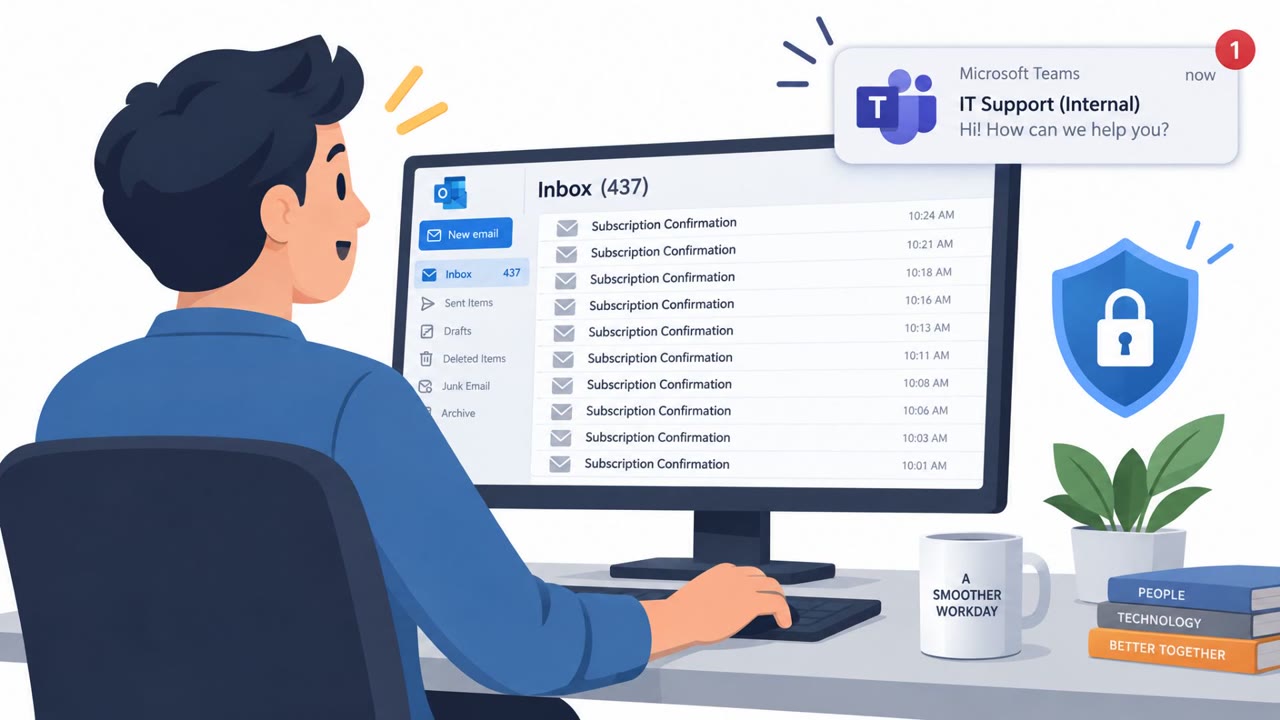
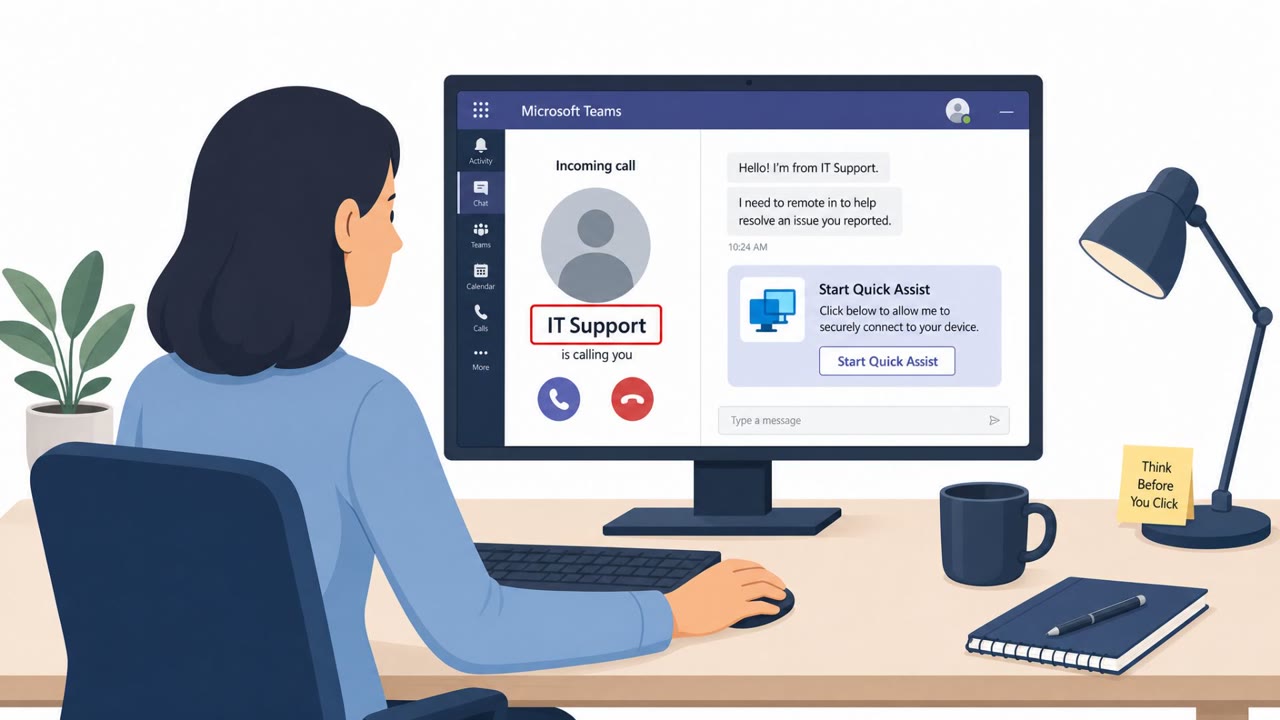
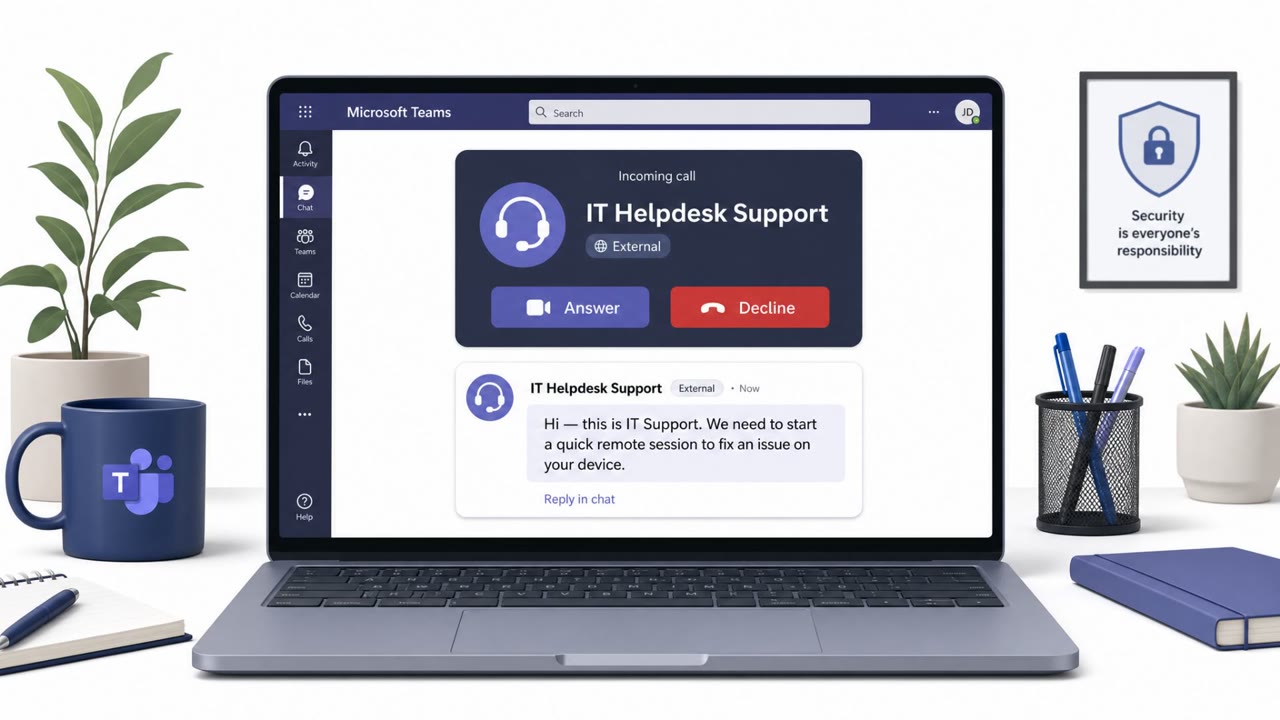
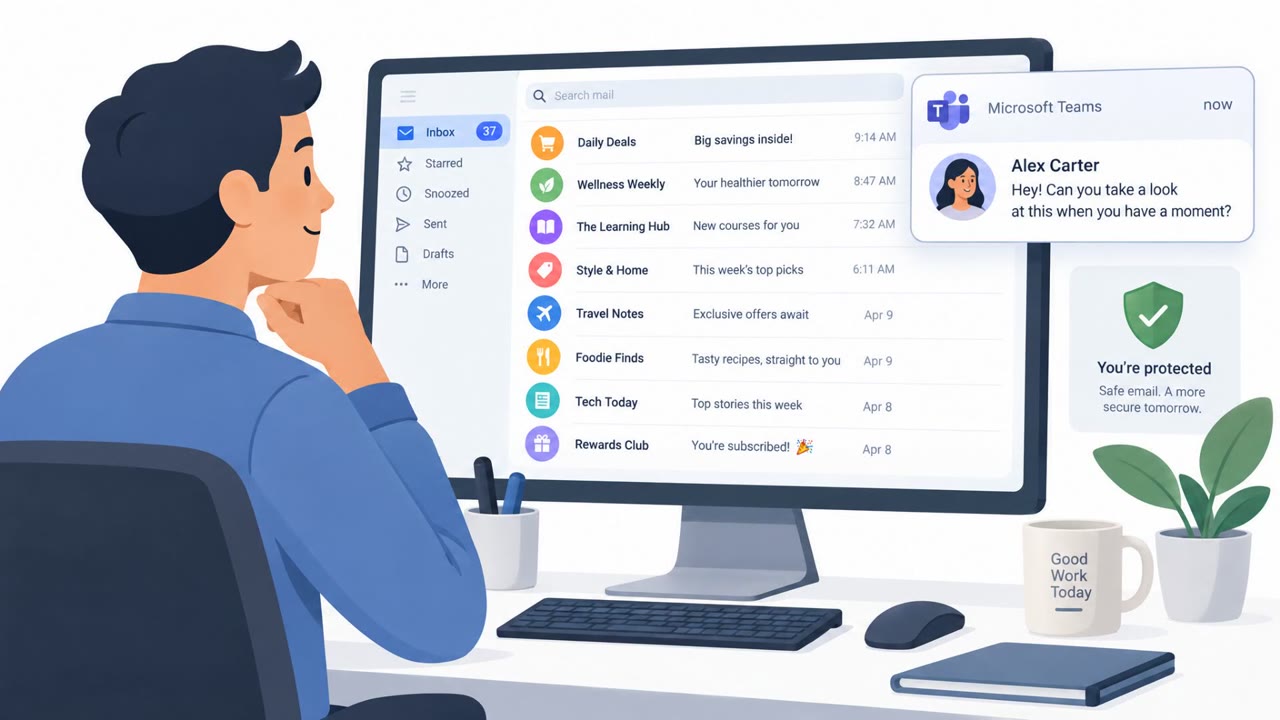
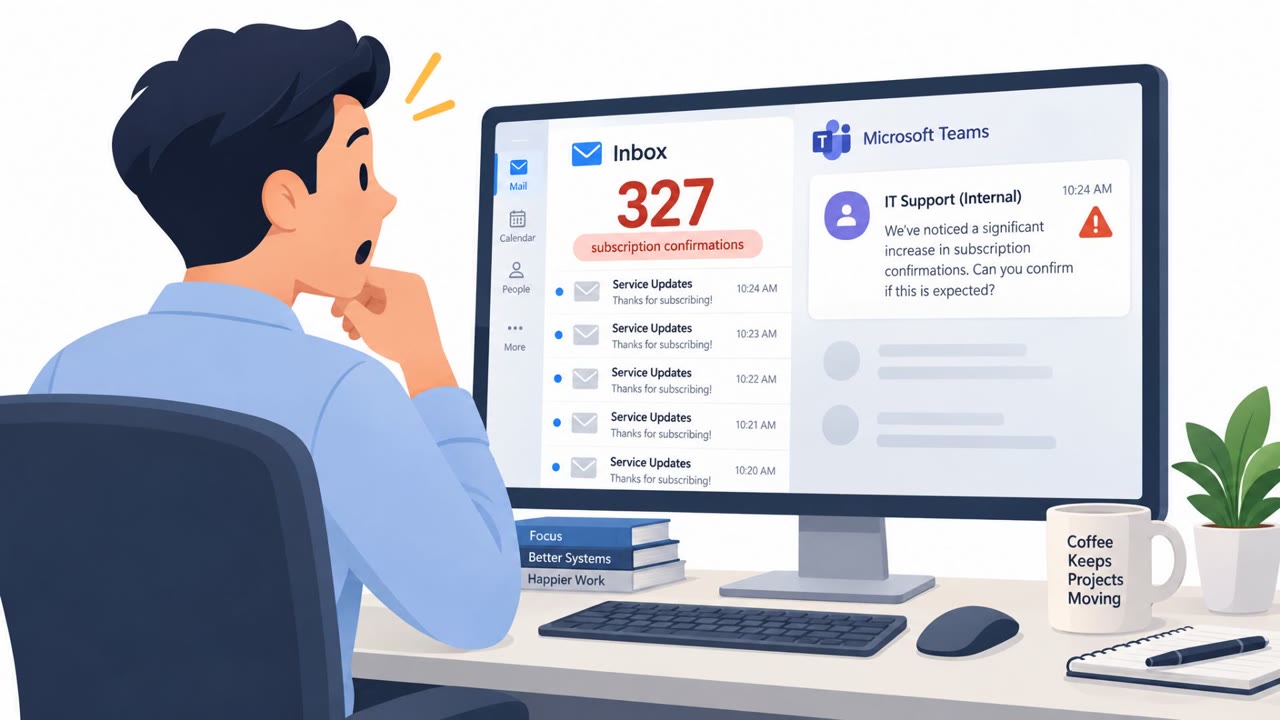
Researchers reported a months-long campaign where attackers used Microsoft Teams chats/calls while pretending to be IT/help desk support. Victims were talked into starting remote-control sessions (Quick Assist or RemSupp), after which the attackers used PowerShell to maintain access and, in some cases, deploy Chaos ransomware quickly (as little as 17 hours after first access).
How the attack worked
A threat group tracked as STAC4749 ran a months-long social engineering campaign against companies in the U.S. and Canada. The attackers initiated chats or calls through Microsoft Teams while posing as help desk or IT support staff. Once a victim engaged, they were guided into starting a remote-control session using Microsoft Quick Assist or the cloud-based RemSupp tool. From there, attackers used PowerShell to establish persistence and execute malicious payloads on the compromised system.
In at least three intrusions, the attackers deployed Chaos ransomware. In one documented case, the time between initial access and ransomware deployment was only 17 hours, a pace consistent with double-extortion operations that prioritize speed over prolonged dwell time.
Why it succeeded
The campaign relied on trust in a familiar internal channel, Microsoft Teams, rather than external email or phone calls that employees are more commonly trained to scrutinize. Because the outreach appeared to come through a workplace collaboration tool, victims had less reason to question it before agreeing to a remote support session. Once remote access was granted, the technical steps that followed, PowerShell execution and persistence, happened quickly and largely out of the victim's view.
Targeted sectors included services, manufacturing, energy, construction, and engineering, industries where operational staff may have frequent, legitimate need for IT support and less exposure to security-specific training compared to office-based roles.
What to watch for
- Unsolicited Teams chats or calls claiming to be from IT support or the help desk, especially without a prior ticket or known reference
- Pressure to quickly join a remote support session
- Requests to use Microsoft Quick Assist or a similar remote-access tool initiated by the other party
- Support interactions that move immediately to granting access or running tools rather than diagnosing the issue first
How to build resistance
Organizations across affected sectors, including services, manufacturing, energy, construction, and engineering, should reinforce a few habits with employees:
- Verify unexpected IT support outreach through a known internal channel before responding or engaging further
- Never start or approve a remote-control session unless the request has been independently confirmed as legitimate
- Report suspicious Teams-based support contacts immediately, since ransomware can follow initial access within hours
- Train general staff, operations, engineering, and manufacturing teams specifically, since these roles were named targets in the observed activity
Building these habits into routine awareness training can reduce the window of opportunity attackers rely on when speed is the goal. See T1566.003, T1219, and T1059.001 for related technique references.
Key findings
- Sophos linked the campaign to a threat group tracked as STAC4749 targeting U.S. and Canadian companies.
- Attackers initiated Microsoft Teams chats/calls posing as help desk or IT support.
- Victims were guided into remote sessions using Microsoft Quick Assist or the RemSupp tool.
- Attackers used PowerShell to establish persistence and run malicious payloads.
- In at least three intrusions, Chaos ransomware was deployed; one case showed a 17-hour window from initial access to ransomware.
- Targeted sectors included services, manufacturing, energy, construction, and engineering; activity was observed between February and June.
Who’s being targeted
- Commonly targeted roles: All employees, IT help desk / Service desk, Engineering, Operations, Manufacturing, Security awareness training program.
- Affected industries: Services, Manufacturing, Energy, Construction, Engineering.
- Attack channels: teams, vishing.
- Impersonated: Internal IT help desk / IT support, IT support / Help desk.
Red flags to watch for
- Unsolicited Teams chat/call claiming to be IT support
- Pressure to start remote control quickly
- Use of remote tools (Quick Assist/RemSupp) initiated from an unexpected request
- Unknown or unexpected IT contact initiating support via Teams
- Support request lacks a known ticket/reference number
- Support interaction moves immediately to granting access or running tools
Frequently asked questions
How did attackers gain initial access in this campaign?
Attackers posing as help desk or IT support initiated chats or calls through Microsoft Teams, then guided victims into starting a remote session using Microsoft Quick Assist or the RemSupp tool.
How fast did ransomware follow after initial access?
In at least one case, the time between initial access and ransomware deployment was as little as 17 hours, consistent with double-extortion operations that prioritize speed.
Which industries were targeted?
Targeted sectors included services, manufacturing, energy, construction, and engineering, with activity observed between February and June.
What should employees do if they get an unexpected IT support message on Teams?
Treat unsolicited Teams IT support chats or calls as suspicious, avoid starting remote sessions on request, and verify the request through a known internal help desk channel before engaging.
Read the video transcript
You get a Teams ping: “Hi, this is IT support, can you join a quick remote session?” Looks normal, right? Researchers saw a group called STAC4749 doing this for months on Teams, posing as help desk, then walking people into Quick Assist or RemSupp so they can run PowerShell and drop Chaos ransomware, sometimes in just 17 hours. The tell: an unsolicited Teams chat or call claiming to be IT, no ticket number, and they push you fast into a remote-control session with Quick Assist or RemSupp so they can “fix” something right now. If “IT” hits you on Teams out of the blue, do one thing: stop, ignore the chat, and contact our help desk using the normal channel you already know, Teams doesn’t start support, you do.