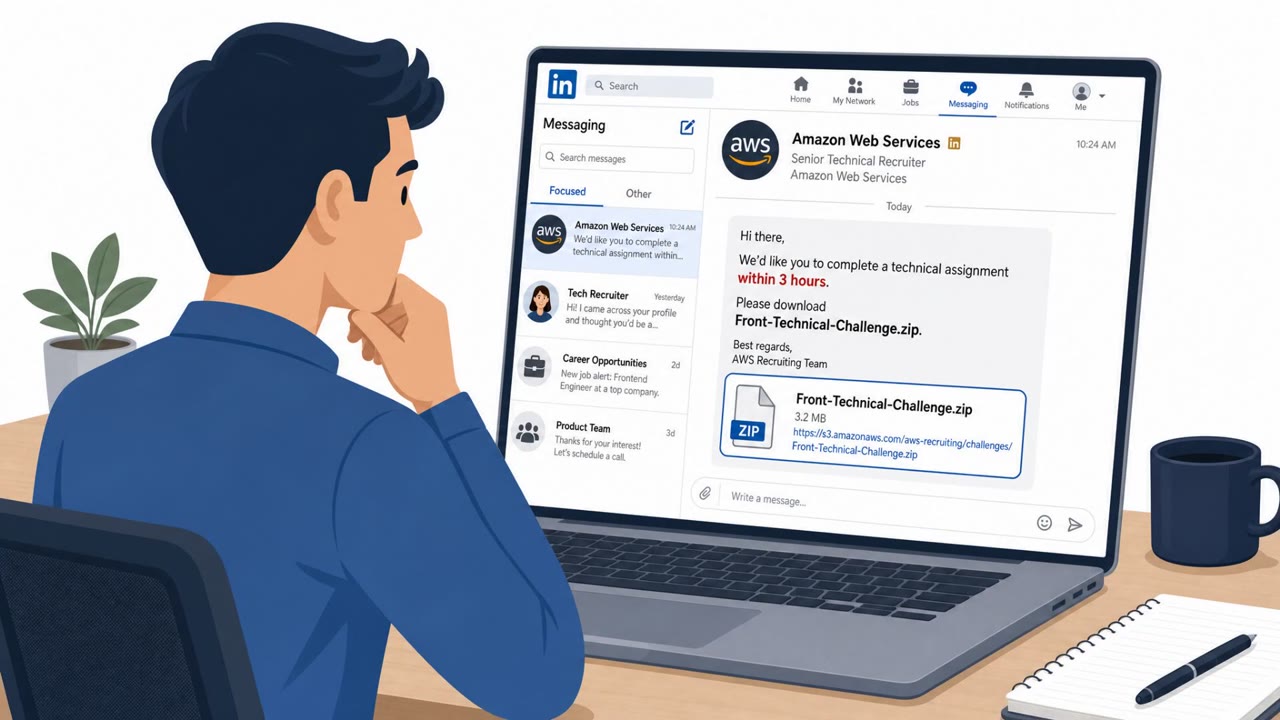
Dragos reports that ransomware operators are increasingly disrupting industrial production by targeting the business IT systems that support operations, even without touching industrial control systems. The report highlights real-world social engineering where attackers impersonate internal IT on Microsoft Teams to persuade employees to screen-share and install remote access tools, and also notes a separate FBI warning about fake on-site “IT technicians” plugging in USB drives.
Key findings
- Dragos identified 1,140 ransomware incidents involving industrial organizations in Q2 2026; manufacturing represented 65% (747 incidents).
- Industrial disruption can occur by taking down enterprise IT systems that support OT (e.g., ERP, identity, virtualization, remote access), even without direct ICS access.
- Example impact: Mackay Sugar reported an attack that stopped milling and cane haulage at two of three mills; the Gentlemen ransomware group later listed them on its leak site.
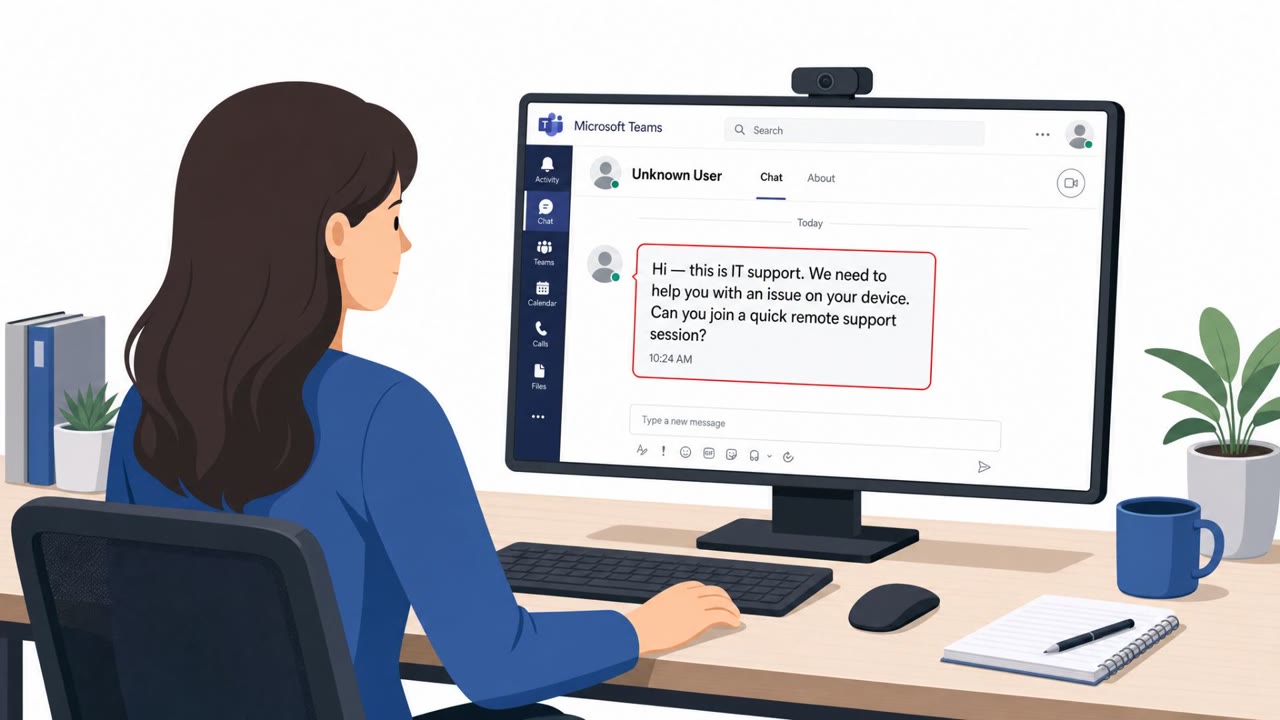
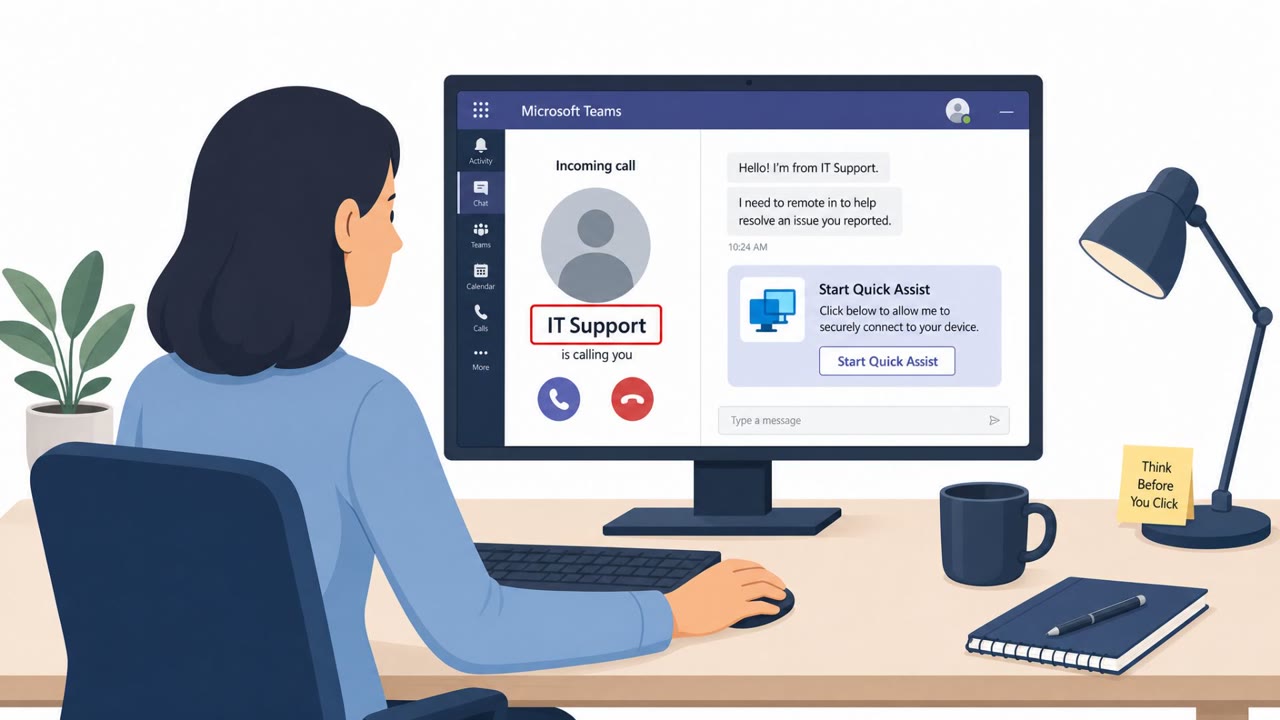
- Social engineering shifted toward interactive impersonation in collaboration tools: attackers posed as internal IT support on Microsoft Teams and used screen sharing to convince employees to install remote access tools (AnyDesk, Quick Assist).
- Some attackers used lookalike credential-harvesting domains to capture passwords and MFA codes.
- FBI warning: Silent Ransom Group (Luna Moth) allegedly began sending people into offices posing as IT technicians and connecting USB drives to machines.
Who’s being targeted
- Commonly targeted roles: All employees, Operations, Engineering, Plant/Production teams, IT helpdesk, Reception/Facilities.
- Affected industries: Manufacturing, Construction, Equipment manufacturing, Food and beverage, Engineering firms, System integrators, Transportation and logistics.
- Attack channels: teams, physical.
- Impersonated: Internal IT support, IT technician.
Awareness takeaways
- Treat unsolicited Teams “IT support” chats as high-risk and verify via a known helpdesk channel before screen-sharing or installing anything.
- Do not install remote access/monitoring tools at another person’s request unless it’s part of an approved IT process.
- Be cautious of lookalike login pages and never enter passwords or MFA codes into sites you didn’t reach through trusted paths.
- Require visitor verification and prohibit unknown USB devices, social engineering can be in-person, not just online.
Red flags to watch for
- Unsolicited Teams message claiming to be IT support
- Pressure to screen-share or install remote access software
- Instructions to install tools not previously approved/expected by the employee
- Unscheduled on-site “IT” visit
- Requests physical access to devices without a work order or verification
- Use of removable media (USB) on corporate machines
Read the video transcript
Imagine this: a Teams chat pops up, “Hi, this is IT Support. Start a screen-share so we can install our monitoring tool.” Ransomware groups are doing exactly this, posing as internal IT on Teams, then walking people through screen-share to install AnyDesk or Quick Assist and even sending them to fake login pages to steal passwords and MFA codes. Here’s the scary part: they don’t even have to touch industrial controls. Dragos saw over a thousand industrial ransomware incidents in one quarter, just knocking out business IT systems like ERP and identity was enough to stop factories, like a sugar mill that had to halt cane haulage. So if “IT” pings you on Teams out of the blue, don’t screen-share, don’t install anything. Stop, and contact the helpdesk through our official channel to confirm first.